

When searching for the best laptop for students, the right choice depends on your major, budget, and how you plan to use it. As university students prepare to return to classrooms, many are weighing options that balance performance and price. Beyond general best value or work laptops, the goal is a model that lasts through your entire degree without requiring advanced tech knowledge. In that arena, the MacBook Air M5 stands out as a favorite.
Why the MacBook Air M5 Leads for Most Students
Apple's mid-range lineup offers one of the most balanced options on the market today. The M5 chip is nearly 10 times faster than the company's own M1 chip, delivering enough power for virtually any task—including consistent photo and video editing. This makes it a strong contender for students who need reliability without overcomplicating things.
Find Original Home Decor sparking conversation at Grand Goldman Shop.

Battery life is another critical factor for any student laptop, and Apple's MacBooks deliver impressive numbers. According to the company, this laptop can reach up to 18 hours of use, paired with a 13-inch Liquid Retina display at 2560 x 1664 pixels. That combination means you can get through long days of classes and study sessions without hunting for an outlet.
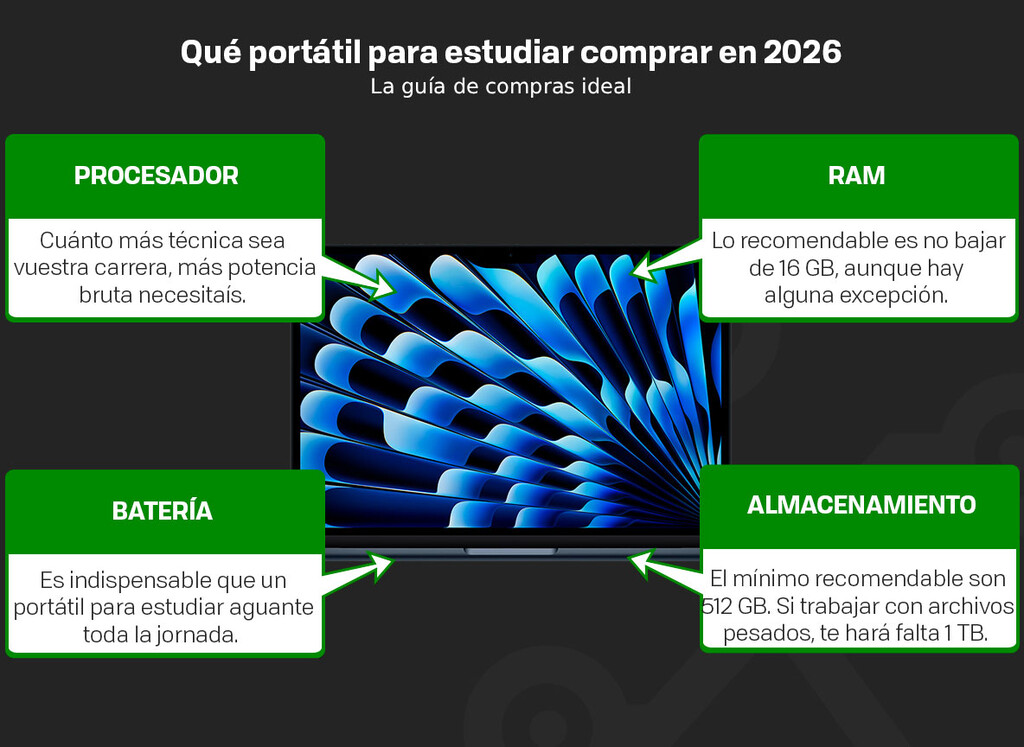
Key Factors to Consider When Choosing a Student Laptop
Before you buy, think about what your degree actually demands. Not every student needs top-tier performance, but skimping on essentials can cost you later. Here are the main points to weigh:
- Performance: Majors like engineering, design, or computer science need faster processors and more RAM; humanities students can often get by with less.
- Battery life: Look for at least 8–10 hours; 18 hours like the MacBook Air M5 means all-day freedom.
- Portability: A light laptop (under 3 pounds) is easier to carry across campus.
- Display quality: A sharp screen reduces eye strain during long reading and writing sessions.
- Budget: Set a clear limit and prioritize what matters most for your field.
How Different Majors Affect Your Laptop Choice
Your field of study should guide your decision more than any single spec. For STEM majors such as engineering or computer science, you'll likely run demanding software like MATLAB, CAD tools, or virtual machines. In those cases, prioritize a powerful processor (like the M5 or a high-end Intel/AMD chip) and at least 16GB of RAM. The MacBook Air M5 handles these tasks well, though some specialized Windows-only software may require a different platform.
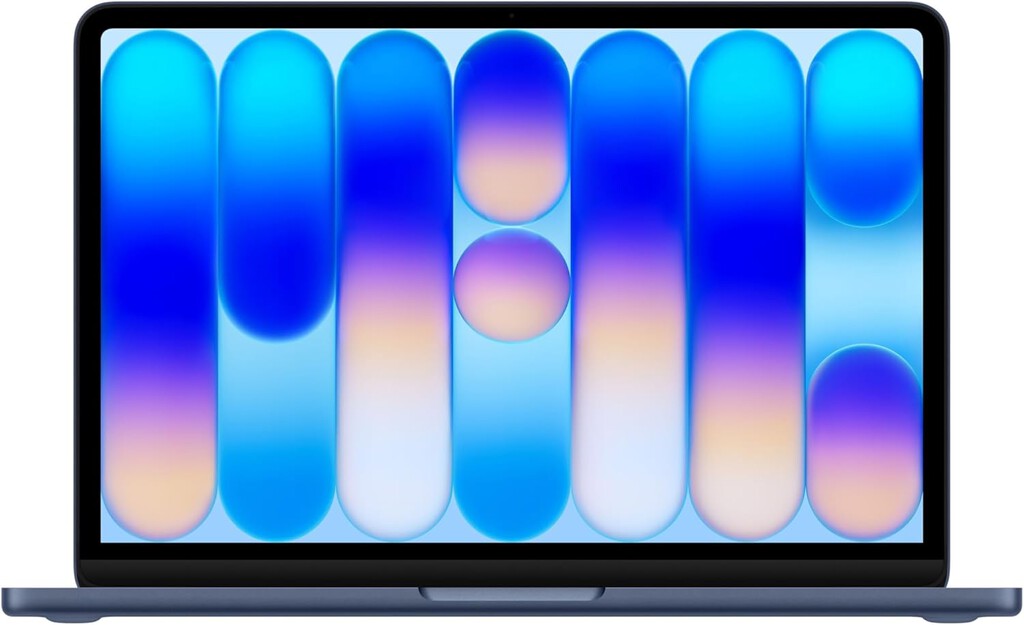
For humanities and social sciences, your workload centers on writing, research, and presentations. A reliable keyboard, long battery life, and a good display matter more than raw power. The MacBook Air M5 excels here, offering portability and endurance for long library sessions. Creative majors in design, film, or music need strong graphics and color-accurate screens; the M5's media engine makes it a solid pick for photo and video editing.
Budget vs. Performance: Finding the Sweet Spot
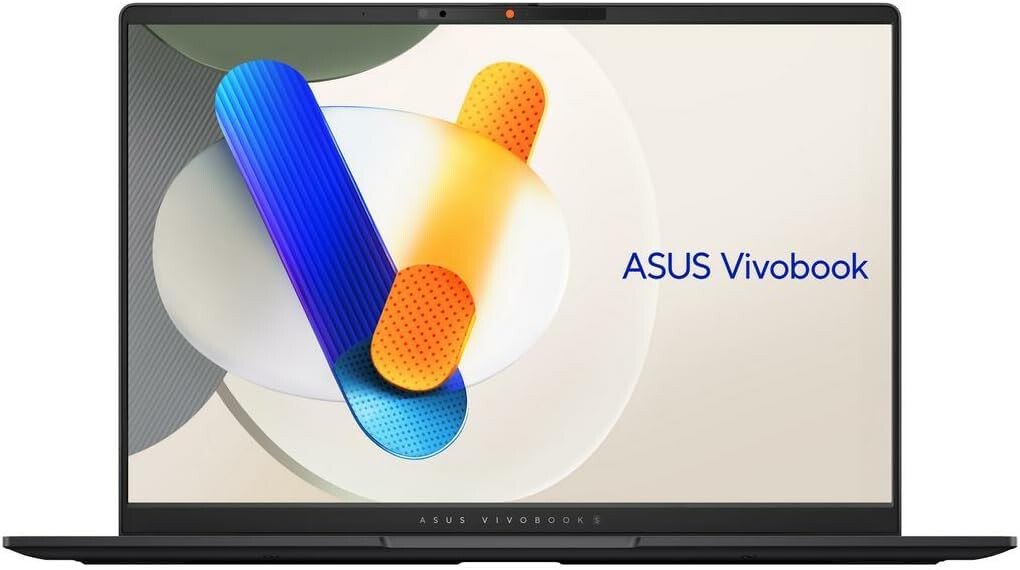
Not everyone can afford a premium laptop, but you don't need to sacrifice quality. The table below compares typical options across price tiers to help you see what you get for your money. The background to this story is set out in Laptop Buying Guide for University Students: Smart Choices. A related thread runs through Laptop Buying Guide for University Students: Top Priorities. Earlier coverage in MacBook Air M5 Deal: Best Discount Since Apple Price Hike shows how the argument developed.
| Price Tier | Typical Specs | Best For | Battery Life |
|---|---|---|---|
| Budget (under $500) | Intel Core i3 or Ryzen 3, 8GB RAM, 256GB SSD | Basic writing, web browsing, light streaming | 6–8 hours |
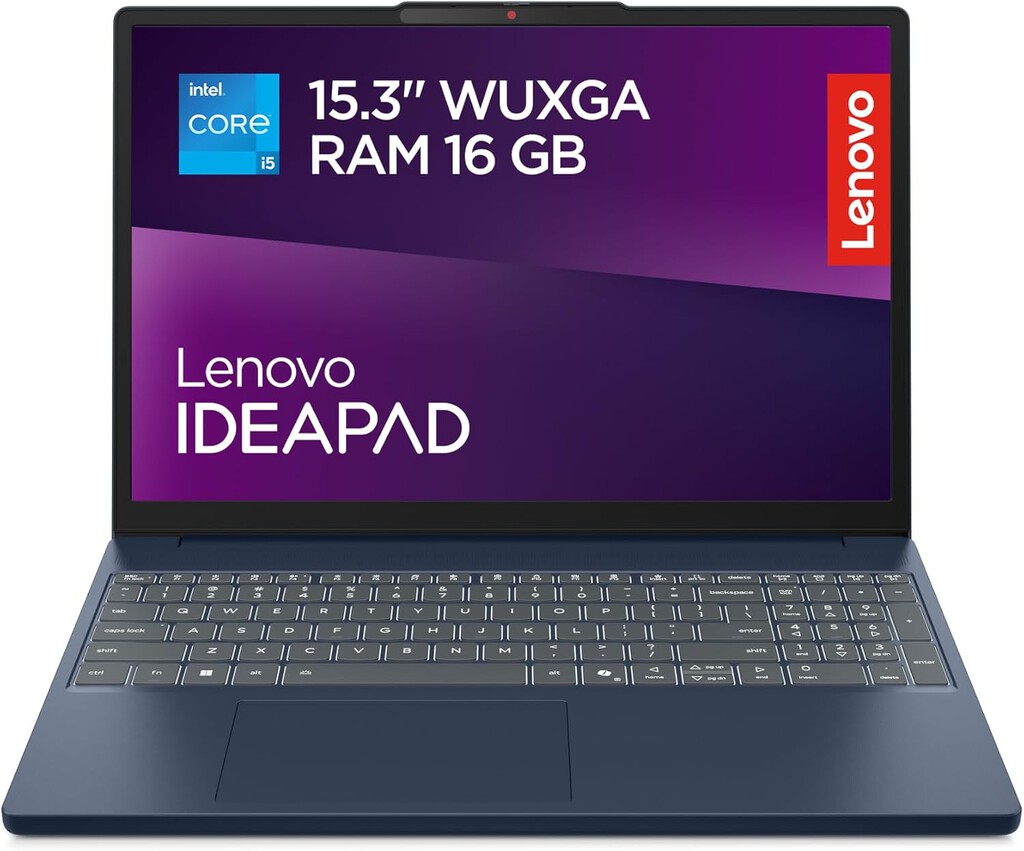
| Mid-range ($500–$1,000) | Intel Core i5 or Ryzen 5, 8–16GB RAM, 512GB SSD | Most majors, moderate multitasking | 8–12 hours |
| Premium ($1,000+) | Apple M5, 16GB+ RAM, 512GB+ SSD | Demanding majors, creative work, longevity | Up to 18 hours |
If you want the most balanced option for practically any career and can stretch your budget, the MacBook Air M5 is hard to beat. It offers future-proof performance and exceptional battery life, reducing the need for upgrades during your studies. A closer look at the same subject appears in Best Tablets for Students: Top 7 Picks for Studying. Anyone following the wider picture can start with Best Value Computer Mice: Top 8 Budget Picks for Every Use. The same theme surfaces in Best Budget Monitors for Work: Top 6 Picks for Productivity, which takes a different angle.
What to Watch for Before You Buy
Keep an eye on software compatibility: some engineering and business programs require Windows-only applications. In those cases, consider a Windows laptop with similar specs or check if your school provides virtual labs. Also, factor in warranty and support—a laptop that lasts four years is a better investment than a cheaper one that fails in two. Finally, don't overlook accessories like a comfortable mouse or a laptop stand, which can improve ergonomics during long study sessions. Context on how this played out before sits in Best Microwaves UK 2025: Top Picks for Every Kitchen and Budget. A companion piece, Geography of Heaven Review: A Soul-Searching Journey Through, approaches the same subject from another angle.
FAQ
Is the MacBook Air M5 good for engineering students?
The MacBook Air M5 is powerful enough for many engineering tasks, but some specialized software may only run on Windows. Check your course requirements first; if Windows is mandatory, consider a comparable Windows laptop.
How long does the MacBook Air M5 battery last?
Apple claims up to 18 hours of use on a single charge. Real-world results vary, but it should easily last a full day of classes and study.
Do I need 16GB of RAM for college?
For most majors, 8GB is sufficient for writing and web research. However, if you plan to edit video, run virtual machines, or use heavy design software, 16GB is safer for smooth performance.
What's the best budget laptop for students?
Look for a mid-range model with at least an Intel Core i5 or Ryzen 5, 8GB RAM, and a 512GB SSD. These typically cost $500–$800 and handle most coursework well.
Browse the Shop
 Acacia frida deluxe solid wood bed frame |
Bedroom bench |
Bed chest drawers |
Lingerie dresser |
Frame base |
Mirror with jewelry storage |
30 Bathroom Vanity |
Memory foam queen mattress |
Mattresses for back pain |
Nightstand set of 2 |
Grand Goldman Shop |
Civil Lawyer
Deutschland Trikot WM 2026
Acacia frida deluxe solid wood bed frame |
Bedroom bench |
Bed chest drawers |
Lingerie dresser |
Frame base |
Mirror with jewelry storage |
30 Bathroom Vanity |
Memory foam queen mattress |
Mattresses for back pain |
Nightstand set of 2 |
Grand Goldman Shop |
Civil Lawyer
Deutschland Trikot WM 2026







