

When it comes to maximizing productivity and immersive gaming, the choice between an ultrawide monitor and a dual-monitor setup is more than just a matter of inches. Both options offer distinct advantages, but the best choice depends on your specific needs and workflow.
Ultrawide Monitors: Immersive and Seamless
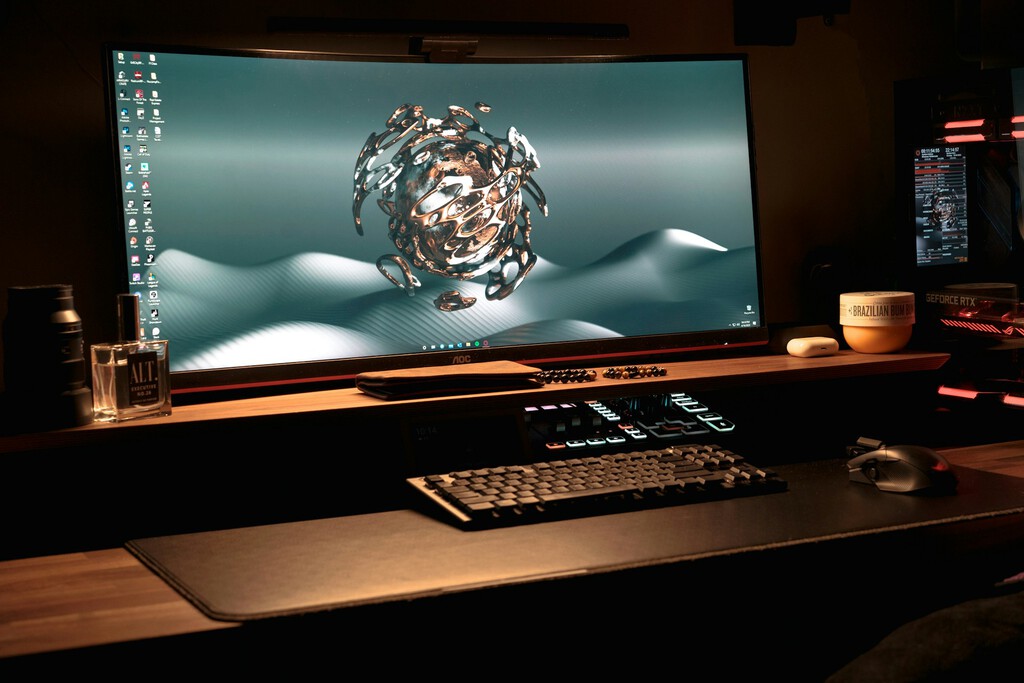
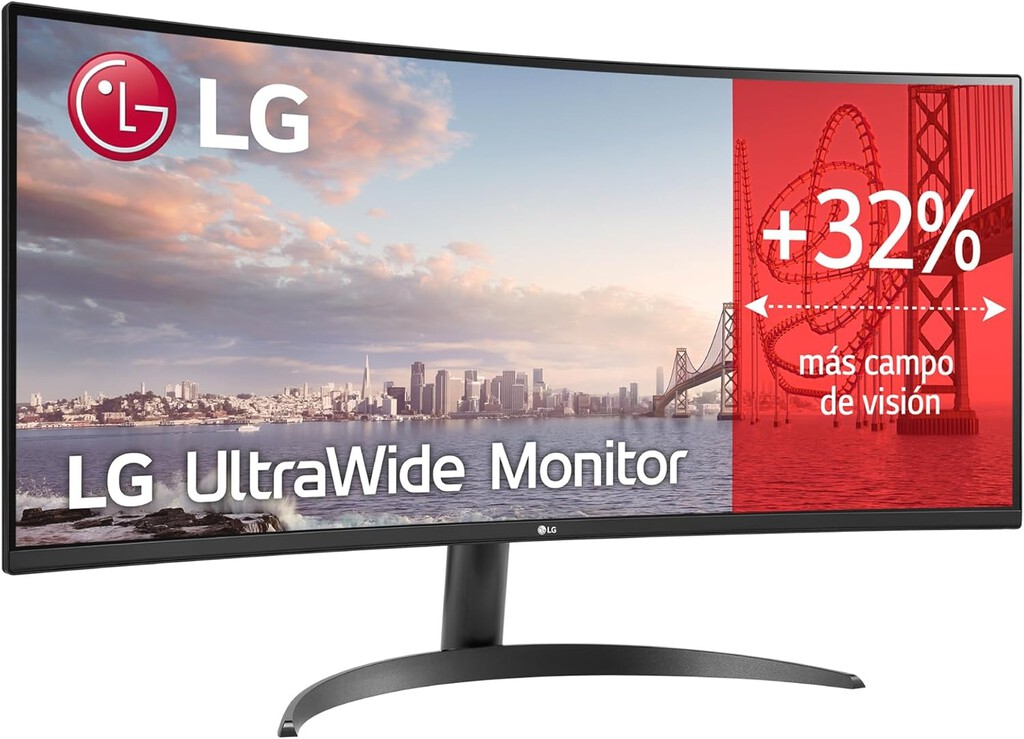
Ultrawide monitors typically feature a 21:9 aspect ratio, providing a wider horizontal space that's excellent for productivity. The single continuous screen eliminates bezels, making it ideal for tasks that require long timelines, extensive spreadsheets, or multiple open windows side by side.
Find Original Home Decor sparking conversation at Grand Goldman Shop.

For gaming, the expanded field of view enhances immersion, allowing you to see more of the game world at once. However, not all games support ultrawide resolutions, and some may have black bars on the sides.
Dual Monitors: Flexibility and Multitasking
A dual-monitor setup involves two separate screens, which can be more flexible for multitasking. You can dedicate one monitor to a primary task and the other to reference materials, communication tools, or entertainment. This separation can help maintain focus and organization.
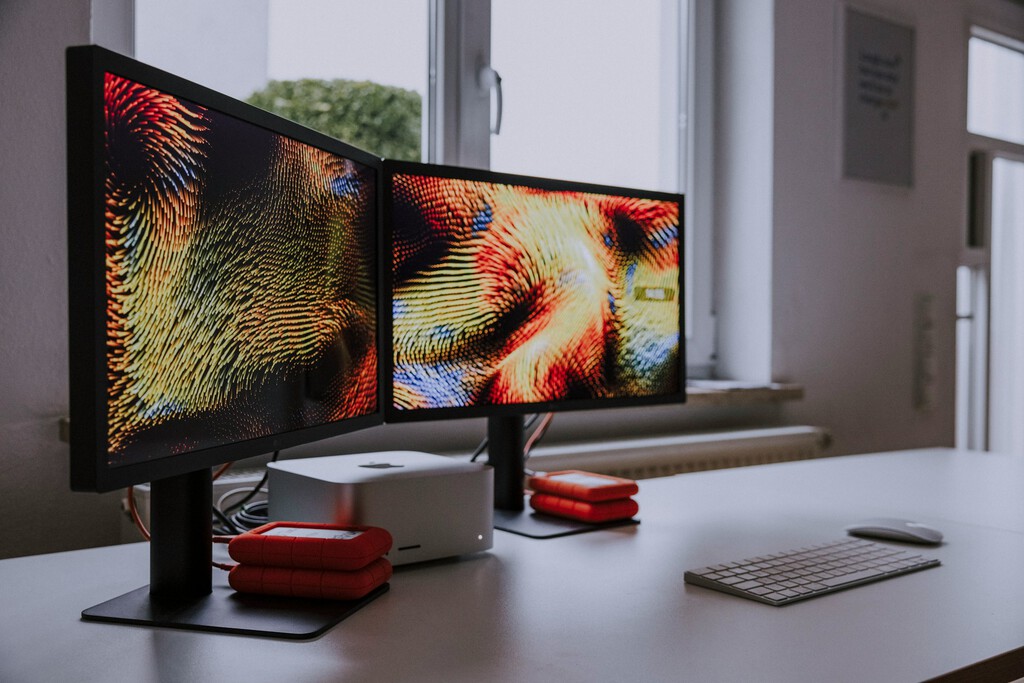
Dual monitors also offer the advantage of being able to use different types of screens (e.g., one high-refresh-rate for gaming and one color-accurate for design). However, the bezels between screens can be distracting, and managing window placement across two displays requires some getting used to. The background to this story is set out in AOC Agon Pro AGP346UCSD Review: The Ultrawide Monitor That Replaces Two. A related thread runs through Why a 144Hz Monitor Boosts Comfort for Work and Study, Not Just Gaming. Earlier coverage in Acer Dual-Screen Portable Monitor: Lightweight Work Anywhere shows how the argument developed.
Key Considerations for Choosing
- Space and Budget: Ultrawides can be more expensive and require more desk depth, while dual monitors may be more affordable but need more horizontal space.
- Task Type: Ultrawides excel for timeline-based work and immersive gaming; dual monitors are better for tasks that benefit from full-screen separation.
- Ergonomics: Proper height and distance are crucial for both setups to avoid neck strain.
- Future-proofing: Consider connectivity options and whether your workflow might evolve.
Comparison Table: Ultrawide vs Dual Monitors
| Feature | Ultrawide Monitor | Dual Monitors |
|---|---|---|
| Aspect Ratio | 21:9 or wider | Typically 16:9 each |
| Screen Real Estate | Continuous, no bezels | Separated by bezels |
| Multitasking | Great for side-by-side windows | Excellent for full-screen separation |
| Gaming Immersion | High, with wider field of view | Depends on game support |
| Cost | Generally higher | Can be more budget-friendly |
| Space Requirements | Needs more depth | Needs more width |
Making the Decision
If you prioritize a seamless visual experience and often work with wide content, an ultrawide monitor might be the way to go. On the other hand, if you need maximum flexibility and separation of tasks, dual monitors could be more suitable. A closer look at the same subject appears in Asus ROG Swift OLED Monitors: 480Hz Dual Mode and Dolby Vision. Anyone following the wider picture can start with Philips Evnia 34M2C5601QA: 200Hz Ultrawide Gaming Monitor Review. The same theme surfaces in Xiaomi G34 Monitor Deal: 34-Inch Ultrawide Gaming for Less, which takes a different angle.
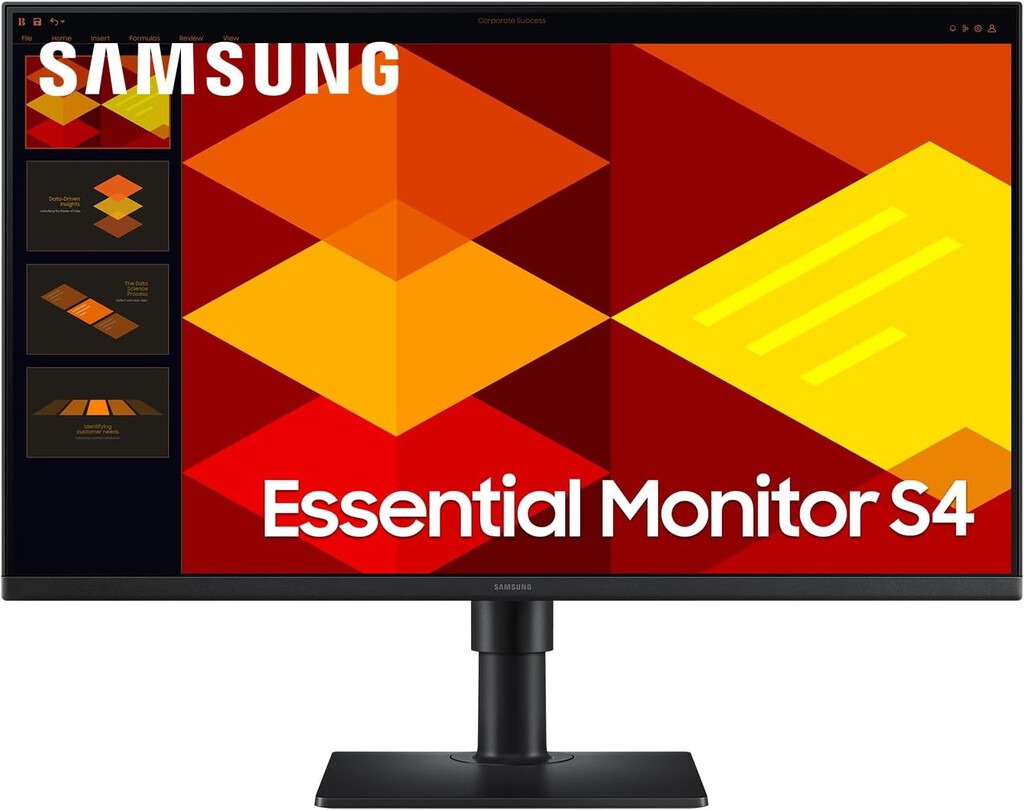
Ultimately, the best setup is the one that aligns with your daily tasks and preferences. Consider trying both if possible, or start with one and expand later. Context on how this played out before sits in LG UltraWide 34U601B-B Monitor Deal: 34-Inch WQHD 120Hz for Gaming. A companion piece, Samsung Odyssey G8 G80HF Review: A Dual-Resolution Gaming Monitor That Excels, approaches the same subject from another angle.
FAQ
Can I use an ultrawide monitor for gaming?
Yes, many ultrawide monitors are great for gaming, offering a wider field of view and immersive experience. However, check that your favorite games support ultrawide resolutions to avoid black bars.
Are dual monitors better for productivity than a single ultrawide?
It depends on your workflow. Dual monitors offer clear separation for multitasking, while ultrawides provide a seamless canvas for wide content. Both can boost productivity if used correctly.
What should I look for in an ultrawide monitor?
Consider resolution (e.g., 3440x1440), refresh rate, panel type (IPS for color accuracy), and connectivity options. Also, ensure your desk can accommodate the width.
Can I mix and match monitors in a dual setup?
Absolutely. You can use different sizes and specifications, but for a cohesive experience, similar height and pixel density are recommended.
Browse the Shop
 Acacia frida deluxe solid wood bed frame |
Bedroom bench |
Bed chest drawers |
Lingerie dresser |
Frame base |
Mirror with jewelry storage |
30 Bathroom Vanity |
Memory foam queen mattress |
Mattresses for back pain |
Nightstand set of 2 |
Grand Goldman Shop |
Civil Lawyer
Deutschland Trikot WM 2026







