

If you spend long hours in front of a screen, a 144Hz monitor can significantly reduce eye strain and improve comfort, even if you never play games. The subtle difference in motion smoothness makes scrolling, typing, and reading far easier on the eyes.
Many people associate high refresh rates exclusively with gaming, but the benefits extend to everyday tasks like working with spreadsheets, writing documents, or browsing the web. In this article, we explain why a faster display can be a worthwhile investment for anyone who spends a lot of time at a computer.
Find Original Home Decor sparking conversation at Grand Goldman Shop.

What Is a High Refresh Rate Monitor?
A monitor's refresh rate is measured in hertz (Hz) and indicates how many times per second the screen updates the image. Most standard office monitors run at 60Hz, while high refresh rate models offer 120Hz, 144Hz, or even higher.
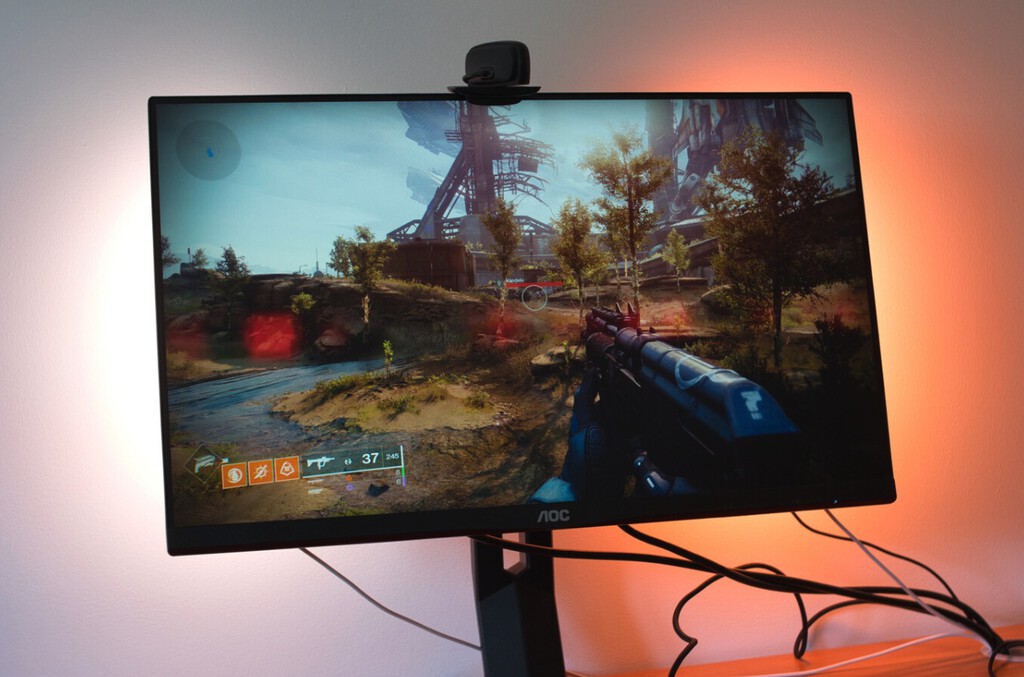
When you move a window, scroll through a webpage, or type, the smoother motion reduces the perceived blur and flicker. This can lead to less visual fatigue over long sessions.
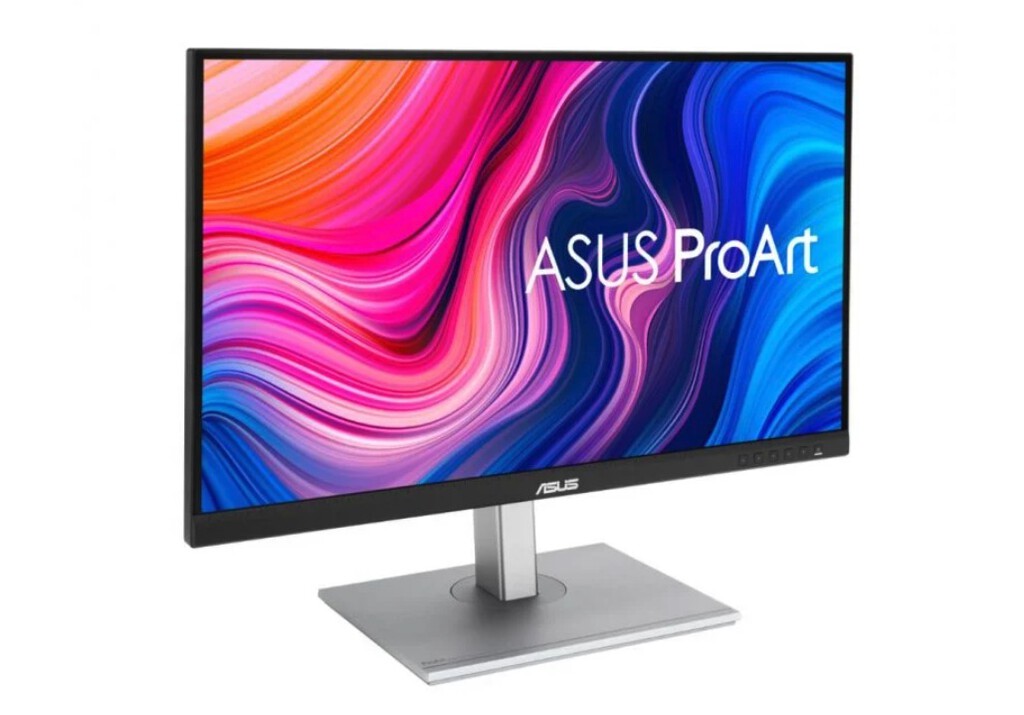
How Refresh Rate Affects Daily Computer Use
Even simple actions like moving the mouse cursor or dragging a file become noticeably smoother on a 144Hz screen. The reduction in motion blur means your eyes don't have to work as hard to track objects, which can help decrease tiredness.
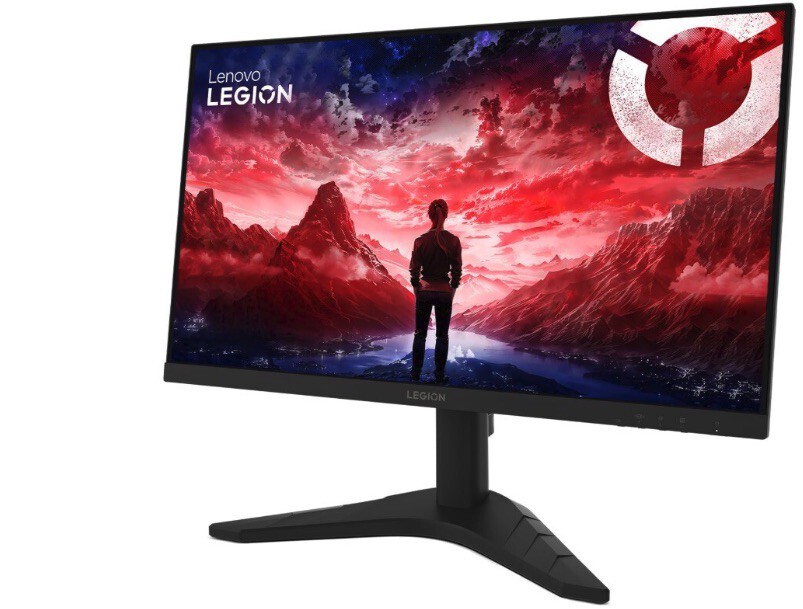
For tasks that involve reading large amounts of text or scanning spreadsheets, the improved clarity during scrolling can make a real difference in comfort.
The Science Behind Eye Strain and Refresh Rates
Eye strain, or asthenopia, is caused by prolonged focus on a fixed point, poor lighting, and screen flicker. While refresh rate alone doesn't eliminate these factors, a higher refresh rate can reduce the flicker perception and make motion appear more natural.
Studies suggest that smoother motion can lower the cognitive load on the brain, leading to less fatigue. However, it's important to combine a good monitor with other healthy habits like regular breaks and proper lighting.
Common Symptoms of Digital Eye Strain
- Dry or itchy eyes
- Blurred vision
- Headaches
- Neck and shoulder pain
- Difficulty concentrating
If you experience these symptoms frequently, upgrading to a higher refresh rate monitor might help alleviate some of the discomfort, but it should be part of a broader approach to eye care.
Comparing 60Hz vs 144Hz Monitors for Productivity
To understand the difference, consider the following comparison based on typical user experiences and technical specifications.
| Feature | 60Hz Monitor | 144Hz Monitor |
|---|---|---|
| Motion smoothness | Standard, can appear blurry during fast scrolling | Very smooth, reduces blur |
| Eye comfort during long sessions | May cause fatigue | Often more comfortable |
| Price difference | Lower | Slightly higher, but narrowing |
| Best for | Basic office tasks | Extended use, mixed tasks |
As the table shows, the benefits of a 144Hz monitor for productivity are tangible, especially if you spend hours each day in front of the screen.
Who Should Consider a 144Hz Monitor for Work?
If your daily routine involves extensive reading, data entry, coding, or design work, a high refresh rate monitor can enhance your comfort. It's also beneficial for students who study long hours on computers.
Even casual users who watch videos or browse the web may notice the improved smoothness. The key is to weigh the slight price premium against the potential long-term comfort gains.
When a 60Hz Monitor Is Still Enough
For very basic tasks like checking email or occasional word processing, a 60Hz monitor may suffice. However, if you frequently experience eye strain, it's worth considering an upgrade. The background to this story is set out in Best Wrap-Around Sunglasses for Allergy Season: Top 5 Picks.
Tips to Reduce Eye Strain Beyond Refresh Rate
While a 144Hz monitor can help, it's not a cure-all. Follow these practices to further protect your eyes: The longer history behind the story is traced in Turn Old Monitor Vertical with Ergosolid Arm for Email Reading. More on the surrounding debate is collected in Ultrawide vs Dual Monitors: Which Boosts Productivity.
- Take regular breaks using the 20-20-20 rule: every 20 minutes, look at something 20 feet away for 20 seconds.
- Adjust screen brightness and contrast to match your environment.
- Use blue light filters or night mode in the evening.
- Ensure proper lighting to reduce glare.
- Maintain a comfortable viewing distance and angle.
Combining these habits with a high refresh rate display can significantly improve your overall visual comfort. The background to this story is set out in Quntis Monitor Light Bar Review: Reduce Eye Strain for Students. A related thread runs through 3 Effective iOS and Android Settings to Reduce Eye Strain with Presbyopia. Earlier coverage in Philips 27E3C2500 and 32E3C2500 Monitors: 144Hz Curved Displays for Work shows how the argument developed.
Making the Switch: What to Look For
When choosing a 144Hz monitor for work, consider factors like panel type (IPS offers better color accuracy), resolution (at least Full HD, preferably higher), and connectivity options. Also, check if the monitor has adaptive sync technology to prevent tearing. A closer look at the same subject appears in When battery storage makes the biggest difference for home solar. Anyone following the wider picture can start with No Difference vs No Different: The Grammar Rule Most People Get Wrong. The same theme surfaces in Concurrent vs Simultaneous: The Difference Most People Get Wrong, which takes a different angle.
Since prices have become more competitive, you can find affordable 144Hz models that suit both office and multimedia use. Context on how this played out before sits in Whichever or Which Ever: The Difference Most People Get Wrong. A companion piece, DLSS 5 Hands-On: Subtle Upgrades in NBA 2K27, Not a Movie, approaches the same subject from another angle.
FAQ
Can a 144Hz monitor really reduce eye strain?
Yes, many users report less eye fatigue due to smoother motion and reduced blur, but individual experiences vary. It's most effective when combined with good ergonomics and regular breaks.
Is a 144Hz monitor worth it if I don't play games?
Absolutely. The improved smoothness benefits everyday tasks like scrolling, typing, and reading, making long computer sessions more comfortable.
What should I look for in a 144Hz monitor for work?
Focus on panel quality (IPS for color accuracy), resolution, and features like adaptive sync. Also, ensure it has ergonomic adjustments for height and tilt.
How does refresh rate affect eye strain?
Higher refresh rates reduce flicker and motion blur, which can lessen the effort your eyes make to track moving content, thereby reducing fatigue.
Browse the Shop
 Acacia frida deluxe solid wood bed frame |
Bedroom bench |
Bed chest drawers |
Lingerie dresser |
Frame base |
Mirror with jewelry storage |
30 Bathroom Vanity |
Memory foam queen mattress |
Mattresses for back pain |
Nightstand set of 2 |
Grand Goldman Shop |
Civil Lawyer
Deutschland Trikot WM 2026







