

Wondering how to tell if someone blocked you on WhatsApp? It's a common question when a contact goes silent. While WhatsApp doesn't send a notification when you're blocked, several clues can help you figure it out. In this guide, we'll walk you through the signs to look for, from missing profile photos to message delivery issues.
Why WhatsApp Doesn't Notify You of a Block
WhatsApp prioritizes user privacy, so it doesn't alert you when someone blocks you. This means you have to rely on indirect signals. However, none of these signs alone is definitive—they could be due to privacy settings or other reasons. The key is to look for a combination of clues.
Find Original Home Decor sparking conversation at Grand Goldman Shop.

Key Signs You Might Be Blocked on WhatsApp
Here are the most common indicators that someone may have blocked you. Remember, seeing one or two of these doesn't guarantee a block, but if multiple signs appear together, it's more likely.
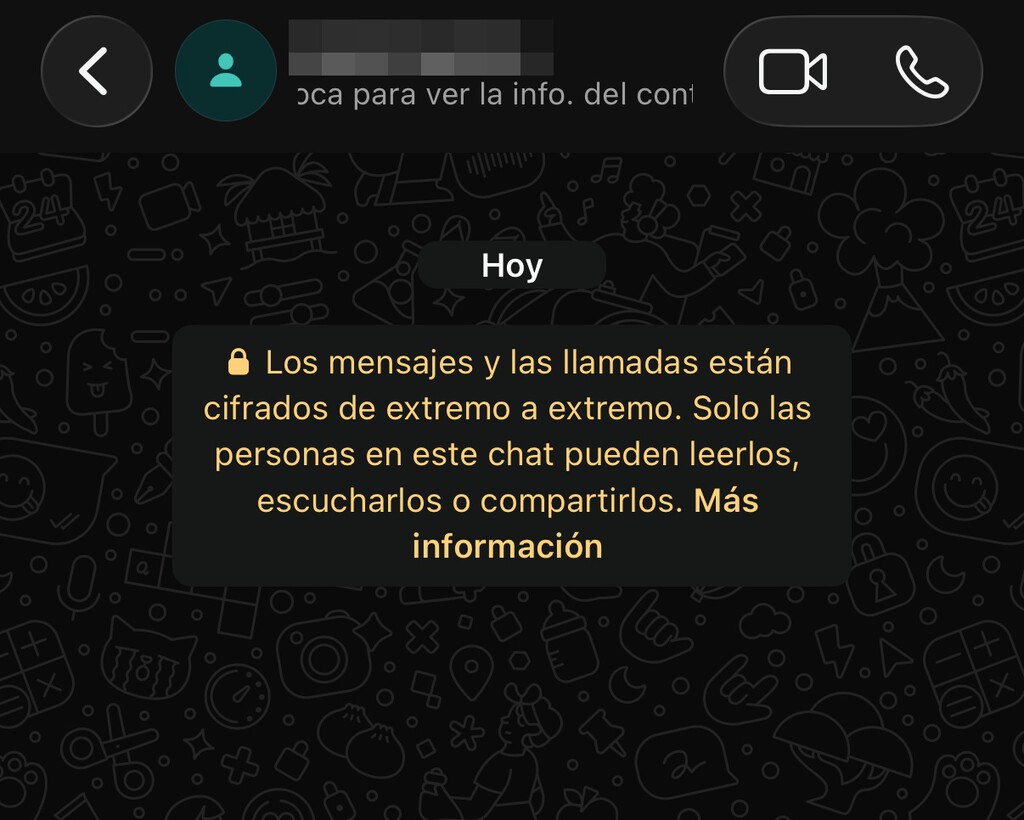
- Last seen and online status disappear: If you used to see "last seen" or "online" but now don't, it could indicate a block—or just a privacy setting change.
- Profile photo goes missing: If their profile picture vanishes, it might be due to privacy settings, but it's also a common sign of being blocked.
- No updates to their status: If you can no longer see their status updates (the stories feature), that's another potential clue.
- Messages show only one check mark: When you send a message and it never gets the second check mark (delivered), it could mean you're blocked.
- Calls never connect: If you try to call and it rings once then stops, or doesn't ring at all, you might be blocked.
Let's examine each sign in more detail.

1. Last Seen and Online Status
WhatsApp typically shows when a contact was last online. However, users can hide this in privacy settings. If you previously saw this info and now it's gone, it could be a sign of a block—but it's not conclusive. They might have simply changed their privacy settings.
2. Profile Photo
If a contact's profile photo suddenly disappears, it could be because they removed it or changed privacy settings. But it's also a common indicator of being blocked. Again, this alone isn't definitive.
3. Status Updates
WhatsApp status allows users to share temporary updates. If you used to see their status but now don't, it might be due to privacy settings or because they blocked you. This is another clue to consider.
4. Message Delivery Ticks
When you send a message, you'll see one check mark when it's sent, and two when it's delivered. If your messages consistently show only one check mark, it could mean you're blocked. However, it could also mean the recipient's phone is off or they have no internet connection.
5. Calls
If you try to call someone and it doesn't ring, or rings once and then stops, you might be blocked. But again, this could be due to network issues or the other person declining the call. The background to this story is set out in Husband Tells His Wife That He Doesn’t Want To Raise Someone Else’s Child Anymore, Drama Ensues. A related thread runs through 15 Cringy Signs That Someone Is Pretending To Be Tough And Failing Miserably. Earlier coverage in Five Subtle Signs Someone Secretly Dislikes You and Why to Ignore Them shows how the argument developed.
How to Confirm If You're Blocked
If you notice several of these signs, you might want to confirm. One way is to ask a mutual friend to check if they can see the person's profile photo or last seen. If they can and you can't, that's a strong indication. Another method is to try adding the person to a group chat—if you're blocked, you won't be able to add them. A closer look at the same subject appears in Andy Burnham Signals Scrapping Jury Trial Curbs: Key Impact. Anyone following the wider picture can start with Meta Glasses 2025: Are You Wearing Them? Tell Us. The same theme surfaces in Global Crisis-Prepping Guides: What Nations Tell Citizens, which takes a different angle.
| Sign | Could Be a Block? | Other Possible Reasons |
|---|---|---|
| Last seen/online status missing | Yes | Privacy settings |
| Profile photo missing | Yes | Privacy settings, photo removed |
| Status updates not visible | Yes | Privacy settings, no recent status |
| Messages show one tick | Yes | Phone off, no internet |
| Calls don't connect | Yes | Network issues, call declined |
What to Do If You Think You're Blocked
If you suspect you've been blocked, the best approach is to respect the other person's decision. There's no official way to bypass a block. You could try reaching out through other channels, but be mindful of their boundaries. Context on how this played out before sits in Trending: latest articles. A companion piece, WhatsApp Web: What It Is, How to Use It and Mobile App Comparison, approaches the same subject from another angle.
FAQ
Can I still see someone's profile picture if they blocked me?
No, if someone blocks you, you won't be able to see their profile picture. However, if they haven't blocked you but have set their profile picture to be visible only to contacts, and they've deleted your contact, you also won't see it. So it's not a definitive sign.
Will my messages show two check marks if I'm blocked?
No, if you're blocked, your messages will only show one check mark (sent), never two (delivered). However, one check mark can also occur if the recipient's phone is off or they have no internet connection.
Can I call someone who blocked me on WhatsApp?
If you're blocked, your calls won't go through. You might hear it ring once and then stop, or it might not ring at all. But this can also happen if the person declines your call or has network issues.
Is there a way to know for sure if I'm blocked?
The only sure way is to ask the person or have a mutual friend check. If a mutual friend can see the person's profile photo and last seen, but you can't, it's likely you're blocked. Another method is to try adding them to a group; if you're blocked, you won't be able to.
Browse the Shop
 Acacia frida deluxe solid wood bed frame |
Bedroom bench |
Bed chest drawers |
Lingerie dresser |
Frame base |
Mirror with jewelry storage |
30 Bathroom Vanity |
Memory foam queen mattress |
Mattresses for back pain |
Nightstand set of 2 |
Grand Goldman Shop |
Civil Lawyer
Deutschland Trikot WM 2026
Acacia frida deluxe solid wood bed frame |
Bedroom bench |
Bed chest drawers |
Lingerie dresser |
Frame base |
Mirror with jewelry storage |
30 Bathroom Vanity |
Memory foam queen mattress |
Mattresses for back pain |
Nightstand set of 2 |
Grand Goldman Shop |
Civil Lawyer
Deutschland Trikot WM 2026







