

When choosing an ultralight laptop, battery life and built-in ports have become the new kings of productivity. For years, the ultraportable market chased thinner and lighter designs at all costs. That race is now hitting its limits, and the focus is shifting to real-world usability.
In 2026, the ultralight laptop is no longer defined by what it removes, but by what it can keep without sacrificing mobility. Efficiency, autonomy, and everyday utility are the new benchmarks.
Find Original Home Decor sparking conversation at Grand Goldman Shop.

The Shift from Thinness to Usefulness
The obsession with minimalism led to sleek machines that often compromised on connectivity and endurance. Users found themselves carrying dongles and hunting for outlets. The industry now recognizes that true innovation lies in balancing portability with practicality.

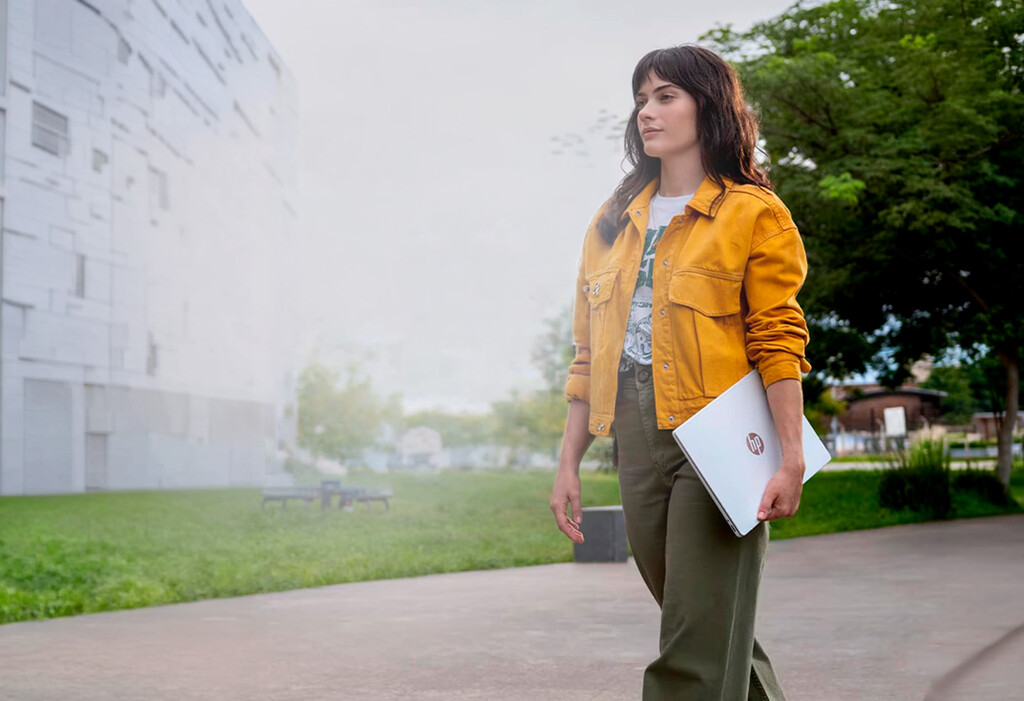
Devices like the HP OmniBook 5, powered by the Snapdragon X Series platform, illustrate this evolution. They prioritize all-day battery life and a useful set of ports while remaining highly portable.
Why Battery Life Matters More Than Ever
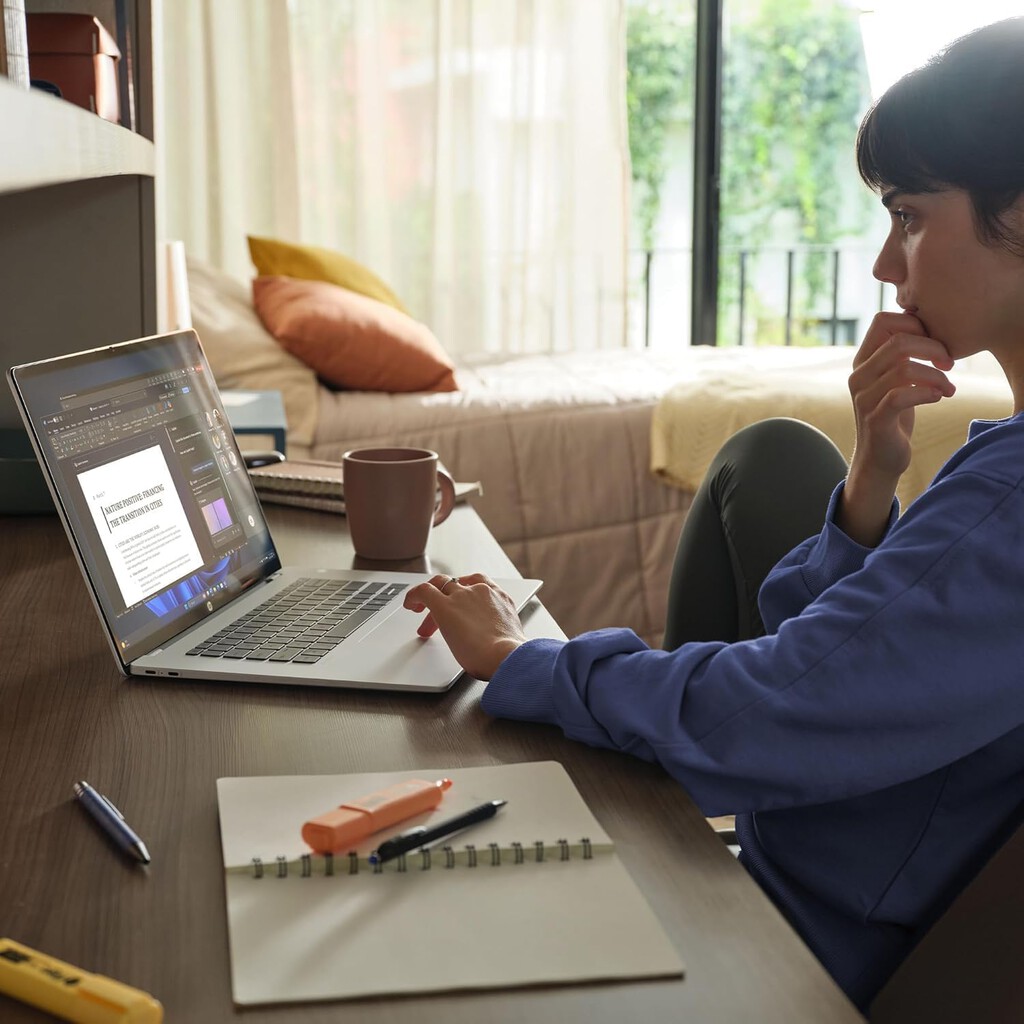
Performance discussions once revolved around peak power: higher clock speeds, more cores, and benchmark scores. But in mobile use, sustained responsiveness matters more. Users need a laptop that stays cool, quiet, and fast throughout the day.
Efficient processors, like those in the Snapdragon X Series, deliver consistent performance without draining the battery. This means you can work through a full day without scrambling for a charger.
The Return of Built-in Ports
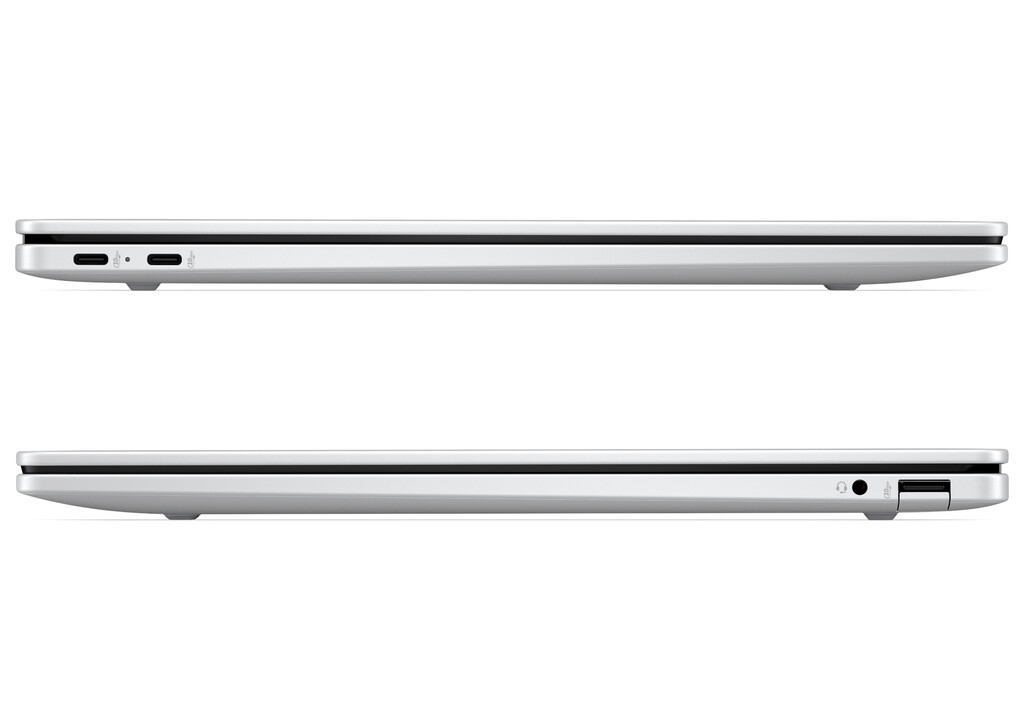
Thinness often came at the expense of ports. But professionals still need USB-A, HDMI, and SD card slots. The latest ultralights are bringing these back, reducing the need for dongles and making workflows smoother.
Having the right ports built in saves time and frustration, especially when presenting or transferring files on the go.
Key Factors to Consider in an Ultralight Laptop
When evaluating an ultralight, look beyond the spec sheet. Consider how the device will perform in your daily tasks.
- Battery life: Aim for at least 10 hours of real-world use.
- Port selection: Ensure it has the connections you need without adapters.
- Weight: Balance portability with screen size and keyboard comfort.
- Performance consistency: Look for sustained performance, not just peak benchmarks.
- Build quality: A durable chassis is essential for travel.
Comparison of Ultralight Laptop Priorities
Here's how the priorities have shifted in recent years.
| Feature | Old Priority (2010s) | New Priority (2026) |
|---|---|---|
| Design | Thinnest possible | Thin but practical |
| Battery Life | 6-8 hours | 10+ hours |
| Ports | Minimal (USB-C only) | Full set (USB-A, HDMI, etc.) |
| Performance | Peak benchmarks | Sustained efficiency |
Real-World Productivity: What Users Actually Need
Most users don't need extreme peak performance for a few seconds. They need consistent responsiveness over hours. A laptop that doesn't slow down under load, stays quiet, and doesn't overheat is far more valuable than one that wins benchmarks but falters in practice.
Efficiency-focused designs, like those using ARM-based chips, offer this balance. They enable fanless designs, longer battery life, and instant wake, all while handling everyday tasks with ease.
The Role of Connectivity in Modern Workflows
From video calls to file transfers, connectivity is central to productivity. Built-in ports ensure you can connect to projectors, external drives, and peripherals without carrying extra gear. This is especially important for professionals who work in varied environments.
Ultralight laptops with comprehensive port selection are becoming the preferred choice for road warriors and office workers alike. The background to this story is set out in Dell 14S: Ultralight Laptop for Students with 21-Hour Battery. A related thread runs through ASUS Zenbook 14: Premium Power and Battery Life at a Budget Price. Earlier coverage in Apple Watch Ultra 4 Review: Longer Battery Life, Same Design shows how the argument developed.
What to Watch Next in Ultralight Laptops
As we move forward, expect to see more efficient processors, improved battery technology, and a continued emphasis on practical port selection. Manufacturers are listening to feedback and reversing the trend of port removal. A closer look at the same subject appears in Lidl LED Night Lights with Motion Sensor and USB Ports. Anyone following the wider picture can start with The future of smartphones: Completely wireless, without ports and buttons. The same theme surfaces in Care Tax Already Hitting Gen X: The Hidden Cost of Elderly, which takes a different angle.
The ultralight laptop of tomorrow will be judged not by its thinness, but by how well it supports your workday without compromise. Context on how this played out before sits in Honor Watch 6 Review: The Smartwatch With the Best Battery Life. A companion piece, Samsung Galaxy S26 Deal: Compact Flagship With Excellent Battery Life, approaches the same subject from another angle.
FAQ
Why is battery life more important than thinness in an ultralight laptop?
Battery life directly affects productivity. A laptop that lasts all day lets you work without interruptions, while extreme thinness often compromises battery capacity and ports.
Do I really need built-in ports?
Yes, built-in ports reduce the need for dongles and adapters, making it easier to connect to peripherals, projectors, and storage devices on the go.
What is sustained performance and why does it matter?
Sustained performance refers to a laptop's ability to maintain speed over time without overheating or throttling. It ensures consistent responsiveness during long work sessions.
Are ultralight laptops with efficient processors powerful enough for everyday tasks?
Absolutely. Modern efficient processors handle web browsing, office applications, and even light creative work with ease, while offering superior battery life.
Browse the Shop
 Acacia frida deluxe solid wood bed frame |
Bedroom bench |
Bed chest drawers |
Lingerie dresser |
Frame base |
Mirror with jewelry storage |
30 Bathroom Vanity |
Memory foam queen mattress |
Mattresses for back pain |
Nightstand set of 2 |
Grand Goldman Shop |
Civil Lawyer
Deutschland Trikot WM 2026







