

Virtual RAM on budget phones is a marketing trick that promises to expand your phone's memory, but it never delivers the performance of actual physical RAM. As RAM prices soar, manufacturers are cutting costs by shipping phones with only 4GB of real RAM and adding virtual RAM to compensate. But does this solution actually work? Let's break down the technology and its limitations.
What Is Virtual RAM and How Does It Work?
Virtual RAM, also known as memory extension or RAM expansion, uses a portion of your phone's storage to act as additional RAM. When your physical RAM fills up, the system moves less-used data to this virtual space, freeing up real RAM for active tasks. It sounds clever, but there's a catch: storage is much slower than RAM.
Find Original Home Decor sparking conversation at Grand Goldman Shop.

Your phone's storage (likely UFS 2.2 or eMMC 5.1 on budget devices) has a fraction of the speed of LPDDR4X or LPDDR5 RAM. So while virtual RAM can prevent apps from crashing due to memory shortages, it can't match the snappy performance of real RAM.
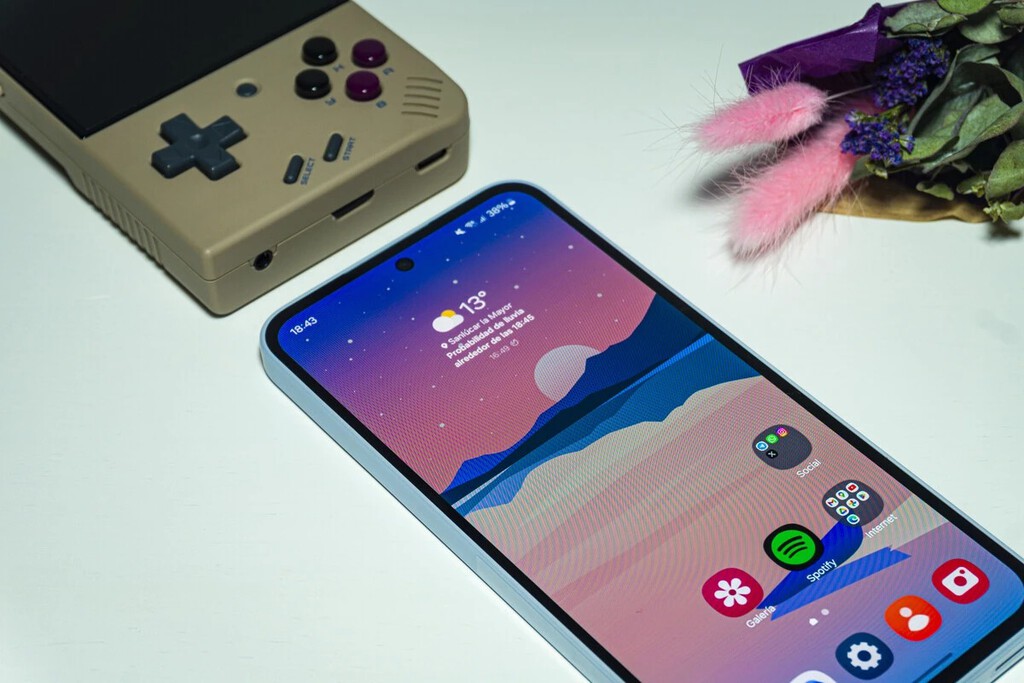
Why 4GB + 4GB Virtual RAM Never Equals 8GB Real RAM
The fundamental issue is speed. Physical RAM is designed for high-speed data exchange with the processor, while storage is optimized for capacity and cost. When your phone uses virtual RAM, it's constantly swapping data between the fast RAM and slow storage, creating a bottleneck.
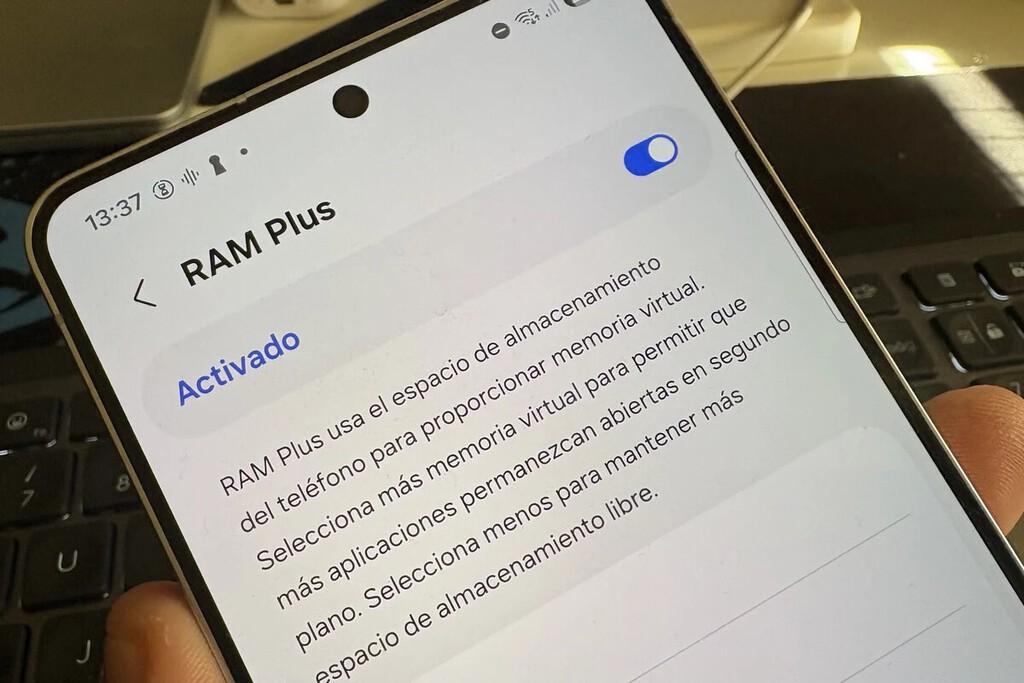
In real-world use, a phone with 8GB of physical RAM can keep more apps in memory and switch between them instantly. A 4GB phone with 4GB virtual RAM will still struggle with heavy multitasking because the virtual portion is too slow to handle active tasks. The virtual RAM acts more as a buffer than a true extension.
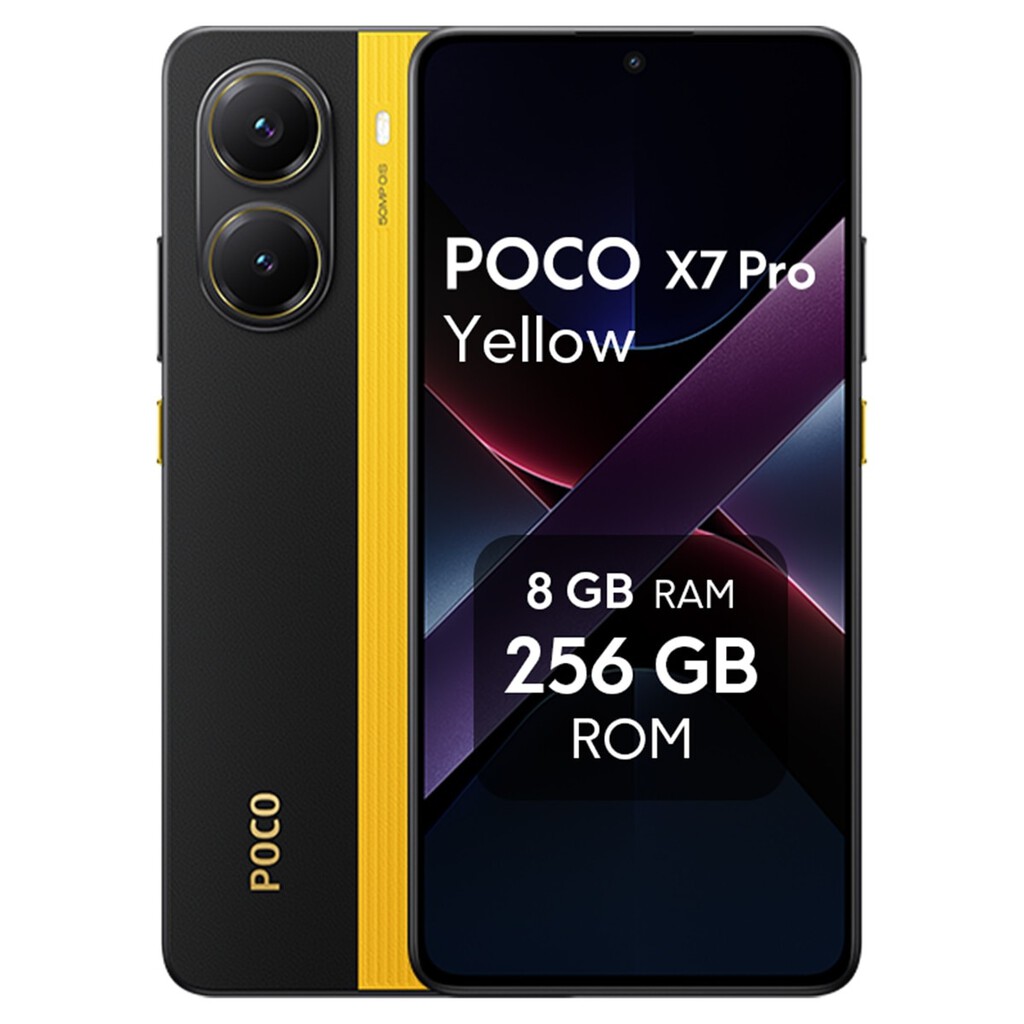
Performance Comparison: Real vs. Virtual RAM
| Scenario | 8GB Real RAM | 4GB + 4GB Virtual RAM |
|---|---|---|
| App loading time | Fast | Moderate |
| Multitasking (10+ apps) | Smooth | Laggy |
| Gaming performance | High frame rates | Stutters and drops |
| Background app retention | Excellent | Limited |
| System responsiveness | Snappy | Occasional freezes |
The Impact on Daily Use
For light users who only check messages and browse social media, virtual RAM might be sufficient. But if you play games, use multiple apps simultaneously, or rely on your phone for work, the limitations become obvious. Apps may reload when you switch back to them, and the interface can feel sluggish. The longer history behind the story is traced in High-End vs Budget Processor: 5 Daily Tasks That Reveal the Difference.

Moreover, virtual RAM consumes storage space, reducing the amount available for your photos, videos, and apps. On a phone with 64GB or 128GB of storage, losing a few gigabytes to virtual RAM can be a significant trade-off. The background to this story is set out in The $120 Smartphone Is Dying: Why Budget Phones Are Disappearing for Good. A related thread runs through Android 17 to Cap App RAM Usage, Boosting Budget Phones. Earlier coverage in UK Petrol Price Hits Iran War High, Adding Pressure on Households shows how the argument developed.
Key Takeaways
- Virtual RAM uses slower storage to supplement physical RAM, so it can't match the speed of real RAM.
- 4GB + 4GB virtual RAM does not equal 8GB real RAM in performance or multitasking capability.
- Virtual RAM can help prevent crashes but won't deliver smooth performance under heavy loads.
- It reduces available storage, which is already limited on budget phones.
- For demanding users, a phone with more physical RAM is a better investment.
Should You Buy a Phone with Virtual RAM?
If your budget is tight and your needs are basic, a phone with virtual RAM can be acceptable. However, don't be fooled by marketing that claims it's as good as real RAM. Check the physical RAM capacity and prioritize models with at least 6GB or 8GB of real RAM if you can afford it. A closer look at the same subject appears in POCO F9 Pro and Ultra: The End of Budget Flagship Phones. Anyone following the wider picture can start with Nothing Phone (4b) Review: The Budget Phone That Defies Memory Crisis. The same theme surfaces in Best Big-Screen Phones 2026: Top 6 Picks for Every Budget, which takes a different angle.
As RAM prices continue to rise, virtual RAM will become more common in the budget segment. Understanding its limitations will help you make an informed decision and avoid disappointment. Context on how this played out before sits in Best Camera Phones for Every Budget: From 300 to Over 1000 Euros. A companion piece, Best Cheap Phones 2026: Top 7 Budget Picks Under 170 Euros, approaches the same subject from another angle.
FAQ
Is virtual RAM as good as physical RAM?
No, virtual RAM is much slower because it uses storage instead of high-speed memory. It can help with memory shortages but doesn't match the performance of physical RAM.
Can virtual RAM improve gaming performance?
It may reduce crashes, but it won't improve frame rates or reduce lag. Games require fast memory access, which virtual RAM cannot provide.
Does virtual RAM drain battery faster?
Yes, constantly swapping data between RAM and storage can increase power consumption, potentially affecting battery life.
How much virtual RAM should I enable?
It's best to keep it at the default setting or disable it if you have enough physical RAM. Enabling too much can slow down your phone and reduce storage.
Browse the Shop
 Acacia frida deluxe solid wood bed frame |
Bedroom bench |
Bed chest drawers |
Lingerie dresser |
Frame base |
Mirror with jewelry storage |
30 Bathroom Vanity |
Memory foam queen mattress |
Mattresses for back pain |
Nightstand set of 2 |
Grand Goldman Shop |
Civil Lawyer
Deutschland Trikot WM 2026







