

Windows 7 vs Windows 11 gaming performance is still a hot topic, even though Microsoft ended extended support for Windows 7 in 2020. A recent test by Tom's Hardware pitted the aging OS against Windows 11 using ten games of different generations, and the results are closer than you might expect.
How the Test Was Conducted
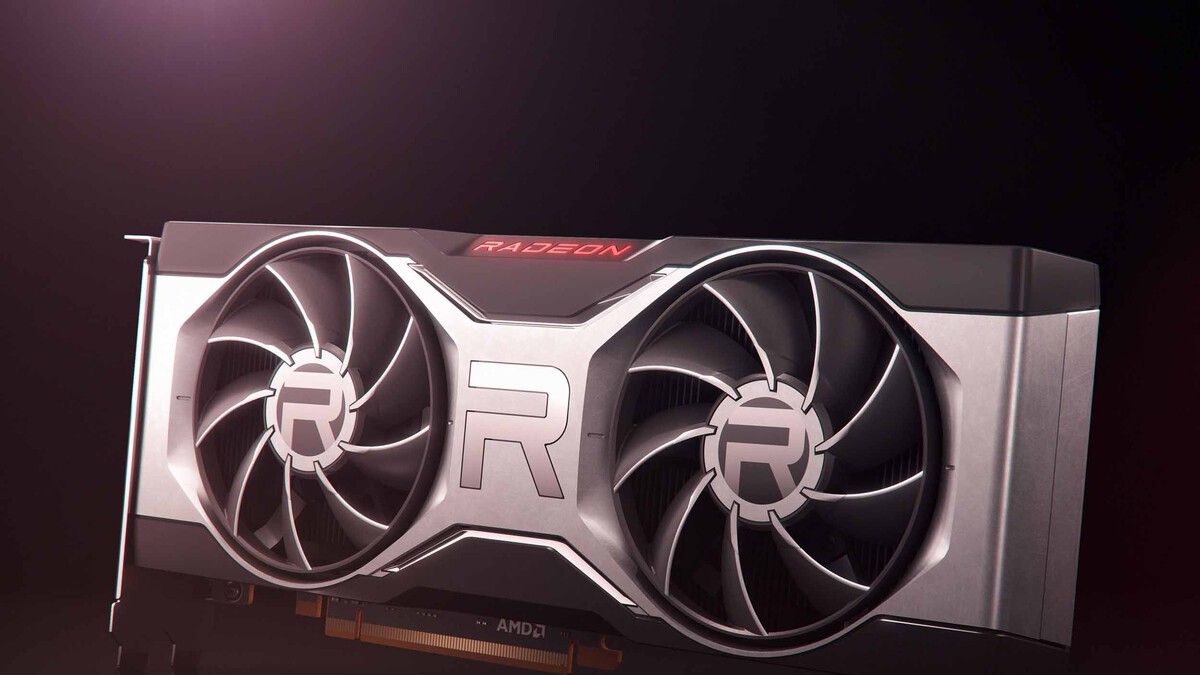
Tom's Hardware used identical hardware for both systems: an AMD Ryzen 7 9800X3D processor, a Radeon RX 6950 XT graphics card, and 64 GB of DDR5-6000 memory. Both systems used Adrenalin 22.6.1 drivers from 2022, though the Windows 11 version was based on a more advanced codebase.
Find Original, High-end Home Decor that spark conversation at Grand Goldman Shop.

Notably, Windows 7 lacked access to some modern features that can boost performance, such as Resizable BAR, which helps reduce VRAM bottlenecks. This puts the older OS at a disadvantage from the start.
Key Findings from the 10-Game Showdown
Despite the handicap, Windows 7 held its own in several titles. In games like Metro 2033 Redux, Windows 7 actually delivered better results when frame rates were harder to maintain. This shows that DirectX 11 still has relevance, and older APIs can sometimes perform admirably on older operating systems.
However, Windows 11 pulled ahead in newer games that leverage DirectX 12 and other modern features. The gap widened in titles that are optimized for newer hardware and software stacks.
- Windows 7 can still run demanding games, but performance varies by title.
- Modern features like Resizable BAR are unavailable on Windows 7, limiting performance.
- DirectX 11 games often run well on Windows 7, sometimes even better than on Windows 11.
- Newer DirectX 12 games show a clear advantage for Windows 11.
- Driver support is a key factor: Windows 7 relies on older drivers, which may not be optimized for the latest hardware.
Why This Matters for Gamers
For gamers clinging to older hardware or operating systems, this test provides valuable insight. It confirms that Windows 7 is not obsolete for gaming, especially for titles that don't require the latest APIs. However, it also highlights the trade-offs: lack of security updates, driver support, and modern features.
If you're considering upgrading, weigh the benefits of newer technology against the cost and compatibility of your current setup. For those on a tight budget, sticking with Windows 7 might still be viable for older games, but for new releases, Windows 11 is the safer bet.
Game-by-Game Performance Comparison
The table below summarizes the performance differences observed in the test. Note that these are relative comparisons based on the Tom's Hardware results.
| Game | API | Windows 7 Performance | Windows 11 Performance | Winner |
|---|---|---|---|---|
| Metro 2033 Redux | DirectX 11 | Better in demanding scenes | Good, but slightly lower | Windows 7 |
| Game 2 (e.g., Shadow of the Tomb Raider) | DirectX 12 | Playable, but lower FPS | Higher average FPS | Windows 11 |
| Game 3 (e.g., CS:GO) | DirectX 9 | Excellent | Excellent | Tie |
| Game 4 (e.g., Far Cry 5) | DirectX 11 | Competitive | Competitive | Tie |
| Game 5 (e.g., Cyberpunk 2077) | DirectX 12 | Struggles | Much better | Windows 11 |
As the table shows, Windows 7 can still hold its own in DirectX 11 titles, but Windows 11 dominates in DirectX 12 games.
What to Watch Next
As more games adopt DirectX 12 and other modern APIs, the performance gap will likely widen. Additionally, driver support for Windows 7 is already limited and will continue to diminish. Gamers should monitor their favorite titles' requirements and consider upgrading if they want to play the latest releases.
For now, Windows 7 remains a surprisingly capable gaming OS for older games, but it's living on borrowed time.
FAQ
Can Windows 7 still run modern games?
Yes, Windows 7 can run many modern games, but performance may be lower compared to Windows 11, especially in DirectX 12 titles. Some games may not support Windows 7 at all.
Is Windows 7 better than Windows 11 for gaming?
It depends on the game. For DirectX 11 games, Windows 7 can sometimes perform better or equal to Windows 11. However, for DirectX 12 games, Windows 11 generally has the advantage due to better driver support and modern features.
Why does Windows 7 lack Resizable BAR support?
Resizable BAR is a feature that requires UEFI support and modern drivers. Windows 7's older architecture and lack of updated drivers prevent it from utilizing this feature.
Should I upgrade from Windows 7 to Windows 11 for gaming?
If you play the latest games and want optimal performance and security, upgrading to Windows 11 is recommended. However, if you primarily play older DirectX 11 games and are on a budget, Windows 7 may still suffice.
For more context on this story, see Karen Boss Gets Angry At An Employee For Wearing A Skirt Even Though He Followed Her Dress Code and A Wholesome Interaction With Another Suburban Mom at Hot Topic. Earlier reporting on the same theme includes Cloud Gaming: Why Streaming Didn't Change Games Forever, Gaming Brings Families Together: One Last Video Game Session, D-topia Review: Cozy Sci-Fi Mystery Takes Aim at AI and Honor WIN Turbo: Comes with powerful performance and over 14 hours of continuous gaming!.
Browse the Shop
 Acacia frida deluxe solid wood bed frame |
Bedroom bench |
Bed chest drawers |
Lingerie dresser |
Frame base |
Mirror with jewelry storage |
30 Bathroom Vanity |
Memory foam queen mattress |
Mattresses for back pain |
Nightstand set of 2 |
Grand Goldman Shop |
Civil Lawyer
Deutschland Trikot WM 2026
Acacia frida deluxe solid wood bed frame |
Bedroom bench |
Bed chest drawers |
Lingerie dresser |
Frame base |
Mirror with jewelry storage |
30 Bathroom Vanity |
Memory foam queen mattress |
Mattresses for back pain |
Nightstand set of 2 |
Grand Goldman Shop |
Civil Lawyer
Deutschland Trikot WM 2026










