

The best portable photo printer for your phone can turn digital memories into tangible prints instantly. With smartphone cameras now rivaling dedicated cameras, portable printers have become essential for printing photos on the go. Our top recommendation is the Xiaomi Portable Photo Printer Pro, which balances price, performance, and portability.
Why Choose a Portable Photo Printer?
Smartphone photography has advanced dramatically, making it easy to capture high-quality images anytime. However, digital photos often stay trapped on your device. A portable photo printer lets you print those memories immediately, whether you're at a party, on a trip, or just relaxing at home. These compact devices connect wirelessly to your phone and produce prints in seconds.
Find Original Home Decor sparking conversation at Grand Goldman Shop.

Beyond convenience, portable printers offer fun features like augmented reality and protective coatings. They're perfect for scrapbooking, sharing physical copies with friends, or creating instant keepsakes. With so many options available, choosing the right one depends on your priorities: print quality, size, connectivity, and extra features.
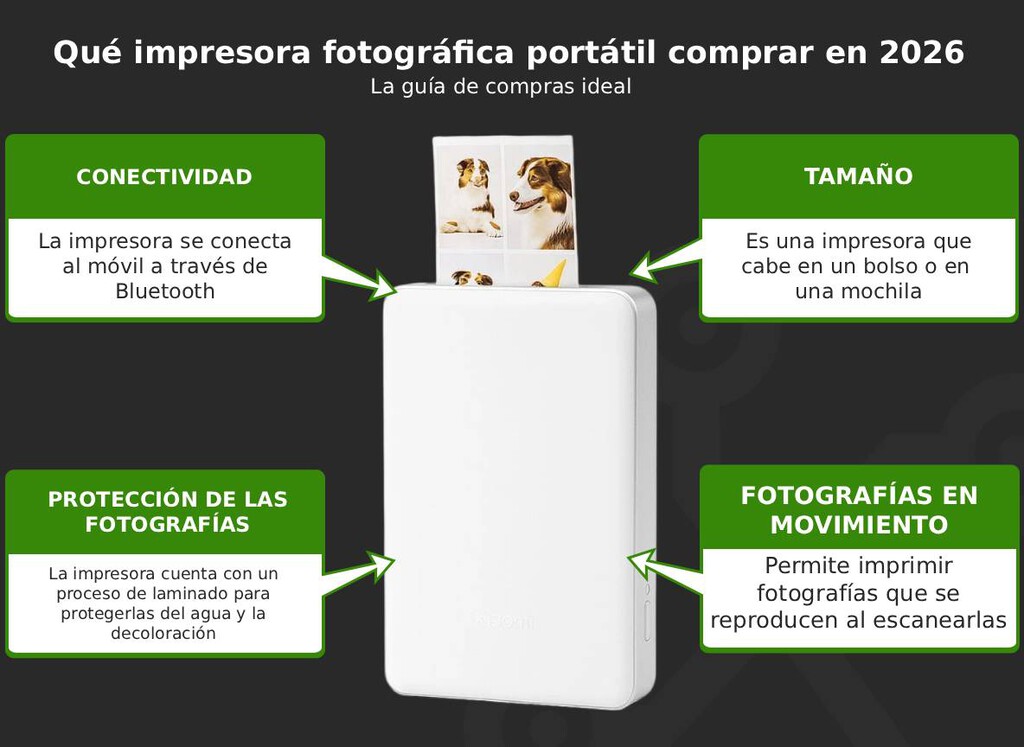
Top Recommendation: Xiaomi Portable Photo Printer Pro
The Xiaomi Portable Photo Printer Pro stands out for its excellent value. It offers a resolution of 313 ppi, ensuring sharp and vibrant prints. Connectivity is via Bluetooth, making it easy to pair with your smartphone. Its compact dimensions (142.5 x 86.8 x 26.8 mm) mean you can slip it into a bag or pocket without hassle.
One standout feature is automatic lamination, which protects photos from moisture and daily wear. Additionally, the printer supports AR (augmented reality) photos—you can scan printed images with your phone to view moving content. However, print speed is slower compared to some competitors, so it's not ideal for high-volume printing.
Key Features to Consider
Before buying a portable photo printer, evaluate these factors to ensure it meets your needs. Print quality, size, and extra features can vary significantly between models.
- Print resolution: Higher ppi (pixels per inch) means sharper images. Look for at least 300 ppi for good quality.
- Print size: Common sizes include 2x3 inches and 3x3 inches. Choose based on your intended use.
- Connectivity: Bluetooth and Wi-Fi are standard; ensure compatibility with your phone.
- Additional features: Automatic lamination, AR support, and battery life can add value.
- Portability: Weight and dimensions matter if you plan to carry it frequently.
Comparison of Top Portable Photo Printers
Here's a quick comparison of five recommended pocket printers, including the Xiaomi model and other popular options. Note that specifications may vary; always check the latest details before purchase.
| Model | Print Resolution | Print Size | Connectivity | Weight | Notable Features |
|---|---|---|---|---|---|
| Xiaomi Portable Photo Printer Pro | 313 ppi | 2x3 in | Bluetooth | Approx. 390g | Auto lamination, AR photos |
| HP Sprocket Select | 313 x 400 dpi | 2.3x3.4 in | Bluetooth | Approx. 170g | Customizable frames, AR |
| Canon Ivy Mini | 314 x 400 dpi | 2x3 in | Bluetooth | Approx. 160g | Smudge-proof, peel-and-stick |
| Polaroid Hi-Print | 291 dpi | 2.1x3.4 in | Bluetooth | Approx. 250g | Dye-sublimation, sticky back |
| Kodak Mini 3 Retro | 304 x 304 dpi | 3x3 in | Bluetooth | Approx. 450g | 4Pass technology, cartridge included |
Five Mini Printers Recommended
Based on expert reviews and user feedback, here are five portable photo printers that deliver great results. Each has its strengths, so consider your budget and feature preferences.
1. Xiaomi Portable Photo Printer Pro
As our top pick, the Xiaomi offers a compelling mix of price and features. It prints at 313 ppi, supports AR, and includes automatic lamination. The 3x3-inch print size is ideal for square-format photos. However, it's slightly heavier at 390 grams and print speed is moderate.
2. HP Sprocket Select
The HP Sprocket Select is ultra-light and portable, weighing just 170 grams. It uses ZINK (zero ink) technology, eliminating the need for cartridges. The app offers extensive customization options, and it supports AR content. Print quality is good for its class, though colors may appear slightly muted.
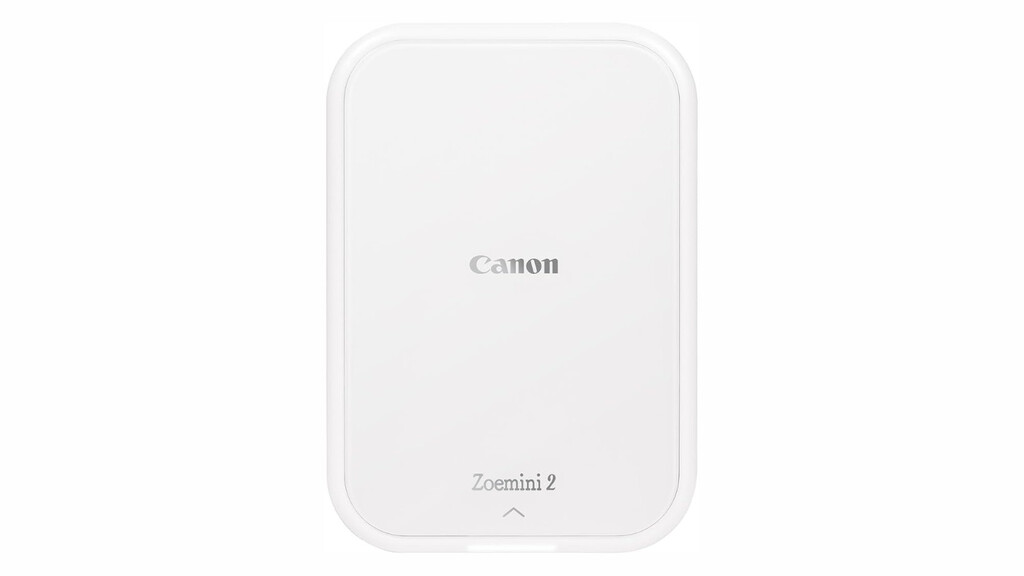
3. Canon Ivy Mini
Canon's Ivy Mini is another ZINK-based printer that's small and lightweight. It produces smudge-proof, peel-and-stick photos, making it great for scrapbooking. The app includes fun filters and frames. Like most ZINK printers, it's best for casual use rather than professional-quality prints. The background to this story is set out in Xiaomi 18 Pro: The first smartphone with a dedicated artificial intelligence physical key?. A related thread runs through Lidl's Mini Bluetooth Pocket Printer: No Ink Needed, Just 21.99 Euros. Earlier coverage in Mini Thermal Printer: The Best Back-to-School Labeling Tool shows how the argument developed.
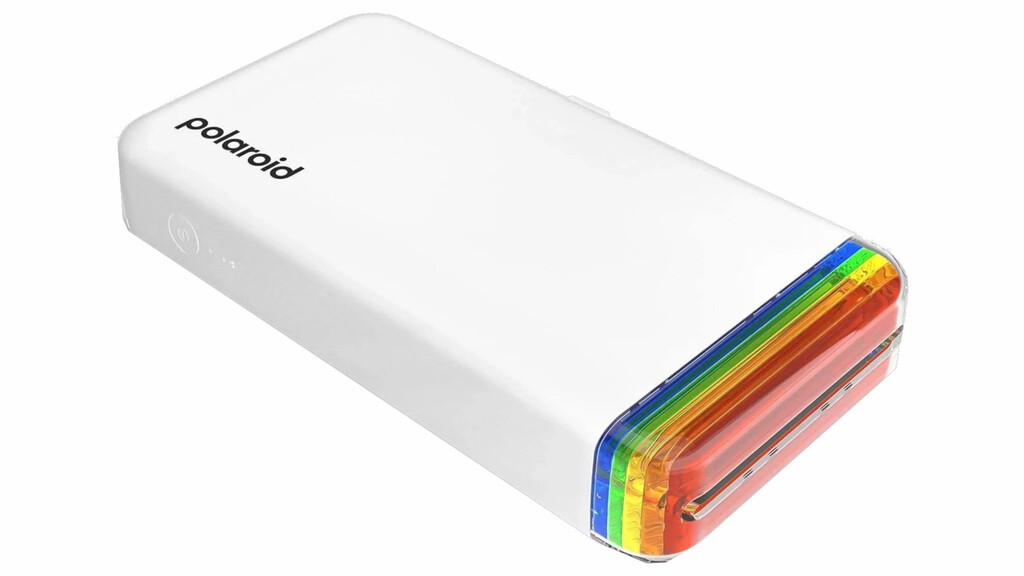
4. Polaroid Hi-Print
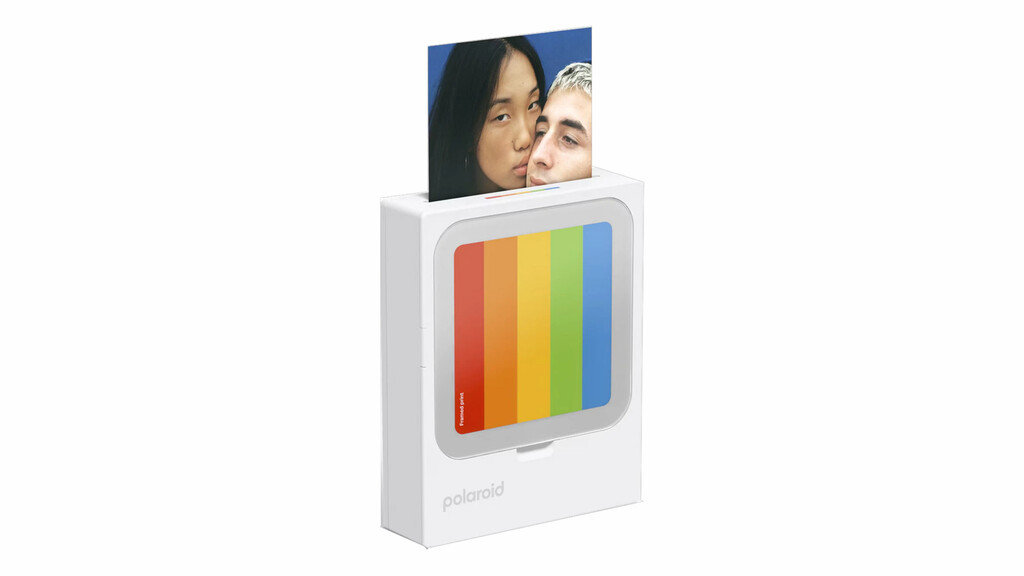
The Polaroid Hi-Print uses dye-sublimation technology for vibrant, high-quality prints. It's slightly larger and heavier than ZINK printers but delivers superior color accuracy. The sticky-back photos are easy to stick anywhere. It's a bit pricier per print, but the quality justifies the cost. A closer look at the same subject appears in Trending: latest articles. Anyone following the wider picture can start with Why the Future of Mobile Cameras Is Realism, Not Perfect Photos. The same theme surfaces in Xiaomi Smart Projector L1 Pro: Affordable Home Cinema With Google TV, which takes a different angle.
5. Kodak Mini 3 Retro
The Kodak Mini 3 Retro prints 3x3-inch photos using 4Pass technology, which combines dye-sublimation and thermal printing. It includes a cartridge with 10 sheets. The retro design is charming, and print quality is impressive. However, it's bulkier and heavier, so it's less pocket-friendly. Context on how this played out before sits in Best Home Printers for Value: Epson EcoTank ET-2870 and 5 More Picks. A companion piece, Pixel 11 Pro Review: Google's Best Pocket Camera Goes Customisable, approaches the same subject from another angle.
Frequently Asked Questions
What is the best portable photo printer for iPhone?
The best portable photo printer for iPhone depends on your needs. The Xiaomi Portable Photo Printer Pro offers excellent value with AR and lamination features. For ultra-portability, the HP Sprocket Select is a great choice, as it's lightweight and works seamlessly with iOS devices.
How does a portable photo printer work?
Portable photo printers connect to your smartphone via Bluetooth or Wi-Fi. You select a photo in the companion app, and the printer uses technologies like ZINK (zero ink), dye-sublimation, or thermal printing to produce a physical print. ZINK printers use heat-activated paper, while dye-sublimation uses ribbons.
Can I print photos from social media with a portable printer?
Yes, most portable photo printers have apps that allow you to import photos from your phone's gallery or social media accounts. You can typically edit, add filters, and then print directly from the app.
What is the print cost per photo for these printers?
Print cost varies by technology and brand. ZINK paper typically costs around $0.50 per print, while dye-sublimation and thermal printers may cost $0.30 to $0.60 per print. The Xiaomi printer uses separate paper and cartridge, with costs around $0.40 per print.
Final Thoughts
The best portable photo printer for your phone should align with your printing habits and budget. The Xiaomi Portable Photo Printer Pro offers a fantastic balance of features and affordability, making it our top recommendation. For those prioritizing portability, the HP Sprocket Select or Canon Ivy Mini are excellent alternatives.
Whichever model you choose, a portable printer adds a fun, tangible element to your smartphone photography. Consider your print volume, desired quality, and extra features like AR or lamination to make the right decision.
Browse the Shop
 Acacia frida deluxe solid wood bed frame |
Bedroom bench |
Bed chest drawers |
Lingerie dresser |
Frame base |
Mirror with jewelry storage |
30 Bathroom Vanity |
Memory foam queen mattress |
Mattresses for back pain |
Nightstand set of 2 |
Grand Goldman Shop |
Civil Lawyer
Deutschland Trikot WM 2026







