

WiFi 7 routers are redefining the smart home in 2026, but the revolution isn't just about blazing-fast speeds. While many ISPs have adopted WiFi 7, others still lag with WiFi 6 or WiFi 5 equipment, prompting users to upgrade to advanced routers from brands like Asus, TP-Link, Huawei, and FRITZ!.
These manufacturers already offer a plethora of WiFi 7 options and have even teased WiFi 8 models. In this new generation, ultra-fast speed and ultra-low latency remain advantages, but they're no longer the only benefits. Connection stability, the ability to connect an ever-growing number of devices, mesh networking, and advanced security features are now key considerations when choosing the brain of your smart home.
Find Original, High-end Home Decor that spark conversation at Grand Goldman Shop.
Why WiFi 7 Routers Are More Than Just Speed
For years, upload/download speed was the primary focus for improving home internet. The arrival of WiFi 7, with speeds that are almost impossible to fully utilize and virtually imperceptible latency, seemed like the ultimate goal. However, throughout this year, we've seen that other factors are equally or more important.
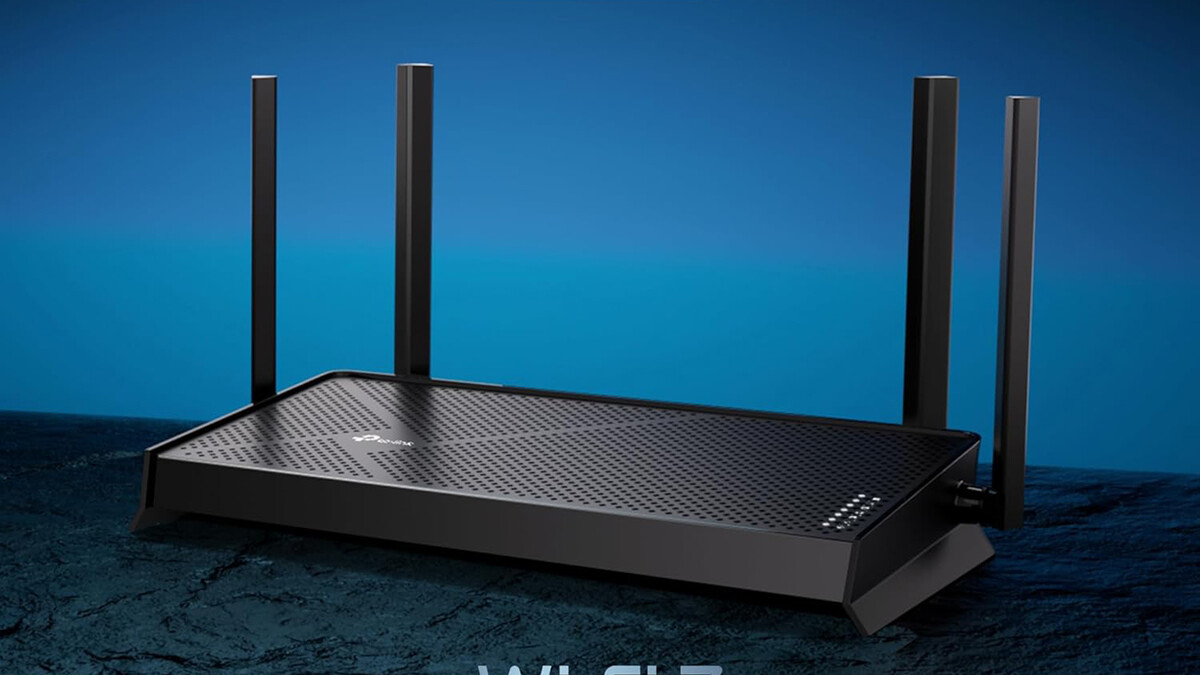
With the average household now boasting dozens of connected devices—from smartphones and laptops to smart speakers, security cameras, and thermostats—the demand on your network is higher than ever. WiFi 7 routers are designed to handle this load efficiently, thanks to technologies like Multi-Link Operation (MLO) and wider channels.
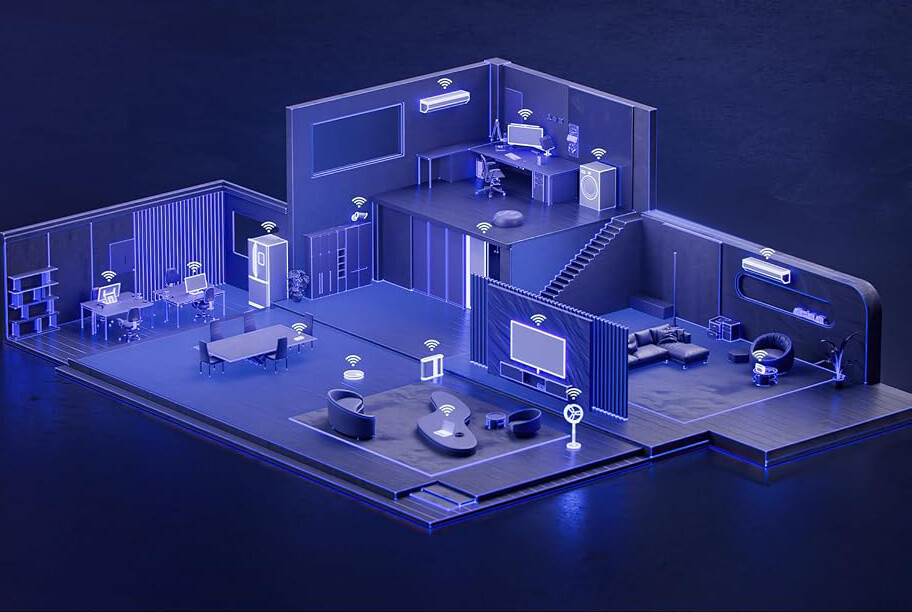
- Multi-Link Operation (MLO): Allows devices to connect on multiple bands simultaneously for better reliability and lower latency.
- Wider channels: Up to 320MHz, doubling the bandwidth of WiFi 6E for faster data transfer.
- 4K QAM: Higher modulation scheme for more data per signal.
- Mesh capabilities: Seamless roaming and coverage across large homes.
- Advanced security: WPA3 and built-in firewalls for protection against threats.
Key Features to Look for in a 2026 WiFi 7 Router
When upgrading your router, consider these critical features to future-proof your smart home. The table below compares the typical specs of WiFi 6 and WiFi 7 routers to highlight the advancements.

| Feature | WiFi 6 Router | WiFi 7 Router |
|---|---|---|
| Max Channel Width | 160 MHz | 320 MHz |
| Modulation | 1024-QAM | 4096-QAM |
| MIMO | 8x8 | 16x16 |
| Multi-Link Operation | No | Yes |
| Typical Max Speed | 9.6 Gbps | 46 Gbps |
Beyond raw specs, look for routers with robust mesh support, easy setup via app, and regular firmware updates. Security is paramount: ensure the router supports WPA3 and has features like guest network isolation and parental controls.
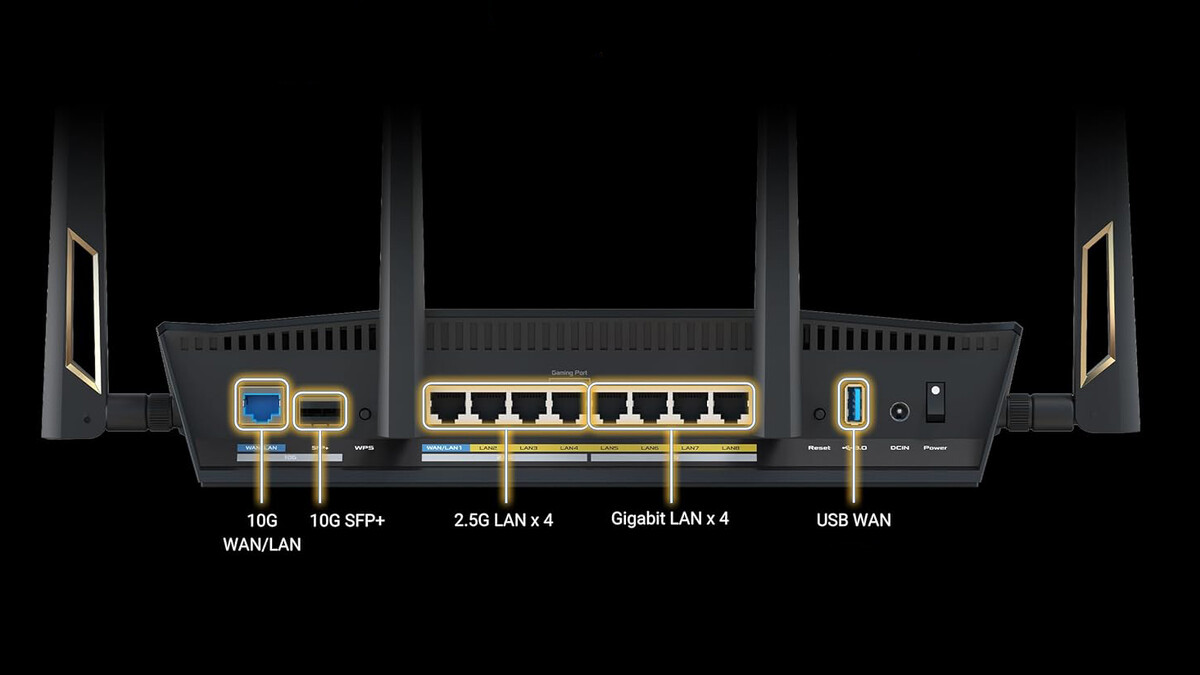
Mesh Networking: The Backbone of the Connected Home
Mesh systems use multiple nodes to blanket your entire home with a strong signal, eliminating dead zones. With WiFi 7, mesh networks become even more powerful, thanks to dedicated backhaul bands and MLO. This ensures that every smart device, from doorbell cameras to robot vacuums, stays connected reliably.
For large homes or multi-story buildings, a mesh system is often a better choice than a single router. Brands like TP-Link and Asus offer WiFi 7 mesh solutions that are easy to expand as your needs grow.
Security: Protecting Your Smart Home
As your home becomes more connected, it also becomes more vulnerable to cyber threats. WiFi 7 routers come with advanced security features such as WPA3 encryption, built-in firewalls, and automatic firmware updates. Some models even offer AI-driven threat detection and parental controls.
It's also wise to consider the electromagnetic field (EMF) exposure from your router. While WiFi routers emit low levels of EMF, some people prefer to minimize exposure. You can find 10 best WiFi router EMF protections (reviews) that help reduce exposure without compromising performance.
Who Should Upgrade to a WiFi 7 Router?
If you have a large home with many connected devices, or if you work from home and rely on stable video calls, a WiFi 7 router is a worthwhile investment. Gamers will appreciate the lower latency, and smart home enthusiasts will benefit from the increased capacity and reliability.
However, if you have a small apartment and few devices, a WiFi 6 router may still suffice. But as more devices become WiFi 7-compatible, upgrading now future-proofs your network. The background to this story is set out in DIY Oval Frame with Router or Jigsaw: A Complete Guide. A related thread runs through How to Use a Vertical Router for Woodworking: A Complete Guide. Earlier coverage in DIY Router Table: Build Your Own Workbench with Motorization Guide shows how the argument developed.
What to Watch Next
The transition to WiFi 7 is just the beginning. Manufacturers are already working on WiFi 8, which promises even higher speeds and lower latency. But the focus will likely remain on stability, security, and seamless integration with smart home ecosystems. A closer look at the same subject appears in Montolit FPB05 Tile and Stone Rounding Router Bit for Professional Finishes. Anyone following the wider picture can start with Router Guide: How to Use Jigs for Grooves, Curves & Cabinet Doors. The same theme surfaces in Bosch POF 1400 ACE Router Review, which takes a different angle.
Keep an eye on firmware updates that add new features, and consider mesh systems that can scale with your needs. As the smart home revolution continues, your router will play an increasingly central role. Context on how this played out before sits in DIY Router Bits: How to Build Your Own Custom Profiles.
FAQ
What is WiFi 7 and why does it matter for smart homes?
WiFi 7 is the latest wireless standard, offering faster speeds, lower latency, and better capacity for multiple devices. It matters for smart homes because it can handle the growing number of connected devices without congestion, ensuring reliable performance for everything from streaming to security cameras.
Do I need a WiFi 7 router if my ISP already provides one?
If your ISP provides a WiFi 7 router, you may not need to upgrade. However, ISP routers often lack advanced features like mesh support or enhanced security. A third-party WiFi 7 router can offer better performance and flexibility, especially for large homes or tech-savvy users.
How does mesh networking improve my WiFi 7 experience?
Mesh networking uses multiple nodes to create a seamless network across your home, eliminating dead zones. With WiFi 7, mesh systems benefit from faster backhaul and MLO, ensuring that all devices stay connected with low latency, even as you move around.
Are WiFi 7 routers safe in terms of EMF exposure?
WiFi routers emit non-ionizing radiation at low levels, which is generally considered safe by regulatory agencies. However, if you're concerned, you can take steps to reduce exposure, such as placing the router away from living areas or using EMF protection products.
Browse the Shop
 Acacia frida deluxe solid wood bed frame |
Bedroom bench |
Bed chest drawers |
Lingerie dresser |
Frame base |
Mirror with jewelry storage |
30 Bathroom Vanity |
Memory foam queen mattress |
Mattresses for back pain |
Nightstand set of 2 |
Grand Goldman Shop |
Civil Lawyer
Deutschland Trikot WM 2026
Acacia frida deluxe solid wood bed frame |
Bedroom bench |
Bed chest drawers |
Lingerie dresser |
Frame base |
Mirror with jewelry storage |
30 Bathroom Vanity |
Memory foam queen mattress |
Mattresses for back pain |
Nightstand set of 2 |
Grand Goldman Shop |
Civil Lawyer
Deutschland Trikot WM 2026










