

If your Internet connection is excellent in the living room but fails to load a simple video in the bedroom or on the terrace, the definitive solution is not traditional Wi-Fi repeaters—which often duplicate networks and cause annoying micro-cuts when you move—but rather upgrading to Wi-Fi Mesh systems. These systems create a single smart network throughout your home using multiple nodes that communicate with each other in real time, automatically deciding which node your phone, laptop, tablet, or smart device should connect to for maximum speed and stability, no matter which room you're in.
Why Wi-Fi Mesh Systems Beat Traditional Repeaters
Traditional repeaters extend your network by rebroadcasting the signal, but they often create a separate network name (SSID) and can cause disconnections as you move between areas. Wi-Fi Mesh systems eliminate this problem by using a single network name and intelligently handing off devices from one node to another without interruption. This means seamless roaming and consistent coverage throughout your home.
Find Original Home Decor sparking conversation at Grand Goldman Shop.

Mesh systems are also easier to manage. You can control everything through a mobile app, including parental controls, guest networks, and device prioritization. Plus, many mesh systems support the latest Wi-Fi 6 standard, which offers better performance in crowded environments and improved battery life for connected devices.
Top Wi-Fi Mesh Systems for Eliminating Dead Zones
When choosing a Wi-Fi Mesh system, consider your home size, the number of devices you need to connect, and your budget. Here are some of the best options available:
- Mercusys HALO H1500X (2-Pack): A budget-friendly Wi-Fi 6 mesh system with speeds up to 1500 Mbps, ideal for small to medium homes.
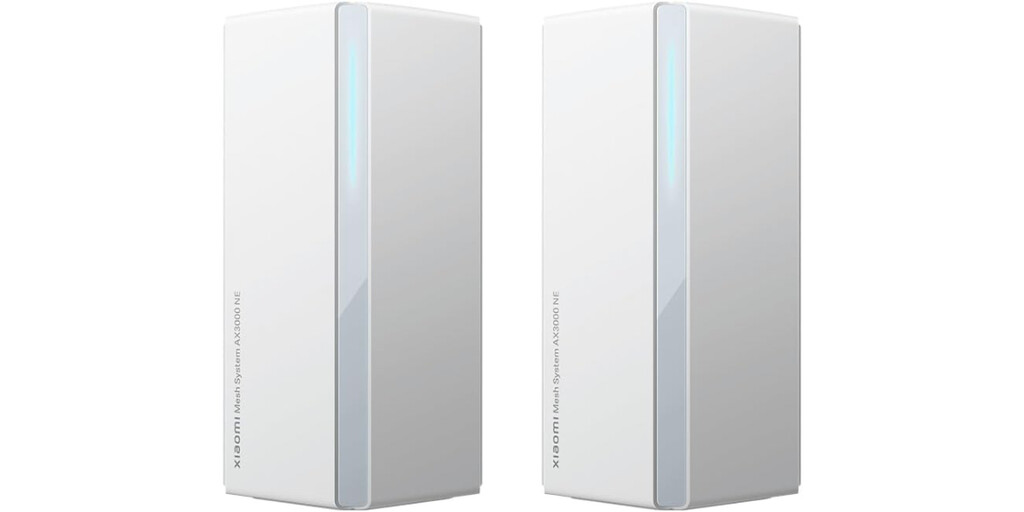
- Xiaomi Mesh System AX3000: Offers speeds up to 3000 Mbps, covers up to 400 m², and supports up to 254 devices—great for larger homes with many smart devices.
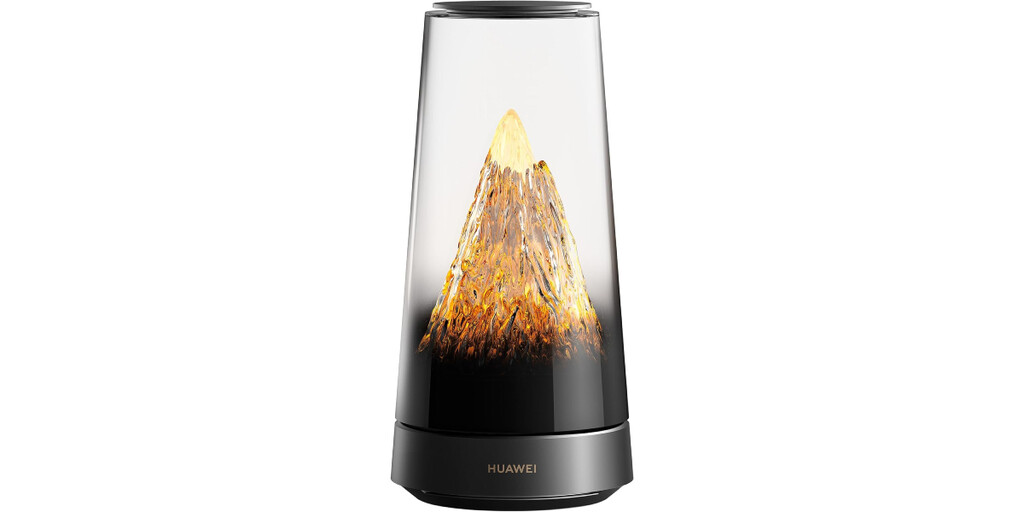
- Huawei WiFi Mesh X3 Pro: A stylish and powerful option with combined speeds up to 3000 Mbps and advanced features like Wi-Fi 6+.
- TP-Link Deco X60: A popular choice with Wi-Fi 6, easy setup, and strong parental controls.
- Netgear Orbi RBK752: A premium tri-band system with excellent performance and coverage for large homes.
Comparison Table: Key Specs of Popular Wi-Fi Mesh Systems
| Model | Wi-Fi Standard | Max Speed | Coverage | Max Devices | Price Range |
|---|---|---|---|---|---|
| Mercusys HALO H1500X (2-Pack) | Wi-Fi 6 | 1500 Mbps | Up to 3500 sq ft | Up to 100 | Budget |
| Xiaomi Mesh System AX3000 | Wi-Fi 6 | 3000 Mbps | Up to 400 m² | Up to 254 | Mid-range |
| Huawei WiFi Mesh X3 Pro | Wi-Fi 6+ | 3000 Mbps | Up to 400 m² | Up to 254 | Mid-range |
| TP-Link Deco X60 | Wi-Fi 6 | 3000 Mbps | Up to 5000 sq ft | Up to 150 | Mid-range |
| Netgear Orbi RBK752 | Wi-Fi 6 | 4200 Mbps | Up to 5000 sq ft | Up to 40 | Premium |
How to Choose the Right Wi-Fi Mesh System
Start by assessing your home's size and layout. For apartments or small homes (up to 2000 sq ft), a two-pack system like the Mercusys HALO H1500X should suffice. Larger homes or multi-story houses may benefit from a three-pack or a system with higher coverage.
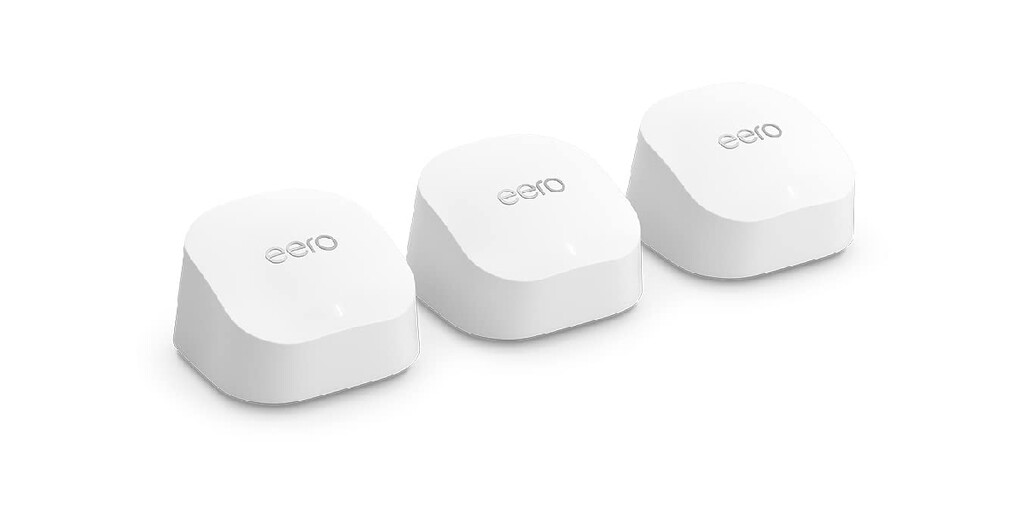
Consider the number of devices you need to connect. If you have many smart home devices, look for a system that supports a high number of simultaneous connections, such as the Xiaomi Mesh System AX3000. Also, check for advanced features like MU-MIMO and OFDMA, which improve efficiency in busy networks. The background to this story is set out in Lidl's TP-Link WiFi Extender Fixes Home Dead Zones for Under 30 Euros. A related thread runs through Lidl's €29.99 WiFi Repeater Fixes Dead Zones in Any Room. Earlier coverage in Mercusys ME1500X WiFi 6 Extender Deal: Cheap Fix for Dead Zones shows how the argument developed.
Installation and Setup Tips
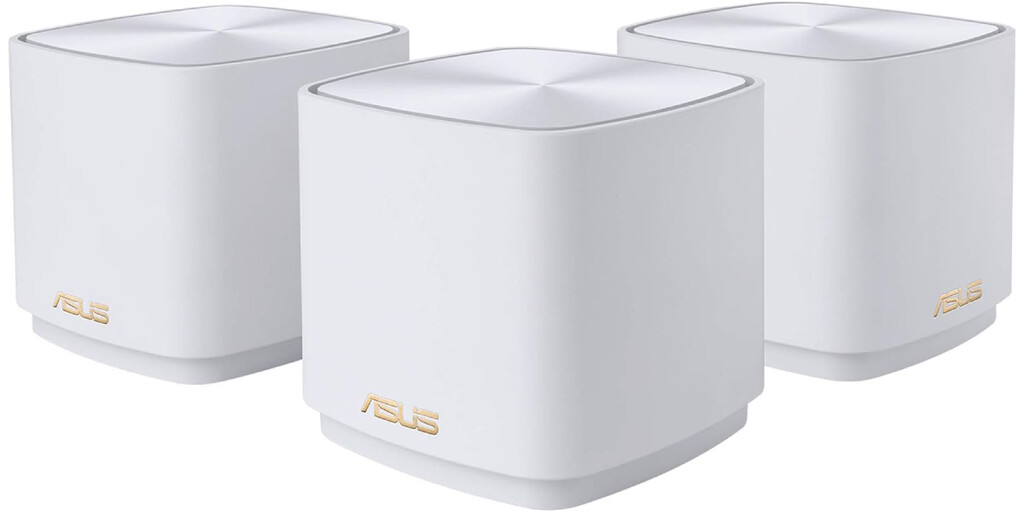
Setting up a Wi-Fi Mesh system is usually straightforward. Most systems come with a mobile app that guides you through the process. Place the main node near your modem and distribute the other nodes evenly around your home, avoiding obstructions like thick walls or metal objects. A closer look at the same subject appears in Remodel your bedroom with these excellent ideas!. Anyone following the wider picture can start with Wildfires Trigger Algal Blooms and Dead Zones in Oceans. The same theme surfaces in How Wildfires Trigger Algal Blooms and Dead Zones in Lakes, which takes a different angle.
For optimal performance, ensure each node is within range of another node. You can use the app to check signal strength and adjust placements. Also, keep the system's firmware updated to benefit from the latest security patches and performance improvements. Context on how this played out before sits in 11 Best Mesh Wifi for AT&T Fiber: High Speed & Coverage (Reviews). A companion piece, Termite Control: Prevent, Monitor & Eliminate Infestations, approaches the same subject from another angle.
FAQ
What is a Wi-Fi Mesh system?
A Wi-Fi Mesh system is a network of multiple nodes that work together to provide seamless coverage throughout your home. Unlike traditional routers, mesh systems create a single network name and automatically connect your devices to the best node, eliminating dead zones and micro-cuts.
How many nodes do I need for my home?
The number of nodes depends on your home's size and layout. As a rule of thumb, a two-pack system covers up to 3000-4000 sq ft, while a three-pack covers larger homes. For multi-story houses, you may need one node per floor.
Are Wi-Fi Mesh systems compatible with my existing router?
Most Wi-Fi Mesh systems replace your existing router and connect directly to your modem. However, some systems can work in bridge mode with your current router. Check the product specifications to ensure compatibility.
Do Wi-Fi Mesh systems support Wi-Fi 6?
Many modern Wi-Fi Mesh systems support Wi-Fi 6 (802.11ax), which offers faster speeds, better performance in crowded areas, and improved battery life for connected devices. Look for Wi-Fi 6 support if you want future-proof technology.
Browse the Shop
 Acacia frida deluxe solid wood bed frame |
Bedroom bench |
Bed chest drawers |
Lingerie dresser |
Frame base |
Mirror with jewelry storage |
30 Bathroom Vanity |
Memory foam queen mattress |
Mattresses for back pain |
Nightstand set of 2 |
Grand Goldman Shop |
Civil Lawyer
Deutschland Trikot WM 2026
Acacia frida deluxe solid wood bed frame |
Bedroom bench |
Bed chest drawers |
Lingerie dresser |
Frame base |
Mirror with jewelry storage |
30 Bathroom Vanity |
Memory foam queen mattress |
Mattresses for back pain |
Nightstand set of 2 |
Grand Goldman Shop |
Civil Lawyer
Deutschland Trikot WM 2026







