

If you spend hours at a computer, the best vertical ergonomic mice can help prevent wrist and forearm injuries by promoting a natural hand position. Experts have long warned about the importance of good posture at the computer, leading to much discussion about ergonomic chairs. However, one aspect that often goes unnoticed and can save us a lot of discomfort is the mouse we use.
To care for the health of your wrist and forearm, opting for a vertical mouse is highly recommended. The market offers an increasingly wide range, but if we had to recommend one, it would undoubtedly be the Logitech MX Vertical.
Find Original Home Decor sparking conversation at Grand Goldman Shop.

Why Choose a Vertical Ergonomic Mouse?
Traditional mice force your hand into a pronated position (palm down), which can compress the median nerve and strain tendons in the wrist. Vertical mice place your hand in a handshake position, reducing pressure on the median nerve and alleviating strain on wrist tendons. This helps prevent conditions like carpal tunnel syndrome and repetitive strain injuries.
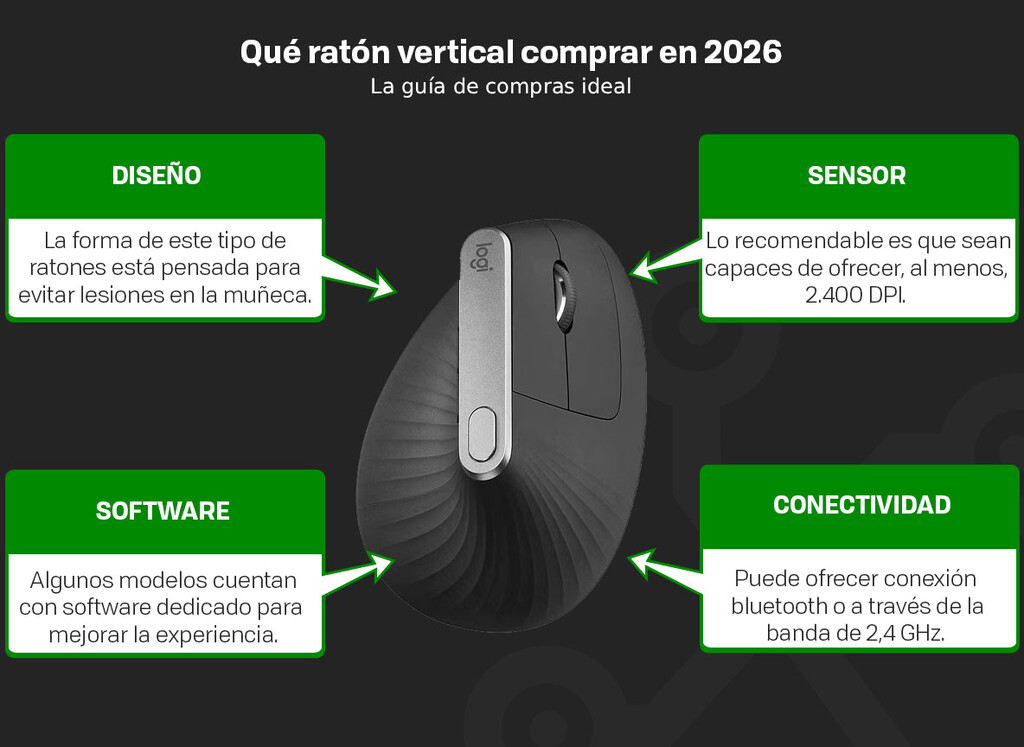
Many users report reduced wrist pain and fatigue after switching to a vertical mouse. Additionally, these mice often come with customizable buttons and software to enhance productivity.
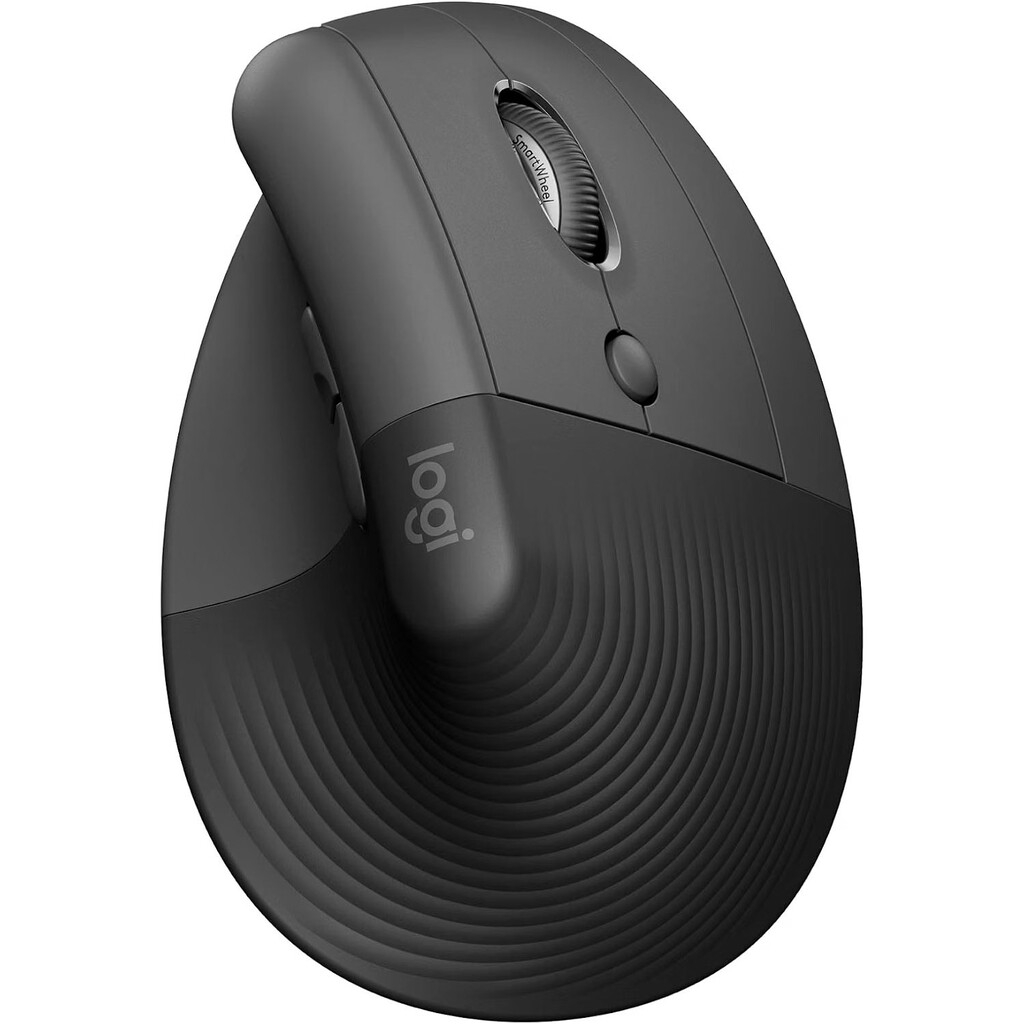
Top 6 Vertical Ergonomic Mice
We've selected six highly recommended vertical mice based on ergonomics, performance, and user feedback. Here's a comparison of their key features:
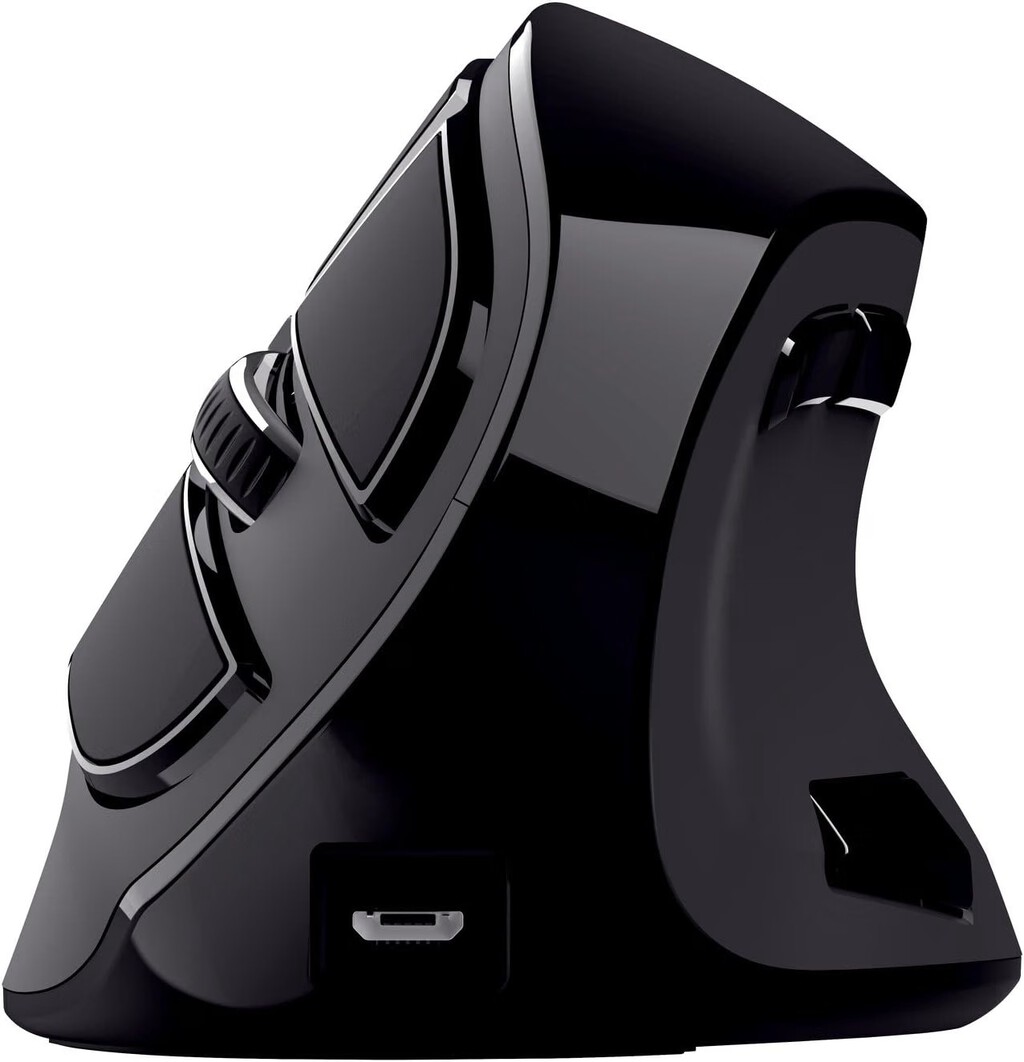
| Model | Angle | DPI | Connectivity | Key Feature |
|---|---|---|---|---|
| Logitech MX Vertical | 57° | 4000 | Wireless | Natural handshake position, fast charging |
| Anker Vertical Ergonomic Mouse | Not specified | 800/1200/1600 | Wireless | Affordable, adjustable DPI |
| Evoluent VerticalMouse 4 | Not specified | Up to 2600 | Wired/Wireless | Pioneer in vertical design, programmable buttons |
| Microsoft Sculpt Ergonomic Mouse | Not specified | 2400 | Wireless | Windows button, thumb scoop |
| J-Tech Digital V628 | Not specified | 800/1200/1600 | Wired | Budget-friendly, plug-and-play |
| Adesso iMouse E30 | Not specified | 1000/1600 | Wireless | Compact, reversible angle |
Each model has its strengths, but the Logitech MX Vertical stands out for its 57-degree angle, 4000 DPI sensor, and productivity features.
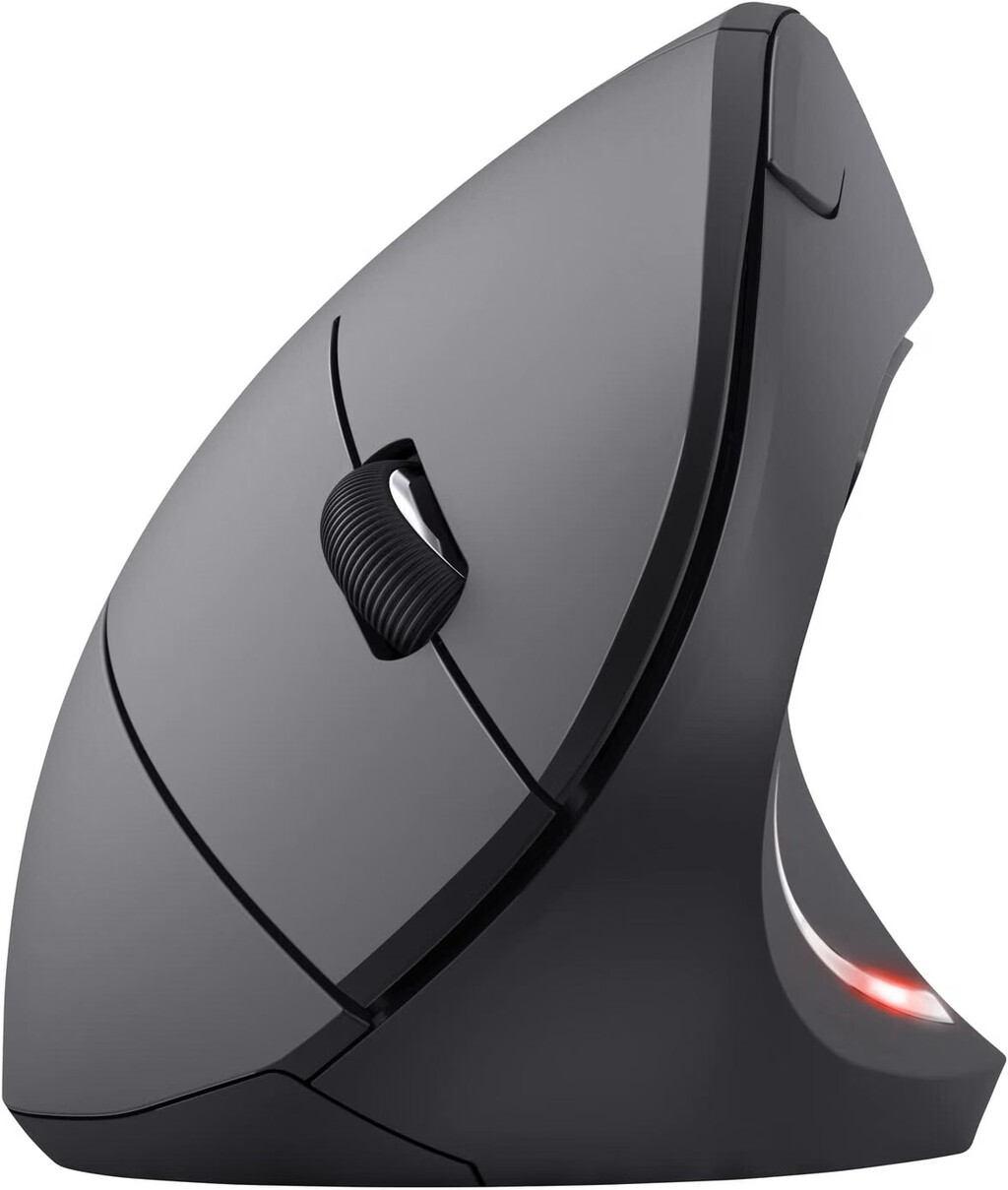
Logitech MX Vertical: The Top Recommendation
The Logitech mouse is not only the most popular on the market but also offers everything we can expect from such a device. First and foremost is its design, adapted so that our hand position is completely natural thanks to its 57° angle. As we'll see later, this posture relieves pressure on the median nerve and reduces strain on wrist tendons, helping prevent ailments like carpal tunnel syndrome. Context on how this played out before sits in Best Vertical Ergonomic Mice to Prevent Wrist Injury: Top 6 Picks.
Beyond ergonomics, it's a tool focused on productivity. Thanks to its 4000 DPI sensor, we can navigate quickly and precisely. Additionally, with its dedicated software, we can customize the mouse experience in compatible applications. And best of all: it's wireless. The background to this story is set out in 7 Best Wrist Braces For Carpal Tunnel (Reviews). A related thread runs through Frost Aid Carpal Tunnel Reviews - My Top Insider Tips.
Key Features to Consider When Buying a Vertical Mouse
- Angle: A steeper angle (like 57°) promotes a more natural handshake position.
- DPI: Higher DPI allows faster and more precise cursor movement; adjustable DPI is ideal.
- Connectivity: Wireless offers freedom, but wired can be more reliable and doesn't need charging.
- Customization: Programmable buttons and software can boost productivity.
- Size and Grip: Ensure the mouse fits your hand size and grip style for maximum comfort.
How We Selected the Best Vertical Mice
Our selection is based on expert reviews, user feedback, and key ergonomic features. We prioritized models with a proven track record in reducing wrist strain and enhancing comfort during prolonged use. We also considered build quality, sensor performance, and value for money. Earlier coverage in Trending: latest articles shows how the argument developed. A closer look at the same subject appears in Logitech G502 X Plus Lightspeed Drops to $89.99 on Amazon.
Each mouse was evaluated for its design angle, button placement, and overall usability. We focused on models that offer a natural handshake position and are suitable for different hand sizes and budgets. Anyone following the wider picture can start with Logitech MX Master 3S Drops to $78.99 With Travel Case Included. The same theme surfaces in Best Value Computer Mice: Top 8 Budget Picks for Every Use, which takes a different angle.
FAQ
What is a vertical ergonomic mouse?
A vertical ergonomic mouse is designed to keep your hand in a handshake position, reducing strain on the wrist and forearm compared to traditional mice. This design helps prevent injuries like carpal tunnel syndrome.
Does a vertical mouse really prevent wrist injuries?
Yes, by promoting a neutral wrist position, vertical mice reduce pressure on the median nerve and alleviate strain on tendons. Many users experience less pain and fatigue, though it may take time to adjust.
Is the Logitech MX Vertical worth it?
The Logitech MX Vertical is a top choice due to its 57° angle, 4000 DPI sensor, and customizable software. It's ideal for those seeking a premium ergonomic mouse for productivity and comfort.
How long does it take to get used to a vertical mouse?
Most users adapt within a few days to a week. Initially, you may notice slight muscle fatigue as your hand adjusts to the new position, but this typically subsides as you become accustomed.
Browse the Shop
 Acacia frida deluxe solid wood bed frame |
Bedroom bench |
Bed chest drawers |
Lingerie dresser |
Frame base |
Mirror with jewelry storage |
30 Bathroom Vanity |
Memory foam queen mattress |
Mattresses for back pain |
Nightstand set of 2 |
Grand Goldman Shop |
Civil Lawyer
Deutschland Trikot WM 2026
Acacia frida deluxe solid wood bed frame |
Bedroom bench |
Bed chest drawers |
Lingerie dresser |
Frame base |
Mirror with jewelry storage |
30 Bathroom Vanity |
Memory foam queen mattress |
Mattresses for back pain |
Nightstand set of 2 |
Grand Goldman Shop |
Civil Lawyer
Deutschland Trikot WM 2026







