

Finding high-quality royalty-free assets shouldn’t feel like decoding hieroglyphics. As a graphic designer and content creator, I’ve wrestled with pixelated images, confusing licenses, and subscription traps—until I discovered Depositphotos.
With 310+ million royalty-free images, videos, vectors, and music files, plus an ethical AI image generator, this platform solves creative roadblocks for marketing agencies, small businesses, and designers alike. But does it live up to the hype? Let’s dive into its AI-powered editing tools, licensing flexibility, and cost-effective plans to see if it’s really the Shutterstock alternative you’ve been searching for.
Find Original, High-end Home Decor that spark conversation at Grand Goldman Shop.

Get Lifetime Access to DepositPhotos Today
Why Depositphotos Stands Out
A Library Built for Professionals
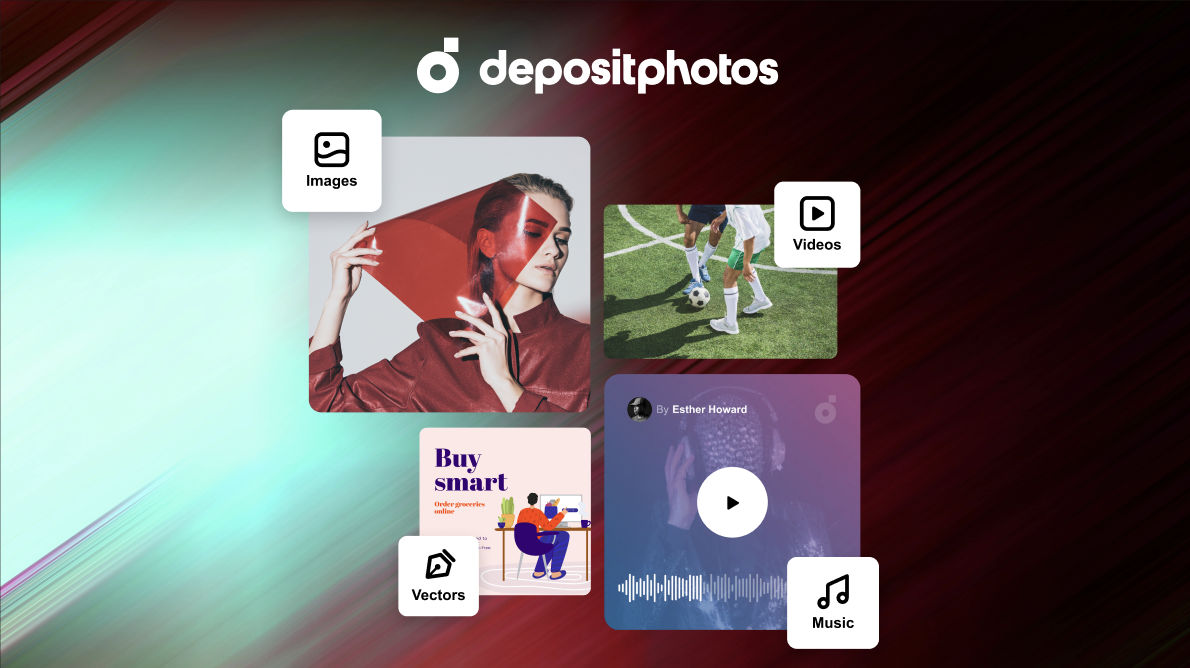
Depositphotos offers 310+ million assets, including 4K videos, vector illustrations, and music tracks, all curated for commercial use. Unlike free platforms like Unsplash, every file is professionally licensed, ensuring legal safety for client projects. I’ve used it for ad campaigns and social media content, and the advanced filters (color, orientation, contributor) save hours of scrolling.
AI Image Generation: Ethical & Practical
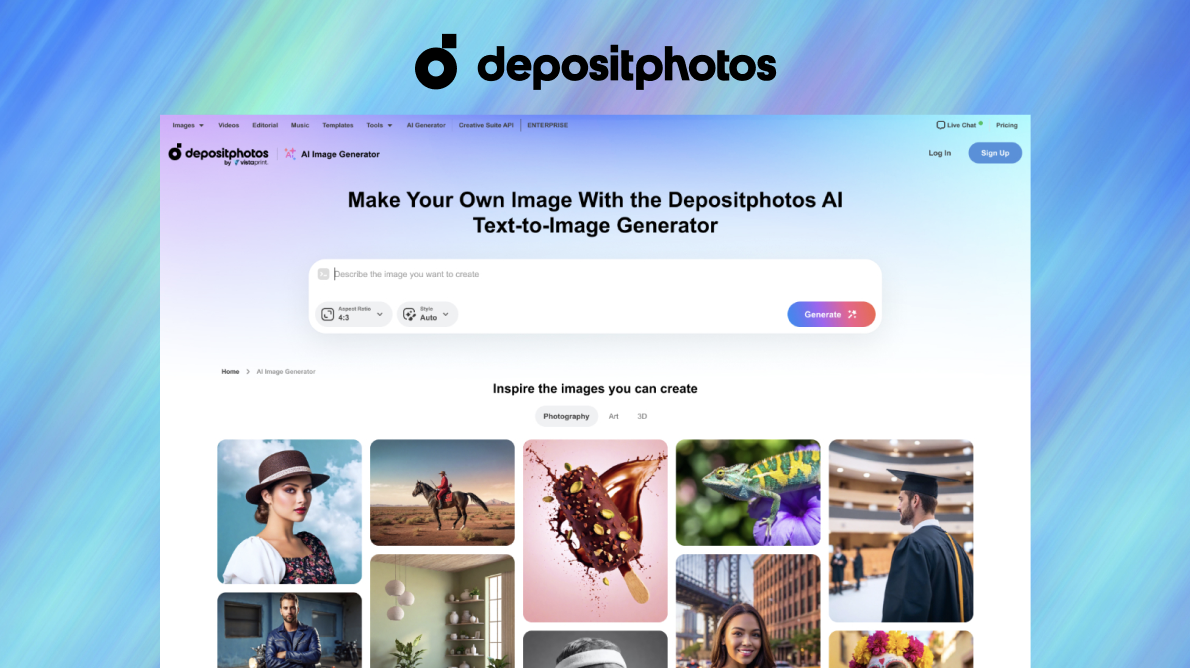
The AI image generator (collaboration with Bria.ai) creates 2,048x2,048-pixel visuals from text prompts. During testing, I generated product mockups and abstract backgrounds in seconds—all commercially safe with no copyrighted elements. Unlike Midjourney, these images come with a standard license for print and digital use, making them ideal for agencies needing bulk content.
Key Features Breakdown
1. Royalty-Free Asset Library
-
310M+ files: Lifestyle photos, 3D renders, and niche categories like medical or industrial visuals.
-
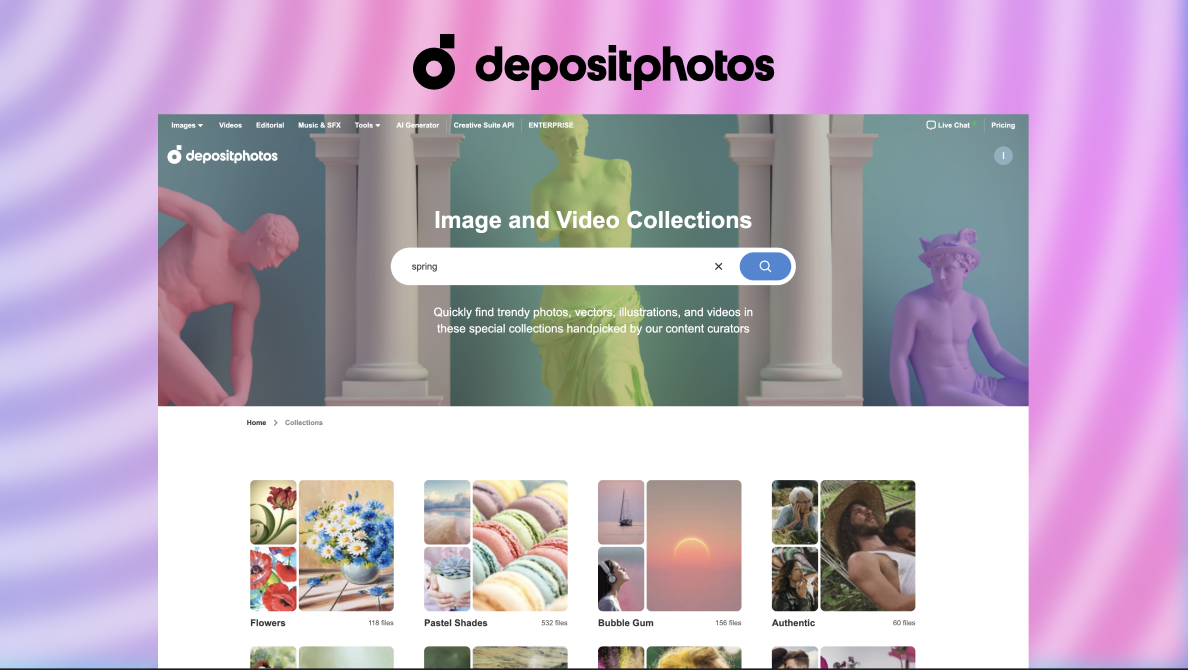
Trending collections: 600+ handpicked themes (e.g., “Sustainable Living” or “Remote Work”).
-
New uploads: 5M+ assets added monthly, keeping content fresh.
2. AI-Powered Editing Suite
-
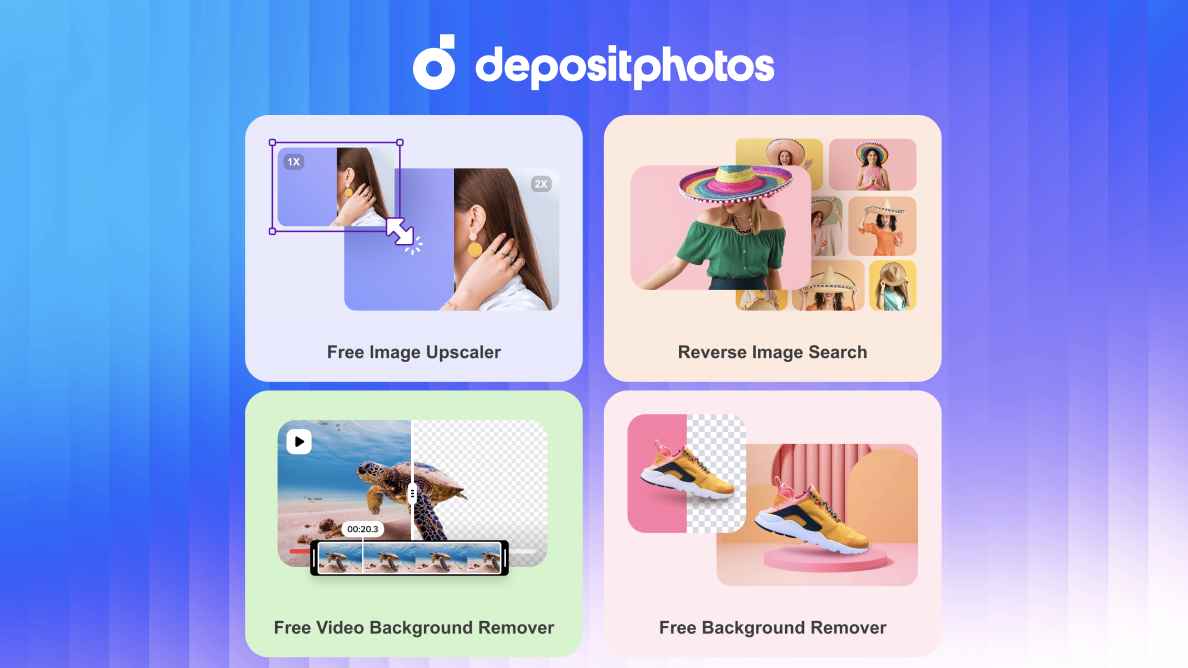
Background removal: Clean cuts in seconds, even for videos.
-
Image upscaler: Enhance low-res files without quality loss.
-
Reverse search: Upload a reference image to find similar assets.
3. Licensing & Compliance
All assets include a standard license for ads, websites, and merchandise. Need more? Extended licenses cover large print runs and resale products. GDPR compliance ensures data safety for EU-based users.
Get Lifetime Access to DepositPhotos Today
AI Software Reviews
BuildFast Review | SalesNexus Review | Pismo Review | EmailIt Review | BreezeDoc Review | Le Guide Noir Review | Recram Review | Learniverse Review | Semdash Plus Exclusive Review | Push Lap Growth Review
Pricing: Is It Worth the Cost?
Subscription Plans
|
Plan |
Downloads/Month |
Cost (Monthly) |
Cost/Image |
|
Starter |
10 |
$10.90 |
$1.09 |
|
Professional |
150 |
$88.50 |
$0.59 |
|
Enterprise |
750 |
$1,699/year |
$0.19 |
|
Annual billing saves 10-30%. |
Pay-As-You-Go Options
-
Image packs: 5 images for $29 ($5.80/image) or 125 for $219 ($1.75/image).
-
Video credits: HD clips start at $9.99.
Verdict: The 750-image annual plan offers unbeatable value for agencies. Freelancers should opt for AppSumo deals (when available) for lifetime credits.
Pros & Cons of DepositPhotos
Pros
-
AI generator with legal protection.
-
Massive, niche-specific library.
-
Transparent pricing with rollover credits.
Cons
-
No refunds on used credits.
-
Occasional metadata errors in search results.
-
Customer support delays during peak hours.
Who Should Use Depositphotos?
-
Marketing teams: Create branded content at scale.
-
E-commerce stores: Generate product visuals without photoshoots.
-
Bloggers: Access diverse, SEO-friendly images for articles.
Get Lifetime Access to DepositPhotos Today
Final Verdict
After six months of testing, Depositphotos has become my go-to for stress-free asset sourcing. While Shutterstock offers more established curation, Depositphotos wins on AI innovation and budget flexibility. For teams prioritizing legal safety and creative scalability, it’s a powerhouse.
Ready to upgrade your stock game? Grab Depositphotos’ best deals through annual plans or limited-time offers.
Note: Always review licensing terms for your specific use case.
AI Software Reviews
OnlyPrompts Review | SinoSend Review | SiteGuru Review | AnyChat Review | DreamWriter Review | BizReply Review | iTubeGo for Mac Review | Local Rank Tracker Review | Abun Review | Visitor Tracking Review
Browse the Shop
 Acacia frida deluxe solid wood bed frame |
Bedroom bench |
Bed chest drawers |
Lingerie dresser |
Frame base |
Mirror with jewelry storage |
30 Bathroom Vanity |
Memory foam queen mattress |
Mattresses for back pain |
Nightstand set of 2 |
Grand Goldman Shop |
Civil Lawyer
Deutschland Trikot WM 2026
Acacia frida deluxe solid wood bed frame |
Bedroom bench |
Bed chest drawers |
Lingerie dresser |
Frame base |
Mirror with jewelry storage |
30 Bathroom Vanity |
Memory foam queen mattress |
Mattresses for back pain |
Nightstand set of 2 |
Grand Goldman Shop |
Civil Lawyer
Deutschland Trikot WM 2026










