

Recording your screen can be frustrating—especially when mistakes happen. Whether you're an educator creating instructional videos, a freelancer sharing client demos, or a product manager recording presentations, having to restart your recording every time you fumble a word is exhausting. That's where Vento comes in, an innovative screen recording tool that lets you pause, rewind, and re-record seamlessly.
With Vento, you can fix mistakes in real-time without having to start from scratch. This means no more restarting due to background noise, slip-ups, or missed points. You can also add chapter headings and author annotations to make your videos easier to navigate and more informative.
Find Original, High-end Home Decor that spark conversation at Grand Goldman Shop.

In this Vento review, I'll dive into its standout features, who it's best for, and how it compares to other popular screen recording tools like Loom and Screencastify. If you're looking for a user-friendly way to record, edit, and share videos, Vento might be your perfect solution.
Get Lifetime Access to Vento Today
What is Vento?
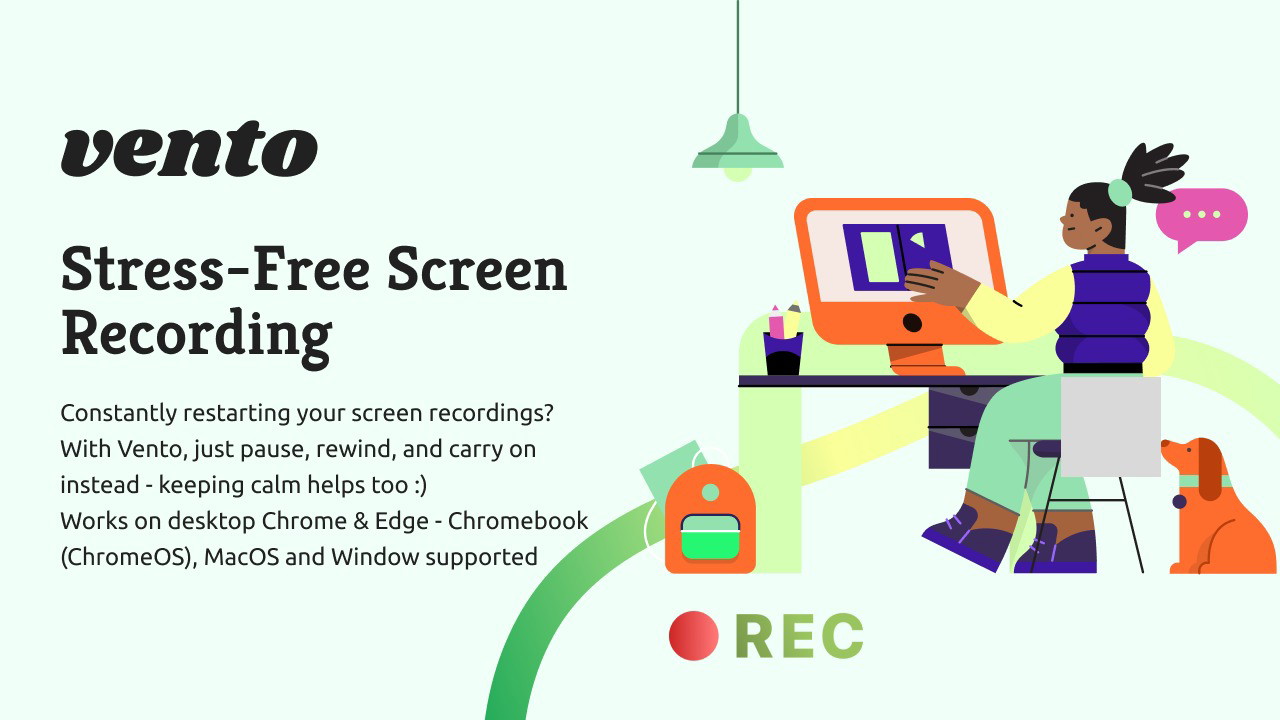
Vento is a next-generation screen recording tool designed to make the process easier and more flexible. Unlike traditional screen recorders that require complicated post-production editing, Vento allows you to rewind and re-record instantly. This makes it an excellent choice for anyone who needs to deliver polished, professional videos without the hassle.
It's especially useful for those who work in dynamic environments—whether it's a barking dog, a crying baby, or simply a slip of the tongue, Vento gives you the freedom to fix it without starting over.
Key Features of Vento
1. Real-Time Re-Recording
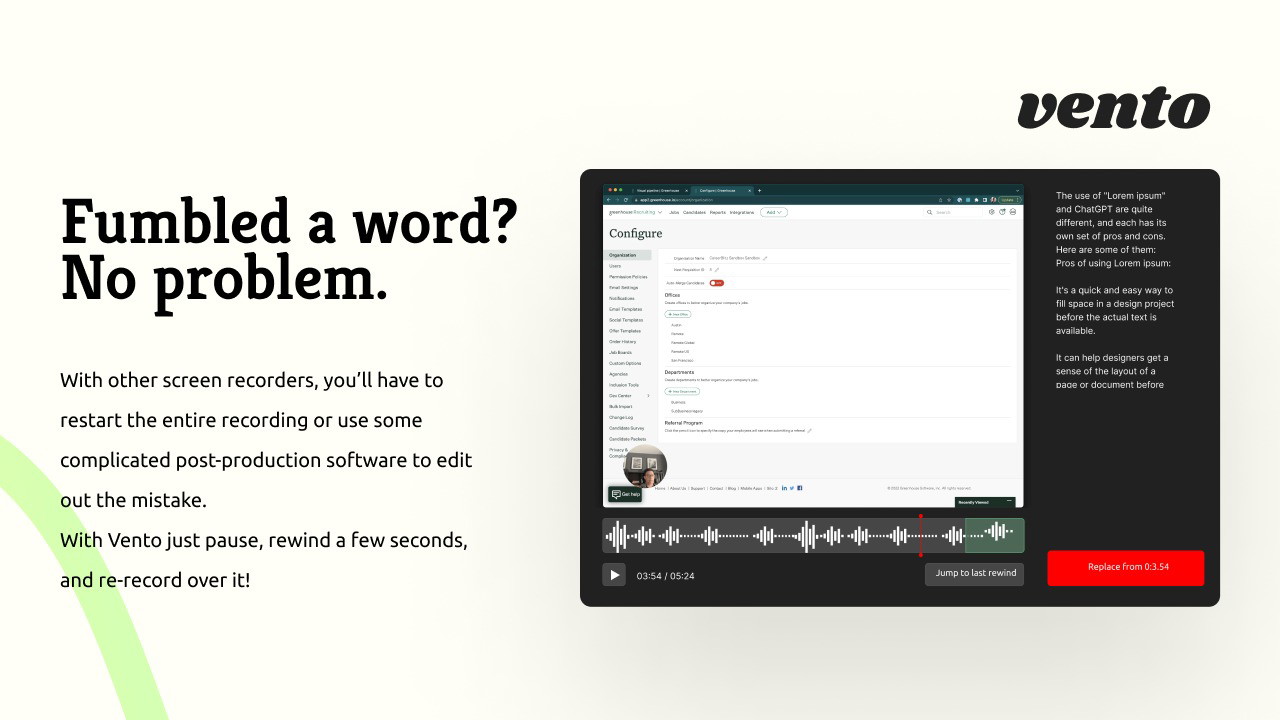
One of the most impressive features of Vento is its ability to rewind and re-record without restarting the entire video.
-
Pause and Fix Mistakes: If you mess up, simply pause, rewind a few seconds, and record over the mistake.
-
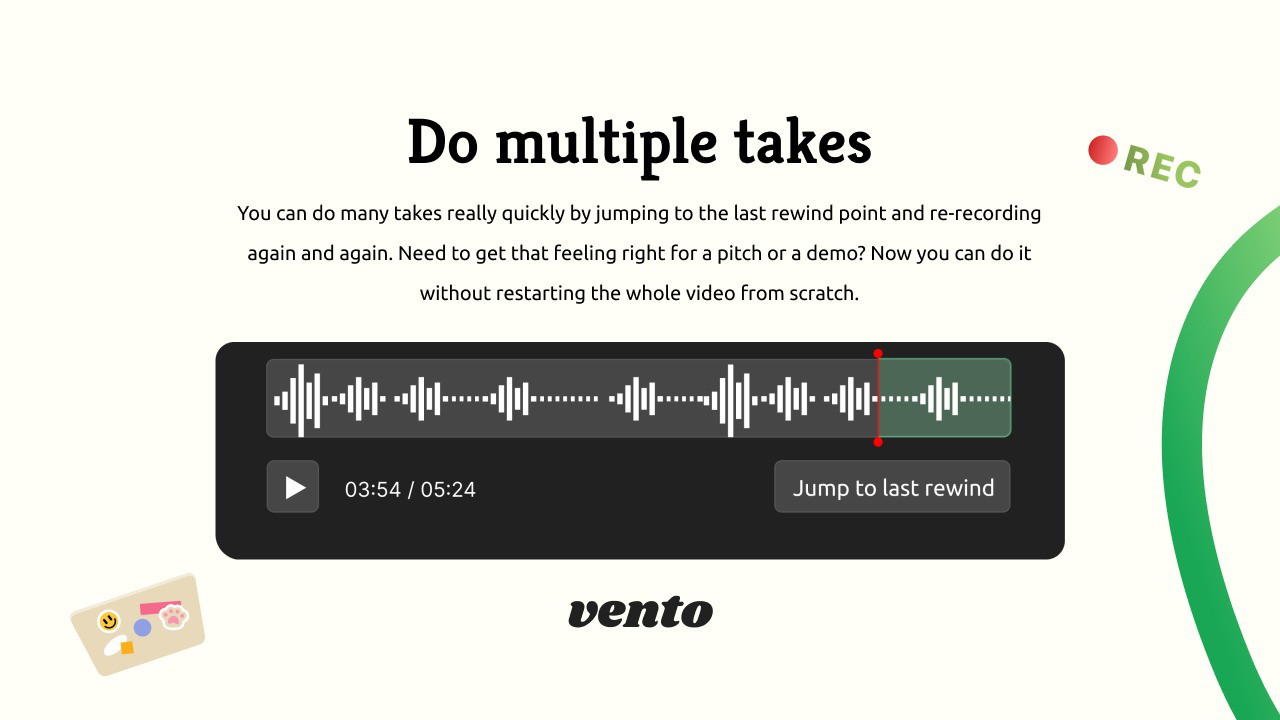
Multiple Takes: Need to perfect a section? Just rewind to your last point and keep trying until it feels right.
-
Seamless Editing: No post-production required—edit as you record in real time.
This feature alone saves hours of editing and frustration, especially for content creators who aim for perfection.
2. Chapter Headings and Author Annotations
Vento goes beyond basic screen recording by allowing you to add navigation and context directly into your videos.
-
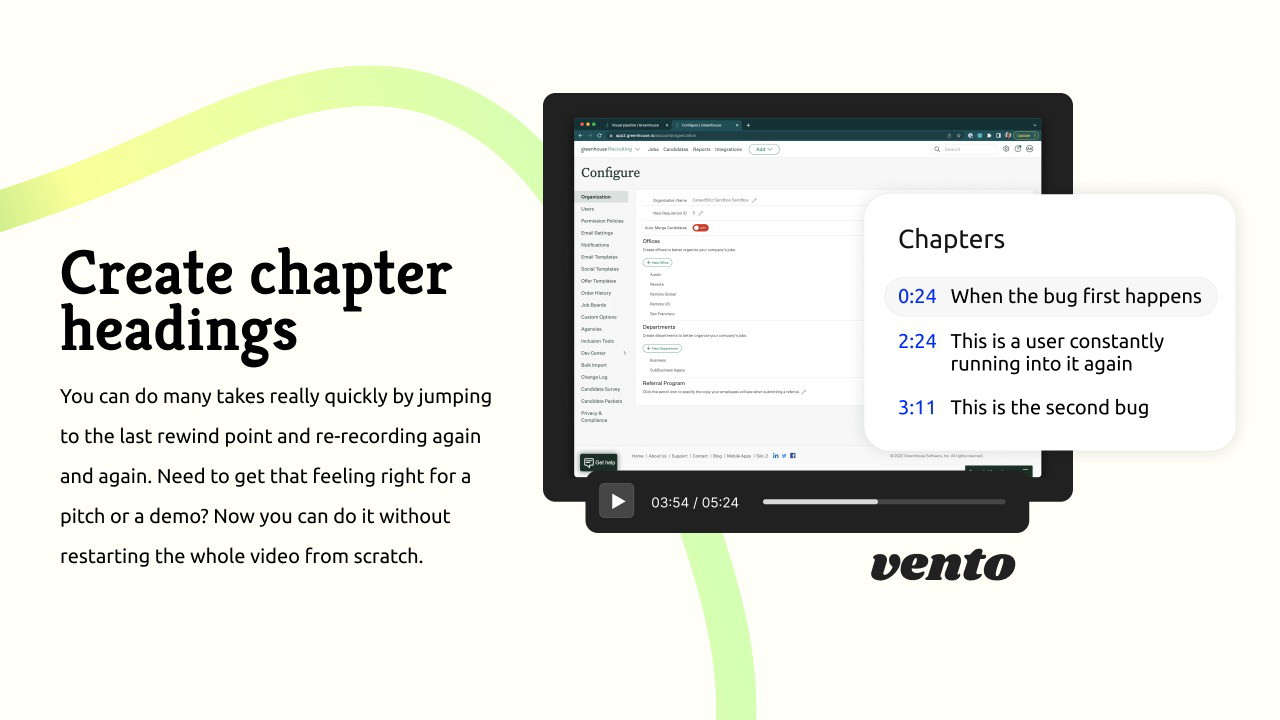
Chapter Headings: Divide your video into sections for easier viewing and navigation.
-
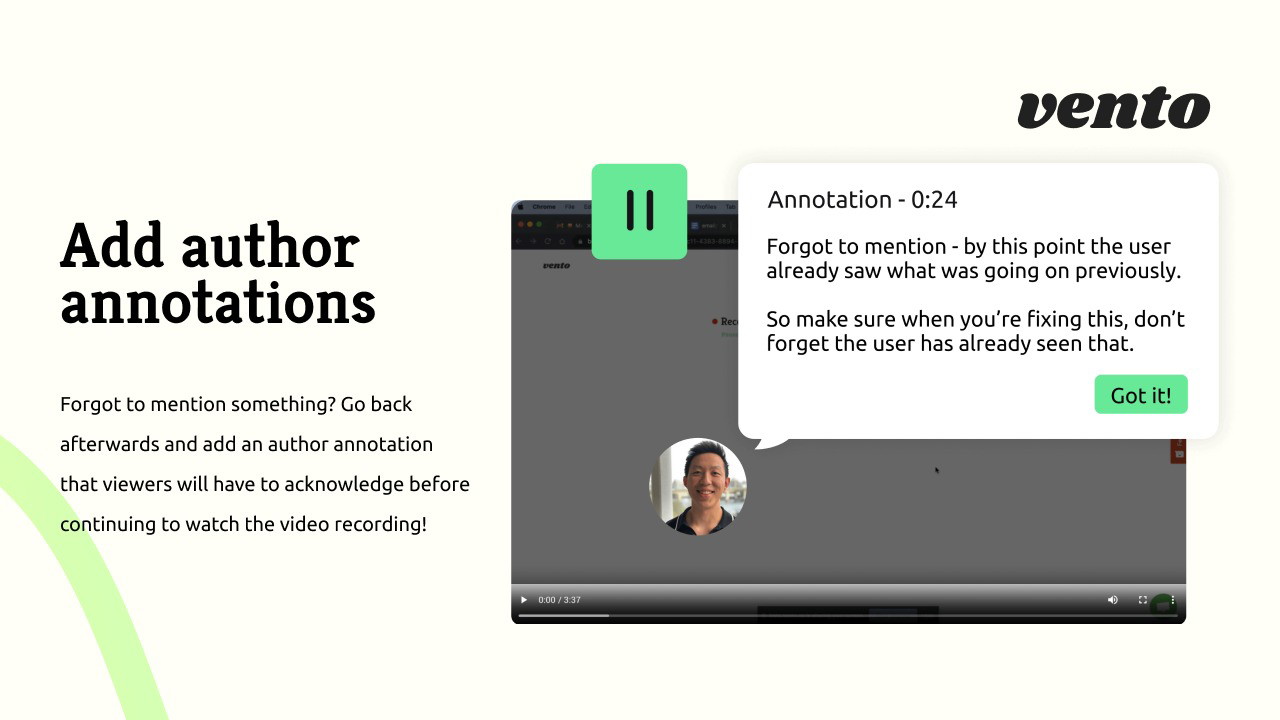
Author Annotations: Forgot to mention something? Add notes that viewers must acknowledge before continuing.
This is particularly useful for educational content, training videos, or product demonstrations where clarity and structure are essential.
Get Lifetime Access to Vento Today
3. Easy-to-Use Interface
Vento is designed to be intuitive and user-friendly. You don't need to be a tech expert to use it.
-
No Login Required: Start recording without the hassle of setting up an account.
-
Simple Controls: Pause, rewind, and re-record with just a few clicks.
-
Browser-Based: Works on Chrome and Edge, so there's no need to download additional software.
This simplicity means you can focus on delivering your message instead of wrestling with complex tools.
4. Flexible Recording Options
Vento offers a range of options to capture your content just the way you want it.
-
Screen and Webcam: Record your screen, webcam, or both simultaneously.
-
Internal and External Audio: Capture sound from your system or external microphone.
-
Free Transcriptions: Automatically generate audio transcriptions while you record.
Whether you're making a quick tutorial or an in-depth presentation, Vento gives you the flexibility to create professional-grade videos effortlessly.
Get Lifetime Access to Vento Today
Who is Vento Best For?
Vento is a versatile tool that caters to a wide range of professionals who rely on screen recordings:
-
Educators: Create clear and organized lesson videos with easy navigation.
-
Freelancers: Record client presentations and project walkthroughs with minimal editing.
-
Product Managers: Share product demos and feature overviews while fixing mistakes on the fly.
If you're tired of wasting time restarting recordings, Vento is a game-changer.
AI Software Reviews
Sterling Stock Picker Review | Surfast Video Downloader Review | Vento Screen Recorder Review | Worklenz Review | WriteSeed Review | Mystrika Review | Documentero Review | Leadrocks Plus Exclusive Review | SmatLeads Review | Trainwel Review
How Does Vento Compare to Other Screen Recorders?
When it comes to screen recording, Vento stands out in several key areas:
| Feature | Vento | Loom | Screencastify |
|---|---|---|---|
| Real-Time Re-Recording | Yes | No | No |
| Chapter Headings | Yes | Limited | Limited |
| Author Annotations | Yes | No | No |
| No Login Required | Yes | No | No |
| Free Transcriptions | Yes | No (paid only) | No |
While Loom and Screencastify are popular options, neither offers Vento's unique ability to pause, rewind, and re-record seamlessly.
How to Get Started with Vento
Using Vento is simple and straightforward. Here's how to begin:
-
Install the Extension: Available for Chrome and Edge browsers.
-
Start Recording: Click the record button to capture your screen, webcam, or both.
-
Fix Mistakes in Real-Time: Use the rewind function to re-record sections as needed.
-
Add Chapters and Annotations: Enhance your video with navigation points and notes.
-
Share Effortlessly: Export your finished recording and share it with your audience.
In just a few steps, you'll be creating polished and professional videos without the usual headaches.
Get Lifetime Access to Vento Today
Pros and Cons of Vento
Pros
-
Instant Re-Recording: No more starting from scratch after mistakes.
-
User-Friendly: Simple interface and easy-to-use features.
-
Enhanced Navigation: Chapter headings and annotations improve viewer experience.
-
Flexible Recording Options: Capture screen, webcam, and audio effortlessly.
-
No App Required: Works directly in your browser without downloads.
Cons
-
Browser Limitation: Only available on Chrome and Edge.
-
Account Requirement: Requires Google or Microsoft account to access advanced features.
Is Vento Worth It?
If you're looking for a powerful, easy-to-use screen recording tool that saves time and reduces frustration, Vento is absolutely worth trying. Its unique ability to rewind and re-record makes it a standout choice for anyone who wants to produce professional-quality videos without complicated editing.
Whether you're a teacher, freelancer, or product manager, Vento simplifies the recording process and lets you focus on delivering your message clearly and effectively.
Get Lifetime Access to Vento Today
Final Thoughts about Vento Screen Recorder
In this Vento review, we've explored how this screen recording tool can revolutionize the way you create videos. With real-time editing, intuitive features, and advanced navigation options, Vento stands out as a practical and powerful solution.
If you're ready to take the frustration out of screen recording and deliver flawless videos with ease, Vento is the tool for you.
Get access to Vento today and start creating mistake-free videos effortlessly.
AI Software Reviews
Rendercut Review | BerqWP Review | Outscraper Review | Flipbooklets Review | Deftform Review | Show Review | Group Collector Review | IdeaBuddy Review | Highlighted AI Review | Insecure Web Review
Browse the Shop
 Acacia frida deluxe solid wood bed frame |
Bedroom bench |
Bed chest drawers |
Lingerie dresser |
Frame base |
Mirror with jewelry storage |
30 Bathroom Vanity |
Memory foam queen mattress |
Mattresses for back pain |
Nightstand set of 2 |
Grand Goldman Shop |
Civil Lawyer
Deutschland Trikot WM 2026
Acacia frida deluxe solid wood bed frame |
Bedroom bench |
Bed chest drawers |
Lingerie dresser |
Frame base |
Mirror with jewelry storage |
30 Bathroom Vanity |
Memory foam queen mattress |
Mattresses for back pain |
Nightstand set of 2 |
Grand Goldman Shop |
Civil Lawyer
Deutschland Trikot WM 2026










