

When searching for the best first computer under 300 euros, the choice between Windows, ChromeOS, and a tablet can be overwhelming. This guide breaks down the key differences to help you make an informed decision.
Understanding Your Needs
Before diving into the operating systems, consider what you'll use the computer for. Are you a student needing to write papers and research? A professional requiring specific software? Or someone who mainly browses the web and streams media? Your primary tasks will dictate the best option.
Find Original Home Decor sparking conversation at Grand Goldman Shop.

Windows: The Traditional Choice
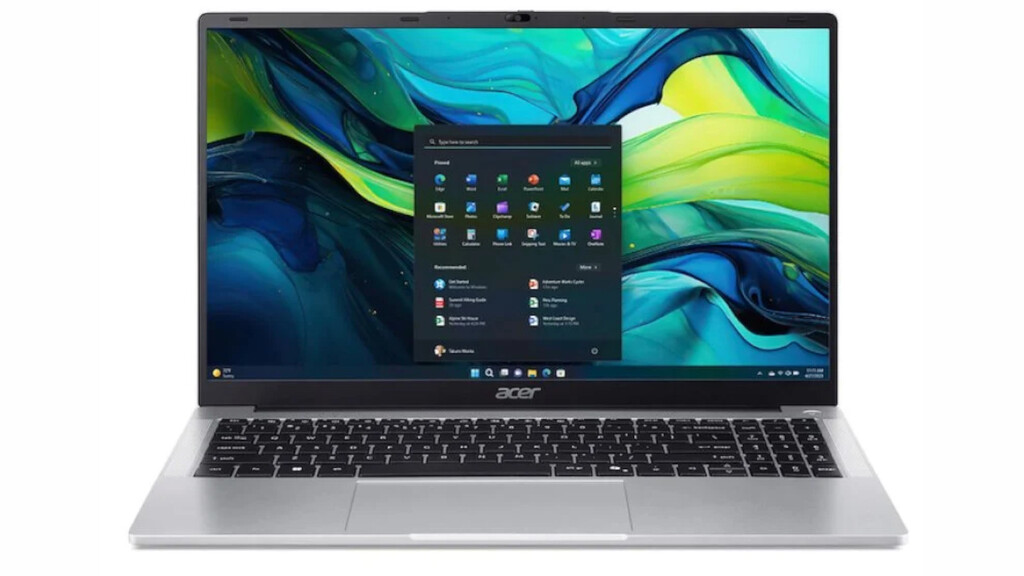
Windows is the most widely used operating system, offering broad compatibility with software. For under 300 euros, you'll find entry-level laptops, but they often come with compromises in performance and build quality.

Pros of Windows
- Software compatibility: Runs full desktop applications like Microsoft Office (though the web version works on other systems).
- Familiarity: Most people have used Windows before.
- Gaming: While budget Windows laptops aren't gaming powerhouses, they can handle older or less demanding games.
Cons of Windows
At this price point, Windows laptops often have slow processors, limited RAM, and low-quality displays. They may struggle with multitasking and have short battery life.
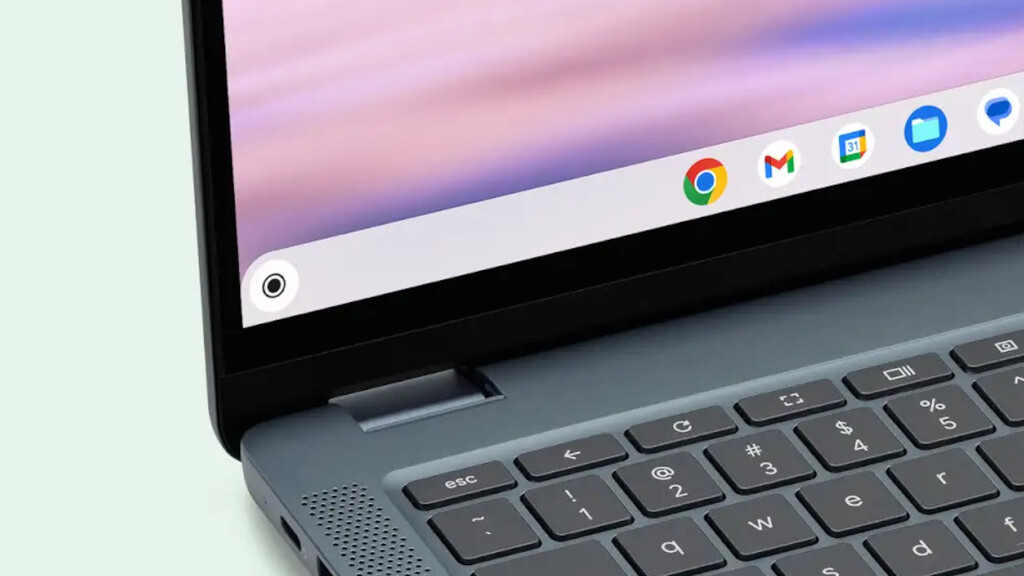
ChromeOS: The Cloud-Centric Option
ChromeOS is designed for web-based tasks, offering a lightweight and secure experience. Chromebooks are generally more affordable and can provide better performance at the low end.
Pros of ChromeOS
- Speed and simplicity: Boots quickly and runs smoothly even on modest hardware.
- Security: Automatic updates and sandboxing make it less vulnerable to malware.
- Battery life: Efficient design often leads to longer battery life.
Cons of ChromeOS
Reliance on internet connectivity and limited offline functionality. While many Android apps are available, heavy-duty software like full Adobe Creative Suite isn't supported.
Tablets: The Portable Alternative
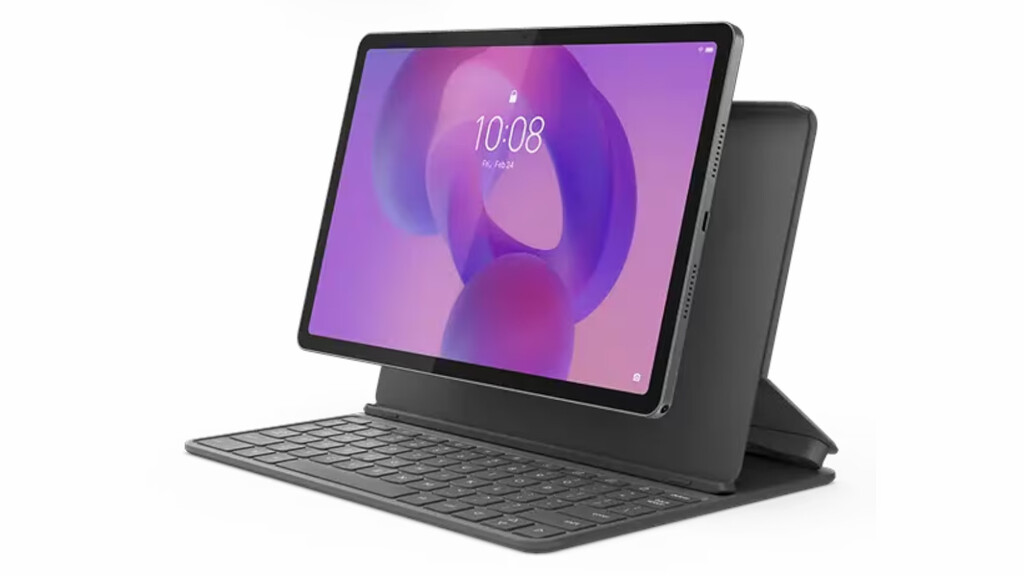
Tablets, especially Android or iPad models, can serve as a first computer for light tasks. With a keyboard attachment, they can handle productivity, but they lack the full desktop experience.
Pros of Tablets
- Portability: Lightweight and easy to carry.
- Touch interface: Great for media consumption and note-taking.
- App ecosystem: Access to a wide range of mobile apps.
Cons of Tablets
Limited multitasking and file management. Not ideal for complex tasks or heavy typing. The best experience often requires additional accessories, increasing the cost. The background to this story is set out in Best Laptops for Students: Top Picks by Major and Budget. A related thread runs through Lenovo Googlebook 15: OLED Laptop with AI and ChromeOS. Earlier coverage in Best UK Universities for Computer Science and Information Systems shows how the argument developed.
Comparison Table
| Feature | Windows | ChromeOS | Tablet |
|---|---|---|---|
| Price range | 200-300 euros | 150-300 euros | 100-300 euros |
| Software compatibility | Full desktop apps | Web apps, Android apps | Mobile apps |
| Performance at low end | Often sluggish | Smooth | Varies |
| Battery life | Average | Good | Good |
| Portability | Moderate | Moderate | High |
Making the Decision
If you need specific Windows software, opt for a Windows laptop but be prepared for compromises. For web-centric tasks, a Chromebook offers better value. If portability and touch are priorities, a tablet with a keyboard case could work. A closer look at the same subject appears in Apple MacBook Neo Exposes Weaknesses in Budget Laptops. Anyone following the wider picture can start with Trending: latest articles. The same theme surfaces in HP OmniStudio All-in-One PC: Monitor, Keyboard, Mouse and Windows 11, which takes a different angle.
Consider the total cost, including accessories. Also, think about longevity: a Chromebook may receive updates longer than a budget Windows laptop. Context on how this played out before sits in Xiaomi Pad 8 vs iPad Air M4: Is the $200 Price Gap Worth.
FAQ
Can I run Microsoft Office on a Chromebook?
Yes, you can use the web version of Microsoft Office on a Chromebook. For offline use, you can install the Android app, but functionality may be limited.
Is a tablet enough for college?
It depends on your major. For humanities and social sciences, a tablet with a keyboard may suffice. For engineering or design, you'll likely need a full computer.
Which has better resale value?
Windows laptops and iPads tend to hold value better than Chromebooks or Android tablets. However, at this price point, resale value is minimal.
Browse the Shop
 Acacia frida deluxe solid wood bed frame |
Bedroom bench |
Bed chest drawers |
Lingerie dresser |
Frame base |
Mirror with jewelry storage |
30 Bathroom Vanity |
Memory foam queen mattress |
Mattresses for back pain |
Nightstand set of 2 |
Grand Goldman Shop |
Civil Lawyer
Deutschland Trikot WM 2026







