

The best gaming keyboards in 2026 are more advanced than ever, with optical switches, adjustable actuation, and rapid trigger technology that can give you a competitive edge. Whether you're a casual player or an esports pro, choosing the right keyboard is crucial for performance and comfort.
Why Your Keyboard Matters in Gaming
Your keyboard is your primary interface with the game, and even milliseconds can make a difference in fast-paced titles. A high-quality gaming keyboard offers faster response times, better durability, and customizable features that suit your playstyle.
Find Original Home Decor sparking conversation at Grand Goldman Shop.

From mechanical to optical switches, the technology has evolved to reduce input lag and improve accuracy. In 2026, features like rapid trigger and adjustable actuation are becoming standard in premium models.
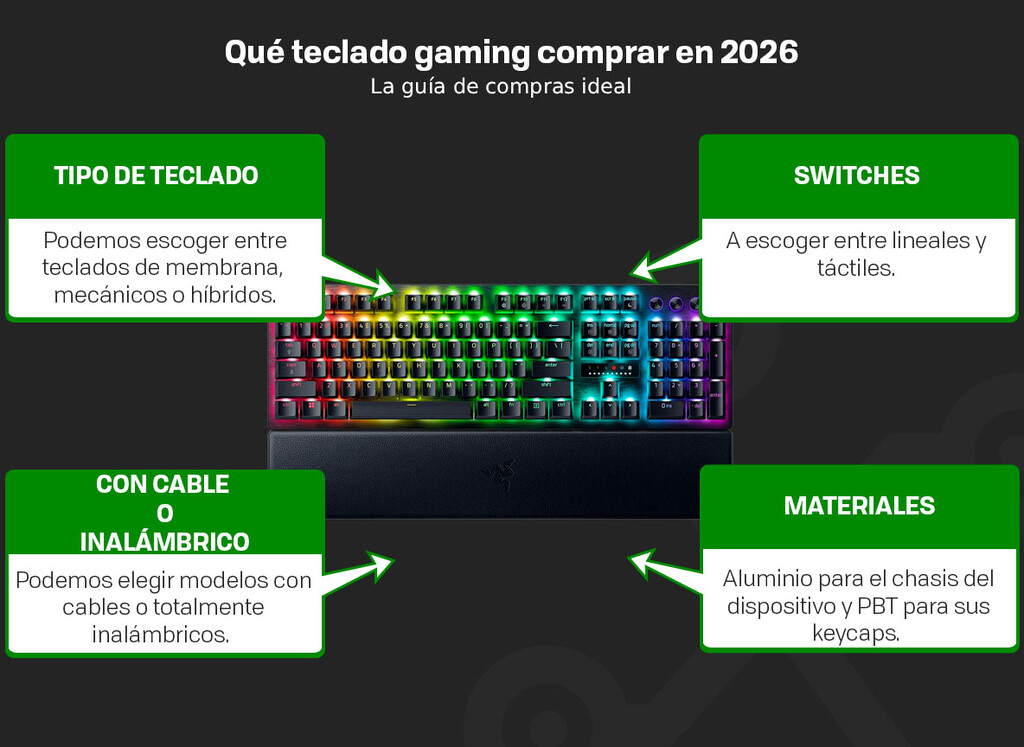
Key Factors to Consider When Buying a Gaming Keyboard
Before diving into our top picks, it's essential to understand what makes a gaming keyboard stand out. Here are the key aspects to evaluate:
- Switch Type: Mechanical, optical, or membrane—each offers different feel and performance.
- Actuation Point: Adjustable actuation allows you to customize how far you press a key before it registers.
- Rapid Trigger: Enables instant key reset for faster repeated presses.
- Build Quality: Look for durable materials like aluminum or PBT keycaps.
- Extra Features: Media controls, wrist rests, and RGB lighting enhance usability.
Our Top Pick: Razer Huntsman V3 Pro
The Razer Huntsman V3 Pro stands out as the best gaming keyboard overall in 2026. It features second-generation Razer analog optical switches that provide lightning-fast actuation and a customizable actuation range from 0.1mm to 4.0mm.
With Rapid Trigger technology, the key resets instantly upon release, allowing for quicker repeated presses—a game-changer in competitive shooters. The keyboard also boasts an 8000Hz polling rate for near-instantaneous input registration.
Additionally, the Huntsman V3 Pro includes a multifunction dial and dedicated control buttons, making it easy to adjust settings on the fly. Its LED matrix indicator helps you fine-tune actuation and sensitivity manually.
Comparison of Top Gaming Keyboards in 2026
Here's a quick comparison of some of the best gaming keyboards available this year, including our top pick and other notable models.
| Model | Switch Type | Key Features | Best For |
|---|---|---|---|
| Razer Huntsman V3 Pro | Analog Optical | Adjustable actuation (0.1-4.0mm), Rapid Trigger, 8000Hz polling | Esports and competitive gaming |
| Logitech G915 X | Low-profile Mechanical | Wireless, LIGHTSYNC RGB, slim design | Wireless setups and portability |
| SteelSeries Apex Pro | OmniPoint 2.0 | Adjustable actuation, OLED display | Customization and features |
| Corsair K100 RGB | Optical-Mechanical | High polling rate, iCUE software | Performance and RGB enthusiasts |
Other Recommended Gaming Keyboards
Beyond the Razer Huntsman V3 Pro, there are several other excellent options depending on your needs and budget.
Logitech G915 X Lightspeed
For those who prefer a wireless setup, the Logitech G915 X offers low-profile mechanical switches and a sleek design. It delivers reliable performance with LIGHTSYNC RGB and long battery life.
SteelSeries Apex Pro
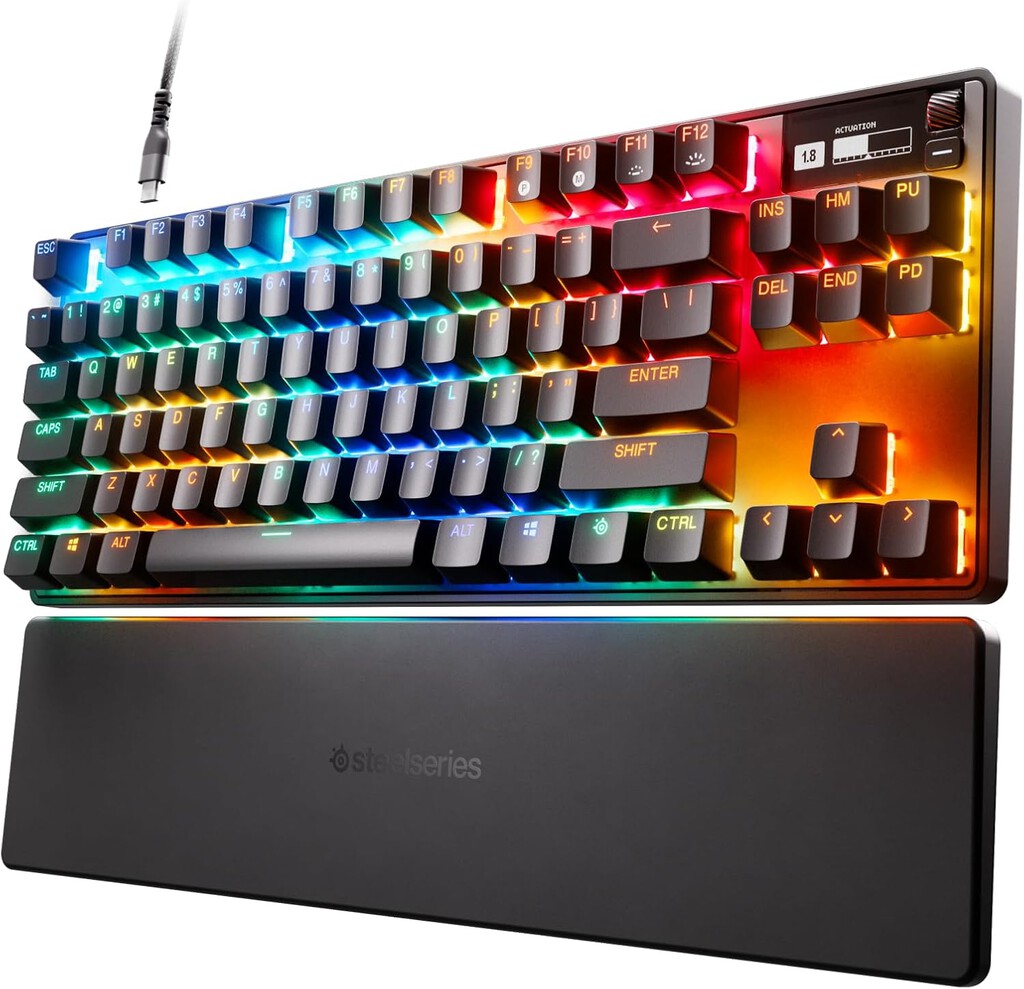
The SteelSeries Apex Pro features OmniPoint 2.0 switches with adjustable actuation and a built-in OLED display for quick settings adjustments. It's a solid choice for gamers who love customization.
Corsair K100 RGB
Corsair's K100 RGB uses optical-mechanical switches for fast response and includes a programmable iCUE control wheel. Its robust build and vibrant RGB lighting make it a favorite among enthusiasts.
Razer BlackWidow V4 Pro
If you prefer traditional mechanical switches, the BlackWidow V4 Pro offers a satisfying clicky feel with dedicated macro keys and a command dial. It's ideal for MMO and strategy games.
ASUS ROG Azoth
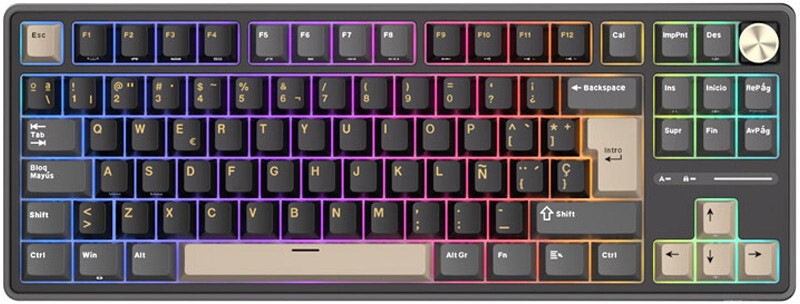
The ASUS ROG Azoth is a compact 75% keyboard with hot-swappable switches and a gasket-mounted design for a softer typing experience. It's great for gamers who also type a lot.
HyperX Alloy Origins 65
For a budget-friendly option, the HyperX Alloy Origins 65 provides a durable aluminum frame and responsive mechanical switches in a compact form factor.
Keychron Q1 Pro
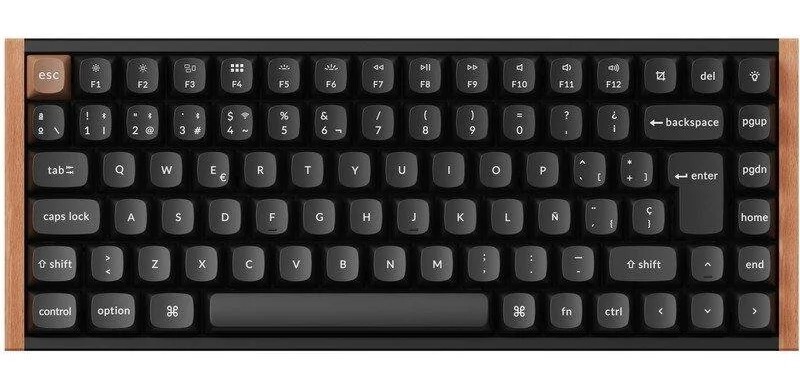
Keychron's Q1 Pro is a customizable mechanical keyboard with a premium build and wireless connectivity. It's perfect for gamers who want a high-quality board that doubles for work. The background to this story is set out in Corsair Skiff 100 Budget Gaming Keyboards and Mouse. A related thread runs through Logitech G Pro X TKL Lightspeed: Quiet Mechanical Keyboard for Gaming.
How to Choose the Right Gaming Keyboard for You
Consider your primary games and preferences. If you play fast-paced shooters, prioritize rapid trigger and low actuation. For MMOs, extra macro keys might be useful. Also, think about desk space and whether you need wireless connectivity. Earlier coverage in G-LAB Keyz Elite 300 GRG Review: Wireless Mechanical Keyboard for Gaming shows how the argument developed. A closer look at the same subject appears in 10 Best MMO Gaming Keyboards (Reviews).
Try to test switches in person if possible, as feel is subjective. Reading reviews and watching videos can also help you make an informed decision. Anyone following the wider picture can start with 10 Best Gaming Keyboards for Under $300 (Reviews). The same theme surfaces in 10 Best Keyboard Switch for Gaming (Reviews), which takes a different angle.
FAQ
What is the best gaming keyboard in 2026?
The Razer Huntsman V3 Pro is our top pick for 2026 due to its analog optical switches, adjustable actuation, and rapid trigger technology, which provide a competitive advantage.
Are optical switches better than mechanical for gaming?
Optical switches generally offer faster response times and durability because they use light to register presses, reducing input lag. However, mechanical switches are still popular for their tactile feel and variety.
What is rapid trigger and why does it matter?
Rapid trigger allows a key to reset instantly upon release, enabling faster repeated presses. This is especially beneficial in games where quick taps are essential, like shooters and rhythm games.
Do I need a high polling rate for gaming?
A high polling rate (e.g., 8000Hz) reduces input lag by reporting key presses more frequently to the computer. While the difference is subtle, competitive gamers may benefit from it.
Browse the Shop
 Acacia frida deluxe solid wood bed frame |
Bedroom bench |
Bed chest drawers |
Lingerie dresser |
Frame base |
Mirror with jewelry storage |
30 Bathroom Vanity |
Memory foam queen mattress |
Mattresses for back pain |
Nightstand set of 2 |
Grand Goldman Shop |
Civil Lawyer
Deutschland Trikot WM 2026







