

When building or upgrading a PC, choosing between DDR4 and DDR5 RAM can be confusing, especially with prices skyrocketing due to AI demand. This guide breaks down the differences so you can decide which memory is right for you without overspending.
Why RAM Matters and Why Prices Are So High
Every device has two types of memory: storage and RAM. RAM is your system's short-term memory, handling active tasks. Without enough RAM, your PC slows down. Recently, AI has driven up RAM prices, making it crucial to choose wisely.
Find Original Home Decor sparking conversation at Grand Goldman Shop.

When shopping for 16 or 32 GB of RAM, you'll notice vastly different prices for seemingly similar products. The key difference lies in the type: DDR4 vs DDR5.
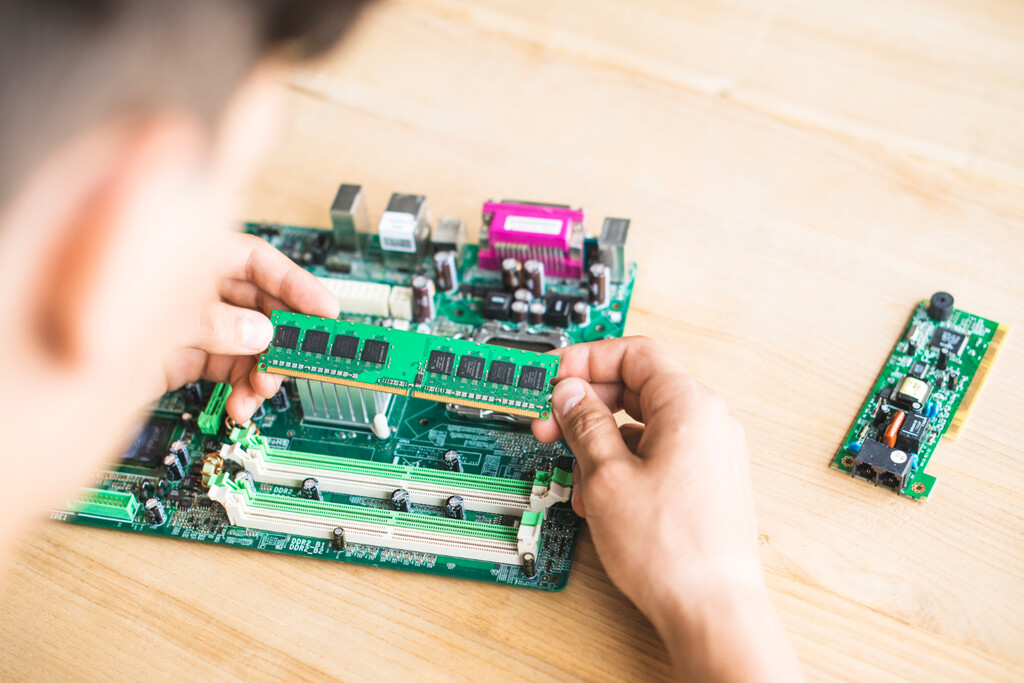
Key Differences Between DDR4 and DDR5
DDR5 is the newer standard, offering higher speeds and lower power consumption. DDR4 is older but still widely used. Here's what you need to know:
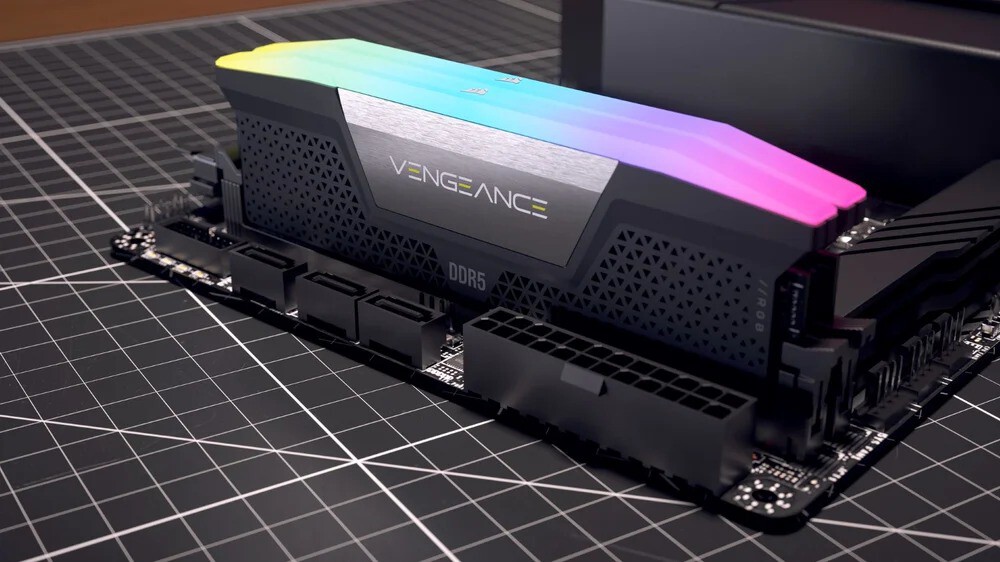
- Speed: DDR5 starts at 4800 MHz, while DDR4 typically tops out around 3200 MHz.
- Power: DDR5 runs at 1.1V vs DDR4's 1.2V, improving efficiency.
- Compatibility: DDR4 and DDR5 are not interchangeable; your motherboard determines which you need.
- Price: DDR5 is generally more expensive, but prices fluctuate with market demand.
- Future-proofing: DDR5 is the future, but DDR4 remains cost-effective for budget builds.
Performance Comparison: Real-World Impact
For gaming, DDR5 can offer a few extra frames per second, but the difference is often marginal. In productivity tasks like video editing, DDR5's higher bandwidth can speed up rendering. However, for everyday use, DDR4 is still sufficient.
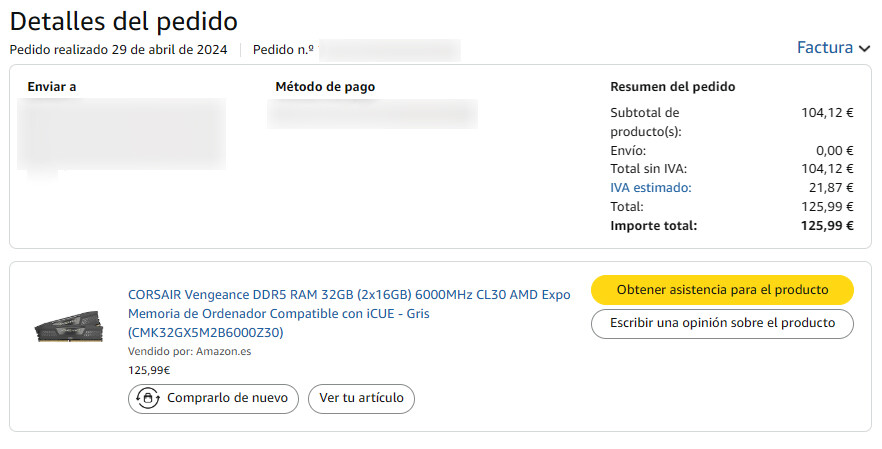
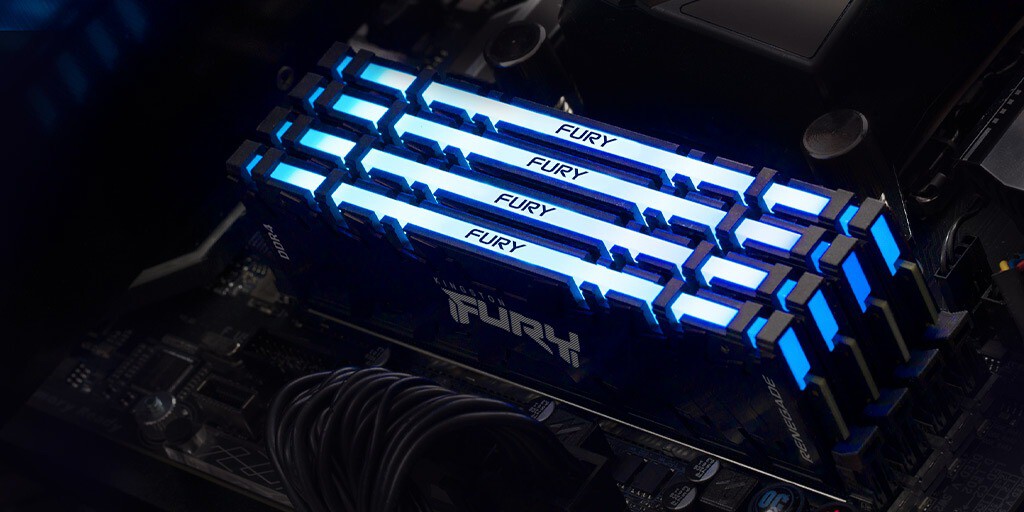
Consider these benchmarks:
| Task | DDR4 (3200 MHz) | DDR5 (6000 MHz) |
|---|---|---|
| Gaming (FPS) | 100 | 105 |
| Video Rendering (minutes) | 10 | 9 |
| Office Work | Fast | Fast |
As you can see, the gains are modest. If you're on a tight budget, DDR4 might be the smarter choice.
Price Trends: What to Expect in 2025
Due to AI's insatiable demand for memory, DDR5 prices have surged. DDR4 prices have also risen but remain lower. If you're building a new PC, check motherboard compatibility first. Upgrading an older PC? You're likely stuck with DDR4.
For those building from scratch, consider whether you need the latest tech. If you're a gamer or casual user, DDR4 with a compatible motherboard can save you money. For professionals, DDR5's speed may justify the cost. The background to this story is set out in Prebuilt PCs Beat RAM Price Surge: 32GB DDR5 Without Breaking the Bank. A related thread runs through DDR4 and DDR5 Shortage: How CXMT and YMTC Could Stabilize Memory Prices. Earlier coverage in Fake DDR5 RAM Alert: Counterfeit Chips Scam Explained shows how the argument developed.
Making the Right Choice for Your Needs
Assess your usage: if you mainly browse the web and watch videos, DDR4 is plenty. If you run virtual machines or edit 4K video, DDR5's bandwidth helps. Also, check sales and bundle deals to mitigate the price crisis. A closer look at the same subject appears in DDR5 Memory Prices Fall: Is the AI Crisis Finally Easing. Anyone following the wider picture can start with 32GB DDR5, Intel i7 and RTX 5070: Top Gaming PC Deal for Black Friday. The same theme surfaces in Coolmod Black Friday Deal: 48GB DDR5, Ryzen 7 & RTX 5070 Gaming PC, which takes a different angle.
Remember, the best RAM is the one that fits your budget and needs. Don't overspend on features you won't use. Context on how this played out before sits in 10 Best DDR5 RAM for Gaming Laptop (Reviews). A companion piece, Prison Overcrowding Solutions: Upgrading Category, approaches the same subject from another angle.
FAQ
Can I use DDR4 and DDR5 together?
No, they are physically incompatible. Your motherboard supports only one type.
Is DDR5 worth the extra cost?
For high-performance tasks, yes. For basic use, DDR4 offers better value.
Will DDR4 prices drop soon?
Unlikely due to AI demand. Prices may stabilize but not drop significantly.
How much RAM do I need?
16GB is enough for most users; 32GB for heavy multitasking or gaming.
Browse the Shop
 Acacia frida deluxe solid wood bed frame |
Bedroom bench |
Bed chest drawers |
Lingerie dresser |
Frame base |
Mirror with jewelry storage |
30 Bathroom Vanity |
Memory foam queen mattress |
Mattresses for back pain |
Nightstand set of 2 |
Grand Goldman Shop |
Civil Lawyer
Deutschland Trikot WM 2026







