

Using NotebookLM to review your PAU syllabus is a smart way to prepare for the selectividad exam. This Google AI tool, powered by Gemini, lets you study more efficiently by focusing only on your own materials. In this article, we explain what NotebookLM is, why it's useful for exam prep, and how to use it step by step.
What is NotebookLM and why use it for the PAU?
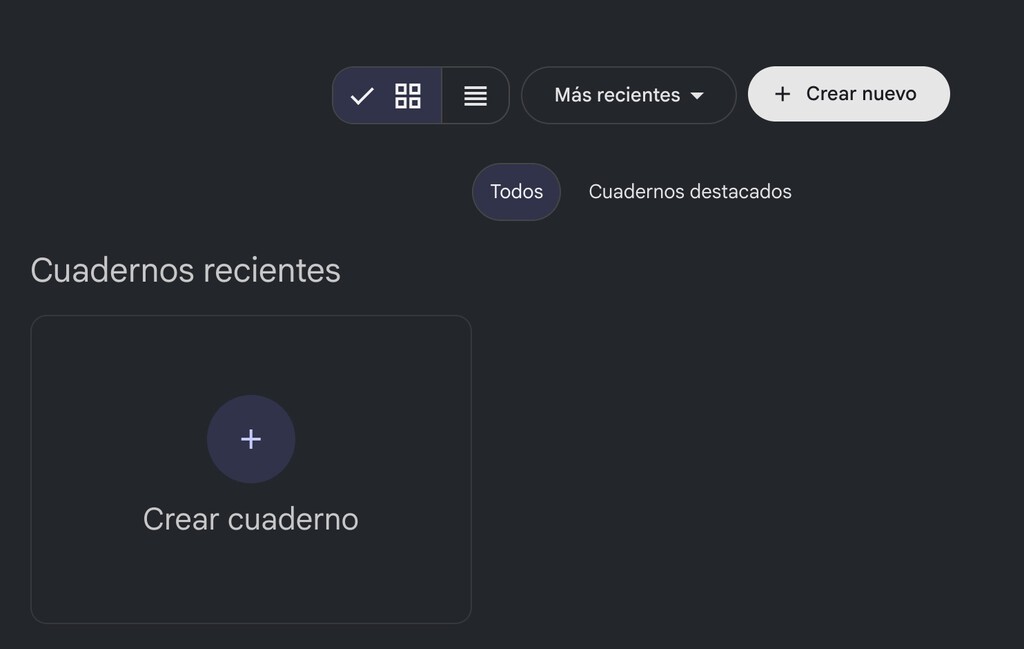
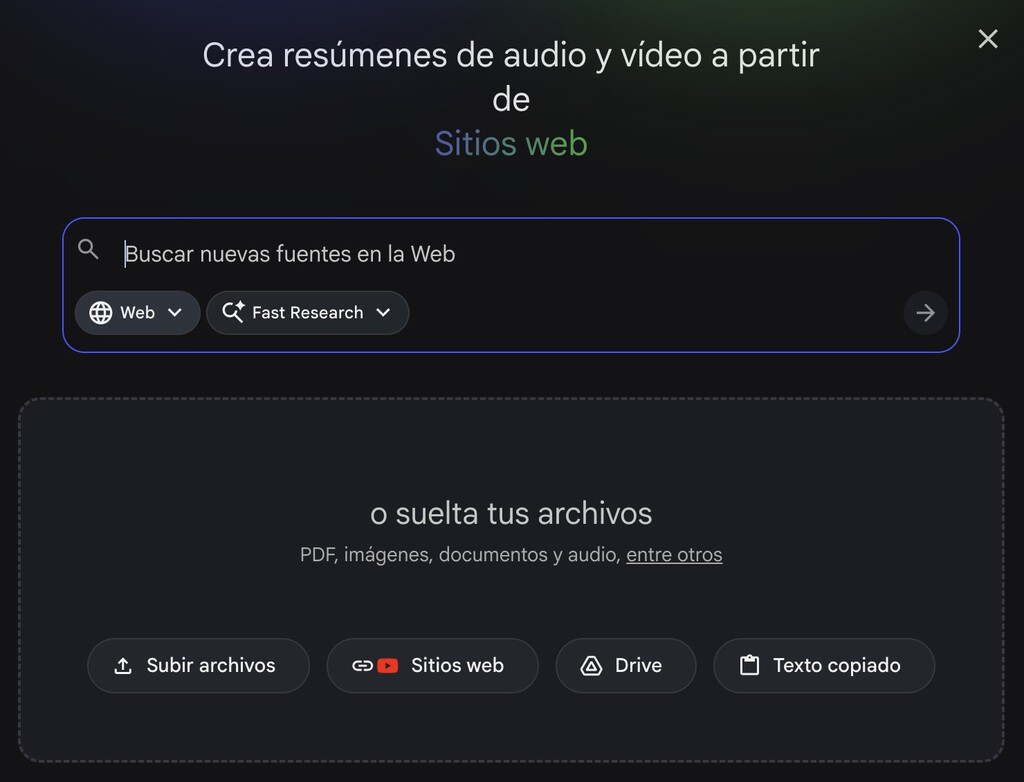
NotebookLM is a Google tool based on Gemini that allows you to create notebooks and upload specific sources. These sources can be files, links, or even YouTube videos. Once your notebook is set up, you can ask Gemini questions and get answers based solely on the information you've provided. It won't search the internet; it only uses your sources.
Find Original Home Decor sparking conversation at Grand Goldman Shop.

This means you can upload your selectividad syllabus and ask questions or generate content based only on your notes and the official curriculum. You can even create separate notebooks for each subject, keeping everything organized.
Why NotebookLM is ideal for selectividad preparation
NotebookLM helps you study more effectively by centralizing your materials and providing instant, source-based answers. It's like having a tutor who knows exactly what you need to learn. Plus, it can help you gamify your learning and stay motivated.
- Focused study: Answers come only from your uploaded sources, reducing distractions.
- Organization: Create separate notebooks per subject for clarity.
- Efficiency: Quickly find specific information without scrolling through pages.
- Engagement: Use interactive features to make review more dynamic.
- Accessibility: Available for free with a Google account.
How to set up NotebookLM for PAU review
Before you start, gather your materials: your notes, the official syllabus for each subject, and any relevant links or videos. Then, create a Google account if you don't have one and go to the NotebookLM website.

Create a new notebook for each subject. Give it a clear name, like "PAU History" or "PAU Biology." Then, upload your sources. You can upload files directly, add links, or even paste YouTube URLs. Make sure your sources are reliable and up-to-date.

Key features of NotebookLM for exam preparation
NotebookLM offers several features that can enhance your study sessions. You can ask questions in natural language and get answers with citations from your sources. You can also generate summaries, create study guides, and even generate audio overviews to listen to while reviewing.
Another useful feature is the ability to create mind maps or outlines based on your sources. This helps you see connections between topics and structure your review. You can also collaborate with classmates by sharing notebooks, making group study more effective. The background to this story is set out in How to Use NotebookLM to Study and Review for the School Year. A related thread runs through Best Free AI Tools for Students: NotebookLM, Perplexity.
Comparison of traditional study vs. NotebookLM
Here's how NotebookLM stacks up against traditional study methods:
| Aspect | Traditional Study | NotebookLM |
|---|---|---|
| Source of information | Textbooks, notes, internet | Only your uploaded sources |
| Answer speed | Slow (manual search) | Instant (AI-powered) |
| Organization | Physical folders, highlights | Digital notebooks per subject |
| Engagement | Can be passive | Interactive Q&A, audio, summaries |
| Collaboration | Limited | Share notebooks with peers |
Tips for effective PAU review with NotebookLM
To get the most out of NotebookLM, keep your sources concise and relevant. Avoid uploading entire textbooks; instead, focus on summaries and key points. Use the question feature to test your understanding and identify gaps. Earlier coverage in Spain Deploys RF Detectors to Catch AI Cheating in Selectividad Exams shows how the argument developed. A closer look at the same subject appears in Trending: latest articles.
Regularly update your notebooks with new notes and practice exams. Use the audio overview feature to review while commuting or exercising. And don't forget to use the citation feature to verify information and ensure accuracy. Anyone following the wider picture can start with World Cup Distraction: Why Exam Grades Drop in Tournament Years. The same theme surfaces in Universities See Decline in Students Reading Long Essays, which takes a different angle.
FAQ
Is NotebookLM free to use?
Yes, NotebookLM is currently free to use with a Google account. You can create multiple notebooks and upload sources without cost.
Can I use NotebookLM for all PAU subjects?
Absolutely. You can create a separate notebook for each subject and upload the corresponding syllabus and notes. The AI will tailor its answers to each subject's content.
How does NotebookLM handle multimedia sources like YouTube videos?
NotebookLM can process YouTube videos by transcribing them and using the transcript as a source. This allows you to ask questions about the video content.
Is my data safe with NotebookLM?
Google states that your data is handled according to their privacy policy. Notebooks are private unless you choose to share them. It's always a good idea to review Google's privacy terms.
Browse the Shop
 Acacia frida deluxe solid wood bed frame |
Bedroom bench |
Bed chest drawers |
Lingerie dresser |
Frame base |
Mirror with jewelry storage |
30 Bathroom Vanity |
Memory foam queen mattress |
Mattresses for back pain |
Nightstand set of 2 |
Grand Goldman Shop |
Civil Lawyer
Deutschland Trikot WM 2026







