

AI computers are rapidly becoming the best thing to happen to workers in years, despite the myths surrounding them. In just a few years, artificial intelligence has gone from a sci-fi concept to a ubiquitous presence in our daily lives. This rapid adoption, however, comes with certain myths and assumptions that are not always aligned with reality.
Debunking the Myth: AI Will Take Our Jobs
The most repeated myth is the fear that AI will take our jobs. But could it be the opposite? It's plausible that AI will create far more jobs than it destroys. What we do know is that by adopting AI as a tool, our work can become more manageable and productive. Microsoft's interpretation of AI as a "copilot" with Microsoft Copilot+ may prove to be the most accurate.
Find Original Home Decor sparking conversation at Grand Goldman Shop.

AI computers are designed to assist, not replace. They handle repetitive tasks, analyze data quickly, and provide insights that free workers to focus on higher-value activities. This shift can lead to more fulfilling and strategic roles.

Myth: AI Computers Are Too Complex for IT Departments
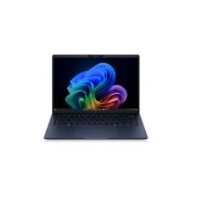
Another common misconception is that integrating AI into work processes will complicate life for IT departments. In reality, AI computers are perfectly capable of integrating AI into workflows without adding complexity. Next-generation HP professional laptops with AI are built to leverage Microsoft Copilot+ for ultraportable performance, security, and reliability.

These devices come with built-in AI capabilities that are easy to deploy and manage, reducing the burden on IT staff. They are designed to be user-friendly and secure, ensuring that workers can benefit from AI without extensive training or support.
Myth: Workers Can Use Any AI Tools Without Guidance
There is a widespread myth that workers can use any AI tools without proper guidance or oversight. While AI tools are powerful, they require proper implementation and training to be effective and secure. Companies need to provide clear guidelines and support to ensure that AI is used responsibly and efficiently.
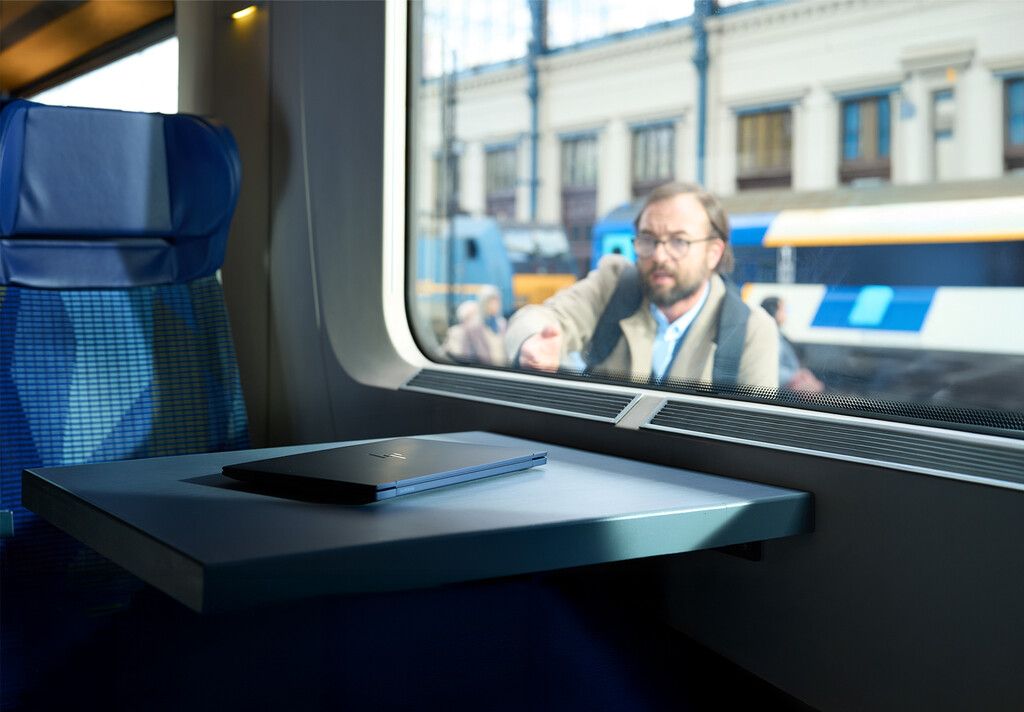
AI computers from reputable brands like HP come with enterprise-grade security and management features, making it easier for organizations to govern AI usage and protect sensitive data.
The Real Benefits of AI Computers for Workers
AI computers offer tangible benefits that can enhance job satisfaction and productivity. Here are key advantages: The longer history behind the story is traced in AI Computers: The Best Thing to Happen to Workers in Years.
- Increased productivity: AI automates routine tasks, allowing workers to focus on creative and strategic work.
- Better work-life balance: By reducing time spent on mundane tasks, AI can help workers achieve a healthier balance.
- Enhanced collaboration: AI tools facilitate communication and collaboration across teams.
- Improved decision-making: AI provides data-driven insights that lead to better decisions.
- Job creation: New roles emerge in AI management, development, and oversight.
AI Computers: A Comparison of Key Features
When choosing an AI computer, it's important to understand the differences. The table below compares typical features of AI-powered laptops versus traditional laptops. The background to this story is set out in Microsoft's New Copilot Superapp Takes On OpenAI and Anthropic. A related thread runs through Microsoft Quietly Retires Copilot+ PC Brand for New Surface Models. Earlier coverage in AI Psychic Apps vs Human Psychics: The Clash Over Computerized shows how the argument developed.
| Feature | AI-Powered Laptop | Traditional Laptop |
|---|---|---|
| Processor | AI-optimized CPU with NPU | Standard CPU |
| Battery Life | Up to 20 hours | Up to 10 hours |
| Security | AI-enhanced threat detection | Basic antivirus |
| Performance | Ultraportable with AI acceleration | Standard performance |
| Collaboration | Built-in AI meeting tools | Requires third-party software |
What to Watch Next in AI Computers
As AI technology evolves, we can expect even more integration into daily workflows. Microsoft Copilot+ is just the beginning. Future developments will likely include more personalized AI assistants, advanced natural language processing, and seamless integration across devices. A closer look at the same subject appears in Trending: latest articles. Anyone following the wider picture can start with Word for Time Management: 15 Sharper Alternatives to Use — Explained. The same theme surfaces in Why centralized Microsoft 365 email signatures save more time than, which takes a different angle.
Companies that embrace AI computers now will be better positioned to attract and retain talent, as workers increasingly seek employers who provide modern, efficient tools. The key is to focus on the benefits and address the myths with facts and education. Context on how this played out before sits in Why Attacks on Hospitals Now Happen with Impunity. A companion piece, Why Attacks on Hospitals Now Happen with Impunity: A Global, approaches the same subject from another angle.
FAQ
Will AI computers replace human workers?
No, AI computers are designed to augment human work, not replace it. They automate repetitive tasks and provide insights, allowing workers to focus on higher-value activities. This can lead to job creation in new areas.
Are AI computers difficult to integrate into existing IT infrastructure?
Not at all. Modern AI computers, like those from HP with Microsoft Copilot+, are built for easy integration. They come with enterprise-grade security and management features that simplify deployment and reduce IT burden.
What are the security risks of using AI computers?
AI computers often include enhanced security features, such as AI-driven threat detection. However, organizations should still implement proper guidelines and training to ensure responsible AI use.
How can AI computers improve productivity?
AI computers automate routine tasks, streamline collaboration, and provide data-driven insights. This allows workers to complete tasks faster and focus on strategic work, leading to overall productivity gains.
Browse the Shop
 Acacia frida deluxe solid wood bed frame |
Bedroom bench |
Bed chest drawers |
Lingerie dresser |
Frame base |
Mirror with jewelry storage |
30 Bathroom Vanity |
Memory foam queen mattress |
Mattresses for back pain |
Nightstand set of 2 |
Grand Goldman Shop |
Civil Lawyer
Deutschland Trikot WM 2026







