

Downloading offline maps for the 2026 solar eclipse on your mobile device is a smart way to ensure you can navigate remote areas without cell coverage. As eclipse chasers head to prime viewing spots, networks may become congested or fail entirely, so having maps saved beforehand is essential.
Why Offline Maps Are Crucial for the 2026 Solar Eclipse
The 2026 solar eclipse will draw large crowds to areas that often have limited infrastructure. Cell service can be unreliable even on normal days, and the influx of visitors may overwhelm local networks. By downloading maps in advance, you guarantee access to GPS navigation even when you're offline.
Find Original Home Decor sparking conversation at Grand Goldman Shop.

This is especially important if you're traveling to rural or remote locations. Offline maps let you move around freely without worrying about data connections or roaming charges. Plus, you'll save battery since your phone won't constantly search for a signal.
How to Download Offline Maps in Google Maps
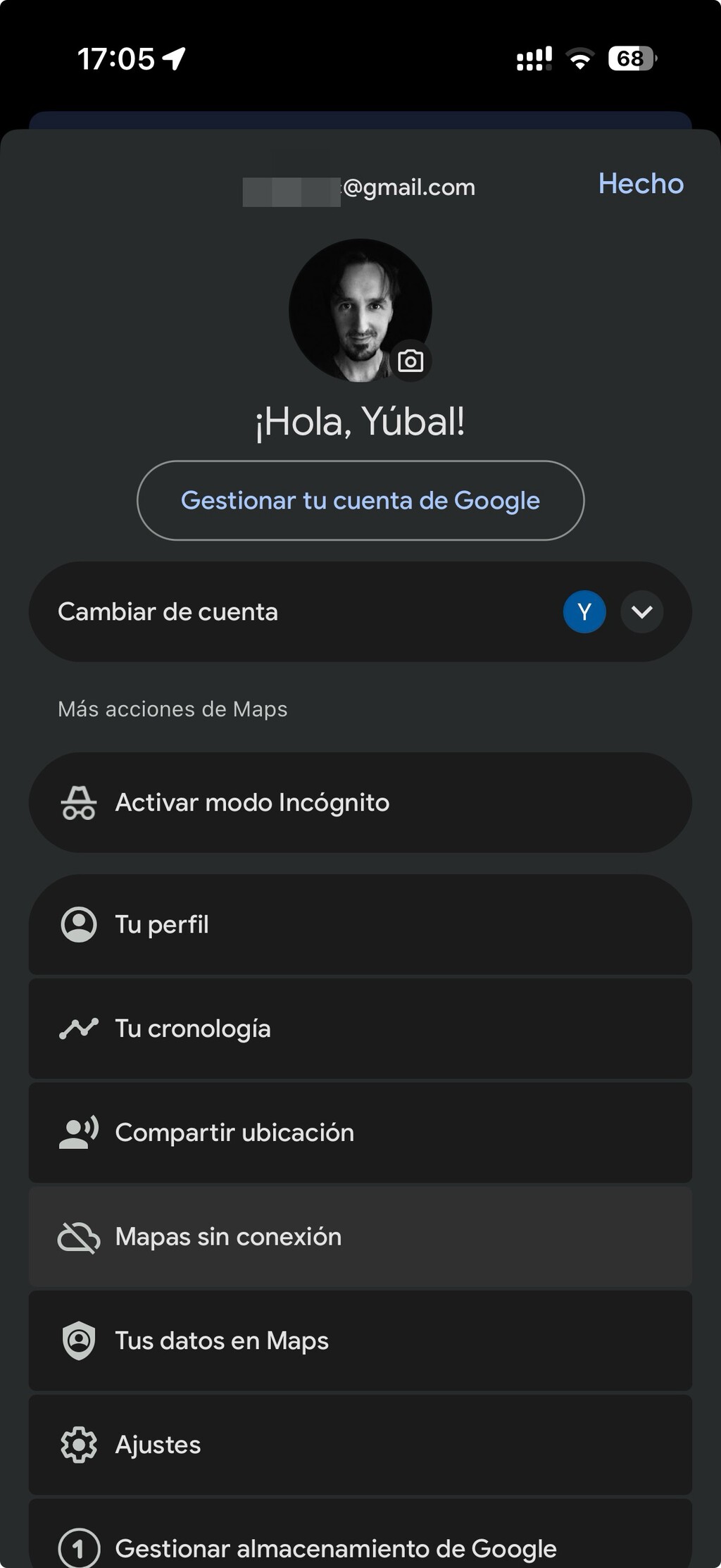
Google Maps makes it easy to save maps for offline use. Here's the step-by-step process:
- Open the Google Maps app on your mobile device.
- Search for the area you want to download (e.g., a city or region).
- Tap the three-dot menu in the top-right corner.
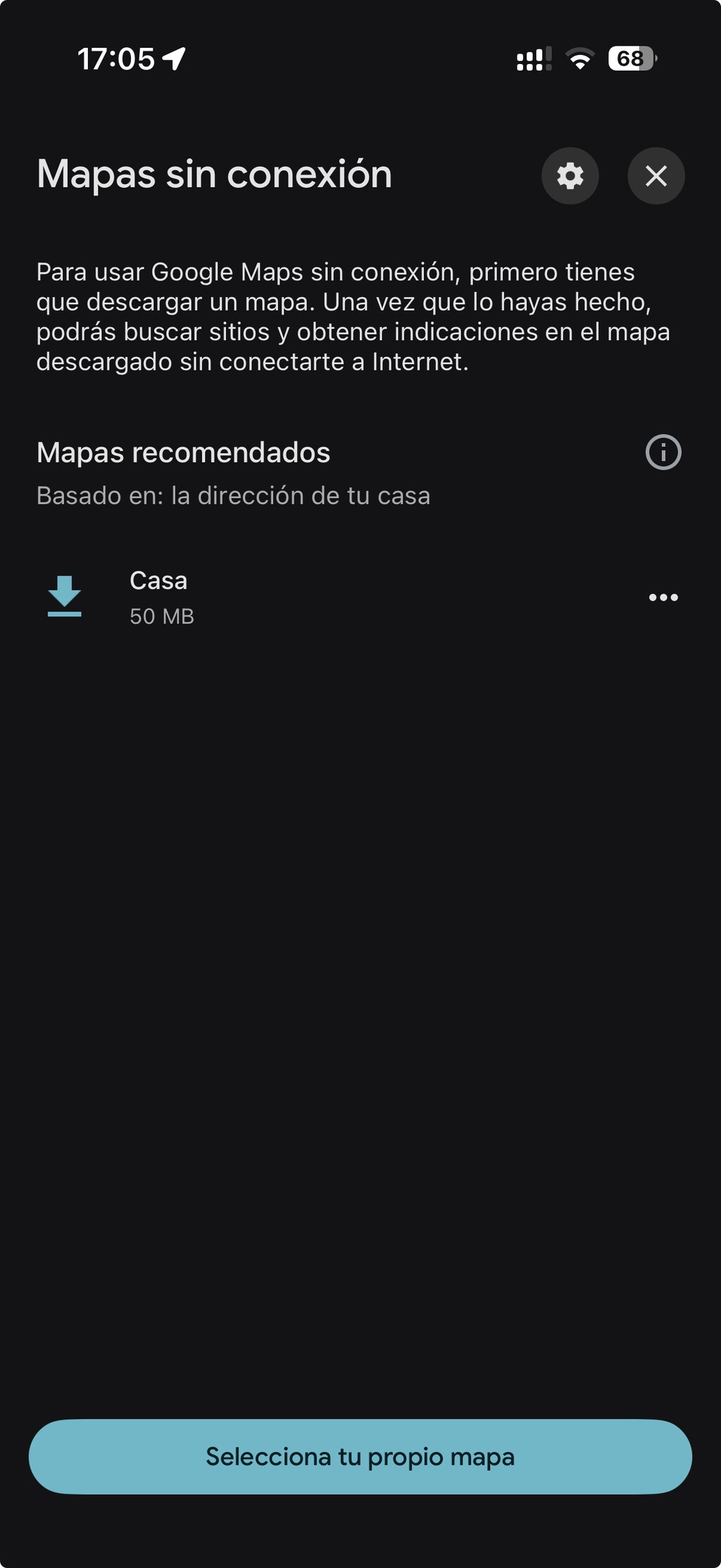
- Select Offline maps and then Select your own map.
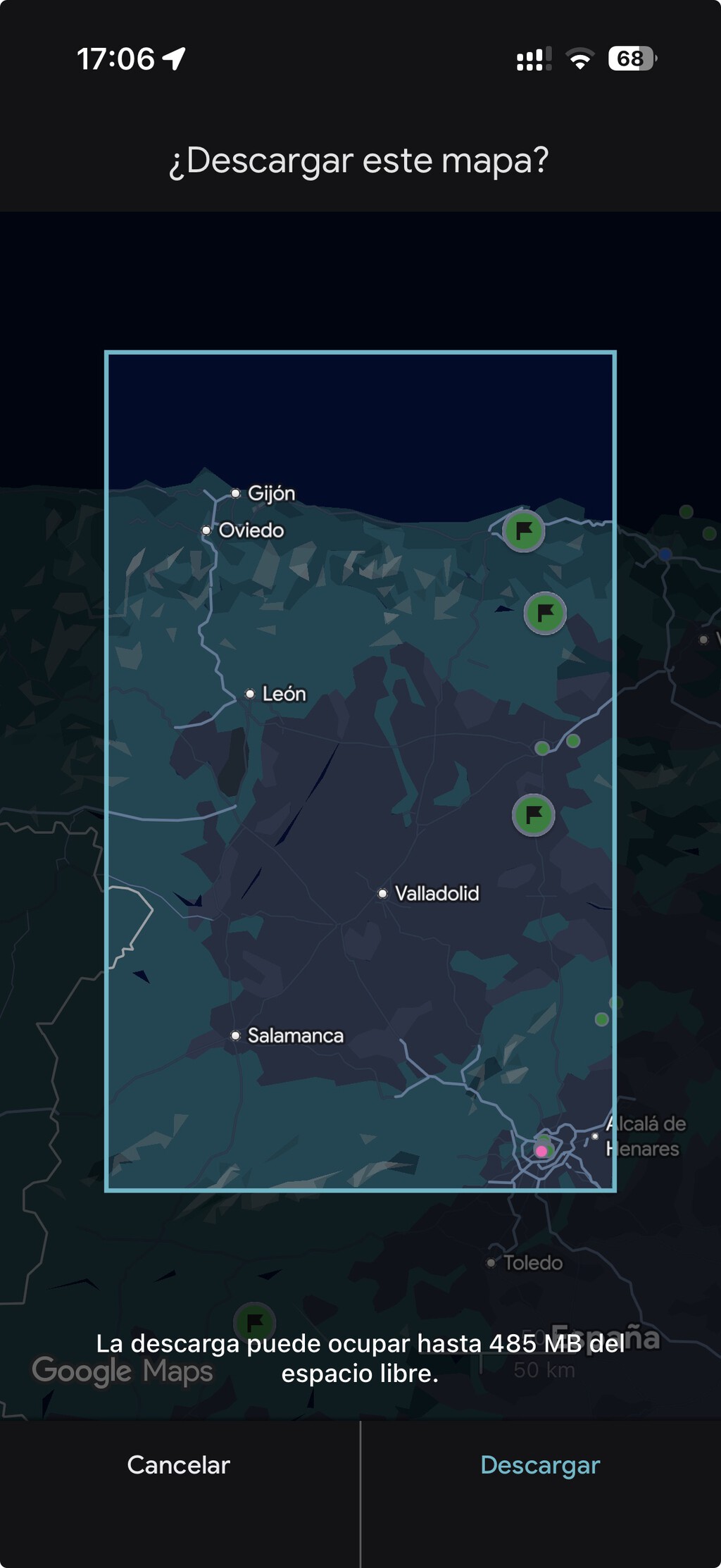
- Adjust the blue box to cover the area you need, then tap Download.
The app will download the map data, which you can then use without an internet connection. Keep in mind that the larger the area, the more storage it will consume.
How to Download Offline Maps in Apple Maps
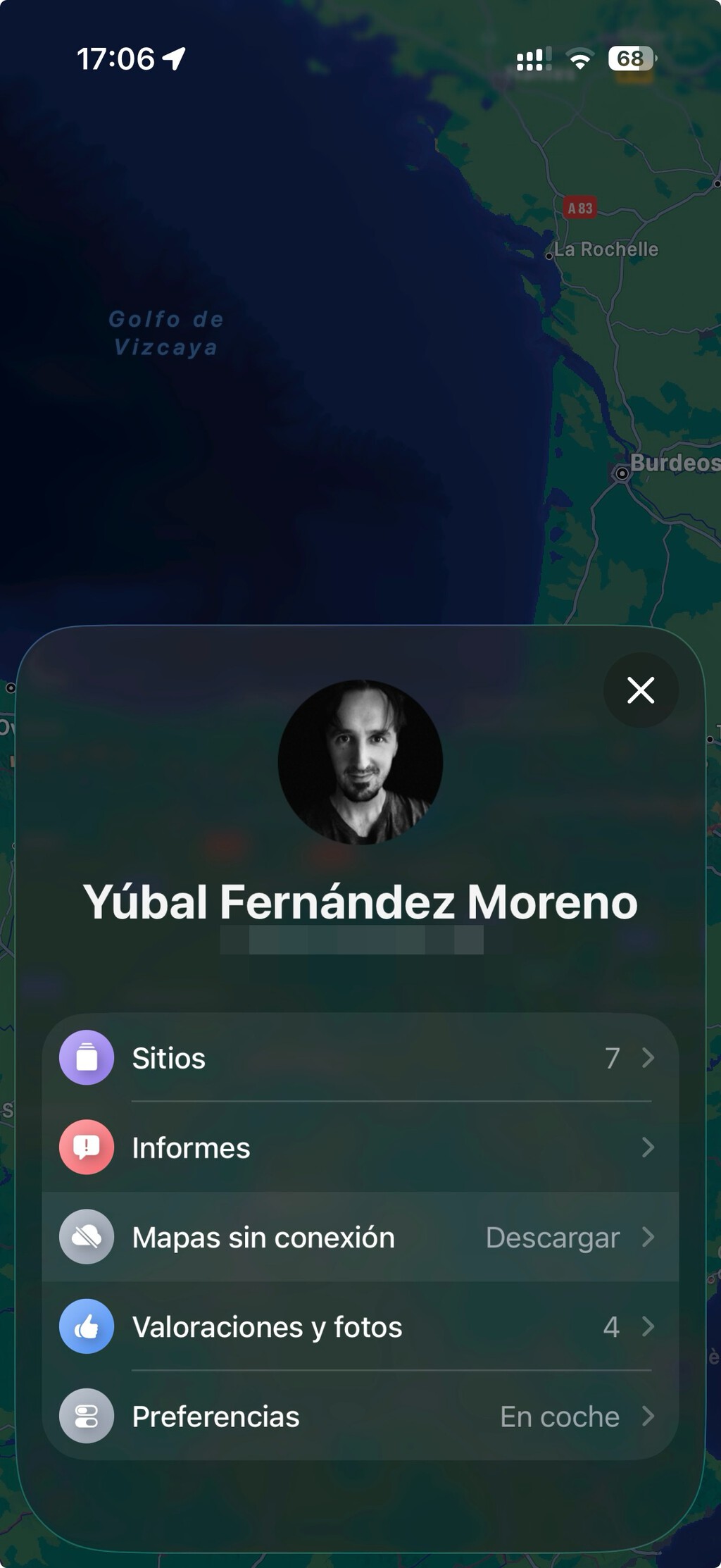
Apple Maps also offers offline map downloads, though the process is slightly different. Follow these steps:
- Open the Apple Maps app.
- Search for the location you want to save.
- Tap the Download button (or the share icon and then Download Map).
- Adjust the area if needed, then confirm the download.
Once downloaded, the map will be available offline. Note that offline maps in Apple Maps may not include all details like traffic conditions, so plan accordingly.
Tips for Managing Storage and Coverage
Downloading large map areas can eat up significant storage space. If your phone has limited memory, consider downloading only the specific route or area you'll be driving through. Prioritize the zone around your viewing spot and any essential routes to and from it.
Also, remember that offline maps won't update in real-time. For the eclipse, you might want to also download a map of the eclipse path or use a dedicated app to know exact timing. But for general navigation, offline maps are reliable. The longer history behind the story is traced in Watch the 2026 Solar Eclipse Online: ESA and NASA Livestreams.
Key Takeaways for Eclipse Travelers
- Download maps before you leave to avoid relying on spotty cell service.
- Choose the smallest area possible to save storage space.
- Test offline mode before your trip to ensure it works.
- Consider a backup like a physical map or a second device.
- Check for app updates to ensure offline features are current.
Comparison of Offline Map Features
| Feature | Google Maps | Apple Maps |
|---|---|---|
| Offline download | Yes, via menu | Yes, via download button |
| Storage management | Manual selection | Manual selection |
| Turn-by-turn navigation | Yes, offline | Yes, offline |
| Real-time traffic | No (offline) | No (offline) |
| Search offline | Limited | Limited |
Both apps offer similar offline capabilities, so choose based on your device and preference. Google Maps tends to have more detailed offline search, while Apple Maps integrates seamlessly with iOS. The background to this story is set out in UK Solar Eclipse 2026: Best Viewing Spots Revealed. A related thread runs through Total Solar Eclipse 2026: Best Viewing Spots in Spain. Earlier coverage in Europe Solar Eclipse 2026: Viewing Spots in Spain, UK & Iceland shows how the argument developed.
What to Watch for on Eclipse Day
Even with offline maps, be prepared for crowds and road closures. Plan your route in advance and have alternative paths in mind. If you're using navigation, set your destination before leaving to avoid fumbling with your phone while driving. A closer look at the same subject appears in Best UK Solar Eclipse Viewing Spots 2026: Where to Watch. Anyone following the wider picture can start with Europe's Total Solar Eclipse 2026: Best Viewing Spots and Safety Tips. The same theme surfaces in Europe Solar Eclipse 2026 Draws Millions to Totality Spots, which takes a different angle.
Also, keep your phone charged with a portable battery, as GPS can drain battery quickly. And don't forget to actually enjoy the eclipse—once you're parked, put the phone away and look up! Context on how this played out before sits in Total Solar Eclipse 2026: Why It Moved Spectators to Tears. A companion piece, Total Solar Eclipse 2026: Best Views in Spain Attract Millions, approaches the same subject from another angle.
FAQ
Can I download maps for the eclipse on both Google and Apple Maps?
Yes, both Google Maps and Apple Maps allow you to download maps for offline use. The process is straightforward and can be done before your trip.
How much storage do offline maps take?
Storage depends on the area size. A small city map might take 50-100 MB, while a larger region can take several hundred MB. Choose wisely based on your phone's capacity.
Will offline maps show traffic conditions?
No, offline maps do not include real-time traffic data. You'll need a connection for that, so plan your route accordingly.
What if I forget to download maps?
If you forget, you may still have cell service, but it's risky. Try to find Wi-Fi before heading to remote areas, or rely on a passenger to navigate with a physical map.
Browse the Shop
 Acacia frida deluxe solid wood bed frame |
Bedroom bench |
Bed chest drawers |
Lingerie dresser |
Frame base |
Mirror with jewelry storage |
30 Bathroom Vanity |
Memory foam queen mattress |
Mattresses for back pain |
Nightstand set of 2 |
Grand Goldman Shop |
Civil Lawyer
Deutschland Trikot WM 2026
Acacia frida deluxe solid wood bed frame |
Bedroom bench |
Bed chest drawers |
Lingerie dresser |
Frame base |
Mirror with jewelry storage |
30 Bathroom Vanity |
Memory foam queen mattress |
Mattresses for back pain |
Nightstand set of 2 |
Grand Goldman Shop |
Civil Lawyer
Deutschland Trikot WM 2026







