

When packing for a trip, two essential travel tech items should never be left behind: a power bank and a VPN. These small devices can make a big difference in keeping you connected and secure while on the go.
As an avid traveler, I always prepare a detailed list to ensure I don't forget anything. Beyond the obvious smartphone and chargers, my power bank (a 20,000 mAh model) and VPN are non-negotiable. The power bank keeps my devices charged during long days of sightseeing, while the VPN protects my data when using public Wi-Fi networks at airports, hotels, and cafes.
Find Original Home Decor sparking conversation at Grand Goldman Shop.

Why a Power Bank Is a Travel Essential
Imagine navigating a new city with a dead phone battery. No maps, no translation apps, no way to call a cab or contact your hotel. A power bank eliminates that stress. With a high-capacity model like 20,000 mAh, you can charge your phone multiple times, and even share juice with your travel companion.
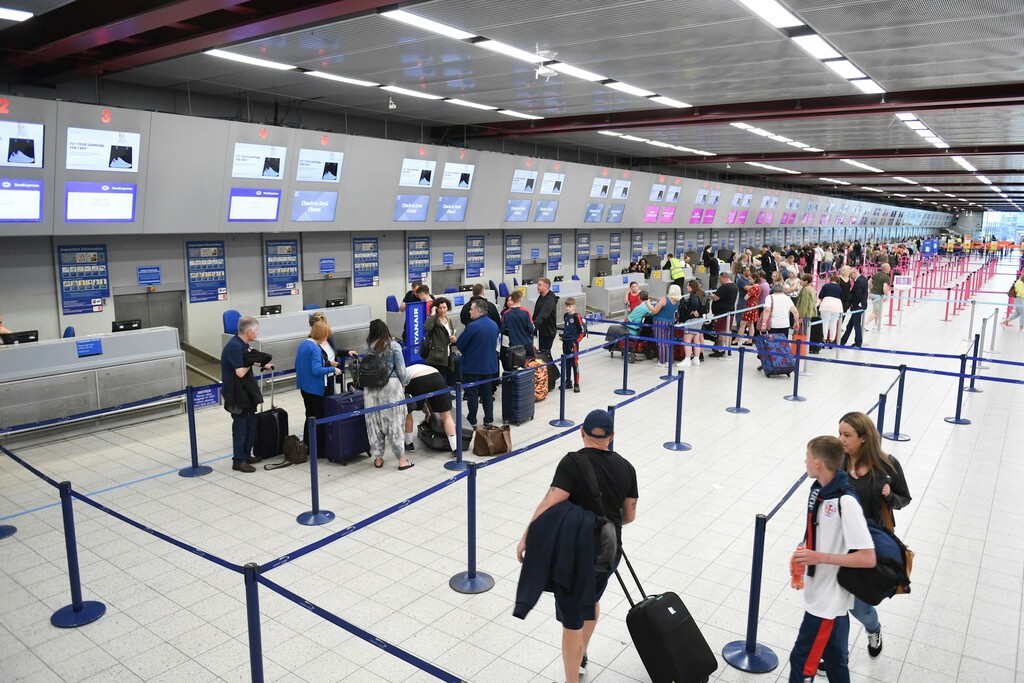
When choosing a power bank, consider its capacity, portability, and charging speed. Look for one with at least 10,000 mAh for a full day of use, and ensure it has multiple ports if you're traveling with others. Also, check airline regulations: most allow power banks in carry-on luggage, but capacity limits vary.
Why You Need a VPN for Travel
Public Wi-Fi is convenient but often insecure. Hackers can intercept your data, steal passwords, or infect your device with malware. A VPN encrypts your internet traffic, making it unreadable to anyone trying to snoop. Whether you're checking email at the airport or logging into your bank account from a hotel lobby, a VPN adds a critical layer of security.
Moreover, a VPN can help you access geo-restricted content. Want to watch your favorite streaming service while abroad? A VPN can make it appear as if you're back home. Just be aware that some services block VPNs, so choose a provider with a good reputation.
Choosing the Right VPN
Free VPNs are tempting, but they often come with risks: limited data, slow speeds, and even data logging. Paid VPNs like Surfshark offer better security, faster connections, and the ability to install on multiple devices. Surfshark, for example, costs as little as €1.88 per month on a two-year plan and is easy to use.
When selecting a VPN, look for strong encryption, a no-logs policy, and servers in multiple countries. Also, consider how many devices you can connect simultaneously—Surfshark allows unlimited devices, which is great for families or couples.
Key Takeaways for Travel Tech
- Power bank: Choose one with at least 10,000 mAh and check airline rules.
- VPN: Always use one on public Wi-Fi to protect your data.
- Paid vs. free VPN: Paid VPNs offer better security and speed; free ones may compromise your privacy.
- Multi-device support: Pick a VPN that covers all your gadgets.
- Stay charged and secure: These two items are small but mighty for stress-free travel.
Comparison: Free vs. Paid VPNs
| Feature | Free VPN | Paid VPN (e.g., Surfshark) |
|---|---|---|
| Data limit | Often limited (e.g., 500MB/month) | Unlimited |
| Speed | Slow, congested servers | Fast, optimized servers |
| Security | Weak encryption, possible data logging | Strong encryption, no-logs policy |
| Device support | Usually 1 device | Multiple devices (unlimited with Surfshark) |
| Customer support | Limited or none | 24/7 support |
| Price | Free | From €1.88/month (2-year plan) |
For frequent travelers, investing in a reliable paid VPN is a no-brainer. It gives you peace of mind and better performance. Similarly, a good power bank ensures you're never stranded without battery. Together, they form a travel tech duo that's hard to beat. The background to this story is set out in Surfshark VPN: Unlimited Devices for Secure Travel. A related thread runs through Public WiFi Security: Why a VPN Is Essential When Traveling. Earlier coverage in Surfshark VPN Review: Secure Browsing for Under $3 a Month shows how the argument developed.
How to Use a VPN on Public Wi-Fi
Using a VPN is straightforward. Install the app on your devices, sign in, and connect to a server. Once connected, all your traffic is encrypted. For best results, connect before you access any websites or apps. Also, enable auto-connect on trusted networks to avoid forgetting. A closer look at the same subject appears in University Packing List: Essential Items and What to Skip. Anyone following the wider picture can start with Lidl's Parkside 20,000 mAh Power Bank: 14.99 Euro Deal. The same theme surfaces in Packing Heavy: The Case for Overpacking on Your Next Trip, which takes a different angle.
Remember that a VPN doesn't make you completely anonymous—it just secures your connection. Always practice safe browsing: avoid sensitive transactions on public networks when possible, and keep your software updated. Context on how this played out before sits in Philips 10,000mAh Power Bank at Action for Just €7.95. A companion piece, American Tourister Airconic Suitcase Luggage: Avid Traveler Review, approaches the same subject from another angle.
FAQ
Why do I need a VPN when traveling?
A VPN encrypts your internet traffic, protecting your data from hackers on public Wi-Fi. It also allows you to access geo-restricted content and keeps your online activities private.
Can I use a free VPN for travel?
Free VPNs often have data limits, slow speeds, and weak security. They may also log your data. For reliable protection, a paid VPN like Surfshark is recommended.
What capacity power bank should I take on a trip?
A power bank with at least 10,000 mAh is sufficient for a full day of charging. For longer trips or multiple devices, consider 20,000 mAh or higher, but check airline restrictions.
Is Surfshark a good VPN for travelers?
Yes, Surfshark is easy to use, offers unlimited device connections, and has strong security features at an affordable price. It's a solid choice for travelers.
Browse the Shop
 Acacia frida deluxe solid wood bed frame |
Bedroom bench |
Bed chest drawers |
Lingerie dresser |
Frame base |
Mirror with jewelry storage |
30 Bathroom Vanity |
Memory foam queen mattress |
Mattresses for back pain |
Nightstand set of 2 |
Grand Goldman Shop |
Civil Lawyer
Deutschland Trikot WM 2026







