

When your WiFi signal struggles in certain rooms, you might wonder whether to use a WiFi extender vs mesh system. Both aim to eliminate dead zones, but they work differently and suit different homes. Understanding these differences is key to making a smart choice.
What Is a WiFi Extender?
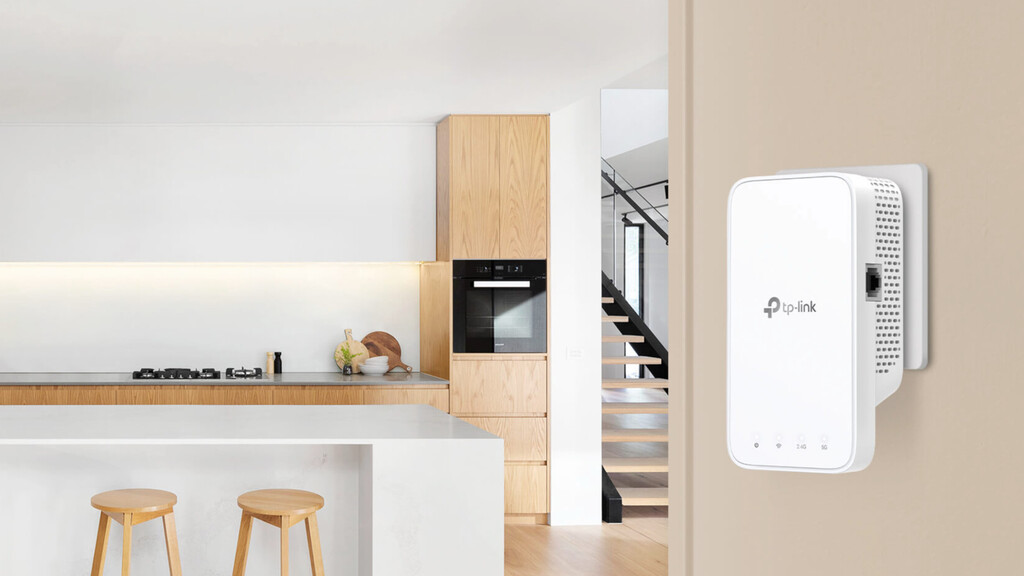
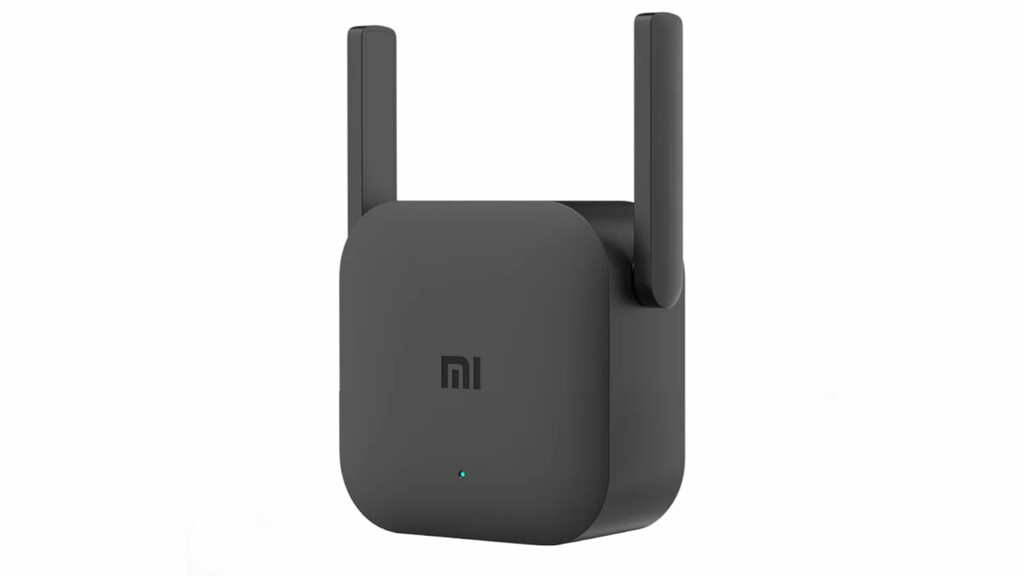
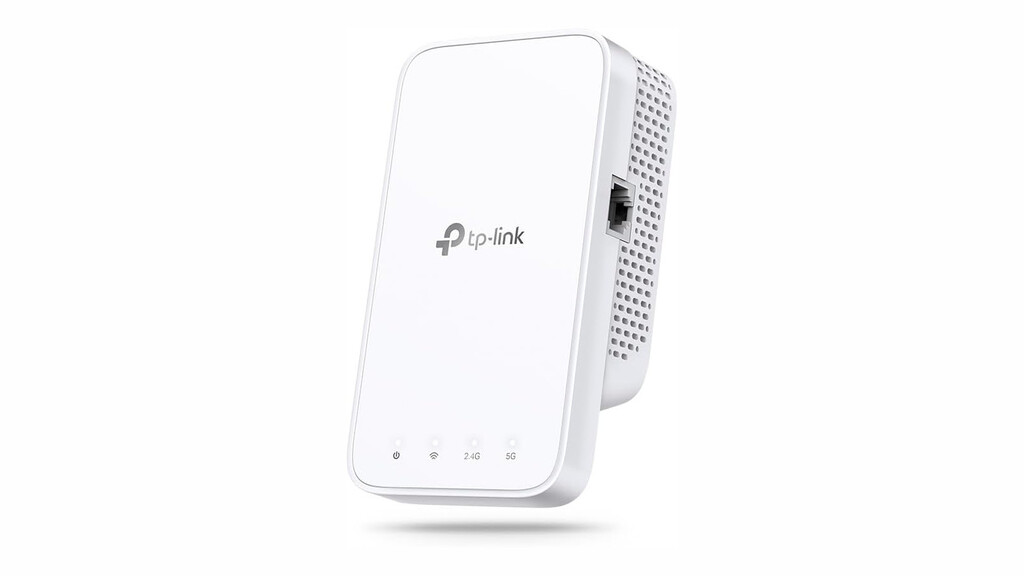
A WiFi extender (or repeater) captures your router's existing signal and rebroadcasts it to areas with weak coverage. It acts as a bridge, amplifying the signal so it reaches farther. However, most extenders create a separate network or clone your router's SSID, which can cause your devices to disconnect and reconnect as you move around.
Find Original Home Decor sparking conversation at Grand Goldman Shop.

Many extenders also use the same band to receive and forward data, which halves the throughput in the extended area. This means you might see slower speeds and increased latency, especially if the extender is placed in a location with a weak signal to begin with.
What Is a Mesh WiFi System?
A mesh WiFi system consists of a main router unit and one or more satellite nodes placed around your home. These nodes communicate with each other to create a single, seamless network with one network name (SSID). Your devices automatically connect to the strongest node without dropping the connection.
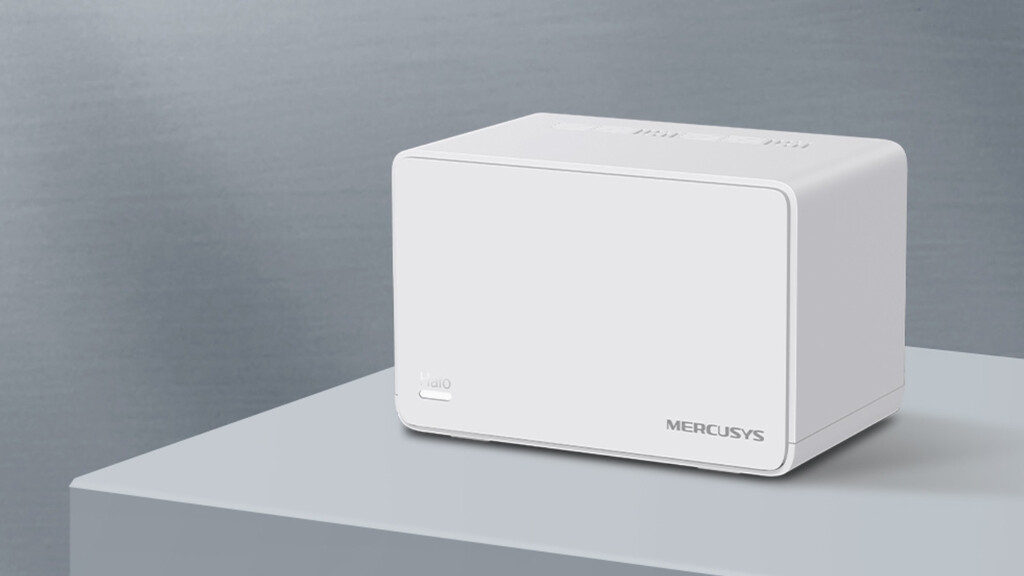
Mesh systems often use a dedicated backhaul channel (either wired or wireless) to transfer data between nodes, preserving speed and reducing congestion. They are designed to cover larger areas and handle multiple devices efficiently, making them ideal for multi-story homes or spaces with many connected gadgets.
Key Differences: WiFi Extender vs Mesh
The core difference lies in how they manage the network and handoff between nodes. Extenders are simple signal boosters, while mesh systems are intelligent networks that optimize performance. Here's a quick comparison:
| Feature | WiFi Extender | Mesh WiFi System |
|---|---|---|
| Network Name | Often separate or cloned SSID | Single, unified SSID |
| Seamless Roaming | Limited; may cause disconnects | Yes, with fast handoff |
| Speed Impact | Typically reduces speed by ~50% | Minimal impact, especially with dedicated backhaul |
| Coverage | Good for small areas | Excellent for large homes |
| Cost | Lower | Higher |
| Setup Complexity | Simple | Moderate |
When to Choose a WiFi Extender
If you have a small home or just one or two dead spots, a WiFi extender can be a cost-effective fix. They are easy to install and can breathe new life into an older router. However, be mindful of placement: put the extender halfway between your router and the dead zone to ensure it receives a strong signal.
For example, the Mercusys ME1500X WiFi 6 extender deal offers a budget-friendly way to eliminate dead zones without breaking the bank. It supports WiFi 6 for faster speeds and better efficiency.
When to Choose a Mesh WiFi System
For larger homes, multiple floors, or households with many connected devices, a mesh system is usually the better investment. It provides consistent coverage and seamless roaming, so you can move from room to room without interruptions. Mesh is also more scalable—you can add more nodes as needed.
If you have AT&T Fiber, you might want to consider the best mesh WiFi for AT&T Fiber to fully utilize your high-speed internet. These systems are optimized for gigabit speeds and can handle heavy usage. The background to this story is set out in Lidl's €29.99 WiFi Repeater Fixes Dead Zones in Any Room. A related thread runs through Lidl's TP-Link WiFi Extender Fixes Home Dead Zones for Under 30 Euros.
What to Watch for in 2026
The WiFi landscape is evolving, and 2026 will see more WiFi 7 routers that prioritize smart home integration and advanced features beyond raw speed. As WiFi 7 routers 2026 become mainstream, mesh systems will likely incorporate these technologies to offer even better performance and reliability. Earlier coverage in Best Wi-Fi Mesh Systems to Eliminate Dead Zones at Home shows how the argument developed. A closer look at the same subject appears in TP-Link RE300 WiFi Extender Deal at Lidl Next Week.
When choosing between a WiFi extender and a mesh system, consider your home's size, layout, and your internet usage. A WiFi extender vs mesh decision should be based on your specific needs, not just budget. Anyone following the wider picture can start with WiFi Convector Heater Under 70 Euros: Smart Home Heating.
FAQ
Can I use a WiFi extender with a mesh system?
Technically, you can, but it's not recommended because it can create network conflicts and reduce performance. Mesh systems are designed to work with their own nodes, so adding a third-party extender may cause more harm than good.
Do WiFi extenders reduce speed?
Yes, most extenders reduce speed by about half because they use the same radio band to communicate with both the router and your devices. However, some dual-band extenders can mitigate this by using one band for backhaul and another for client access.
Is mesh WiFi worth the extra cost?
For larger homes or those with many devices, mesh WiFi is often worth it due to seamless roaming, better coverage, and consistent speeds. If you have a small home, a cheaper extender might suffice.
How many mesh nodes do I need?
It depends on your home's size and layout. As a rule of thumb, one node covers about 1,500–2,000 square feet. For a typical three-bedroom house, a two- or three-node system is usually sufficient.
Browse the Shop
 Acacia frida deluxe solid wood bed frame |
Bedroom bench |
Bed chest drawers |
Lingerie dresser |
Frame base |
Mirror with jewelry storage |
30 Bathroom Vanity |
Memory foam queen mattress |
Mattresses for back pain |
Nightstand set of 2 |
Grand Goldman Shop |
Civil Lawyer
Deutschland Trikot WM 2026
Acacia frida deluxe solid wood bed frame |
Bedroom bench |
Bed chest drawers |
Lingerie dresser |
Frame base |
Mirror with jewelry storage |
30 Bathroom Vanity |
Memory foam queen mattress |
Mattresses for back pain |
Nightstand set of 2 |
Grand Goldman Shop |
Civil Lawyer
Deutschland Trikot WM 2026







