

Overpaying for a fast NVMe SSD is a waste of money if you only store PDFs and documents, but it becomes essential if you work directly from the drive. In 2026, the storage market is more confusing than ever, with prices inflated by AI demand and a dizzying array of technologies. Understanding your actual needs is key to avoiding unnecessary spending.
Not long ago, choosing a hard drive was simple: pick a 5,400 RPM or 7,200 RPM HDD and you were done. But SSDs have changed the game, offering speeds that mechanical drives can't match. Yet, not all SSDs are created equal, and the price gap between models can be huge.
Find Original Home Decor sparking conversation at Grand Goldman Shop.

The SSD Advantage: Why Mechanical Drives Are Obsolete
Compared to traditional HDDs, SSDs win by a landslide. They offer much higher capacities, far superior speeds, and greater durability since they have no moving parts. For general use, an SSD is the best value for money, even with current overprices.
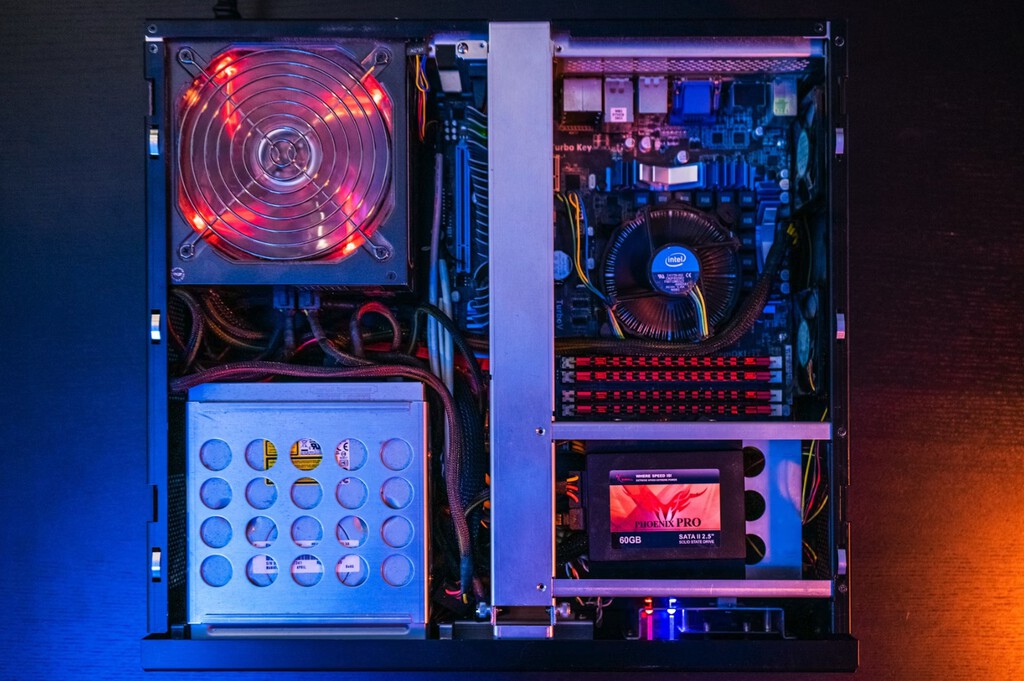
However, the current context of AI-driven overpricing means any purchase now will cost more. This situation shouldn't last forever, but in normal conditions, SSDs remain the best choice for most users. The key is to choose the right type of SSD for your workload.
NVMe vs. SATA: What Do You Really Need?
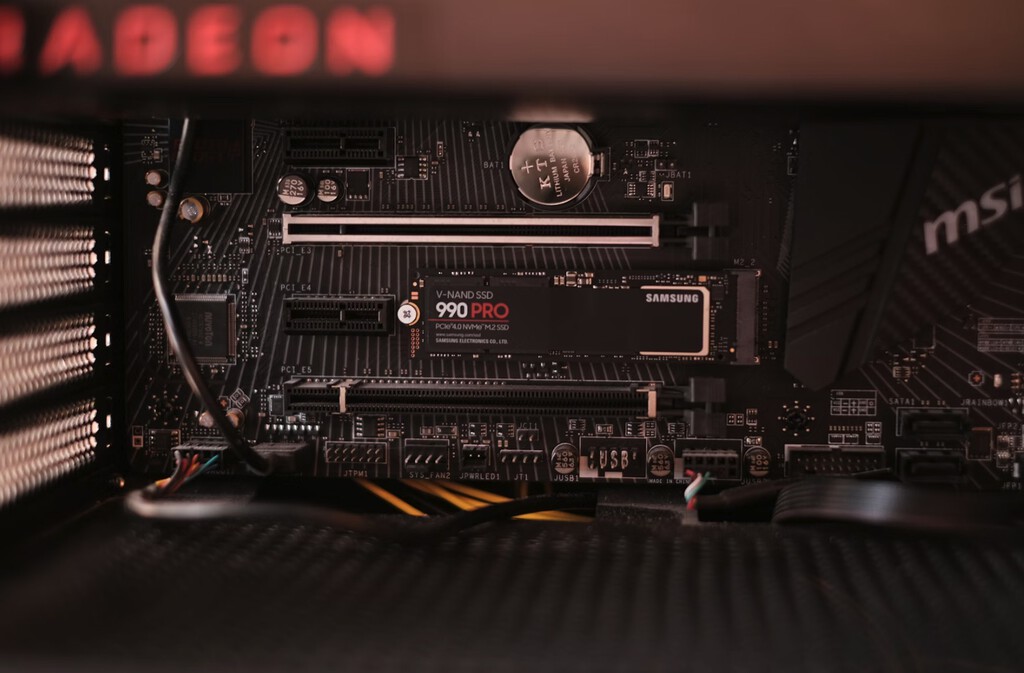
Within SSDs, there are different technologies and form factors. SATA SSDs are limited to around 550 MB/s, while NVMe drives can reach speeds of 7,000 MB/s or more. But do you need that speed? It depends on your usage.
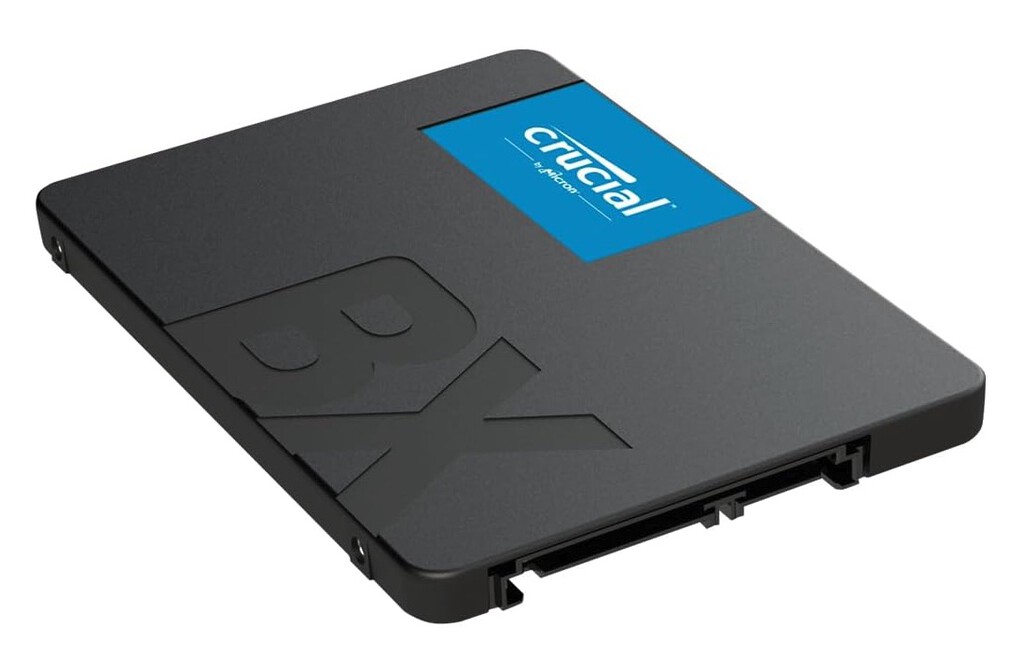
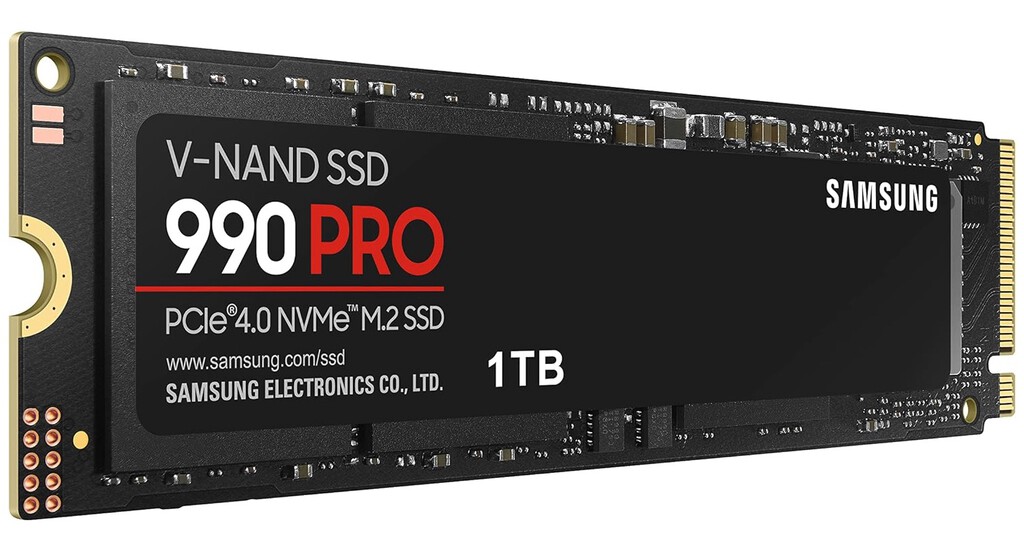
If you only store PDFs, watch movies, or browse the web, a SATA SSD or even a high-capacity HDD is more than enough. You won't notice the difference in everyday tasks. But if you work with large files, edit videos, or run virtual machines, an NVMe SSD can dramatically reduce loading times and improve productivity.
- For basic storage (PDFs, documents, media): A SATA SSD or HDD offers the best value.
- For gaming: An NVMe SSD reduces load times and improves texture streaming.
- For content creation: NVMe is essential for fast file transfers and smooth editing.
- For professional workloads: High-end NVMe drives with DRAM cache and high endurance are worth the investment.
Price vs. Performance: Finding the Sweet Spot
The price difference between entry-level NVMe SSDs and high-end models can be substantial. But for most users, the performance gain isn't noticeable in real-world use. Unless you're moving huge files regularly, a mid-range NVMe SSD offers the best balance.
Also, consider the TBW (Total Bytes Written) rating and warranty. Cheaper drives often have lower endurance, which matters if you write a lot of data. For archival purposes, an HDD or a cloud service might be more cost-effective. The background to this story is set out in SSD vs HDD for Backups: Why Faster Isn't Always Better. A related thread runs through Lexar 4TB NVMe SSD Deal on Amazon: A Rare Find in 2026. Earlier coverage in SanDisk 1TB NVMe SSD Deal at MediaMarkt: Beat Rising Prices shows how the argument developed.
| Use Case | Recommended Drive | Why |
|---|---|---|
| Storing PDFs and documents | SATA SSD or HDD | Sufficient speed, lower cost |
| Gaming | Mid-range NVMe SSD | Fast load times, good price/performance |
| Video editing | High-end NVMe SSD | Fast transfer speeds, high endurance |
| Archiving | HDD or cloud | Large capacity at low cost |
What to Watch Next: Market Trends and Future-Proofing
SSD prices are expected to stabilize as AI demand cools and new manufacturing capacity comes online. If you can wait, you might get a better deal. Also, PCIe 5.0 drives are becoming more common, but they offer marginal real-world gains over PCIe 4.0 for most users. A closer look at the same subject appears in Samsung 990 Pro SSD Black Friday Deal: Best NVMe Price. Anyone following the wider picture can start with AliExpress Summer Sale: 1TB NVMe SSD for Just Over 100 Euros. The same theme surfaces in Gemini Now Generates Excel, PDF, and More Directly in Chat, which takes a different angle.
Before buying, check your motherboard's compatibility and whether you have an M.2 slot. Also, consider external SSDs for portable storage; they're fast and durable, though more expensive than internal drives. Context on how this played out before sits in College Football Chaos: Why the Sport Is Booming Yet Confusing. A companion piece, UPDF Review - PDF Editor All Platforms for Individuals (What I Found), approaches the same subject from another angle.
FAQ
Do I need an NVMe SSD for storing PDFs?
No, for storing PDFs and documents, a SATA SSD or even a traditional HDD is more than sufficient. The speed of an NVMe SSD won't be noticeable in everyday tasks like opening PDFs or browsing files.
Is it worth buying a high-end NVMe SSD for gaming?
For gaming, a mid-range NVMe SSD offers the best value. High-end models provide marginal gains in load times, and the extra money is better spent on a larger capacity or a better GPU.
How much should I spend on an SSD in 2026?
Spending depends on your needs. For basic use, $50-$100 for a 1TB SATA SSD is reasonable. For performance tasks, $100-$200 for a 1TB NVMe SSD is typical. Avoid overpaying for features you won't use.
Will SSD prices drop soon?
Prices may stabilize as AI demand decreases and supply increases, but predicting the market is difficult. If you need storage now, buy what fits your budget and needs.
Browse the Shop
 Acacia frida deluxe solid wood bed frame |
Bedroom bench |
Bed chest drawers |
Lingerie dresser |
Frame base |
Mirror with jewelry storage |
30 Bathroom Vanity |
Memory foam queen mattress |
Mattresses for back pain |
Nightstand set of 2 |
Grand Goldman Shop |
Civil Lawyer
Deutschland Trikot WM 2026







