

The iFlytek AI Note 2 is a smart notebook that aims to bridge the gap between handwriting and digital convenience. With a 10.65-inch e-ink display, Android 14, and built-in AI features, it promises to transcribe voice recordings and translate text, all while letting you write naturally with a stylus. After two months of use in language classes, here’s what you need to know.
What Is the iFlytek AI Note 2?
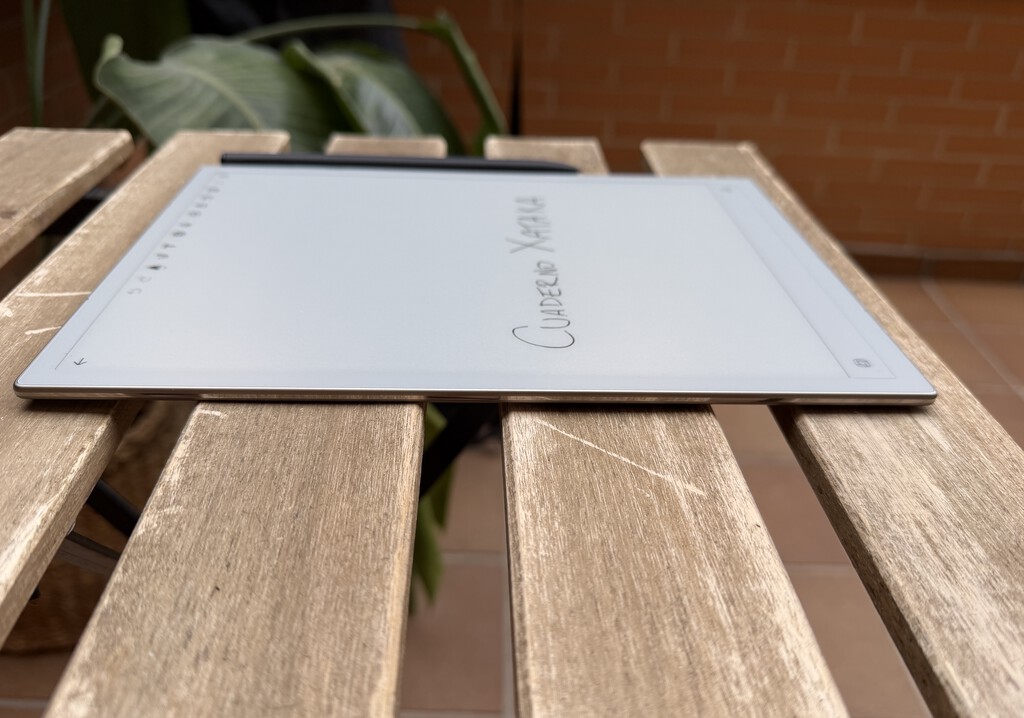
The iFlytek AI Note 2 is a digital notebook with a black-and-white e-ink screen. It comes with a stylus and runs on Android 14, which means you can install third-party apps like Google Workspace, Notion, and Trello. The device is designed for note-taking, but its AI capabilities set it apart from traditional e-ink tablets.
Find Original Home Decor sparking conversation at Grand Goldman Shop.

Unlike a standard tablet, the e-ink display mimics paper, reducing eye strain and making handwriting feel more natural. The included stylus offers low latency, so your writing appears almost instantly on the screen. The notebook syncs with your tablet or computer, allowing you to access your notes digitally.
Key Features and Specs
The iFlytek AI Note 2 packs several features that make it a powerful tool for students and professionals. Here’s a quick overview:
- 10.65-inch e-ink display with a resolution that’s sharp enough for detailed notes and diagrams.
- Android 14 with access to Google Play Store, so you can install your favorite productivity apps.
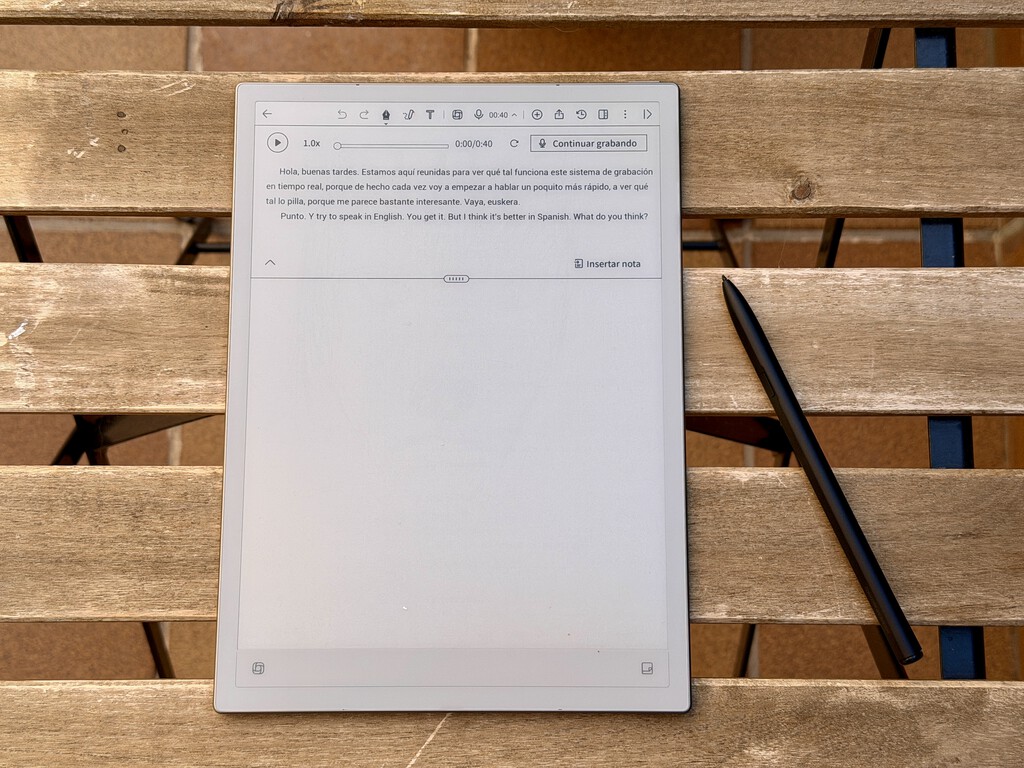
- AI transcription that converts voice recordings to text, useful for lectures and meetings.
- AI translation for on-the-fly language conversion, ideal for language learners.
- Stylus included with pressure sensitivity for a natural writing experience.
- Sync with third-party apps like Google Drive, Notion, and Trello for seamless workflow integration.
These features position the AI Note 2 as a versatile device, but they also contribute to its high price tag.
Performance and User Experience
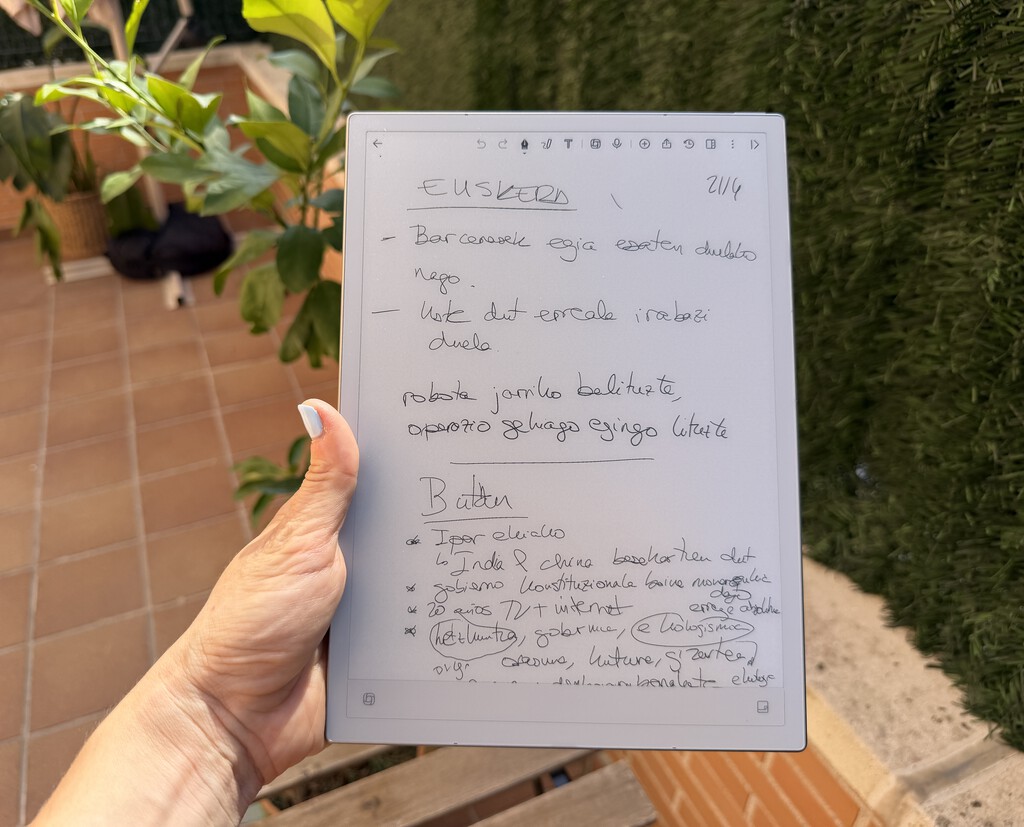
In everyday use, the iFlytek AI Note 2 excels at handwriting. The e-ink screen feels like paper, and the stylus tracks accurately, making it easy to take notes in class or sketch ideas. The AI transcription works well for clear speech, though it may struggle with heavy accents or background noise. Translation is handy for language students, but it’s not a substitute for learning.
Battery life is impressive, lasting several days on a single charge with moderate use. The device is lightweight and portable, so you can carry it anywhere. However, the e-ink refresh rate is slower than an LCD, so scrolling through apps can feel sluggish. Also, the black-and-white screen isn’t ideal for viewing colorful content.
How It Compares to Other Digital Notebooks
To see how the iFlytek AI Note 2 stacks up, here’s a comparison with two popular alternatives:
| Feature | iFlytek AI Note 2 | reMarkable 2 | Boox Note Air 3 |
|---|---|---|---|
| Display | 10.65" e-ink | 10.3" e-ink | 10.3" e-ink |
| Operating System | Android 14 | Custom Linux | Android 12 |
| App Support | Google Play Store | Limited | Google Play Store |
| AI Transcription | Yes | No | No |
| AI Translation | Yes | No | No |
| Price | High | Mid | Mid-High |
As the table shows, the AI Note 2 stands out for its AI features and full Android experience, but it comes at a premium price. The background to this story is set out in Kindle Scribe Colorsoft: Amazon's Color E-Ink Tablet with AI. A related thread runs through Trending: latest articles. Earlier coverage in Top 5 E-Ink Digital Notebooks for Paperless Note-Taking shows how the argument developed.
Who Should Buy It?
The iFlytek AI Note 2 is best suited for students, professionals, and anyone who takes a lot of handwritten notes and wants the benefits of digital organization. If you frequently attend lectures, meetings, or interviews, the AI transcription can save you hours of typing. Language learners will appreciate the translation feature. A closer look at the same subject appears in Huawei MatePad Pro Max Review: The World's Thinnest 13-Inch Tablet. Anyone following the wider picture can start with Lidl's Budget Smart Tracker Beats AirTag on Price and Compatibility. The same theme surfaces in PlayStation Store to Remove StudioCanal Content in 2026, which takes a different angle.
However, if you’re on a tight budget or don’t need AI features, a standard e-ink tablet or even a paper notebook might suffice. Also, if you require a color screen for design work, this isn’t the device for you. Context on how this played out before sits in Rocketbook Core Reusable Notebook: Digitize Notes Without a Laptop. A companion piece, iFlytek AI Note 2 Review: A Smart Notebook with AI and Android, approaches the same subject from another angle.
Pros and Cons
Pros:
- Natural handwriting experience
- AI transcription and translation
- Full Android app support
- Long battery life
- Portable and lightweight
Cons:
- High price
- E-ink refresh rate can be slow
- Black-and-white screen only
FAQ
What is the battery life of the iFlytek AI Note 2?
The battery lasts several days on a single charge with moderate use, thanks to the power-efficient e-ink display.
Can I install any Android app on the iFlytek AI Note 2?
Yes, it runs Android 14 and has access to the Google Play Store, so you can install most apps, though some may not be optimized for e-ink.
Is the iFlytek AI Note 2 worth the price?
It depends on your needs. If you value AI transcription, translation, and a paper-like writing experience, it’s worth it. Otherwise, consider cheaper alternatives.
Does the iFlytek AI Note 2 support multiple languages?
The AI translation feature supports multiple languages, but check the official list for specifics.
Browse the Shop
 Acacia frida deluxe solid wood bed frame |
Bedroom bench |
Bed chest drawers |
Lingerie dresser |
Frame base |
Mirror with jewelry storage |
30 Bathroom Vanity |
Memory foam queen mattress |
Mattresses for back pain |
Nightstand set of 2 |
Grand Goldman Shop |
Civil Lawyer
Deutschland Trikot WM 2026







