

Can you live without paying Google for extra storage? The answer is yes, and the real culprit is often Gmail, not the storage itself. Many users find themselves tempted by Google's inexpensive Google One plans, which offer 100 GB for just a couple of euros per month. It seems like a small price to pay to avoid the constant warnings about running out of space. However, this small monthly fee can become a "phantom expense" that quietly drains your wallet. The good news is that with a few changes to your cloud storage habits, you can easily avoid it.
Why Gmail Is the Biggest Storage Hog
In most cases, the main reason you've consumed almost all of the free 15 GB that Google provides is your email. Gmail is often the biggest storage consumer, especially if you've been using it for years. Emails with large attachments pile up, and most of them are completely disposable: automatic notifications, old invoices, newsletters you never read, and more. Google Photos can also be a culprit, but Gmail is usually the primary offender.
Find Original Home Decor sparking conversation at Grand Goldman Shop.

If your work depends on email, you might be even more prone to accumulating emails with heavy attachments. But fear not: there are ways to quickly empty your inbox and reclaim your free storage. Below, we offer some recommendations to help you get started.

Practical Tips to Free Up Gmail Storage
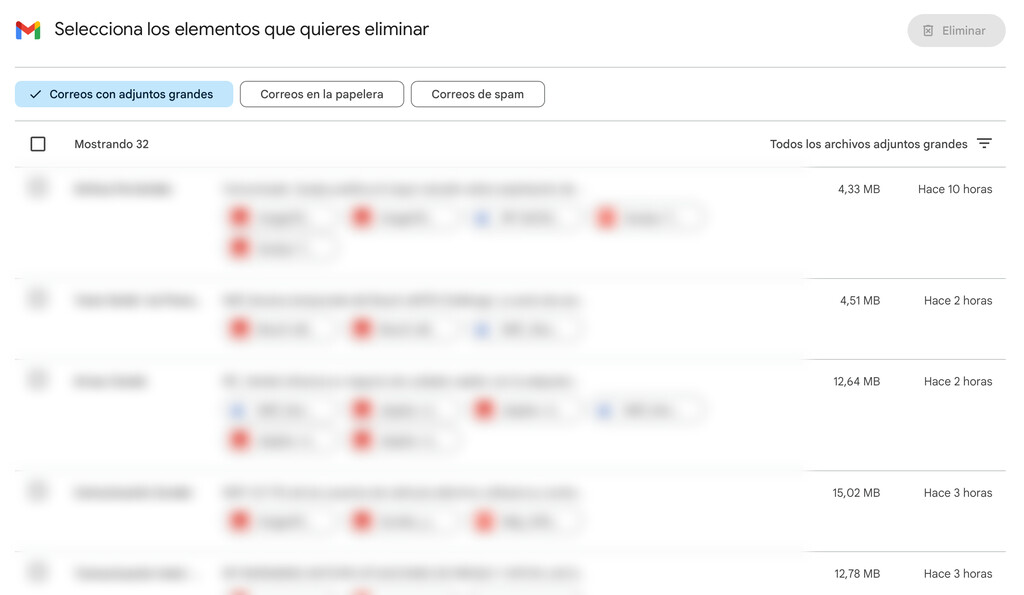
First, identify what's taking up the most space in your Google account. You might be surprised to find that Gmail is the main storage eater. Once you know that, you can take targeted action. Here are some effective strategies:
-
Search for large attachments: Use Gmail's search operators like
has:attachment larger:10Mto find emails with big files. Delete them or download the attachments and remove them from Gmail. - Unsubscribe from newsletters: Use the unsubscribe link at the bottom of promotional emails or tools like Unroll.me to declutter your inbox.
- Delete old promotional emails: Search for categories like "promotions" or "social" and bulk delete old messages.
- Empty the trash and spam: Emails in Trash and Spam still count toward your storage until they are permanently deleted.
- Use filters to auto-delete: Set up filters to automatically delete emails from certain senders or with specific subjects after a set period.
How to Check Your Storage Usage
Before you start deleting, it's helpful to know exactly how much storage each Google service is using. You can check this by visiting Google Drive's storage settings. There, you'll see a breakdown of storage used by Drive, Gmail, and Photos. This will help you prioritize where to focus your cleanup efforts.
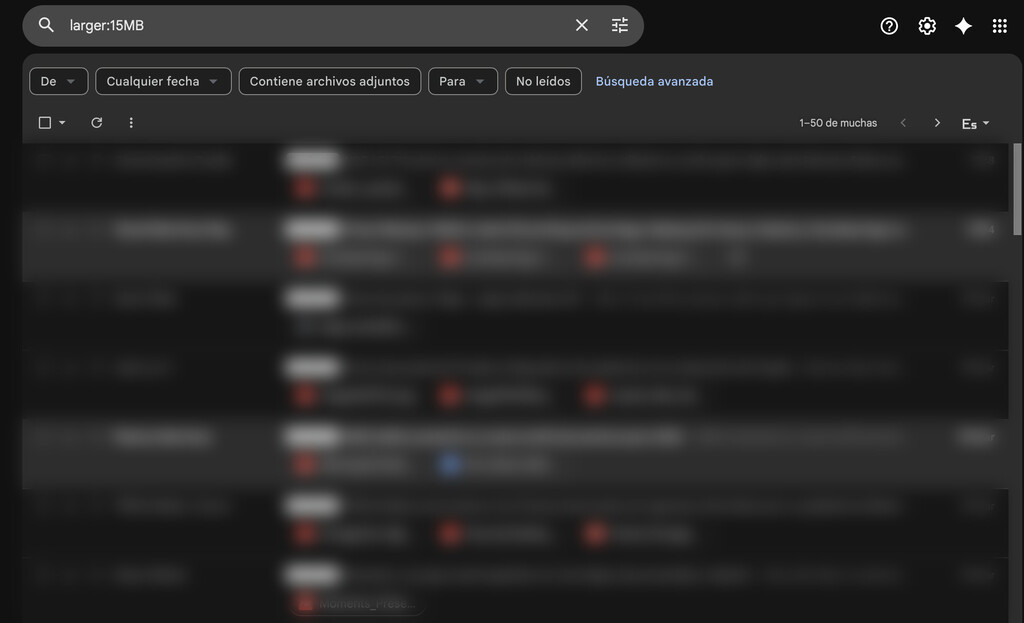
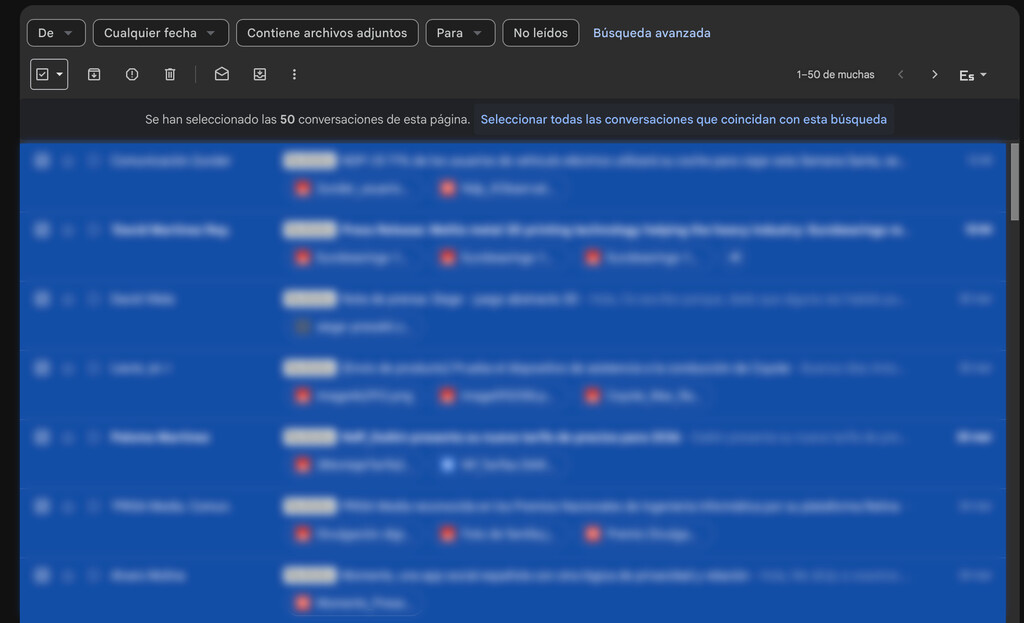
Once you've identified Gmail as the main culprit, you can use Gmail's search bar to find large emails. For example, typing larger:10M will show all emails larger than 10 MB. You can then select all and delete them. Remember to empty the trash afterward to permanently free up space.
Comparing Free vs. Paid Storage Plans
Google offers 15 GB of free storage shared across Drive, Gmail, and Photos. If you need more, you can subscribe to Google One. Here's a quick comparison of the plans: The longer history behind the story is traced in How to Live Without Paying Google for Extra Storage: Gmail Is the Real Issue.
| Plan | Storage | Price (approx.) | Best For |
|---|---|---|---|
| Free | 15 GB | $0 | Light users who manage their storage well |
| Google One Basic | 100 GB | $1.99/month | Users who need a bit more space for photos and email |
| Google One Standard | 200 GB | $2.99/month | Families or heavy users |
| Google One Premium | 2 TB | $9.99/month | Power users with large files and backups |
As you can see, the paid plans are relatively affordable, but they can add up over time. By managing your Gmail storage effectively, you can stay on the free plan and save that money for something else. The background to this story is set out in Amazon Prime Video Adds Free DTT Channels: How to Watch Without Paying. A related thread runs through Germany Debates 40-Hour Week Without Extra Pay to Boost Industry. Earlier coverage in Yes Proceed: 10+ Better Ways to Say It in Email and Chat — Explained shows how the argument developed.
Long-Term Habits to Avoid Paying for Storage
To avoid falling into the trap of paying for extra storage, it's essential to develop good habits. Regularly clean out your inbox, unsubscribe from unnecessary newsletters, and avoid using Gmail as a file storage service. Instead, use Google Drive for files you need to keep, and delete emails with large attachments after downloading them. A closer look at the same subject appears in Paying More for Buses Without a Smartphone: The Digital Divide. Anyone following the wider picture can start with Rarest Cosmic Explosion: Star Destroyed Itself Without a Trace. The same theme surfaces in Technology: latest articles, which takes a different angle.
Another tip is to use a third-party email client that allows you to download emails locally and remove them from Gmail. This way, you can keep a backup without using up your cloud storage. Additionally, consider using Google Photos' "High quality" (now called "Storage saver") setting, which compresses photos to save space. Context on how this played out before sits in How to Change Your Gmail Email Name and What Happens to the Old Address. A companion piece, Google's Gmail AI Now Mimics Your Writing Style to Fix Robotic Emails, approaches the same subject from another angle.
Frequently Asked Questions
How do I check what's using my Google storage?
Visit drive.google.com/settings/storage to see a breakdown of storage used by Google Drive, Gmail, and Google Photos. This will help you identify which service is taking up the most space.
Can I delete emails with large attachments to free up space?
Yes, deleting emails with large attachments is one of the most effective ways to free up Gmail storage. Use the search operator larger:10M to find them quickly.
What happens if I exceed my free storage limit?
If you exceed 15 GB, you won't be able to receive new emails or upload files to Drive until you free up space or purchase a Google One plan.
Is Google One worth it?
Google One is worth it if you need extra storage and additional benefits like family sharing and Google Play credit. However, if you can manage with 15 GB, you can save money by not subscribing.
Browse the Shop
 Acacia frida deluxe solid wood bed frame |
Bedroom bench |
Bed chest drawers |
Lingerie dresser |
Frame base |
Mirror with jewelry storage |
30 Bathroom Vanity |
Memory foam queen mattress |
Mattresses for back pain |
Nightstand set of 2 |
Grand Goldman Shop |
Civil Lawyer
Deutschland Trikot WM 2026







