

Ever stumbled upon an interesting webpage but didn't have the time to dive in right away? Or perhaps you wanted to track an upcoming sale event or return to a helpful resource later? With countless tabs open, it's easy to lose track. Thankfully, Chrome Tab Reminder is here to solve that problem.
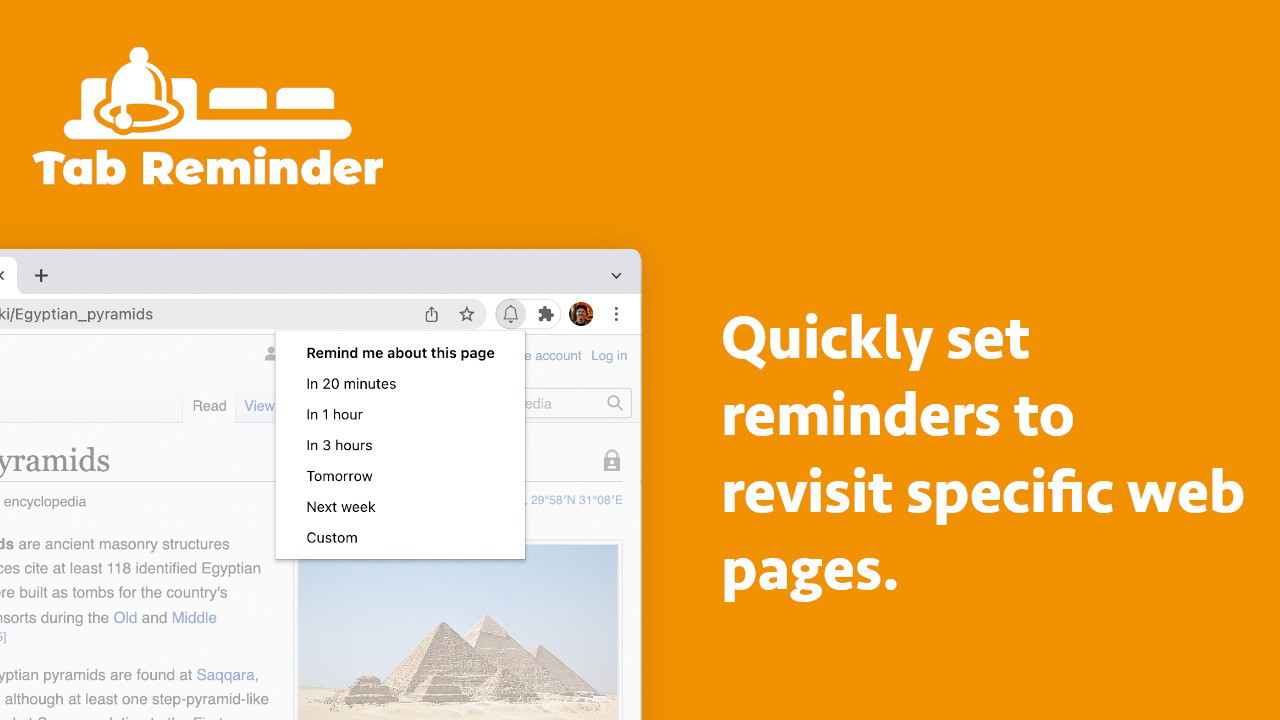
Chrome Tab Reminder is a lightweight and user-friendly Chrome extension that lets you quickly create reminders to revisit any webpage. Whether you want to be reminded of a limited-time offer or a research article, this tool makes it simple. Reminders appear as native Chrome notifications and can even be snoozed or linked to webhooks for advanced automation.
Find Original, High-end Home Decor that spark conversation at Grand Goldman Shop.

In this Chrome Tab Reminder review, I'll explore its features, benefits, and whether it's the right tool to keep your browsing habits organized.
Get Lifetime Access to Chrome Tab Reminder Today
What Is Chrome Tab Reminder?
Chrome Tab Reminder is a productivity-focused browser extension designed to help you set reminders for web pages you want to revisit. Once installed, it integrates seamlessly with your Chrome browser, allowing you to create reminders directly from your open tabs.
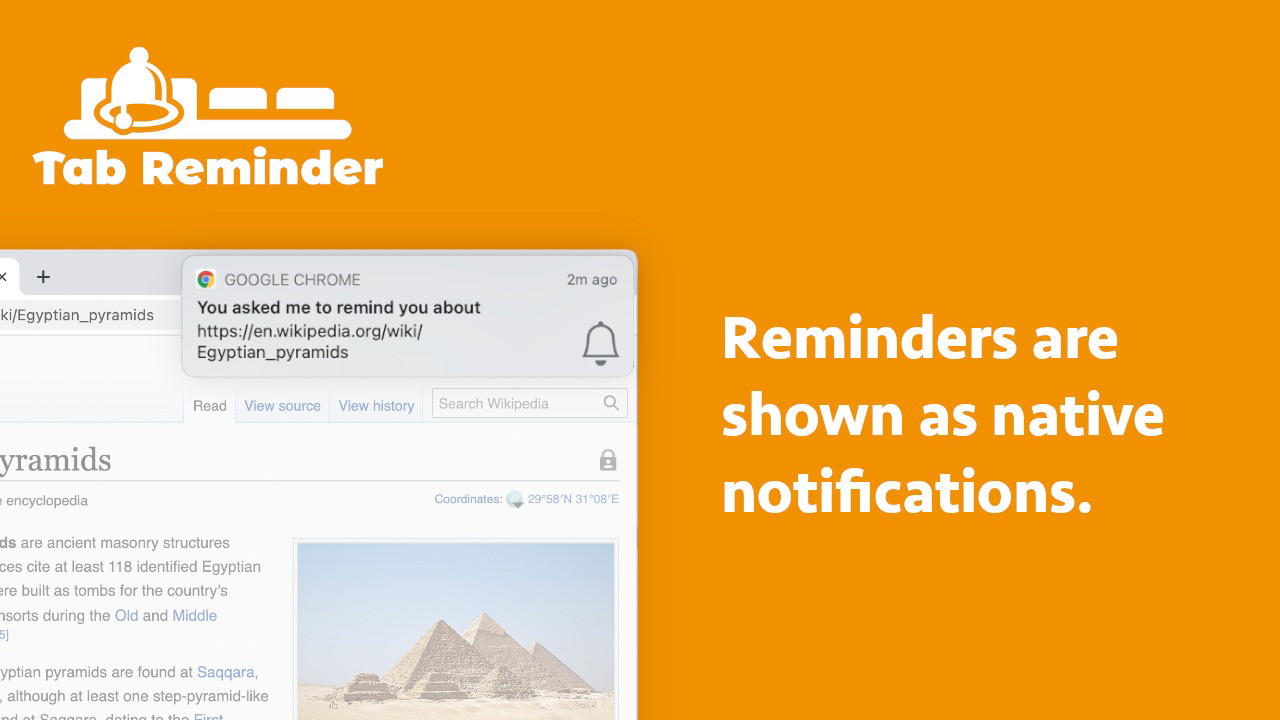
When a reminder is triggered, you'll receive a Chrome notification. Clicking on the notification will take you back to the saved webpage, ensuring you never lose track of important content.
Key Features of Chrome Tab Reminder
This extension is packed with useful features to help you stay organized. Here's a breakdown of the key functionalities:
1. Quick Reminder Creation
Setting a reminder is as easy as clicking a button. With just a few clicks, you can create a notification for any webpage.
-
One-Click Setup: Add reminders directly from your tab.
-
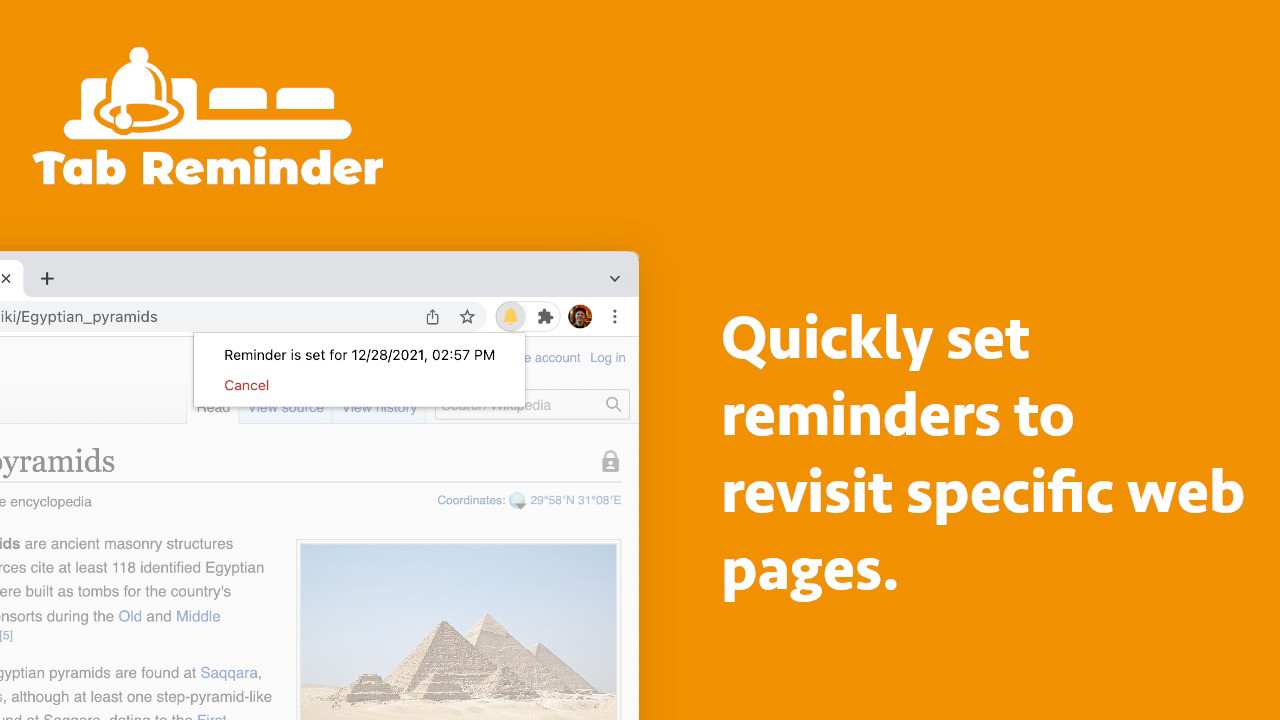
Flexible Timing: Set reminders for specific dates and times.
-
Snooze Option: Delay notifications by 15 minutes if you're not ready.
2. Auto-Open Tabs on Reminder Trigger
A standout feature is the ability to have the webpage automatically reopen when the reminder is triggered. This is particularly useful for time-sensitive tasks.
-
Auto-Open: Choose whether tabs reopen upon reminder activation.
-
Seamless Return: Never lose track of essential pages.
3. Tab Reminder Dashboard
Manage all your reminders in one place with the Tab Reminder Dashboard. This clean and intuitive dashboard lets you:
-
View Upcoming Reminders: See a list of scheduled reminders.
-
Edit or Delete: Modify existing reminders or remove them.
-
Organized Interface: Keep your reminders accessible and easy to manage.
4. Webhook Integration
For advanced users, Chrome Tab Reminder supports webhook integration. This means you can automate actions when a reminder is triggered by sending a POST request to a defined URL.
-
Automation: Trigger webhooks for external applications.
-
Custom Actions: Integrate reminders with third-party services.
Get Lifetime Access to Chrome Tab Reminder Today
How to Use Chrome Tab Reminder
Getting started with Chrome Tab Reminder is a breeze. Here's a step-by-step guide:
-
Install the Extension: Download Chrome Tab Reminder from the Chrome Web Store.
-
Set a Reminder: Open any webpage, click the extension icon, and choose a reminder time.
-
Receive Notifications: Ensure browser notifications are enabled to receive reminders.
-
Manage Reminders: Use the Tab Reminder Dashboard to track and edit reminders.
AI Software Reviews
Sociamonials Review | CustomerFinder AI Review | Smart Clerk Review | Seturon Review | Reoon Email Verifier Review | SendFox Review | Leadrocks Review | Keywordly Review | Hedy AI Review | WECP Review
Pros and Cons of Chrome Tab Reminder
Like any tool, Chrome Tab Reminder has its strengths and limitations. Here's a breakdown:
Pros:
-
Easy to Use: Simple and intuitive interface.
-
Native Notifications: Seamless integration with Chrome notifications.
-
Auto-Open Feature: Automatically revisits pages when reminders are triggered.
-
Webhook Support: Advanced automation capabilities.
-
Snooze Functionality: Delay reminders if needed.
Cons:
-
Chrome-Only: Limited to Google Chrome users.
-
Manual Setup: Requires manual creation of reminders.
-
Notification Dependency: Needs browser notifications enabled.
Who Is Chrome Tab Reminder Best For?
This extension is ideal for anyone who wants to stay on top of their online activities. It’s particularly useful for:
-
Students: Save research pages for future reference.
-
Online Shoppers: Set reminders for sales and discounts.
-
Professionals: Revisit important work-related resources.
-
Productivity Enthusiasts: Keep track of tasks and deadlines.
How Chrome Tab Reminder Stands Out
Compared to other tab management extensions, Chrome Tab Reminder stands out due to its focus on reminders and automation. While other tools prioritize tab organization, this extension emphasizes keeping you on track with time-sensitive content.
Get Lifetime Access to Chrome Tab Reminder Today
Tips to Maximize Chrome Tab Reminder
Here are some tips to get the most out of this handy extension:
-
Enable Notifications: Ensure Chrome notifications are enabled to receive timely reminders.
-
Use Auto-Open: Activate the auto-open feature for critical pages.
-
Organize with Webhooks: Automate actions by integrating with webhooks.
-
Prioritize Reminders: Set reminders for time-sensitive pages first.
Final Thoughts: Is Chrome Tab Reminder Worth It?
If you frequently lose track of important webpages, Chrome Tab Reminder is a must-have. Its simple interface, powerful reminder system, and advanced automation make it an excellent productivity tool for students, professionals, and online shoppers alike.
Never forget a webpage again— Get Chrome Tab Reminder today and take control of your browsing experience!
AI Software Reviews
WP Security Ninja Review | Zemith Review | NeuronWriter Review | AppMySite Review | Rollout Review | Roundups Review | Playzo Review | Castmagic Review | SocLeads Review | First Book AI Review
Browse the Shop
 Acacia frida deluxe solid wood bed frame |
Bedroom bench |
Bed chest drawers |
Lingerie dresser |
Frame base |
Mirror with jewelry storage |
30 Bathroom Vanity |
Memory foam queen mattress |
Mattresses for back pain |
Nightstand set of 2 |
Grand Goldman Shop |
Civil Lawyer
Deutschland Trikot WM 2026
Acacia frida deluxe solid wood bed frame |
Bedroom bench |
Bed chest drawers |
Lingerie dresser |
Frame base |
Mirror with jewelry storage |
30 Bathroom Vanity |
Memory foam queen mattress |
Mattresses for back pain |
Nightstand set of 2 |
Grand Goldman Shop |
Civil Lawyer
Deutschland Trikot WM 2026










