

When you search for an HDMI cable on Amazon, you'll find countless options that look nearly identical. Some are braided, some come in different lengths or colors, but at first glance, they all seem the same. Yet prices vary widely—from a few dollars to over $20. Your first instinct might be to grab the cheapest one that fits your length needs. But it's worth pausing to look at the details: cheaper cables are often HDMI 2.0, while pricier ones are HDMI 2.1. What does that mean for you? Let's break it down so you know whether it's worth spending more or if a budget cable will do.
HDMI 2.1 vs 2.0: The Key Difference
In short, HDMI 2.1 is better. The main difference is that it offers more bandwidth—more than double that of HDMI 2.0. In practice, this means the cable can handle and transmit more data per second. Since we're talking about HDMI, that data is image and sound.
Find Original Home Decor sparking conversation at Grand Goldman Shop.

Because of the higher bandwidth, HDMI 2.1 can support higher resolutions at higher refresh rates. It's the right choice if you plan to watch 8K content (though commercial 8K is still limited) or if you want to play 4K at 120 Hz.
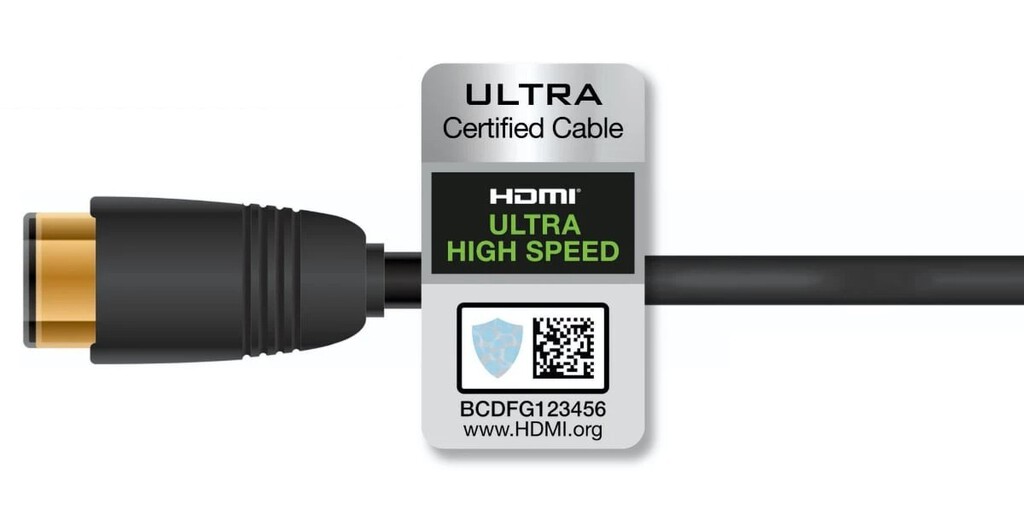
When Do You Need HDMI 2.1?
You need HDMI 2.1 if you have a device that outputs high-resolution, high-frame-rate content and a display that can take advantage of it. For example, the PlayStation 5 and Xbox Series X can output 4K at 120 Hz, and many modern TVs support this. If you want to experience smooth, tear-free gaming, you'll need an HDMI 2.1 cable.
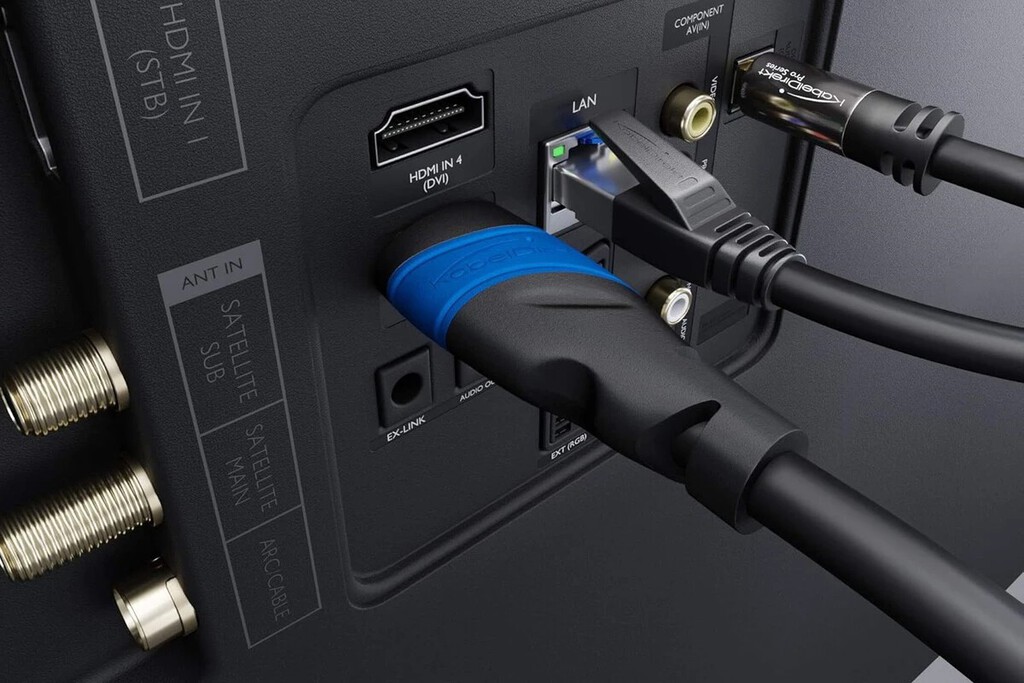
Similarly, if you're into high-end PC gaming with a monitor that supports 4K at 120 Hz or even 8K, HDMI 2.1 is essential. And if you're future-proofing for 8K content, it's a wise investment.
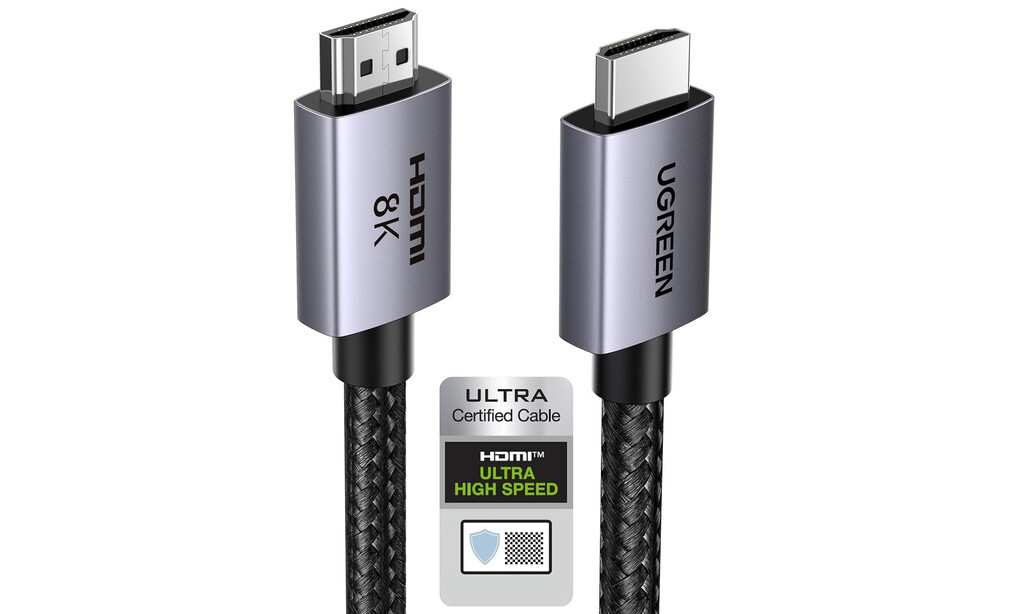
When Is HDMI 2.0 Enough?
For most people, HDMI 2.0 is perfectly fine. If you're watching regular 4K content at 60 Hz (like most streaming services and Blu-rays), or if you're using a standard 1080p setup, a cheap HDMI 2.0 cable will work just as well as an expensive one.
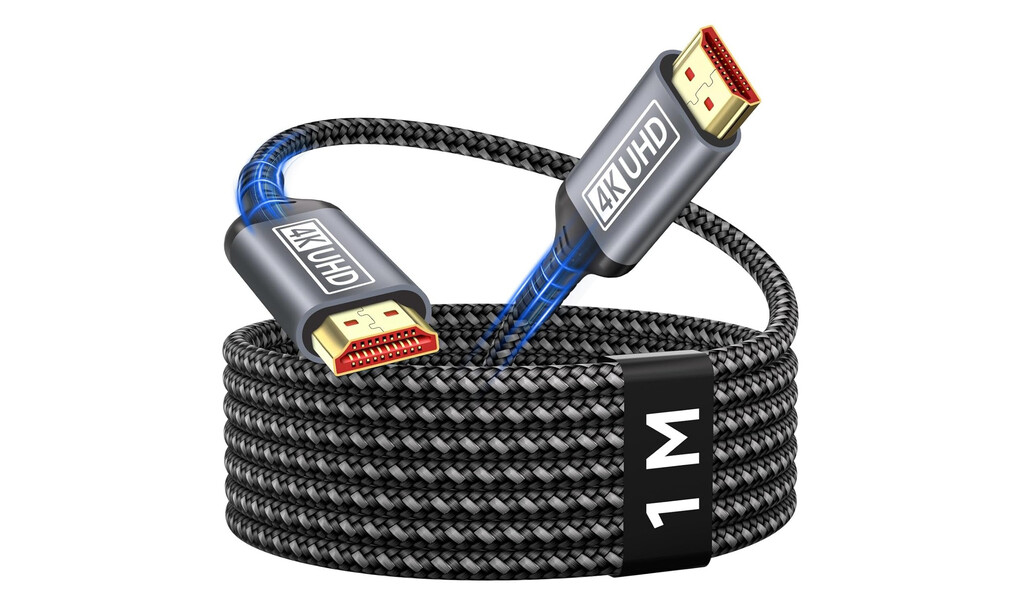
Even for gaming at 4K 60 Hz, HDMI 2.0 suffices. So if you're not planning to upgrade to a 120 Hz display or 8K anytime soon, save your money. The background to this story is set out in Lidl's Braided USB-C Cables: 2.99 Euros and Power Delivery Ready. A related thread runs through Braiding Costs Rise: Why Your Favorite Style Got Expensive. Earlier coverage in Trending: latest articles shows how the argument developed.
What About Cable Quality and Length?
Not all HDMI cables are created equal. For longer runs (over 3 meters), signal degradation can occur, especially with higher bandwidth. HDMI 2.1 cables are often better shielded to maintain signal integrity over longer distances. A closer look at the same subject appears in Best Wireless HDMI Transmitters for Sending 4K Video to Another Room. Anyone following the wider picture can start with Best TVs in the UK for Every Home and Screen Size, Tested. The same theme surfaces in Best First Computer Under 300 Euros: Windows, ChromeOS or Tablet, which takes a different angle.
However, for short runs (under 3 meters), even cheap cables can handle HDMI 2.1 bandwidth. So don't assume you need to spend a lot just because you want 2.1 features—check the cable's certification. Context on how this played out before sits in Best TVs for PS5 and Xbox Series X: Buyer's Guide. A companion piece, HDMI 2.1 vs 2.0: Do You Need the Expensive Cable or Is a Cheap One Enough, approaches the same subject from another angle.
Key Takeaways
- HDMI 2.1 offers more than double the bandwidth of HDMI 2.0, enabling higher resolutions and refresh rates.
- You need HDMI 2.1 for 4K at 120 Hz or 8K content.
- HDMI 2.0 is sufficient for 4K at 60 Hz, which covers most streaming and gaming.
- For short cables (under 3 meters), cheaper HDMI 2.1 cables can work fine.
- Always check for certification (like Ultra High Speed HDMI) to ensure performance.
Comparison Table: HDMI 2.0 vs 2.1
| Feature | HDMI 2.0 | HDMI 2.1 |
|---|---|---|
| Max Bandwidth | 18 Gbps | 48 Gbps |
| Max Resolution | 4K at 60 Hz | 8K at 60 Hz, 4K at 120 Hz |
| HDR | Yes (static) | Yes (dynamic HDR) |
| Typical Price | Low | Higher |
FAQ
Do I need an HDMI 2.1 cable for my PS5?
Yes, to take full advantage of the PS5's 4K 120 Hz output, you need an HDMI 2.1 cable. The console comes with one, but if you need a longer cable or a replacement, make sure it's certified HDMI 2.1.
Can I use an HDMI 2.0 cable with a 4K 120 Hz TV?
No, an HDMI 2.0 cable lacks the bandwidth to handle 4K at 120 Hz. You'll need an HDMI 2.1 cable to get the full experience.
Are expensive HDMI cables worth it?
Only if you need the extra bandwidth for high-resolution, high-refresh-rate content. For standard 4K 60 Hz, a cheap HDMI 2.0 cable works perfectly fine.
How do I know if a cable is HDMI 2.1?
Look for the "Ultra High Speed HDMI" certification label. This ensures the cable meets the bandwidth requirements for HDMI 2.1 features.
Browse the Shop
 Acacia frida deluxe solid wood bed frame |
Bedroom bench |
Bed chest drawers |
Lingerie dresser |
Frame base |
Mirror with jewelry storage |
30 Bathroom Vanity |
Memory foam queen mattress |
Mattresses for back pain |
Nightstand set of 2 |
Grand Goldman Shop |
Civil Lawyer
Deutschland Trikot WM 2026







