

When it comes to SSD vs HDD for backups, the faster and more expensive option isn't always the best. If you've just bought a new phone or laptop with limited storage, you're probably considering an external drive to offload photos and files. But should you choose a traditional hard disk drive (HDD) or a solid-state drive (SSD)? Both have merits, but they serve different purposes. Understanding their differences will help you make a smarter purchase.
What Is an HDD and How Does It Work?
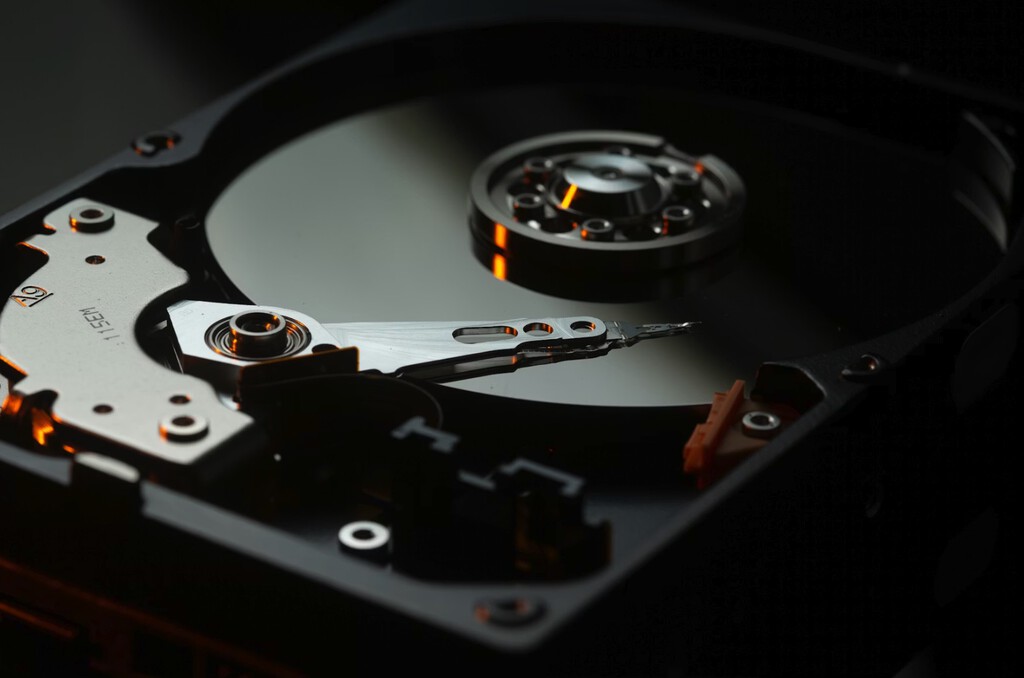
HDDs have been around for decades and are the mechanical workhorses of storage. They contain spinning platters and moving read/write heads, which is why they're often called "spinning rust." This mechanical nature makes them slower than SSDs but also more affordable per terabyte.
Find Original Home Decor sparking conversation at Grand Goldman Shop.

HDDs are ideal for bulk storage and backups because they offer large capacities at low costs. However, their moving parts make them susceptible to physical shock and wear over time.
What Is an SSD and Why Is It Faster?
SSDs use flash memory to store data, with no moving parts. This makes them significantly faster for reading and writing data, and more durable against bumps and drops. They're also quieter and consume less power.
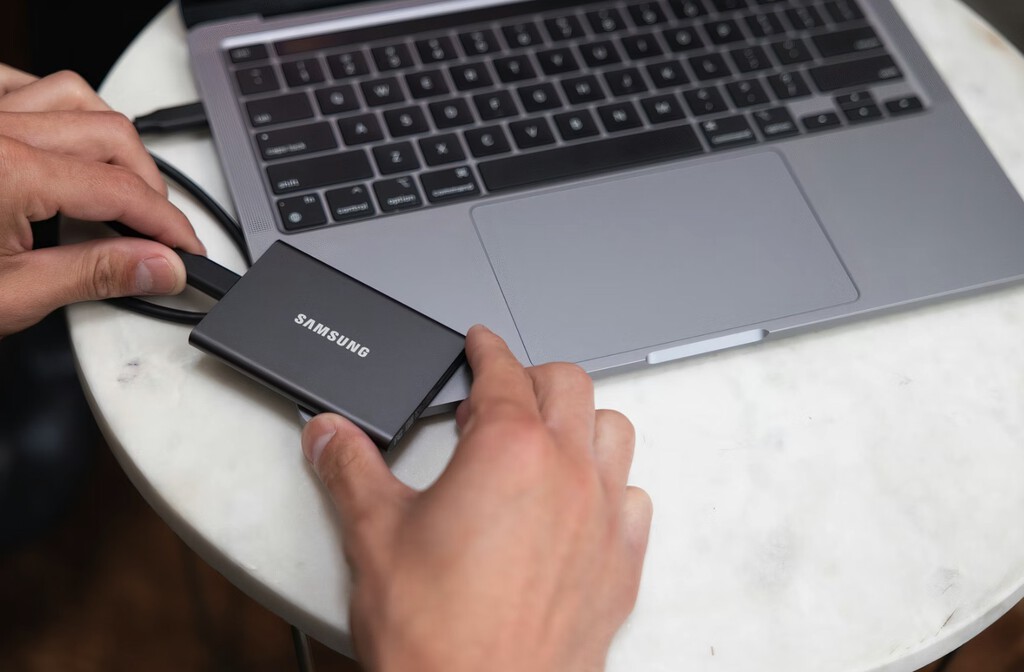
But SSDs come at a premium price per gigabyte. While they're great for speeding up your computer's operating system and frequently used applications, using them for long-term backups might not be cost-effective.
Key Differences: SSD vs HDD for Backups
When choosing a backup drive, consider these critical factors:
- Speed: SSDs are much faster, but for backups, speed is often less important than capacity and cost.
- Cost per GB: HDDs are far cheaper per terabyte, making them better for large backups.
- Durability: SSDs have no moving parts, so they're more resistant to shock, but HDDs are generally fine for stationary use.
- Capacity: HDDs offer much larger capacities at lower prices, ideal for archiving large media files.
- Longevity: SSDs have limited write cycles, while HDDs can last many years if handled carefully.
SSD vs HDD Comparison Table
| Factor | HDD | SSD |
|---|---|---|
| Speed | Slower (mechanical) | Much faster (flash memory) |
| Cost per TB | Low | High |
| Durability | Susceptible to shock | Resistant to shock |
| Capacity | Up to 20TB+ | Typically up to 8TB |
| Best Use Case | Backups, bulk storage | OS, apps, fast transfers |
Why Faster Isn't Always Better for Backups
For backup purposes, speed is rarely the bottleneck. Backups typically run in the background or overnight, so the faster speed of an SSD doesn't offer a significant advantage. What matters more is reliability, capacity, and cost.
HDDs provide ample capacity at a fraction of the cost, making them ideal for storing large volumes of photos, videos, and documents. They're also well-suited for write-once, read-many scenarios typical of backups. Context on how this played out before sits in SSD vs HDD for Backups: Why Faster Isn't Always Better.
However, if you need to frequently access or edit files directly from the backup drive, an SSD's speed could be beneficial. But for pure archival, an HDD is the more economical choice. The background to this story is set out in Seagate Revives Hybrid Drives with FireCuda Forge: HDD + SSD Combo. A related thread runs through US Power Grid Strains Under Heat Wave: Data Centers Asked to Use Backup.
Who Should Choose Which?
If you're backing up a large media library or important documents and want the best value, an HDD is likely your best bet. If you need a portable drive that can withstand travel and offer quick access, an SSD might be worth the investment. Earlier coverage in Trending: latest articles shows how the argument developed. A closer look at the same subject appears in MediaMarkt Outlet Sale: Deep Discounts on SanDisk, Crucial and Seagate Drives.
Consider your budget and storage needs. For most home users, a combination of an SSD for the operating system and an HDD for backups offers the best of both worlds. Anyone following the wider picture can start with Internxt Cloud Storage: 1 TB for €16 a Year With 87%. The same theme surfaces in SanDisk 2TB SSD Black Friday Deal: PS5-Ready Storage at 224 Euros, which takes a different angle.
FAQ
Is an SSD better than an HDD for backup?
Not necessarily. While SSDs are faster and more durable, HDDs offer much better cost per terabyte and higher capacities, making them more practical for most backup needs.
Can I use an HDD for long-term backup?
Yes, HDDs are well-suited for long-term backup, especially if stored in a stable environment. They can retain data for years when powered off, though occasional use is recommended to prevent mechanical issues.
How often should I back up my data?
The frequency depends on how often your data changes. For critical files, daily backups are ideal; for less important data, weekly or monthly may suffice.
Are SSDs more reliable than HDDs?
SSDs have no moving parts, so they're more resistant to physical shock. However, they have limited write cycles. HDDs can fail due to mechanical wear, but generally last many years with proper care.
Browse the Shop
 Acacia frida deluxe solid wood bed frame |
Bedroom bench |
Bed chest drawers |
Lingerie dresser |
Frame base |
Mirror with jewelry storage |
30 Bathroom Vanity |
Memory foam queen mattress |
Mattresses for back pain |
Nightstand set of 2 |
Grand Goldman Shop |
Civil Lawyer
Deutschland Trikot WM 2026







