

Managing and editing PDFs across multiple devices shouldn’t be complicated. With UPDF, you can seamlessly edit, annotate, convert, organize, and protect PDFs on Windows, Mac, iOS, and Android. Whether you’re a consultant, educator, or small business owner, this versatile PDF editor offers a powerful alternative to Adobe Acrobat Pro and DocuSign at a fraction of the cost.
In this in-depth UPDF review, I’ll walk you through its features, strengths, and areas where it falls short. From AI-powered OCR technology to comprehensive PDF annotation tools, you’ll discover how UPDF can streamline your document management and whether it’s the right solution for your needs. Let’s dive in and explore what makes UPDF stand out.
Find Original, High-end Home Decor that spark conversation at Grand Goldman Shop.
Get Lifetime Access to UPDF Today
What is UPDF?
UPDF is a comprehensive PDF editing tool available on Windows, macOS, iOS, and Android. Unlike many competitors, it offers a complete range of features across all platforms, including advanced editing, conversion, and PDF protection capabilities.
With a single purchase through AppSumo, you can use UPDF on up to four devices (two desktops and two mobile devices) simultaneously. It’s a one-time purchase with lifetime access, making it an affordable solution for professionals who frequently work with PDFs.
Key Features of UPDF
PDF Editing Capabilities
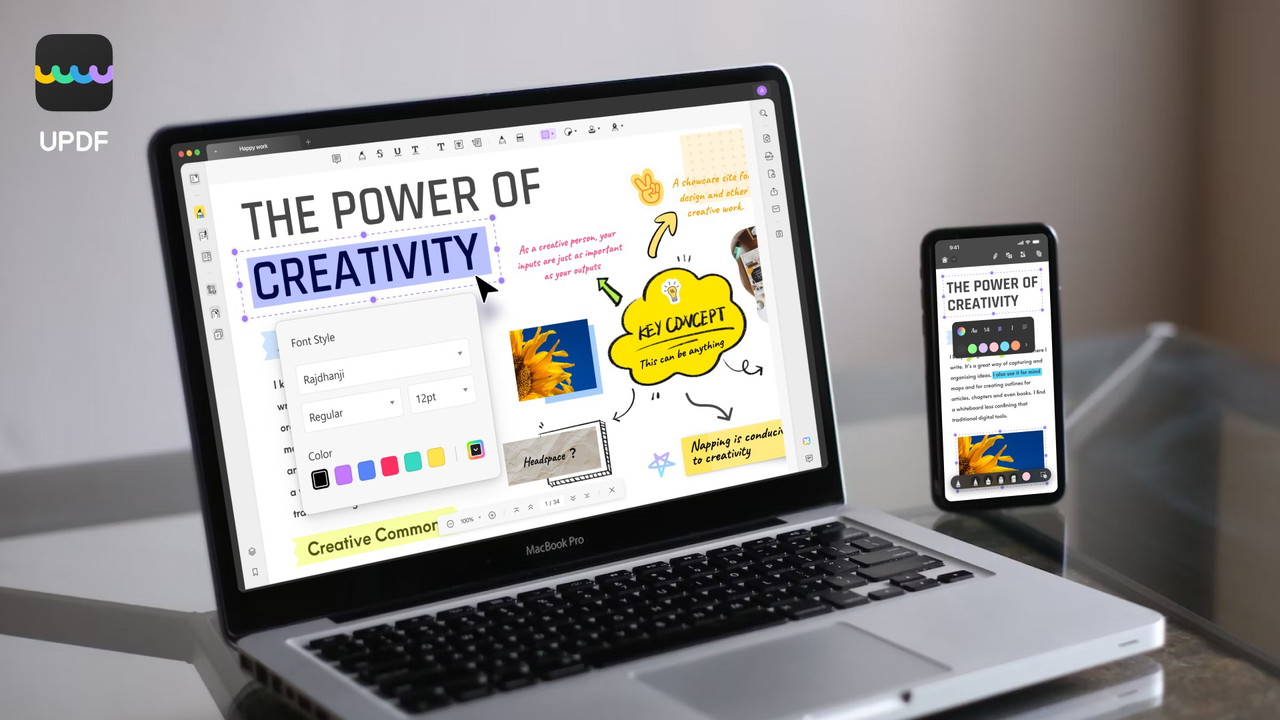
One of the core strengths of UPDF is its ability to edit any element in a PDF document. Whether you need to tweak the text, images, or page layout, UPDF provides a user-friendly interface that makes complex edits simple.
With UPDF, you can:
-
Add or delete text, and customize the font, color, and size.
-
Modify images: add, crop, rotate, replace, or delete them.
-
Insert and edit hyperlinks and watermarks.
-
Adjust headers, footers, and backgrounds.
-
Create and fill interactive PDF forms with ease.
The editing features are fully functional on both desktop and mobile devices, allowing you to work seamlessly across platforms.
PDF Conversion Made Simple
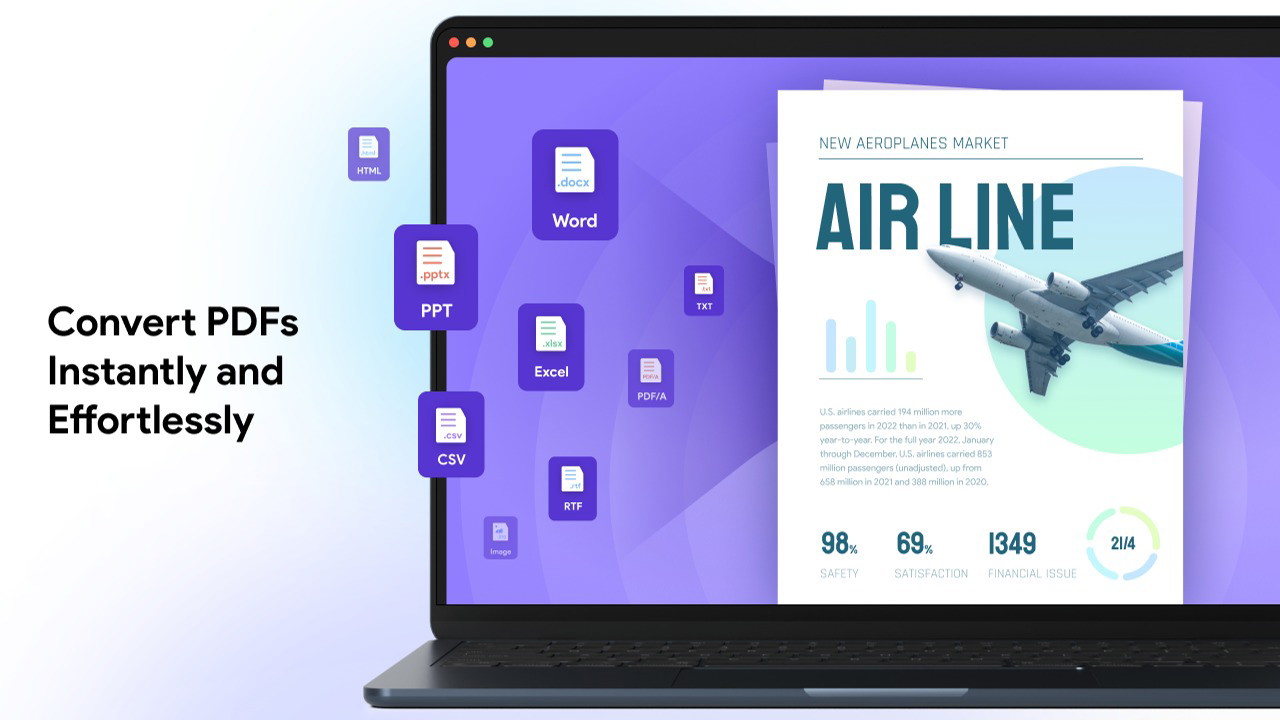
UPDF supports offline PDF conversion to a wide variety of formats without compromising the document layout. This includes popular formats like Word, Excel, PowerPoint, as well as image files (PNG, JPG, TIFF, GIF), HTML, CSV, XML, and more.
Key benefits of UPDF's conversion tool:
-
Convert entire PDFs or specific page ranges.
-
Maintain original formatting across all supported formats.
-
Fast and reliable conversion even for large files.
AI-Powered OCR (Optical Character Recognition)
If you work with scanned PDFs or image-based documents, UPDF's AI-powered OCR is a game-changer. This feature lets you convert non-editable PDFs into fully searchable and editable text.
What makes UPDF's OCR unique:
-
Recognizes over 38 languages.
-
Works offline for enhanced privacy and speed.
-
Produces highly accurate text recognition.
(Note: The OCR feature is not available on the Mac App Store version or on Macs with Intel chips.)
Get Lifetime Access to UPDF Today
Annotate and Collaborate
UPDF offers an extensive suite of annotation tools to mark up and enhance your documents. Whether you’re collaborating on a project or simply adding personal notes, these tools provide all the flexibility you need.
Annotation options include:
-
Highlight, underline, strikethrough, and freehand pencil marks.
-
Add shapes, stamps, and stickers for visual emphasis.
-
Include attachments and digital signatures.
-
Export annotation summaries for easy sharing.
Additionally, UPDF includes measurement tools that allow you to calculate distance, perimeter, and area directly within your document.
AI Software Reviews
Mavic Review | Switchy Review | PowerIn Review | Locker Password Manager Review | Gleemo Review | Subpage Review | Unmixr AI Review | Edworking Review | Socrates Review | Formly Forms Surveys Quizzes Review
Organize and Protect PDF Files
UPDF goes beyond editing by offering powerful PDF organization and security tools.
You can:
-
Rearrange, rotate, extract, split, and delete pages.
-
Apply open and permission passwords to protect sensitive content.
-
Redact confidential information.
-
Add watermarks to indicate document sensitivity or ownership.
Mobile-Friendly PDF Management
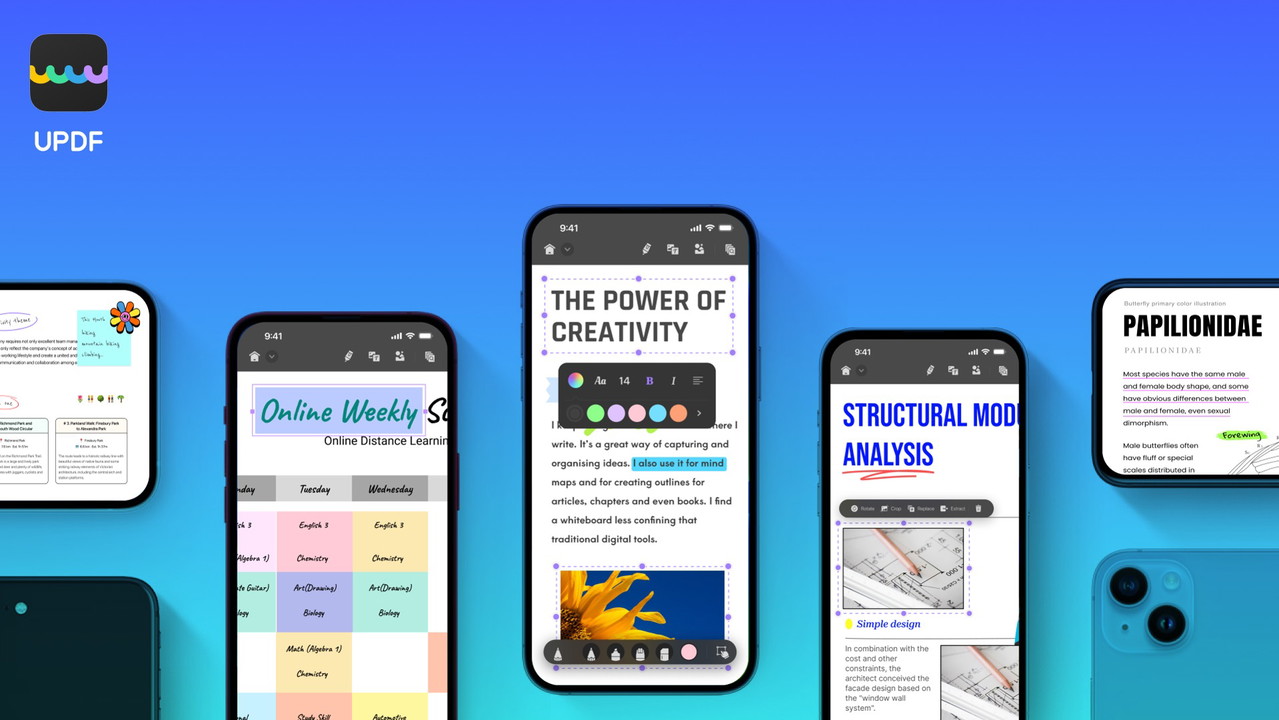
Unlike some competitors that limit mobile functionality, UPDF for iOS and Android delivers a full-featured experience. You can annotate, edit, and organize PDFs from your mobile devices while maintaining compatibility across platforms.
Mobile-exclusive features:
-
Scan physical documents directly to PDF.
-
Search, copy, and share files with ease.
-
Secure documents with passwords and other restrictions.
What Makes UPDF Different?
Compared to alternatives like Adobe Acrobat Pro and DocuSign, UPDF stands out due to its affordability, lifetime license, and feature-rich platform.
Key Advantages Over Competitors:
-
One-Time Payment: No recurring subscription fees.
-
Multi-Device Access: Use on 2 desktops and 2 mobile devices simultaneously.
-
AI Integration: Access to OCR technology and advanced editing features.
-
Comprehensive Toolkit: Edit, convert, annotate, and protect PDFs in one place.
Get Lifetime Access to UPDF Today
Who Should Use UPDF?
UPDF is an excellent choice for professionals who regularly handle PDF documents. It’s particularly beneficial for:
-
Consultants: Manage and secure client documents effortlessly.
-
Educators: Annotate and share study materials.
-
Small Businesses: Convert and protect sensitive business records.
Pros and Cons of UPDF
Pros:
-
Affordable lifetime access on multiple devices.
-
Extensive PDF editing, annotation, and conversion features.
-
AI-powered OCR for accurate text recognition.
-
Works seamlessly across Windows, Mac, iOS, and Android.
-
Easy-to-use interface with advanced customization.
Cons:
-
AI Assistant features require a separate purchase.
-
OCR not available on all Mac devices (Intel chip limitation).
-
Limited cloud storage (2GB included with lifetime plan).
Is UPDF Worth It? - What I Think
If you're tired of expensive PDF software subscriptions, UPDF offers a powerful, cost-effective solution. Its AI-powered OCR, robust editing tools, and cross-platform compatibility make it ideal for professionals seeking a reliable PDF editor.
By investing in UPDF, you save time and money while gaining access to a comprehensive PDF management toolkit. Whether you need to edit, annotate, convert, or protect PDFs, UPDF delivers.
Get access to UPDF today and take control of your PDF workflows.
AI Software Reviews
Trackabi Time Tracker App Review | Forento Review | LaunchMyStore Review | MyMemo Review | XInterview AI Review | SheerSEO Review | VivoMeetings Review | Reoon Lead Scraper YellowPages Review | Affiliatable Review | BunnyDoc Review
Browse the Shop
 Acacia frida deluxe solid wood bed frame |
Bedroom bench |
Bed chest drawers |
Lingerie dresser |
Frame base |
Mirror with jewelry storage |
30 Bathroom Vanity |
Memory foam queen mattress |
Mattresses for back pain |
Nightstand set of 2 |
Grand Goldman Shop |
Civil Lawyer
Deutschland Trikot WM 2026
Acacia frida deluxe solid wood bed frame |
Bedroom bench |
Bed chest drawers |
Lingerie dresser |
Frame base |
Mirror with jewelry storage |
30 Bathroom Vanity |
Memory foam queen mattress |
Mattresses for back pain |
Nightstand set of 2 |
Grand Goldman Shop |
Civil Lawyer
Deutschland Trikot WM 2026







