


AnyChat Review: The Ultimate Messaging Solution for Your Website
In today's digital landscape, providing seamless and convenient customer support is non-negotiable. With so many messaging apps available, businesses need a versatile solution to connect with their audience effectively. That’s where AnyChat comes in. This innovative multi-channel chat widget allows you to offer customers a variety of contact methods, making communication faster and easier.
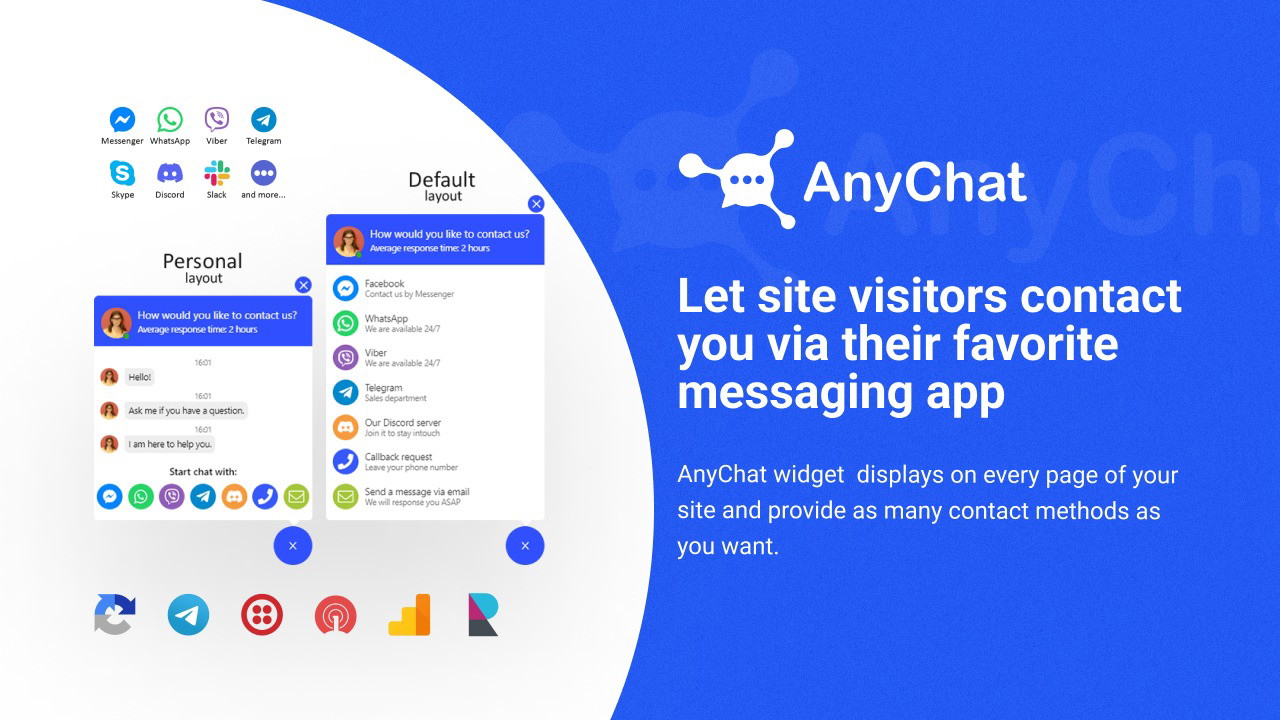
AnyChat displays a unified contact button on every page of your site, enabling visitors to reach you via their preferred messaging platform. Whether you're running an eCommerce store, a consultancy, or providing customer support, AnyChat ensures you're always accessible.
As someone who has worked extensively with customer engagement tools, I know the value of quick and easy communication. AnyChat not only integrates with popular messaging platforms like WhatsApp, Slack, and Telegram, but it also provides advanced customization to match your brand’s identity. In this guide, I’ll walk you through AnyChat’s features, how to set it up, and why it’s a game-changer for businesses that want to enhance their customer communication.
Get Lifetime Access to Anychat Today
What is AnyChat?
AnyChat is an AI-powered widget that lets website visitors contact you through their favorite messaging apps. It supports deeplinking technology, meaning you can integrate any messenger that allows deep links, ensuring you never miss a customer inquiry.
Key Features of AnyChat
Here are the standout features that make AnyChat an essential tool for businesses:
-
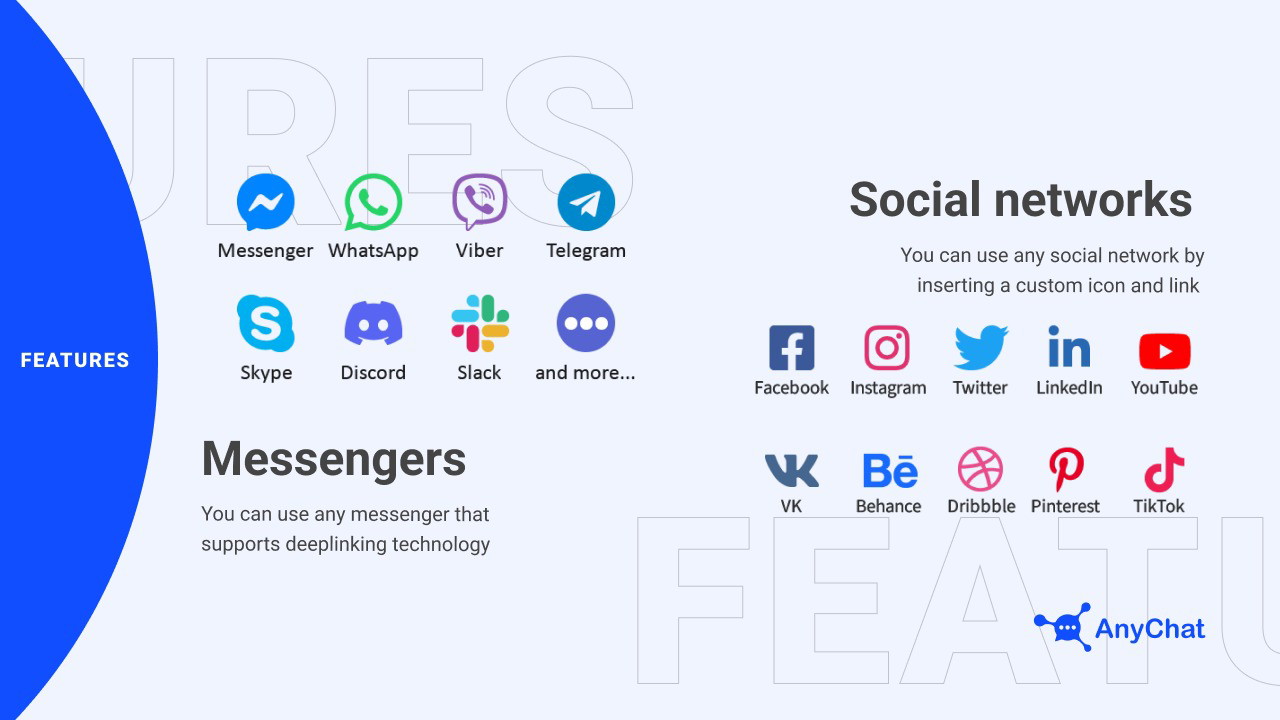
Multi-Platform Support: Connect with visitors through popular messengers like WhatsApp, Slack, Telegram, and more.
-
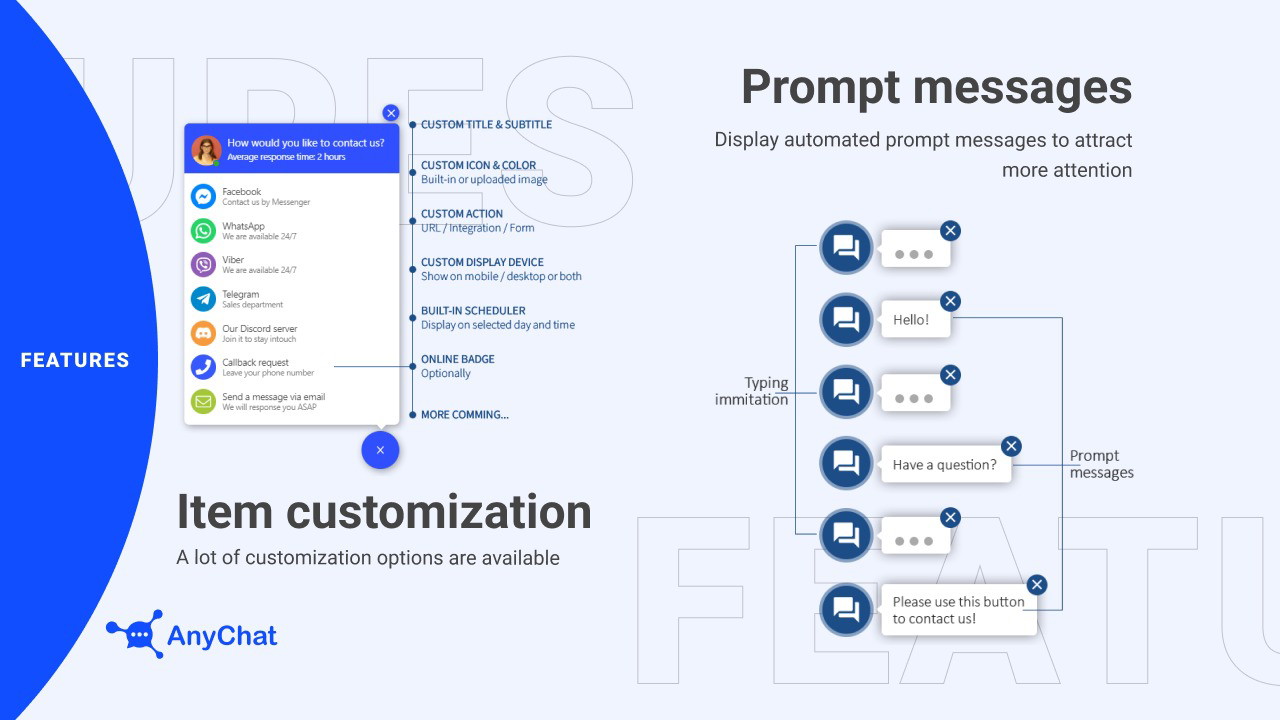
Customizable Widget: Adjust the look and feel of your chat widget to match your brand.
-
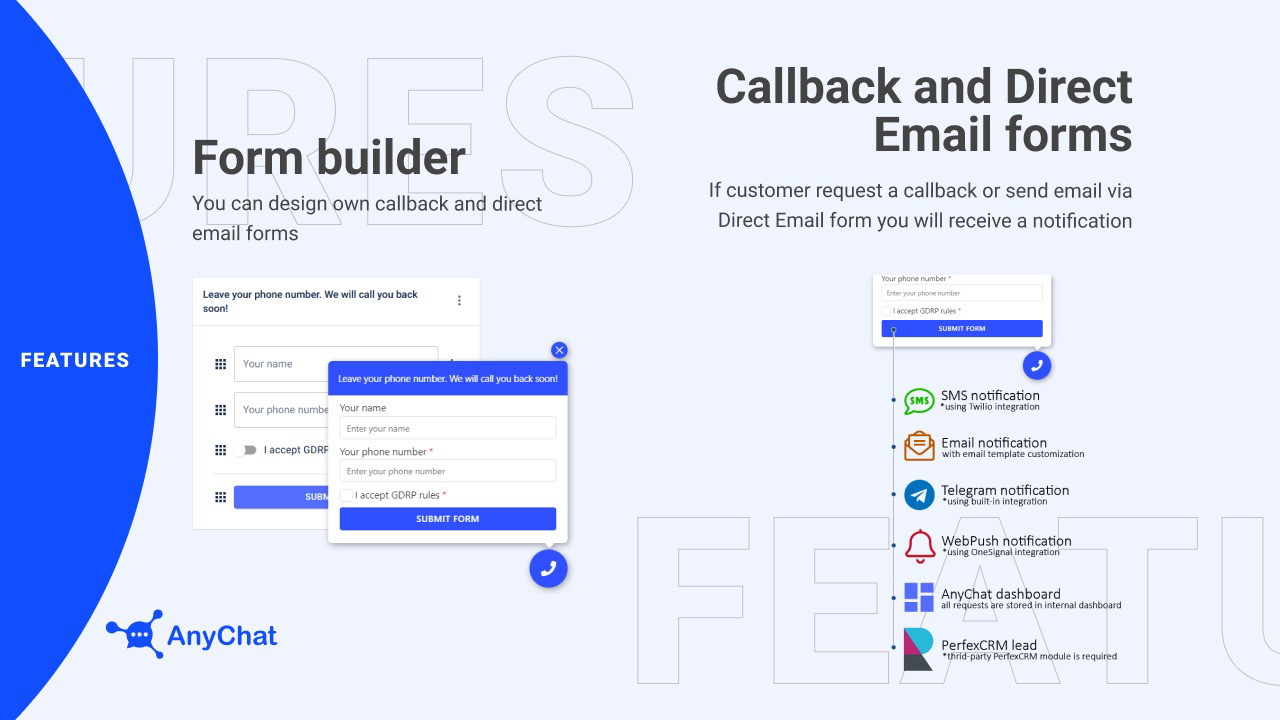
Callback & Direct Email Forms: Let users request callbacks or send emails directly through the widget.
-
Real-Time Messaging: Engage with visitors instantly to provide faster support.
-
White-Label Option: Customize the widget without AnyChat branding for a seamless customer experience.
-
GDPR Compliance: Ensure user privacy and data protection.
Why Use AnyChat on Your Website?
1. Offer Multiple Contact Options
Your customers have different preferences when it comes to communication. AnyChat allows you to offer a wide range of messaging options from one convenient widget.
-
Provide instant access to popular messengers.
-
Support deeplinking technology for seamless integration.
-
Ensure your customers can reach you on their terms, increasing engagement.
2. Enhance Customer Experience
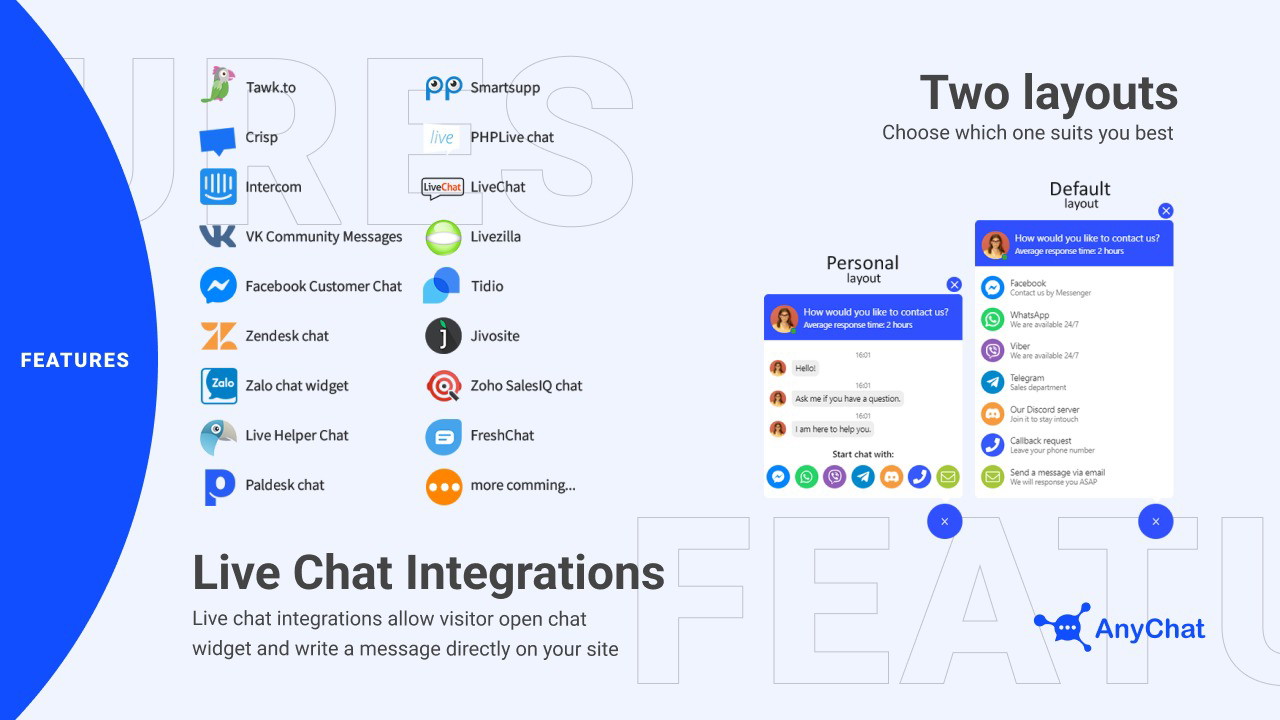
With AnyChat, you can respond to inquiries in real-time, improving customer satisfaction and reducing response times.
-
Engage visitors directly on your website.
-
Offer quick solutions through live chat.
-
Reduce frustration by providing immediate assistance.
Get Lifetime Access to Anychat Today
3. Seamless Integration
Setting up AnyChat is simple. It works with any custom site, CMS, or website builder via an embed code, so you can start connecting with your audience right away.
-
Compatible with major platforms and AI models.
-
Easily embed the widget on any website.
-
Support for custom domains via CNAME.
How to Set Up AnyChat
Getting started with AnyChat is easy. Follow these steps to integrate the widget and start connecting with visitors:
-
Sign Up & Access the Dashboard: Create an account and log in to the AnyChat dashboard.
-
Customize Your Widget: Choose your preferred layout, add your brand colors, and define the messaging platforms you want to support.
-
Embed the Code: Copy the provided embed code and paste it into your website's HTML.
-
Test & Launch: Verify that the widget is working correctly and launch it on your site.
Pro Tips for Maximizing AnyChat
-
Use Callback Forms: Allow customers to request a callback for more complex issues.
-
Personalize Messaging: Customize labels and placeholders to reflect your brand voice.
-
Monitor Engagement: Track how visitors interact with your widget to optimize your support strategy.
AnyChat vs. Other Messaging Tools
Here’s how AnyChat compares with other popular messaging solutions:
| Feature | AnyChat | Other Tools |
|---|---|---|
| Multi-Platform Support | Yes (Deeplinking) | Limited Platforms |
| Customizable Widget | Yes (Fully Custom) | Basic Customization |
| Callback & Email Forms | Yes | Limited or No Support |
| GDPR Compliance | Yes | Varies |
| White-Label Option | Yes (With CNAME) | No |
Is AnyChat Worth It?
In my experience, AnyChat is an invaluable tool for businesses looking to streamline customer communication. It offers flexibility, advanced customization, and easy integration, making it an ideal choice for any customer support or eCommerce operation.
Pros and Cons of AnyChat
Pros:
-
Supports multiple messaging platforms with deeplinking.
-
Fully customizable to match your brand.
-
Real-time messaging for faster customer support.
-
White-label and CNAME support for a professional appearance.
-
Easy to install with a simple embed code.
Cons:
-
Requires some technical knowledge to set up custom domains.
-
Advanced customization may take time to fine-tune.
Get Lifetime Access to Anychat Today
Final Thoughts
If you want to improve customer engagement and make it easy for visitors to contact you, AnyChat is the perfect solution. Its AI-driven features, multi-platform support, and customization options set it apart from other messaging tools.
Whether you’re a consultant, customer support agent, or run an eCommerce site, AnyChat helps you stay connected and responsive—boosting both customer satisfaction and your bottom line.
Ready to take your customer communication to the next level? Get started with AnyChat today and never miss an opportunity to engage with your audience.







