


BreezeDoc Review: What to Expect
Landing a new client is always exciting—but waiting for them to sign and make it official can slow things down. If you've ever been stuck chasing signatures through clunky systems or expensive platforms, you know the frustration.
With BreezeDoc, you can collect legally-binding signatures without the hassle or the hefty price tag. Whether you're a freelancer, consultant, or solopreneur, this platform offers a smooth, intuitive way to manage your contracts and agreements.
In this BreezeDoc review, I’ll cover how this document-signing solution works, its key features, and how it compares to major alternatives like DocuSign and Adobe Sign. By the end, you'll know whether this tool can streamline your signing process and help you close deals faster.
Get Lifetime Access to BreezeDoc Today
What is BreezeDoc?
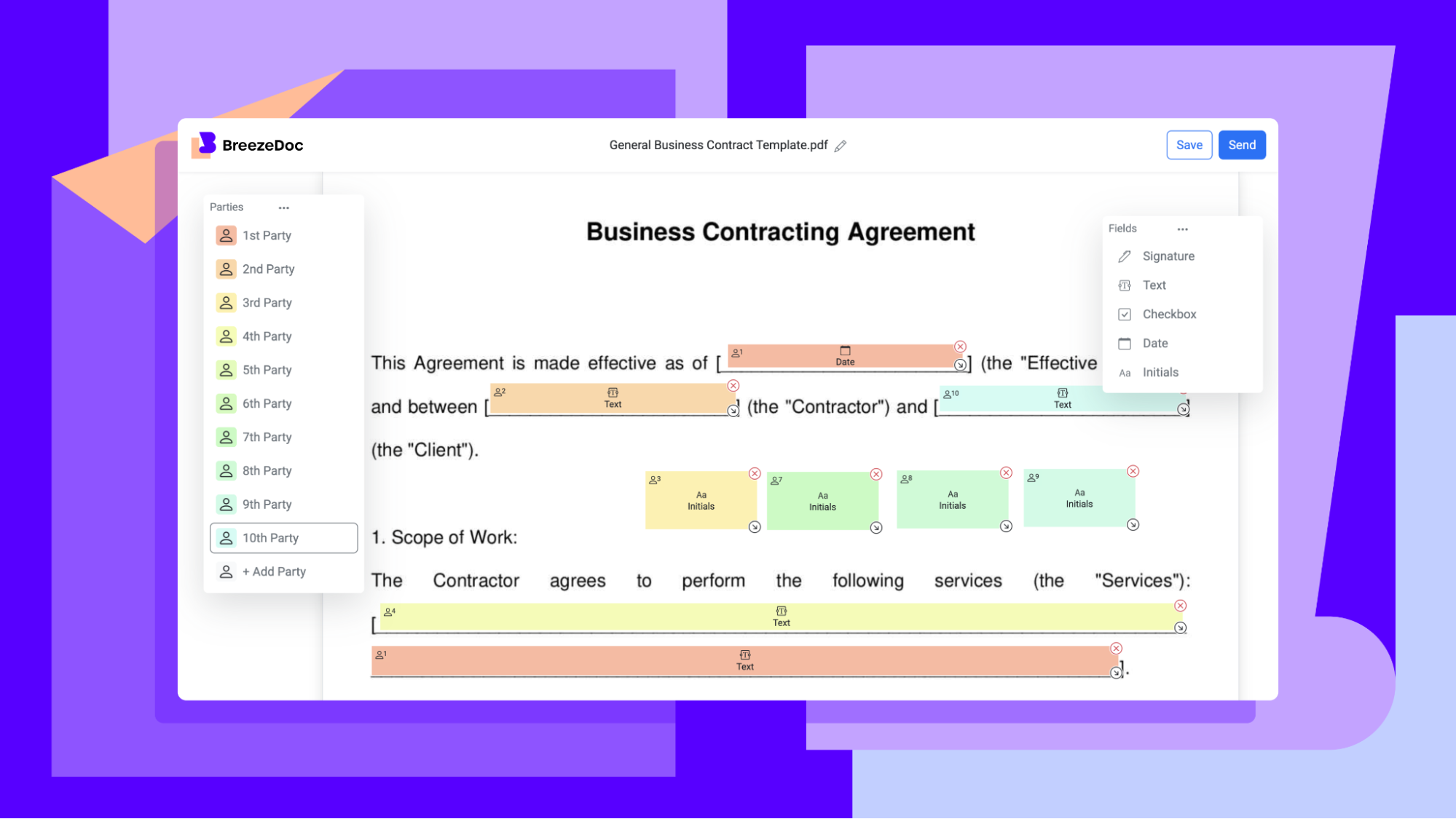
BreezeDoc is a document-signing solution designed to help you collect legally-binding signatures on contracts and agreements with minimal effort. With an easy-to-use interface, it allows you to upload documents, create signature fields, and track recipient activity seamlessly.
Who is BreezeDoc For?
BreezeDoc is ideal for:
-
Consultants who need a quick and reliable way to collect signatures
-
Freelancers looking to streamline their contract management
-
Solopreneurs wanting to secure legally-binding agreements without breaking the bank
If you want a simple yet powerful electronic signature tool, BreezeDoc is built to make the process fast, efficient, and stress-free.
Key Features of BreezeDoc
Easy Document Upload and Signature Collection
One of BreezeDoc’s core features is its ability to upload documents and collect signatures effortlessly.
Key Benefits:
-
Upload contracts and agreements with a single click
-
Add fields for signatures, initials, and date boxes
-
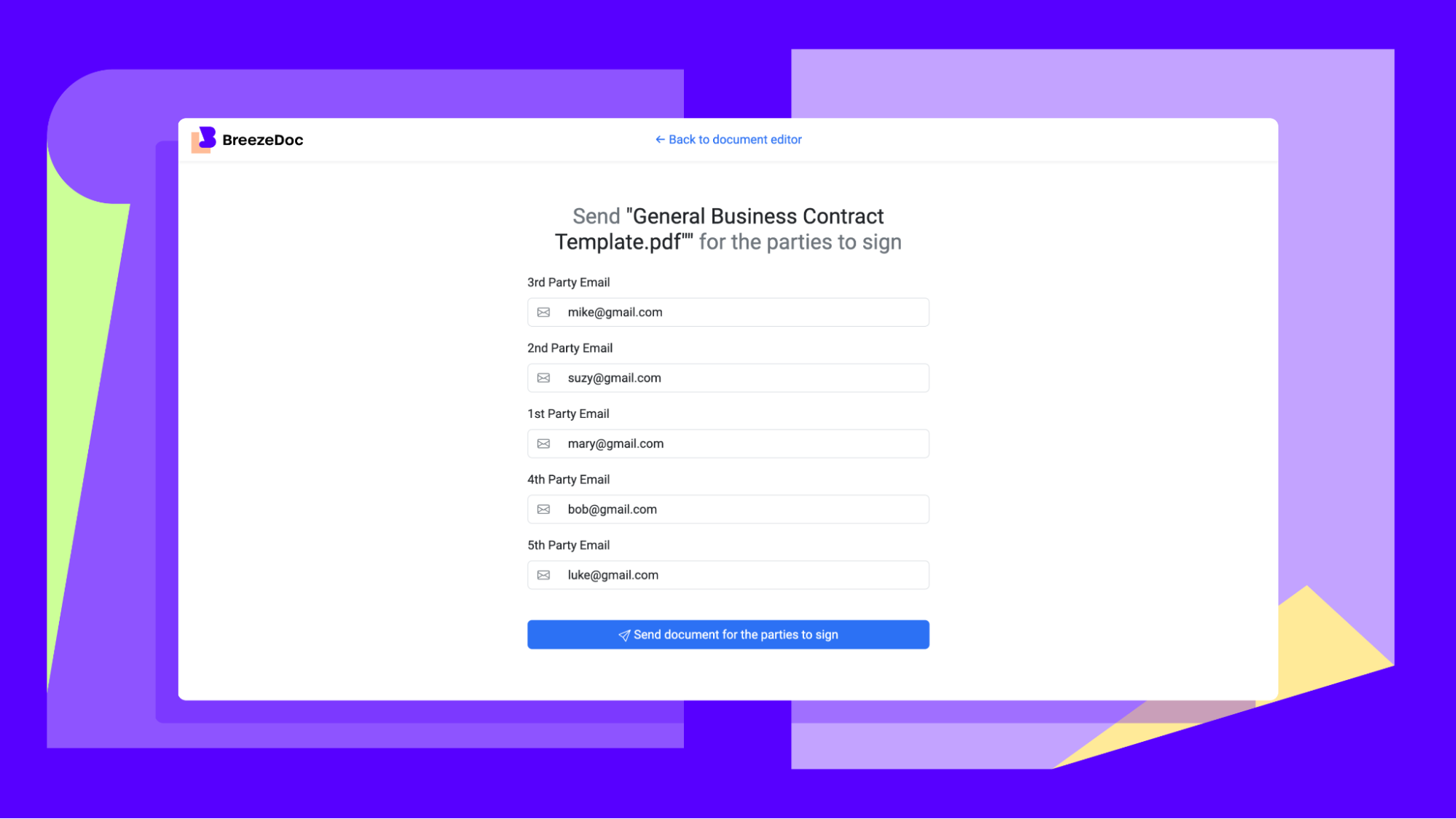
Support for single recipients or multiple signers
This feature makes it easy to prepare contracts without needing advanced technical skills.
Verified and Custom Templates
Stop wasting time building documents from scratch. BreezeDoc offers a range of premade templates for common business needs.
Template Options Include:
-
Marketing consulting agreements
-
Non-disclosure agreements (NDAs)
-
Legal contracts
You can also upload your own documents to create custom templates, ensuring that every contract meets your specific needs.
Activity Log and Document Tracking
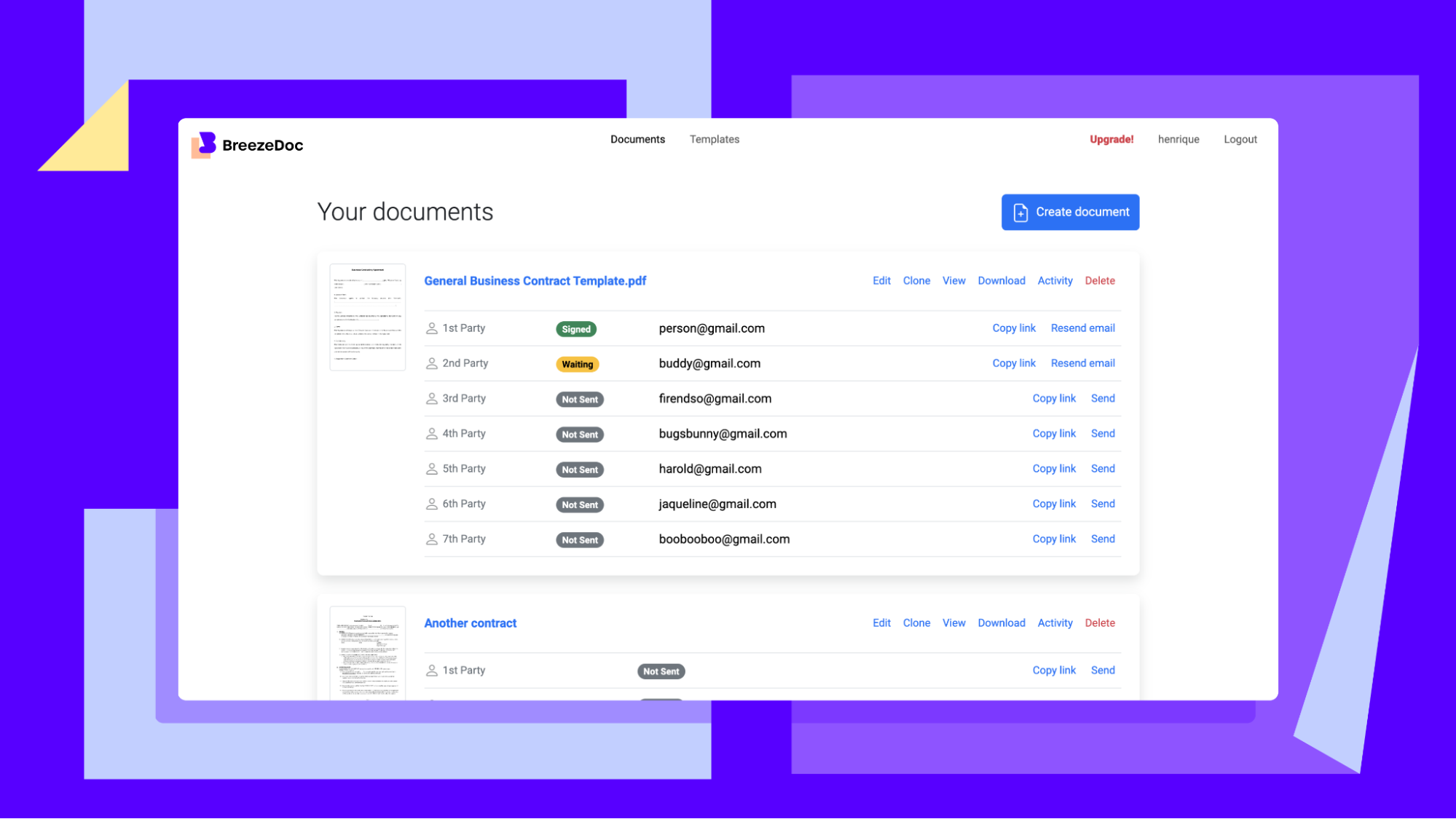
Keeping track of document progress is crucial, and BreezeDoc provides a comprehensive activity log to monitor every step.
Tracking Tools:
-
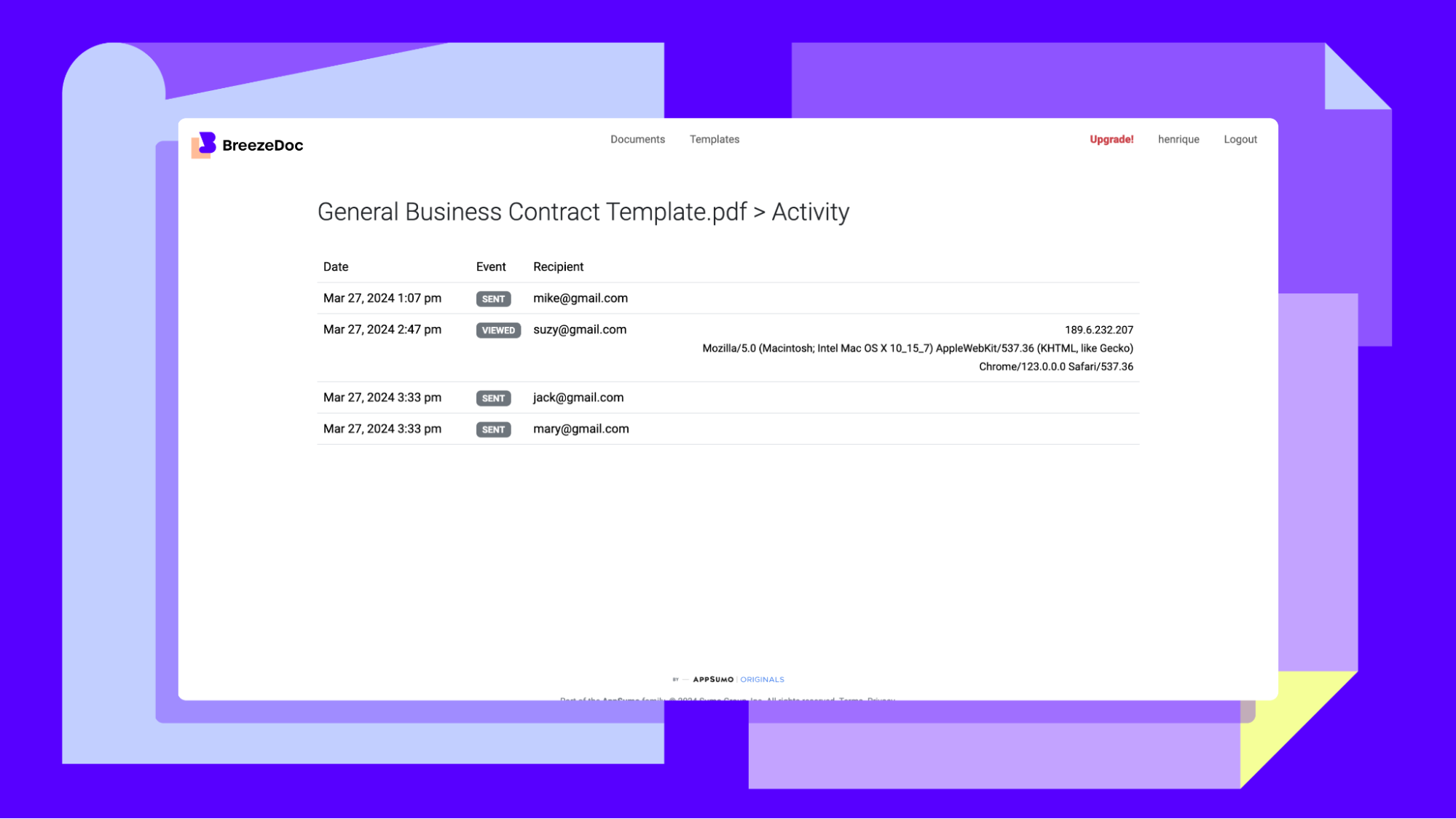
See when recipients receive, open, and sign documents
-
Identify bottlenecks in the signing process
-
Maintain a detailed audit trail to resolve potential disputes
With these tracking capabilities, you’re always in control of your contract workflow.
Automated Reminders and Notifications
To reduce delays, BreezeDoc offers automatic reminders and email notifications for pending signatures.
Communication Features:
-
Send reminder emails to clients who haven’t signed
-
Notify all parties once a document is completed
-
Ensure important agreements aren’t overlooked
This automation saves you time while improving response rates.
Get Lifetime Access to BreezeDoc Today
BreezeDoc vs. Other Signature Platforms
BreezeDoc vs. DocuSign
-
Affordability: BreezeDoc offers lifetime access, while DocuSign charges recurring fees.
-
Ease of Use: Both platforms offer intuitive interfaces, but BreezeDoc is designed for faster document creation.
-
Tracking: BreezeDoc provides real-time tracking similar to DocuSign, but with simplified reporting.
BreezeDoc vs. Adobe Sign
-
Setup Speed: BreezeDoc lets you upload and prepare documents in one click, whereas Adobe Sign involves more manual setup.
-
Customization: Both platforms allow custom fields, but BreezeDoc also offers premade templates for faster use.
-
User Experience: BreezeDoc’s interface is beginner-friendly, while Adobe Sign is better suited for enterprise-level workflows.
Pros and Cons of BreezeDoc
Pros
-
Simple interface for easy document creation
-
Legally-binding signatures without extra costs
-
Customizable with templates and custom fields
-
Activity tracking for real-time monitoring
-
Automatic reminders to streamline the process
Cons
-
Limited third-party integrations compared to larger platforms
-
Best suited for small businesses rather than large enterprises
-
No in-app editing for uploaded PDFs
Is BreezeDoc Right for You?
If you need an affordable, user-friendly document-signing tool, BreezeDoc is a solid choice. It’s particularly useful for:
-
Consultants managing multiple clients
-
Freelancers handling legal agreements
-
Solopreneurs needing quick, reliable signatures
However, if you require extensive integrations or advanced editing options, a more comprehensive platform like DocuSign might be better.
Get Lifetime Access to BreezeDoc Today
Final Thoughts
BreezeDoc makes digital signing simple, affordable, and efficient. Whether you're sending contracts, collecting legally-binding signatures, or tracking document progress, this tool has you covered.
With its easy document upload, custom templates, and activity tracking, BreezeDoc is an excellent solution for small businesses and solo professionals looking to streamline their signature process.
Ready to simplify your document workflow? Get lifetime access to BreezeDoc today and take control of your contract management!







