


Gato GraphQL Review: The Truth Revealed
If you’ve ever wanted to build a dynamic app using your WordPress data, you know how tricky it can be. Opening up an API can feel like leaving the back door open to your website, with the added hassle of complex coding requirements. Worse yet, many solutions slow down your WordPress site or expose your data to potential risks.
What if you could selectively manage your WordPress data, control API access, and automate site tasks without compromising security or performance? Enter Gato GraphQL – a powerful plugin that allows you to create custom GraphQL queries, optimize your workflows, and secure your data.
In this comprehensive Gato GraphQL review, I’ll explore how this plugin empowers developers and site owners to manage APIs, build headless websites, and automate processes seamlessly. Whether you’re a content creator, developer, or part of an IT team, Gato GraphQL might just be the solution you’ve been waiting for.
What is Gato GraphQL?
Gato GraphQL is a WordPress plugin designed to give you complete control over your WordPress data through custom GraphQL queries. It enables you to fetch, transform, and update data while securing API access and automating tasks.
Unlike traditional REST APIs, which often return large chunks of unnecessary data, GraphQL APIs let you request only the specific data you need. This reduces the number of requests and improves site performance.
Whether you’re building a headless website, managing user-generated content, or integrating with external platforms, Gato GraphQL makes it simple and secure.
Key Features of Gato GraphQL
1. Manage Your WordPress Data with Precision
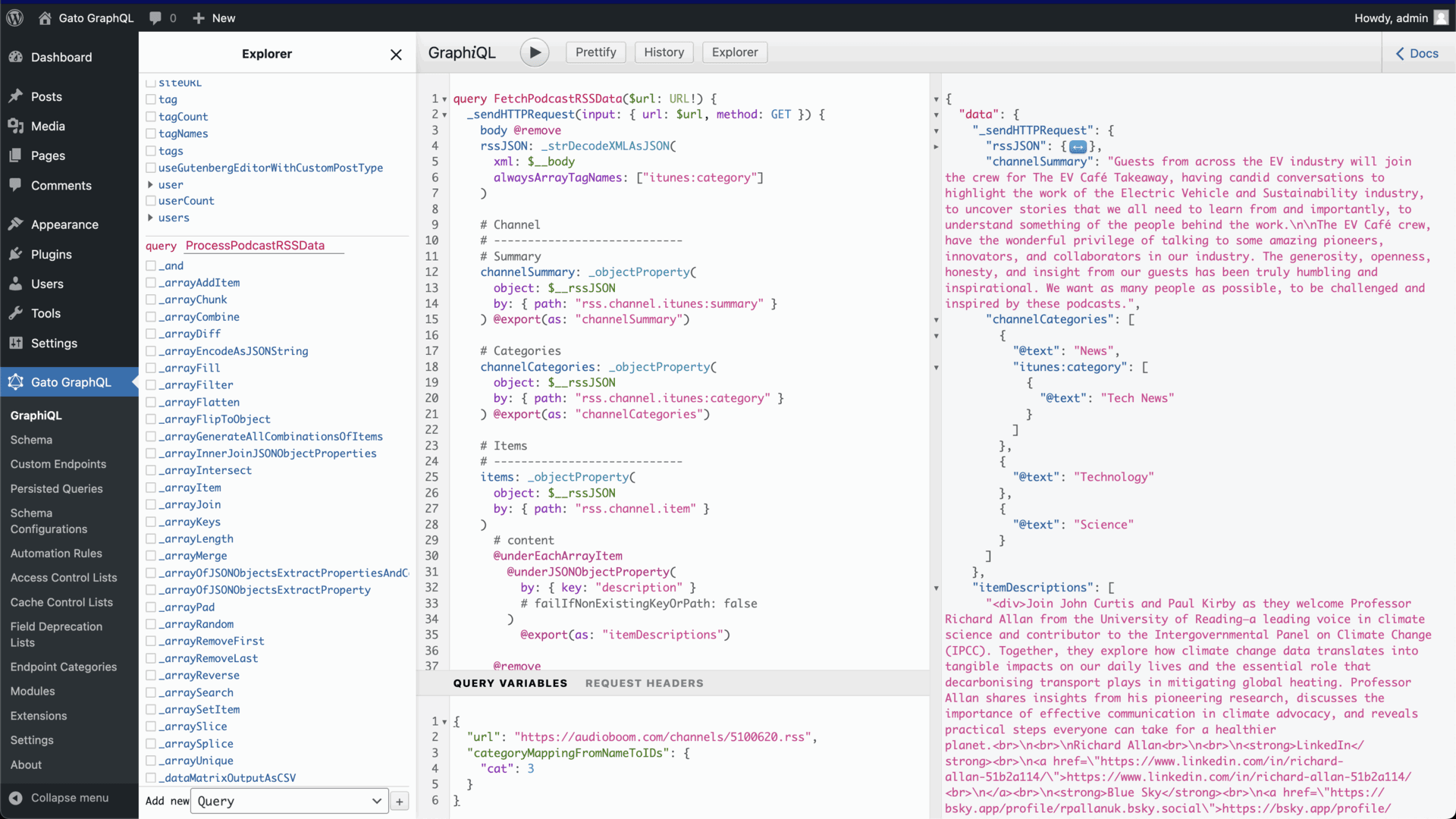
One of the standout features of Gato GraphQL is its ability to retrieve exactly the data you need—no more, no less. This means faster queries and better control over what you expose through your API.
-
Fetch relational data like post authors, usernames, and custom fields.
-
Access all WordPress database types including posts, pages, comments, media, and users.
-
Combine multiple GraphQL queries into a single request to speed up workflows.
This granular control makes it easy to handle complex content relationships while improving site performance.
2. Build Dynamic Headless Websites
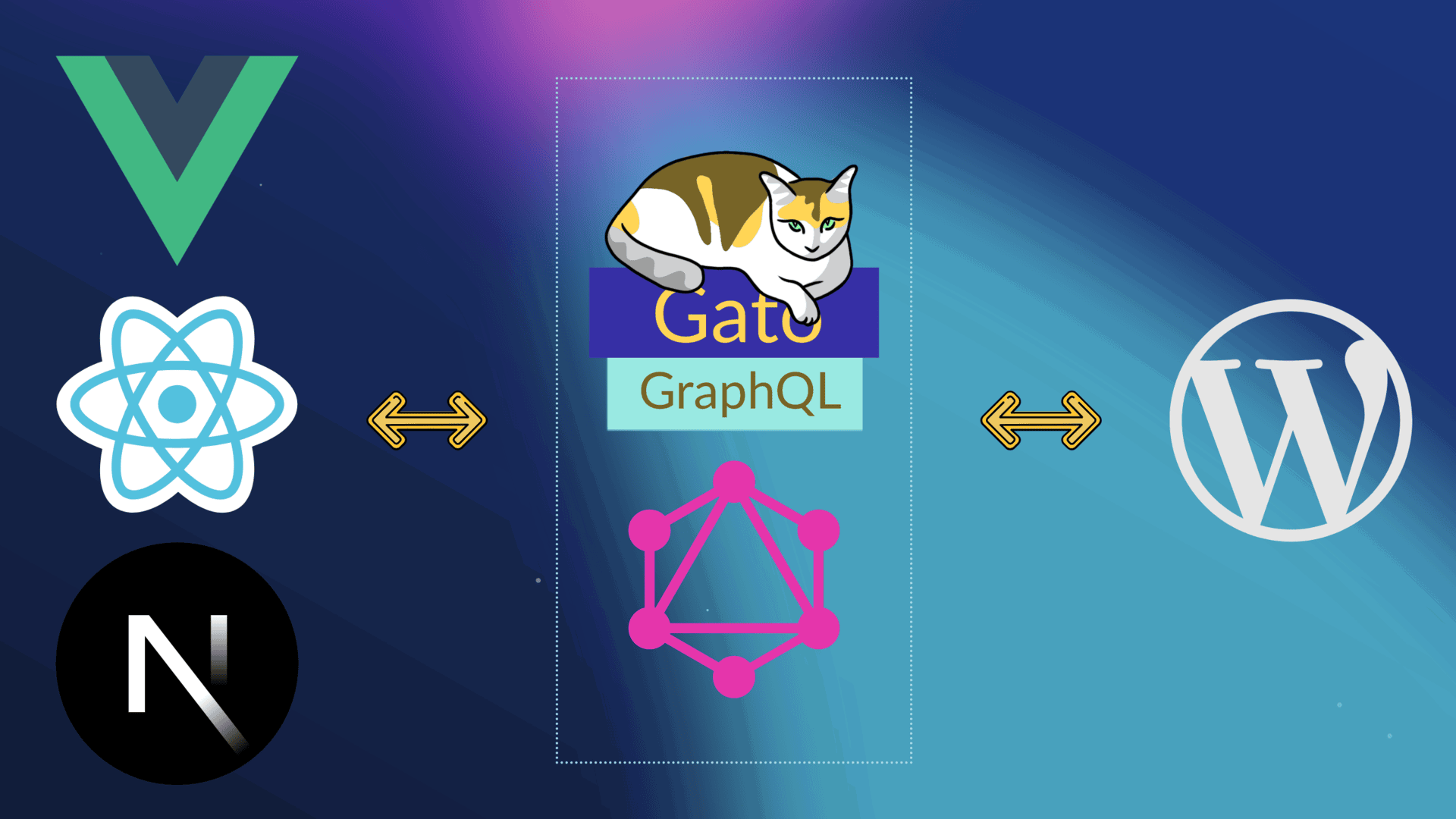
Gato GraphQL is perfect for developers looking to separate their frontend and backend. You can use WordPress as a content management system (CMS) while rendering your site with your preferred JavaScript framework.
-
Use any JavaScript framework (React, Vue, Next.js) to display your WordPress content.
-
Fetch data for Gutenberg blocks through the internal GraphQL endpoint.
-
Accelerate development by eliminating the need to build custom REST controllers.
This flexibility lets you create modern, dynamic websites while keeping content management familiar and straightforward.
3. Enhanced API Security and Access Control
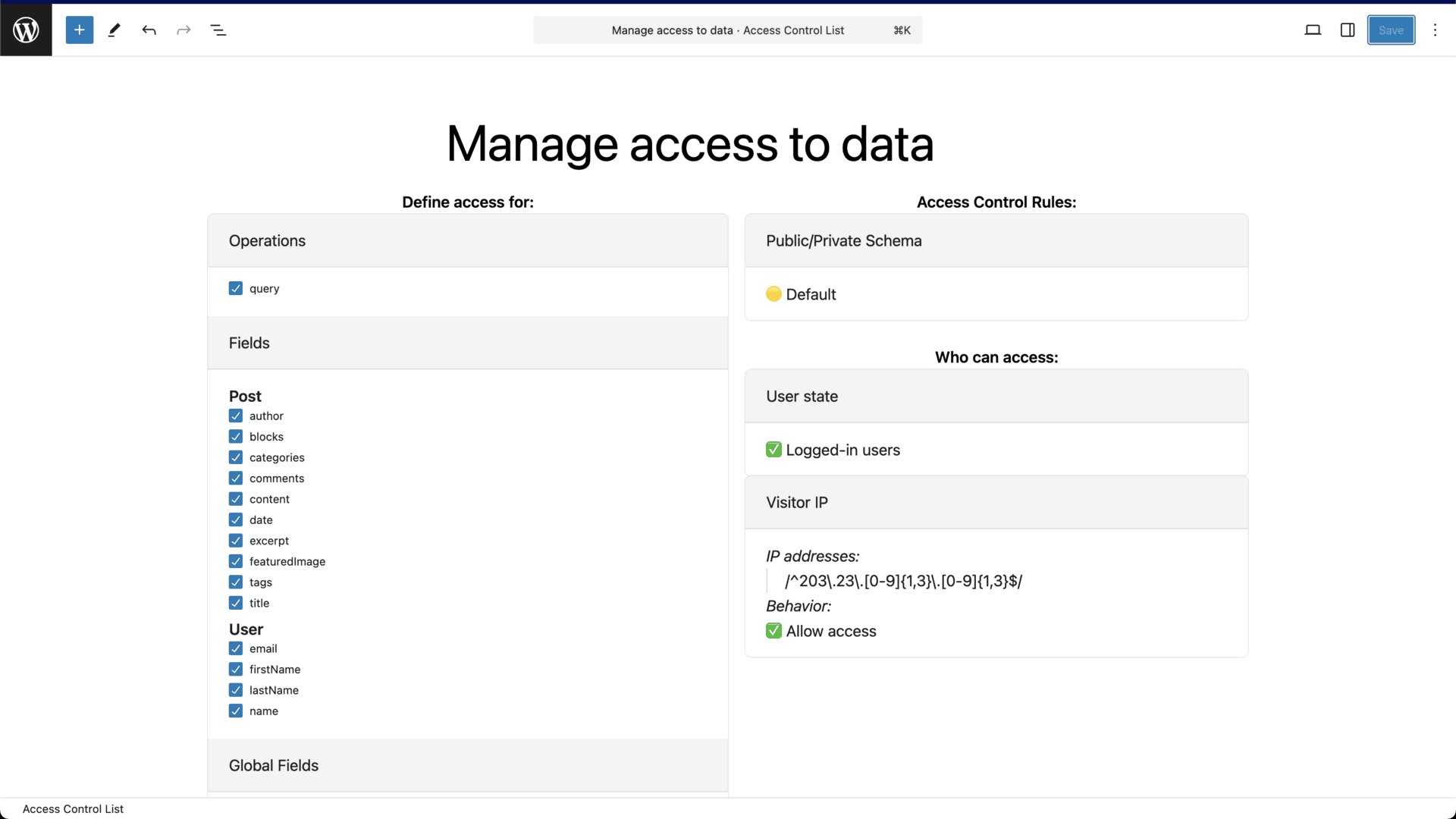
Security is a major concern when exposing WordPress data. With Gato GraphQL, you have fine-grained control over who can access your API.
-
Restrict data access by user role, capability, IP address, or login status.
-
Hide sensitive fields from the GraphQL schema.
-
Configure permissions to control which users can query specific datasets.
This robust access control ensures that only authorized users interact with sensitive data, safeguarding your website from unwanted breaches.
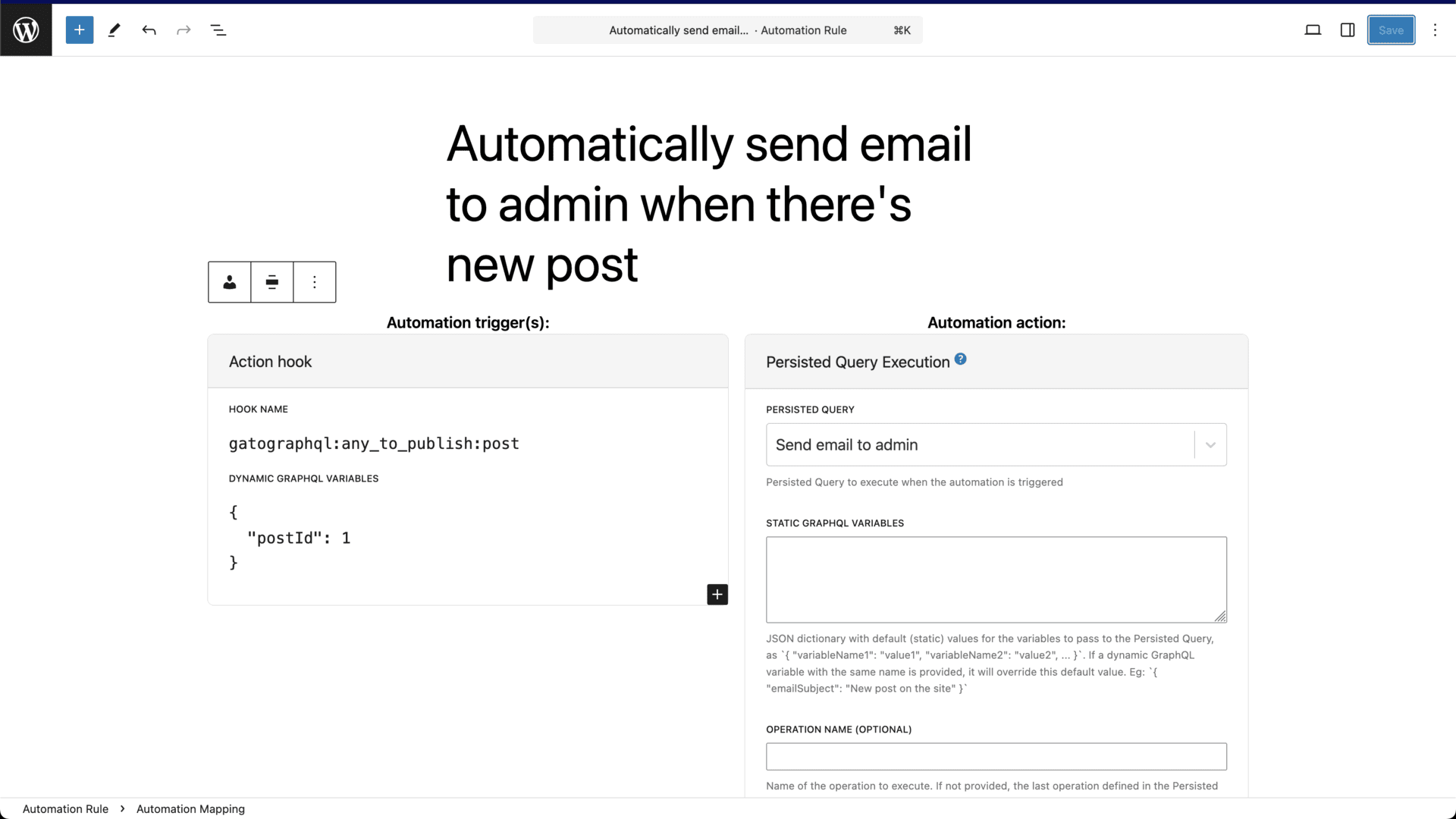
4. Automate Tasks with GraphQL
Gato GraphQL isn’t just about fetching data—it also allows you to automate tasks directly from your WordPress dashboard.
-
Trigger GraphQL queries in response to WordPress action hooks.
-
Build automations using a no-code, drag-and-drop system.
-
Schedule tasks like data updates, content publishing, and more.
Whether you need to update inventory, synchronize content, or send automated alerts, Gato GraphQL streamlines these processes effortlessly.
How to Get Started with Gato GraphQL
Setting up Gato GraphQL is surprisingly easy, even if you’re not a seasoned developer. Here’s a simple step-by-step guide:
-
Install and Activate: Download Gato GraphQL from the WordPress plugin repository and activate it on your site.
-
Configure Permissions: Set up access rules to control who can interact with your GraphQL API.
-
Create GraphQL Queries: Use the built-in editor to craft queries that fetch and manipulate WordPress data.
-
Automate Workflows: Set up task automation by connecting GraphQL queries to WordPress hooks and triggers.
Within minutes, you’ll be optimizing data delivery and automating repetitive tasks, all while keeping your website secure.
Who Should Use Gato GraphQL?
Gato GraphQL is a versatile tool suited for various use cases. Here are a few types of users who will benefit the most:
-
Content Creators: Manage complex content relationships and deliver personalized experiences.
-
Developers: Build headless websites and optimize workflows with precise GraphQL queries.
-
IT/Security Agencies: Ensure data security with robust access controls and API management.
Whether you’re working on a personal project or handling enterprise-level data, Gato GraphQL provides the flexibility and control you need.
Why Choose Gato GraphQL Over Other Solutions?
Several plugins offer GraphQL integration for WordPress, but Gato GraphQL stands out due to its advanced capabilities:
-
Granular Data Control: Fetch exactly what you need, reducing server load.
-
Enhanced Security: Manage API access with user-based restrictions.
-
Automation: Automate site tasks without external services.
-
Flexibility: Compatible with multiple JavaScript frameworks and WordPress sites.
Unlike other solutions, Gato GraphQL offers a comprehensive suite of features without requiring advanced coding knowledge.
Final Thoughts: Is Gato GraphQL Worth It?
In my experience, Gato GraphQL is a game-changer for WordPress users who want to unlock the power of GraphQL APIs without complex setups or security risks. Its user-friendly interface, advanced access controls, and automation capabilities make it a valuable tool for developers and businesses alike.
If you’re looking to optimize your WordPress data management, automate tasks, and secure your API, Gato GraphQL is a robust, reliable solution.
Get lifetime access to Gato GraphQL today and take control of your WordPress data like never before!







