


iTubeGo for Mac Review: The Ultimate Guide
If you've ever wanted to download HD videos from YouTube or other streaming sites, you know how tricky it can be to find a reliable tool. Enter iTubeGo for Mac, a powerful video downloader that lets you grab content from over 10,000 websites in resolutions up to 8K. Whether you want to save an entire YouTube playlist, extract audio, or even convert videos to multiple formats, this tool handles it all effortlessly.
As someone who works with video content daily, I know the importance of fast, reliable downloads. iTubeGo for Mac not only delivers on speed but also gives you the flexibility to convert files into various formats like MP4, MP3, MOV, and more. Plus, with its private mode, your downloads stay confidential—a must-have for anyone managing sensitive content.
In this guide, I'll walk you through iTubeGo for Mac's features, how it stands out from the competition, and why it's an essential tool for Mac users who need a fast, versatile video downloader. If you're tired of slow, unreliable downloads, this could be the perfect solution for you.
Get Lifetime Access to iTubeGo for Mac Today
What is iTubeGo for Mac?
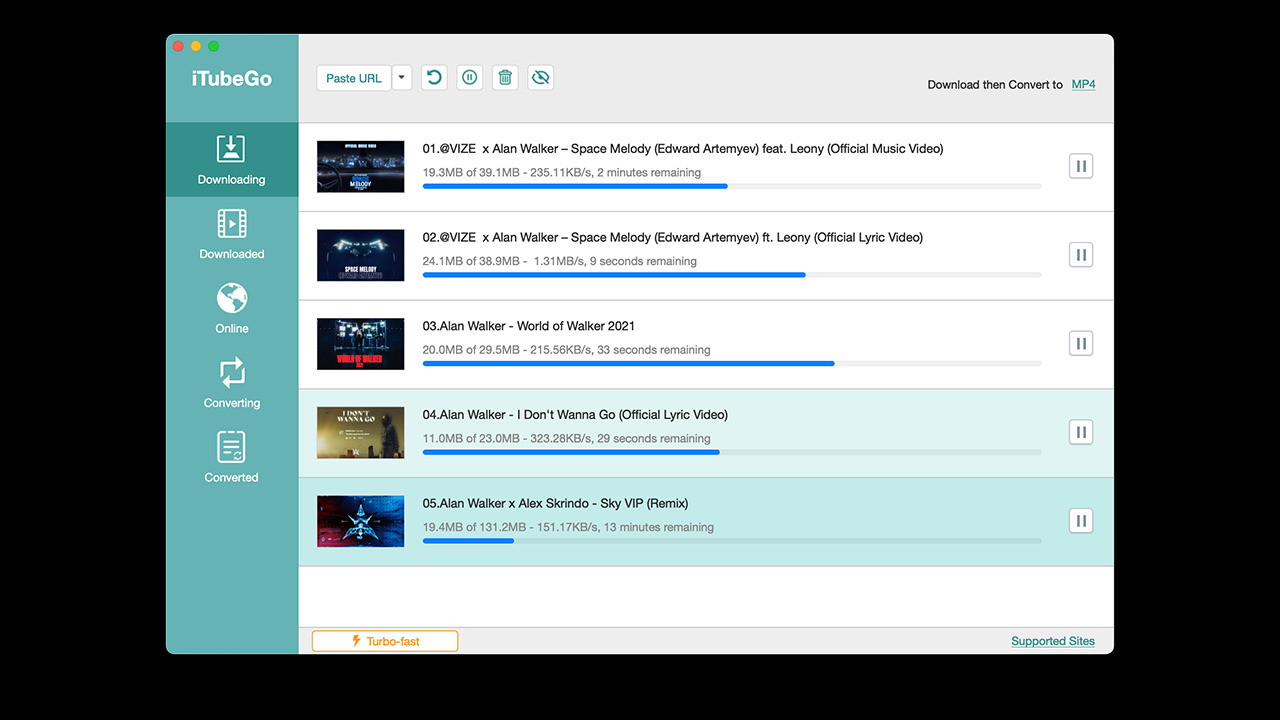
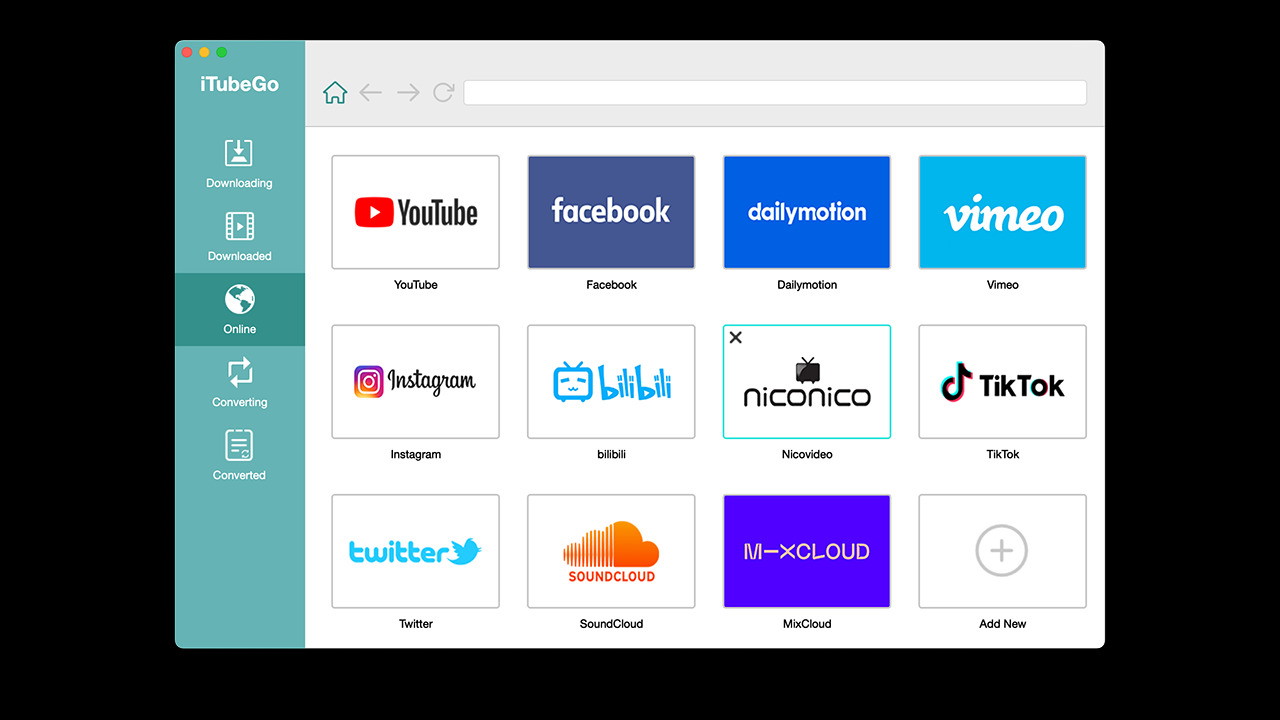
iTubeGo for Mac is an advanced video downloader designed specifically for macOS users. It supports downloading from over 10,000 websites, including popular platforms like YouTube, Vimeo, Facebook, Instagram, and more. This software goes beyond simple downloading—offering advanced features like batch downloads, file conversion, and private mode for added security.
Key Features of iTubeGo for Mac
Here's a closer look at the standout features:
-
Download YouTube Videos and More: Save content from YouTube, Vimeo, Dailymotion, Facebook, and other major platforms.
-
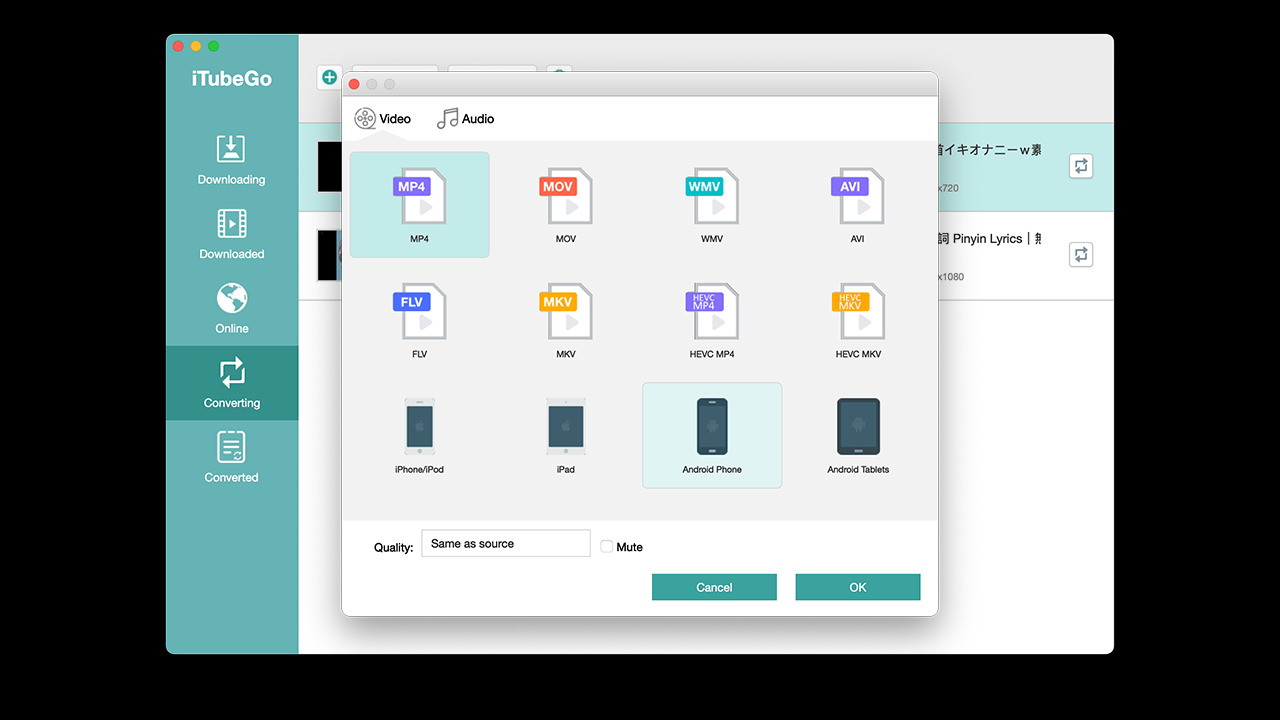
Multiple Format Support: Convert videos to MP4, MP3, MOV, AVI, M4A, and other popular formats.
-
Batch Download Capability: Download multiple videos at once without sacrificing speed or quality.
-
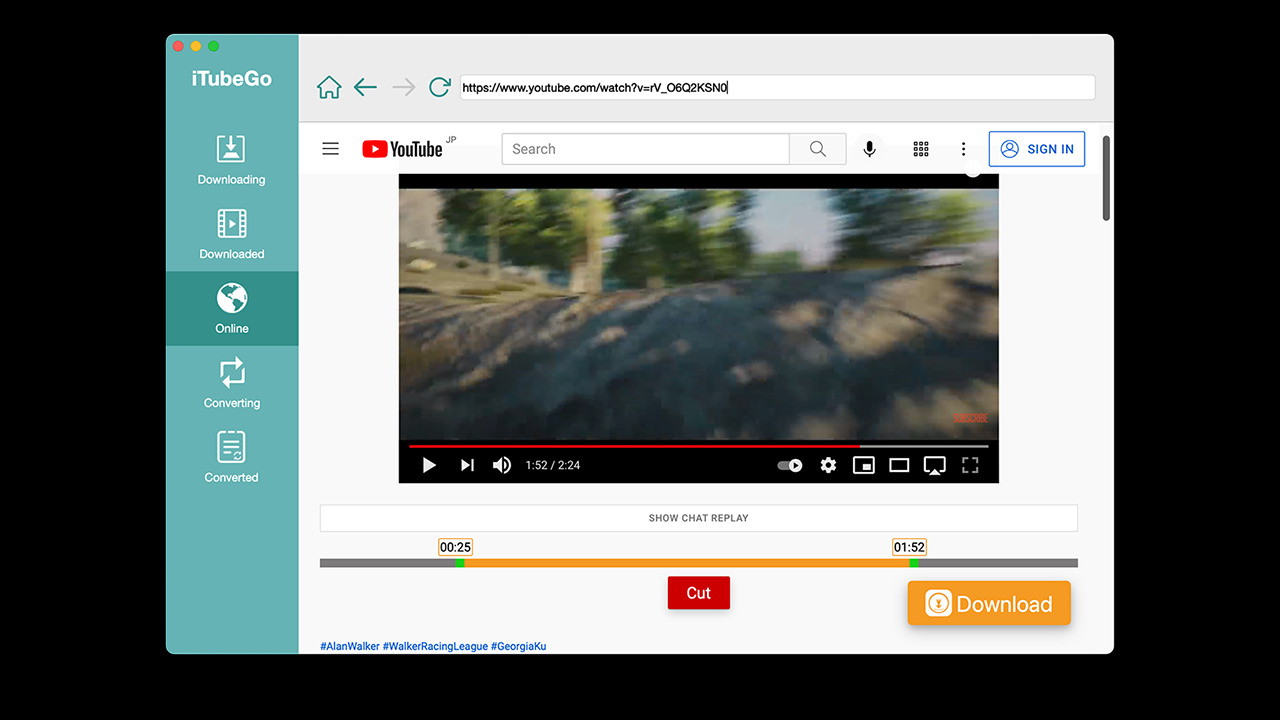
Built-in Cutter: Trim videos or music directly within the app.
-
Download Subtitles: Save YouTube subtitles in SRT format for offline viewing.
-
Private Mode: Keep your downloads secure and confidential.
-
10x Faster Speed: Enjoy industry-leading download speeds.
Why Choose iTubeGo for Mac?
Download Full HD, 4K, and Even 8K Videos
One of the best things about iTubeGo for Mac is its ability to download videos in high resolutions, including 4K and 8K. Whether you're archiving content for offline viewing or repurposing video for professional projects, having access to top-quality downloads is a game-changer.
One-Click YouTube Playlists and Channels
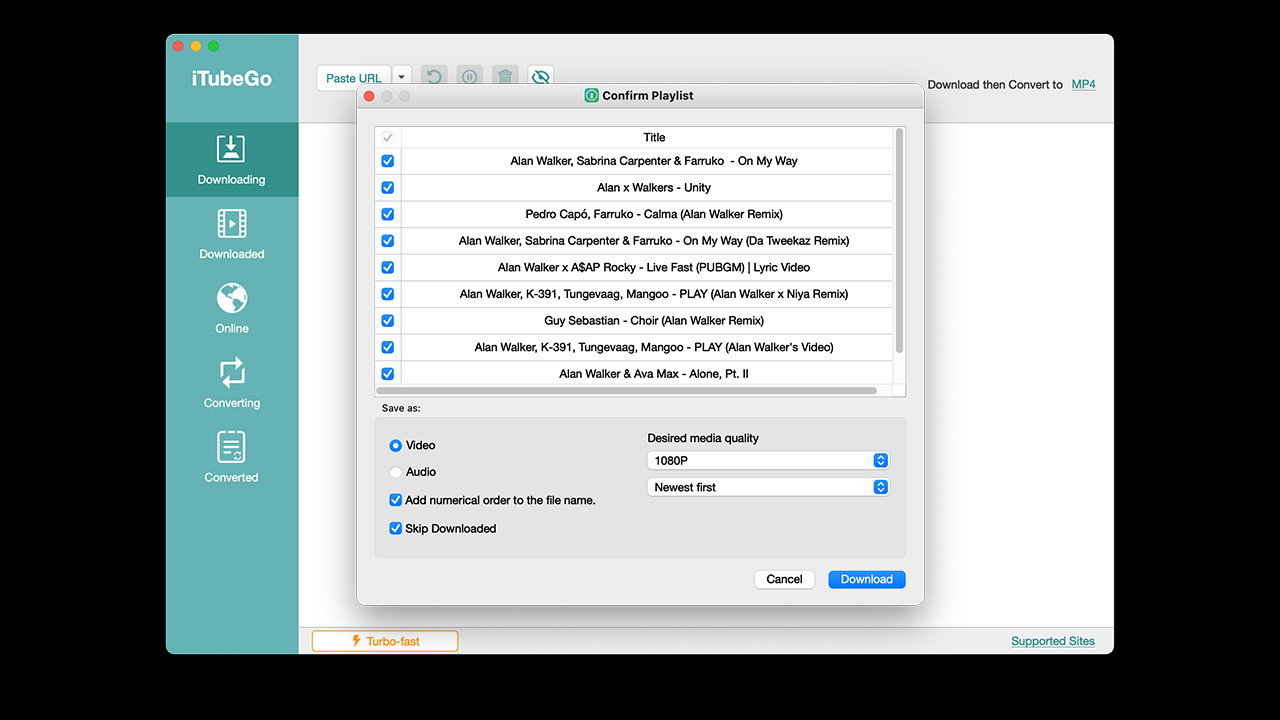
Save time by downloading entire playlists or channels with a single click. Instead of downloading videos individually, iTubeGo for Mac lets you grab entire collections—perfect for music lovers, educators, and content curators.
Convert Videos to Multiple Formats
Need to convert a YouTube video to MP3 for audio-only playback? No problem. With iTubeGo for Mac, you can convert videos into a variety of formats to fit your needs, whether it's for your smartphone, media player, or presentation.
How to Use iTubeGo for Mac
Using iTubeGo for Mac is simple. Here’s a quick guide to get started:
-
Download and Install: Download the Mac version from the official iTubeGo website and install it.
-
Copy the Video URL: Open YouTube (or another supported site) and copy the URL of the video you want to download.
-
Choose Your Format: Paste the link into iTubeGo, select your desired format (MP4, MP3, etc.), and resolution (HD, 4K, 8K).
-
Download: Click 'Download' and let iTubeGo do the rest!
Advanced Tips for Maximizing iTubeGo for Mac
-
Batch Downloads: Queue multiple videos at once for faster, more efficient downloading.
-
Private Mode: Enable this feature to keep your downloads encrypted and hidden.
-
Customize Output: Choose specific bitrates and resolutions to suit your needs.
iTubeGo for Mac vs. Other Video Downloaders
While there are other video downloaders available, iTubeGo for Mac stands out due to its speed, range of supported formats, and privacy features. Here’s how it compares to popular alternatives:
| Feature | iTubeGo for Mac | Alternative Downloaders |
|---|---|---|
| Supported Websites | 10,000+ | 1,000-5,000 |
| Download Speed | 10x Faster | Standard |
| Format Options | MP4, MP3, MOV, etc. | Limited |
| Playlist & Channel DL | Yes | No |
| Private Mode | Yes | No |
Is iTubeGo for Mac Worth It?
In my experience, iTubeGo for Mac is absolutely worth the investment if you frequently download or convert online videos. It’s particularly useful for content creators, researchers, and anyone who needs a fast, reliable solution for saving media offline.
Pros and Cons
Pros
-
Supports over 10,000 websites
-
Fast downloads with 4K/8K quality
-
Versatile format conversion
-
Batch downloading
-
Strong privacy features
Cons
-
Mac-only (though there’s a Windows version available)
Final Thoughts
If you’re looking for a powerful, user-friendly video downloader, iTubeGo for Mac delivers on every front. With its comprehensive feature set, high-speed performance, and secure download options, it’s a must-have tool for anyone serious about saving online content.
Ready to take control of your video downloads? Get lifetime access to iTubeGo for Mac today and experience fast, hassle-free video downloading like never before.







