LeadRocks Review: The Ultimate Guide to B2B Lead Generation
Why LeadRocks is a Game-Changer for B2B Sales
Finding high-quality leads for your B2B sales outreach can be challenging. Many tools claim to offer verified email lists, phone numbers, and LinkedIn profiles, but not all deliver reliable results. That’s where LeadRocks stands out.
LeadRocks is a robust B2B contact database and email outreach software with over 100 million verified records. Whether you're a sales manager, marketing agency, or recruiter, this tool provides hyper-targeted lead generation to maximize your conversions.
With its GDPR-compliant data, CRM integration, and seamless email verification, LeadRocks eliminates the guesswork in prospecting. You can easily filter leads by job title, company, industry, team size, and location, ensuring that your outreach is as precise as possible.
This guide will walk you through everything you need to know about LeadRocks, from its lead generation capabilities to its email outreach automation. By the end, you'll understand why this platform is a top alternative to Lusha, Salesforce, and ZoomInfo for businesses aiming to streamline their prospecting process.
Get Lifetime Access to LeadRocks Today
What Makes LeadRocks Unique?
1. Powerful B2B Lead Search and Data Enrichment
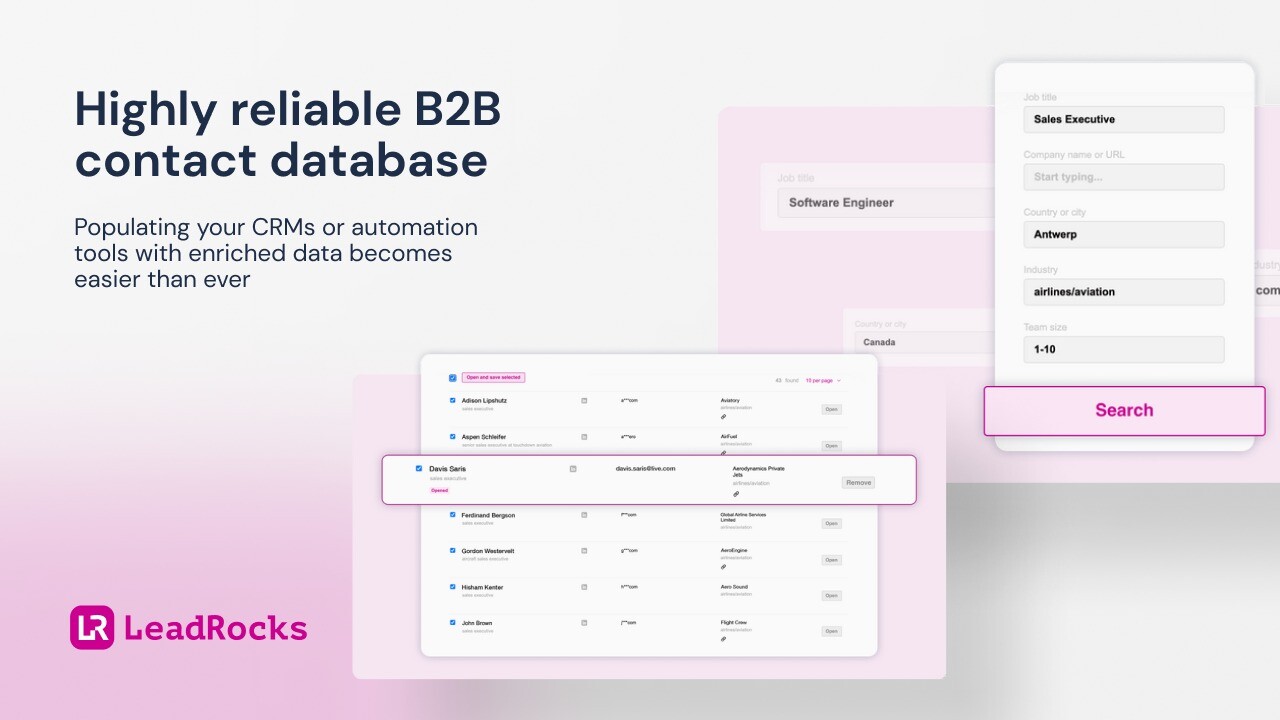
One of LeadRocks’ standout features is its ability to search and filter leads based on specific criteria such as:
-
Job title (e.g., Marketing Director, Sales Manager)
-
Company name or URL
-
Industry type
-
Location
-
Team size
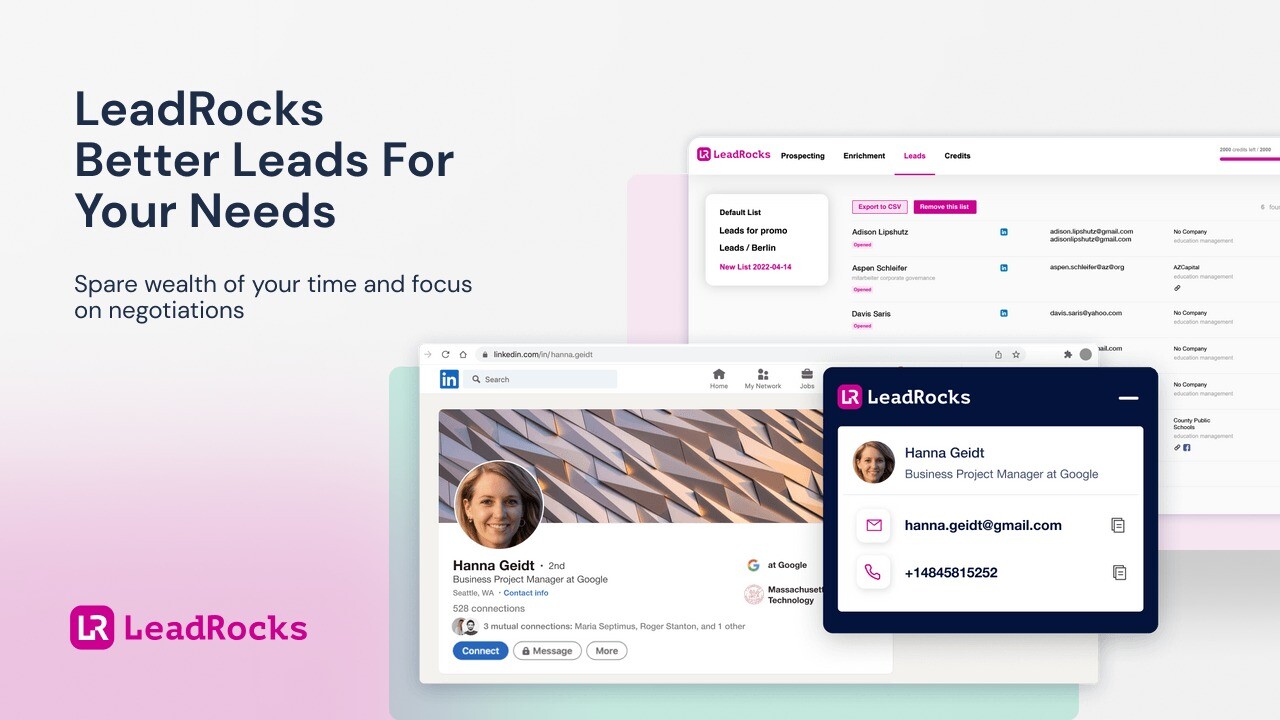
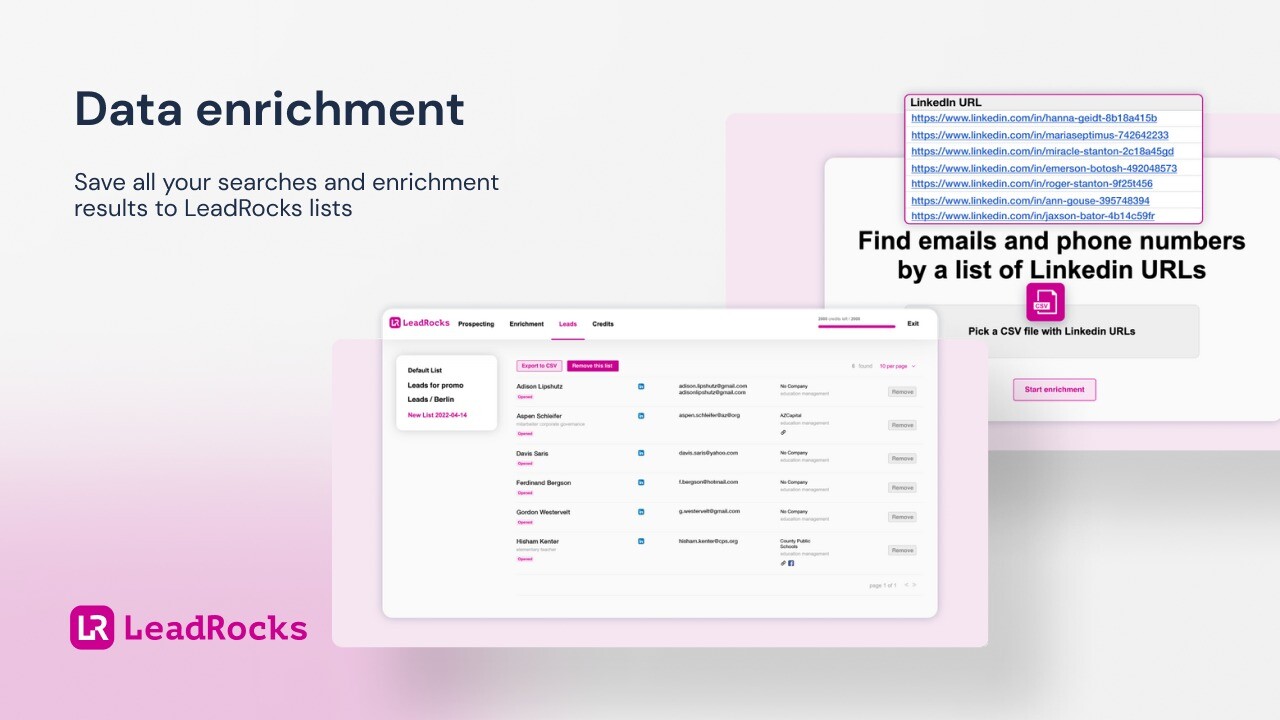
Once you find relevant leads, you can save them into custom lists or export them to a CSV for further processing. LeadRocks’ data enrichment feature allows you to upload a list of LinkedIn profile URLs and retrieve corresponding email addresses and phone numbers from its database.
2. Verified and GDPR-Compliant Data
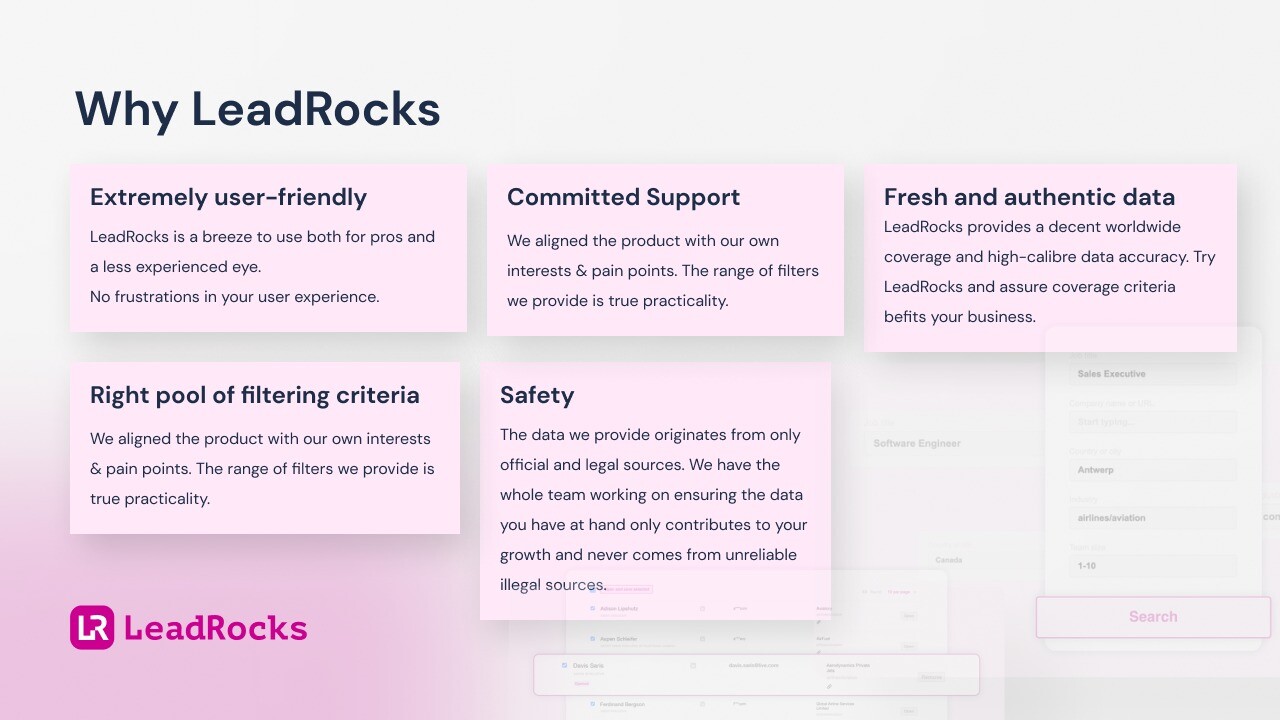
Data privacy is a top concern for businesses today. LeadRocks ensures that all contact details originate from official and legal sources. Additionally, all leads exported from LeadRocks are verified for free, meaning no wasted effort reaching out to invalid contacts.
3. Seamless CRM and Automation Tool Integration
LeadRocks makes it easy to incorporate its data into your existing workflow. You can:
-
Export lead lists as CSV files
-
Upload contacts into your CRM or automation tools
-
Use Google Sheets and LinkedIn Chrome extensions for enhanced usability
This feature helps sales teams save time and focus on closing deals rather than manually sorting through data.
How to Use LeadRocks for Maximum Efficiency
Step 1: Finding High-Quality Leads
Begin by using LeadRocks’ advanced search filters to identify your ideal prospects. Whether you need decision-makers in a specific industry or small businesses in a certain region, the tool provides precise search functionality.
Step 2: Enriching Your Lead Data
Once you have your list, use LeadRocks’ data enrichment feature to append emails and phone numbers to LinkedIn profiles. This ensures that your outreach has multiple touchpoints.
Step 3: Verifying Emails for Higher Deliverability
Nothing is worse than sending an email campaign only to have half of the messages bounce. LeadRocks verifies email addresses before exporting them, improving your email deliverability rates.
Step 4: Automating Email Outreach
With LeadRocks, you can connect your Gmail or Outlook account and send automated email sequences. You can also upload your own CSV of verified contacts to personalize your messaging.
Get Lifetime Access to LeadRocks Today
LeadRocks vs. Competitors: How Does It Compare?
LeadRocks vs. Lusha
-
LeadRocks provides unlimited exports, while Lusha has strict usage limits.
-
More affordable pricing, making LeadRocks ideal for startups and small businesses.
-
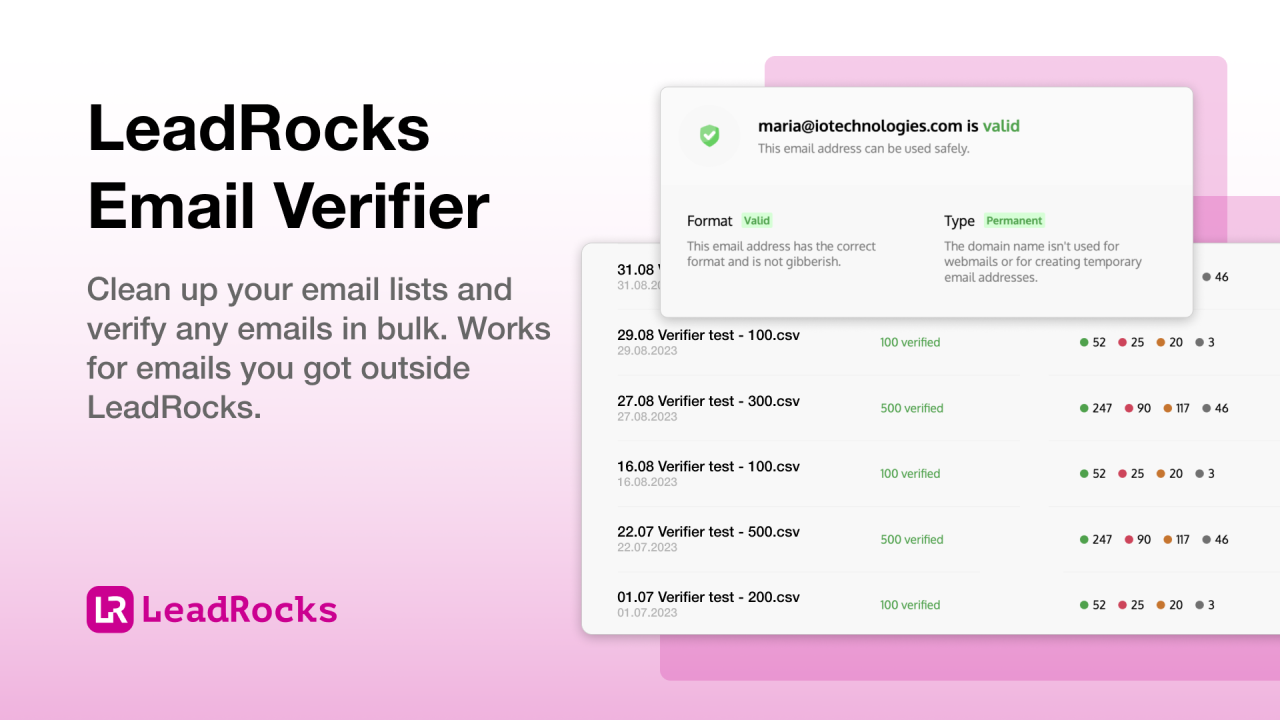
Free email verification, unlike Lusha, which charges extra.
LeadRocks vs. ZoomInfo
-
ZoomInfo is more expensive and geared toward enterprises, while LeadRocks offers flexible pricing for all business sizes.
-
LeadRocks’ data is GDPR-compliant, ensuring legal safety for businesses operating in Europe.
-
User-friendly interface, making it easier for non-tech users to find and export leads.
LeadRocks vs. Salesforce
-
Salesforce is primarily a CRM, whereas LeadRocks specializes in lead generation and email outreach.
-
Faster setup and easier use compared to Salesforce’s complex onboarding process.
Who Should Use LeadRocks?
LeadRocks is ideal for:
-
Sales Teams: Improve lead prospecting with verified contact data.
-
Recruiters: Find the right candidates using job title and location filters.
-
Marketing Agencies: Get hyper-targeted leads for personalized outreach.
-
Startups & Small Businesses: Access high-quality B2B data at an affordable price.
Get Lifetime Access to LeadRocks Today
Final Verdict: Is LeadRocks Worth It?
If you’re looking for an affordable, user-friendly, and effective lead generation tool, LeadRocks is a fantastic choice. With 100M+ records, GDPR-compliant data, automated email outreach, and seamless CRM integration, it provides everything you need to scale your sales efforts.
Unlike expensive competitors like ZoomInfo and Salesforce, LeadRocks is budget-friendly while still offering verified and high-quality leads. Whether you're a sales manager, recruiter, or marketer, this tool is an essential addition to your prospecting strategy.