


In the digital world of today, password management is more critical than ever. With countless online accounts, remembering complex passwords can feel overwhelming. Writing them down is risky, and using weak or repeated passwords leaves you vulnerable to cyberattacks. That’s where Locker Password Manager steps in to simplify and secure your digital life.
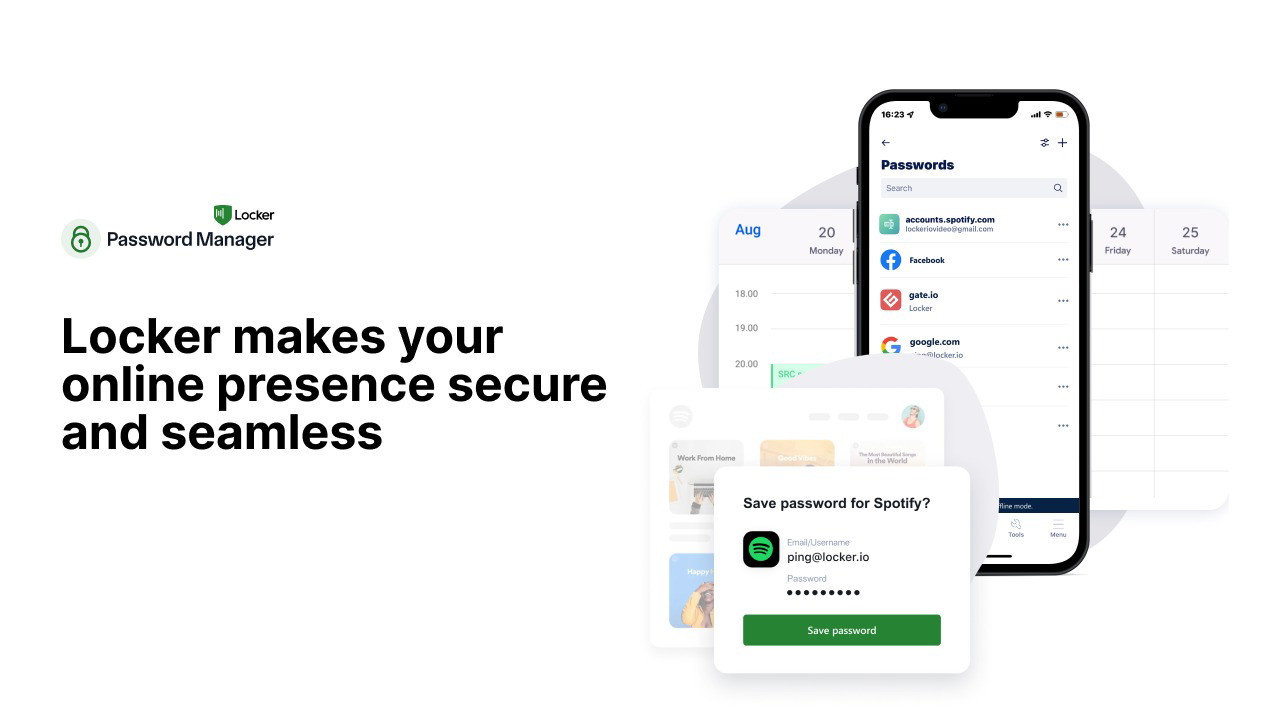
Locker Password Manager is designed to store unlimited passwords securely while offering auto-fill functionality across all your devices. Whether you’re a marketer, a small business, or part of a remote team, this tool promises to keep your digital credentials safe and easily accessible. It even works offline, ensuring you never lose access when you need it most.
In this Locker Password Manager review, I’ll walk you through its features, real-world usability, and whether it lives up to its promises. If you’re tired of managing passwords manually or worried about security breaches, read on to see if Locker is the solution you’ve been looking for.
Get Lifetime Access to Locker Today
What is Locker Password Manager?
Locker Password Manager is a robust password management tool that helps you store, organize, and retrieve your passwords securely. It eliminates the hassle of remembering complex credentials while offering advanced features like biometric authentication, offline access, and security alerts.
Whether you’re an individual or a business, Locker Password Manager provides a seamless and secure way to manage your digital life. It’s an ideal alternative to popular options like 1Password and LastPass, offering comparable security features while remaining user-friendly.
Key Features of Locker Password Manager
Here are some standout features that make Locker Password Manager a valuable tool:
-
Unlimited Password Storage: Safely store all your credentials without worrying about capacity limits.
-
Auto-Fill Functionality: Automatically input login details across all your devices for faster, easier access.
-
Offline Access: Retrieve and manage your passwords without needing an internet connection.
-
Biometric Authentication: Enable fingerprint or facial recognition for secure and quick access.
-
Secure Password Sharing: Share sensitive credentials with trusted team members without compromising security.
-
Security Alerts: Receive notifications if your credentials are involved in a data breach.
How Secure is Locker Password Manager?
When it comes to password management, security is paramount. Locker Password Manager employs military-grade encryption to safeguard your data from unauthorized access. This means that even if someone intercepts your information, it remains encrypted and unreadable.
Encryption Standards
Locker Password Manager uses AES-256 encryption, which is the same standard trusted by governments and financial institutions worldwide. This ensures your passwords remain protected against even the most sophisticated cyberattacks.
Biometric and Multi-Factor Authentication
For an added layer of security, Locker offers biometric authentication through fingerprint or facial recognition. You can also enable multi-factor authentication (MFA), ensuring that only you can access your password vault.
Effortless Password Management
Managing multiple passwords shouldn’t be a headache. Locker Password Manager simplifies the process with its intuitive interface and automation features.
Get Lifetime Access to Locker Today
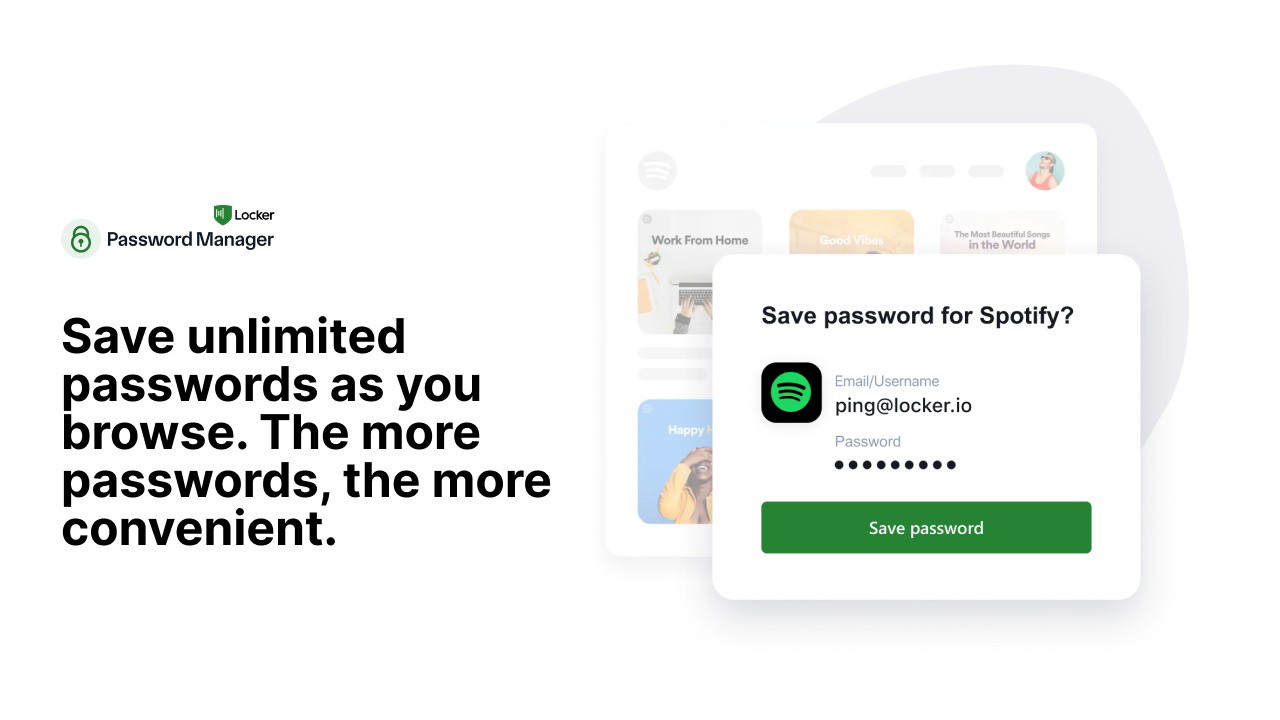
Auto-Fill Across Devices
Locker seamlessly integrates with major browsers and platforms, allowing you to auto-fill login credentials on websites and applications. Whether you’re on your desktop, tablet, or smartphone, Locker ensures quick and secure access.
Password Generation
Tired of coming up with complex passwords? Locker’s password generator creates strong, unique passwords on demand. You can customize the length and complexity to meet the security requirements of different websites.
Access Your Passwords Anytime, Anywhere
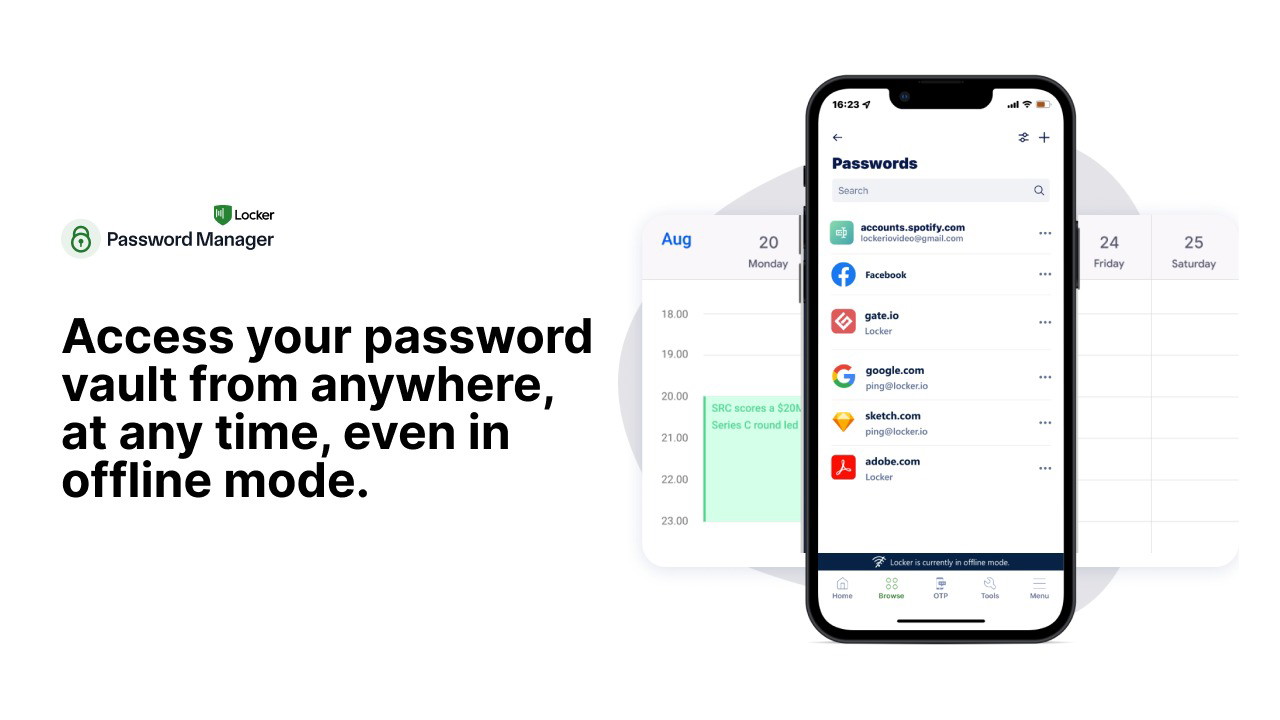
One of Locker’s standout features is its ability to function without an internet connection. Unlike other password managers that require constant syncing, Locker provides offline access to your vault.
Offline Access
Whether you’re on a flight, in a remote area, or dealing with a network outage, Locker ensures you can still retrieve your credentials. This feature is particularly useful for remote teams and frequent travelers.
Cross-Device Synchronization
Your password vault syncs securely across multiple devices, including desktops, smartphones, and tablets. Changes made on one device reflect across all others, ensuring you always have up-to-date access.
Sharing Passwords Securely
For businesses and teams, securely sharing credentials is essential. Locker allows you to share passwords with colleagues or family members without compromising sensitive data.
How Secure Password Sharing Works
You can grant limited access to specific passwords while maintaining full control. Whether it’s sharing social media logins with your marketing team or payment credentials with your finance department, Locker makes collaboration safe and easy.
Who is Locker Password Manager Best For?
Locker Password Manager is designed to meet the needs of a diverse range of users. Here’s who can benefit the most:
-
Marketers: Manage multiple client accounts and share credentials securely.
-
Remote Teams: Ensure team members have secure access to shared logins from anywhere.
-
Small Businesses: Protect sensitive business information while enabling collaboration.
If you manage multiple passwords or collaborate with others, Locker offers a practical and secure solution.
Get Lifetime Access to Locker Today
How Does Locker Compare to Alternatives?
When comparing Locker to other leading password managers like 1Password and LastPass, a few distinct advantages stand out.
| Feature | Locker Password Manager | 1Password | LastPass |
|---|---|---|---|
| Unlimited Passwords | Yes | Yes | Yes |
| Offline Access | Yes | Limited | No |
| Biometric Authentication | Yes | Yes | Yes |
| Secure Sharing | Yes | Yes | Yes |
| Security Alerts | Yes | Yes | Yes |
| Price | Competitive | Premium | Premium |
Locker offers comprehensive features while maintaining affordability, making it an attractive choice for those seeking a balance between security and convenience.
Final Verdict: Is Locker Password Manager Worth It?
After thoroughly exploring its features and functionality, I can confidently say Locker Password Manager delivers on its promises. It combines robust password security with user-friendly features, making it an excellent choice for individuals, remote teams, and small businesses.
The ability to access passwords offline, auto-fill credentials, and share securely sets Locker apart from many competitors. If you value both convenience and security, Locker Password Manager is a tool worth considering.
Ready to take control of your digital security? Start using Locker Password Manager today and keep your credentials safe and accessible.







