


Ever wish you had a robot assistant to handle data entry, web scraping, or report generation? As someone who’s spent years testing automation tools, I’ve seen my fair share of clunky platforms that promise efficiency but deliver frustration.
Enter Robomotion RPA—a low-code, cross-platform solution that lets you build software robots to automate web and desktop applications without APIs. Designed for startups and SMEs, it’s a game-changer for teams drowning in manual workflows.
Below, I’ll break down why Robomotion stands out in the crowded RPA market, how its drag-and-drop interface simplifies automation, and why its lifetime deal on AppSumo is worth your attention.
Get Lifetime Access to Robomotion Today
Key Takeaways
-
Automate without APIs: Ideal for custom web/desktop apps.
-
Parallel processing: Run multiple tasks simultaneously.
-
Secure vaults: Keep credentials encrypted and accessible only to you.
-
Robomotion Lifetime access: Pay once, automate forever.
Why Robomotion RPA? A Closer Look at Its Core Features
1. Cross-Platform Compatibility
Robomotion’s robots work seamlessly on Mac, Linux, and Windows, making it one of the few RPA tools with true OS flexibility. Whether you’re automating a custom web portal or a legacy desktop app, you can deploy bots across your team’s devices without compatibility hiccups.
2. Intuitive Drag-and-Drop Flow Designer
The Flow Designer lets you create automations visually by connecting prebuilt nodes—no coding required. I tested this by building a bot to scrape product prices and export them to Excel, which took under 15 minutes. The real-time preview feature ensures you catch errors before deployment.
3. Ready-to-Use Automation Templates
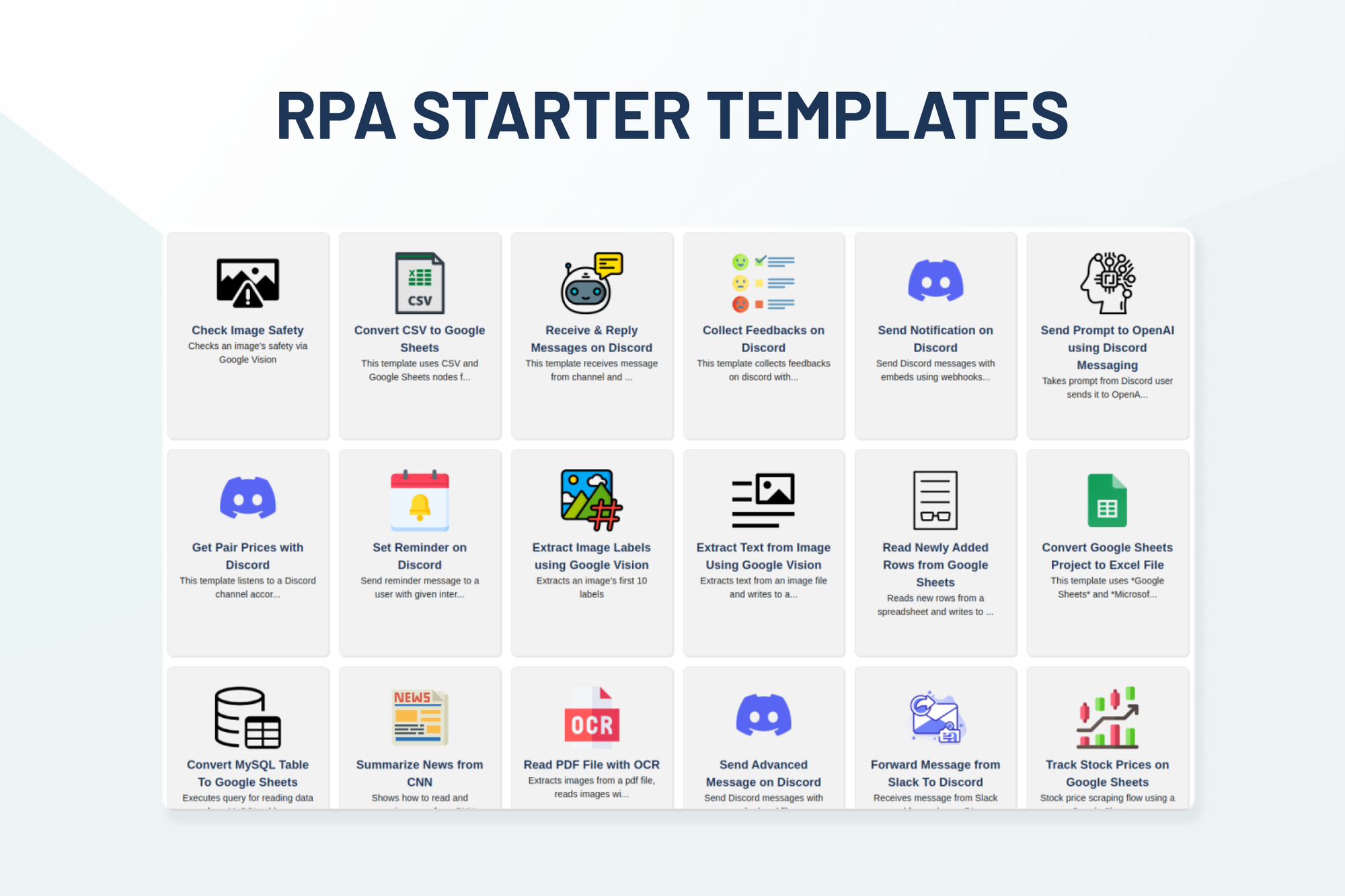
Robomotion offers prebuilt templates for common tasks like sending Slack messages, compiling spreadsheets, or monitoring stock prices. These templates are perfect for beginners who need quick wins before diving into custom workflows.
Advanced Automation Capabilities
1. Multi-Branching and Concurrency
Unlike basic RPA tools, Robomotion executes parallel automation branches simultaneously. For example, you can scrape data from multiple websites while simultaneously updating a CRM—all within the same bot. This reduces processing time by leveraging your hardware’s full power.
2. Unlimited Triggers and Scheduling
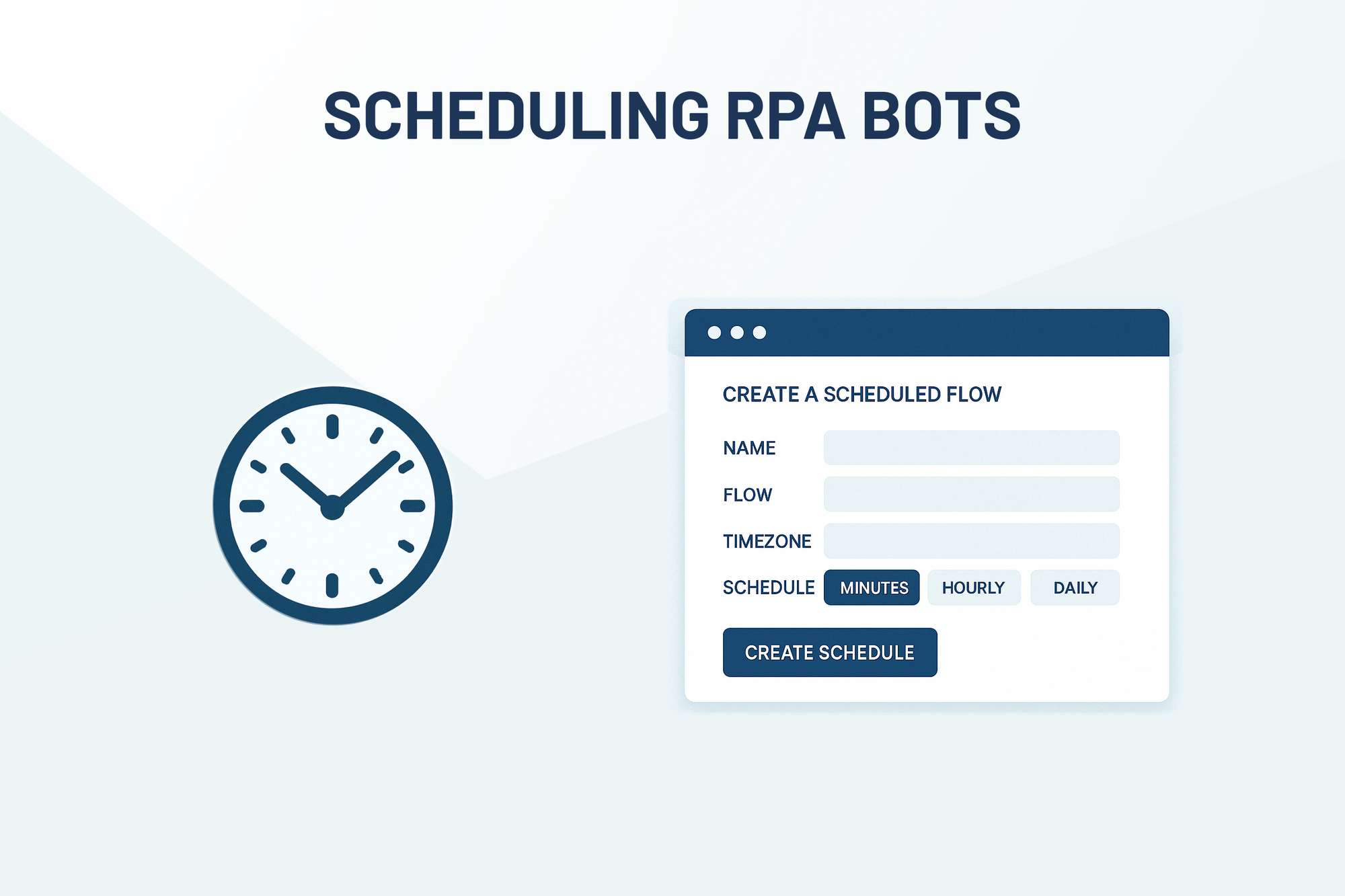
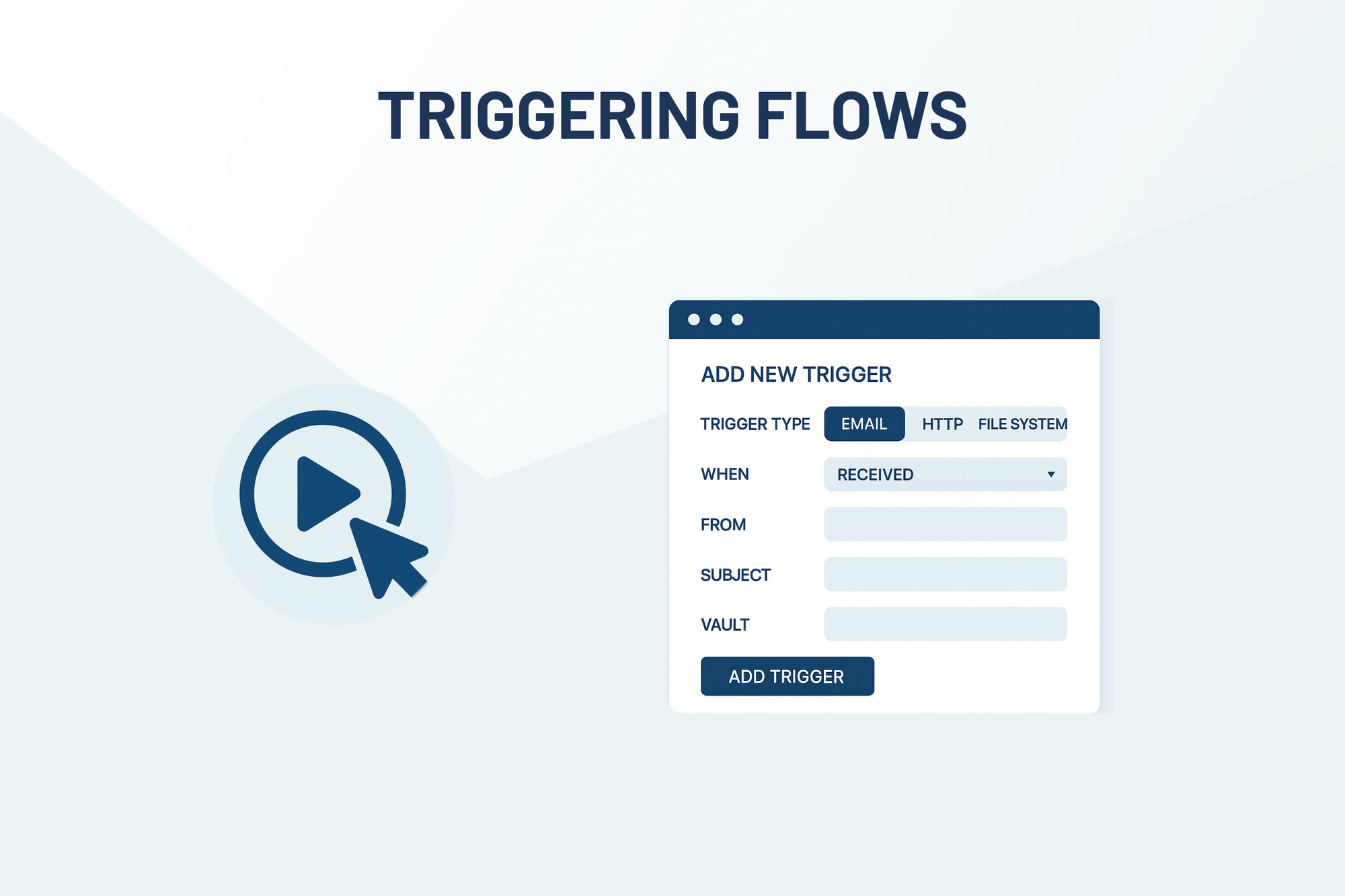
Set triggers based on schedules, emails, file changes, or web services. I configured a bot to run every morning at 9 AM, check for new invoices in a shared folder, and email processed reports—all without manual intervention.
3. Secure Credential Management with Vaults
Robomotion’s Vaults encrypt sensitive data like API keys and passwords locally, ensuring even the platform can’t access them. This is critical for compliance-heavy industries like finance or healthcare.
Get Lifetime Access to Robomotion Today
Who Should Use Robomotion RPA?
1. Content Creators and Marketers
Automate social media posts, lead generation, or data aggregation from multiple sources. For instance, I built a bot to scrape trending topics from Reddit and format them into a WordPress draft—saving hours weekly.
2. Developers and IT Teams
Integrate with webhooks, WhatsApp, or Excel to streamline backend processes. The ability to trigger bots via HTTP requests makes it ideal for custom app integrations.
3. Small Business Owners
For SMEs with limited budgets, Robomotion’s lifetime pricing (starting at $109) is a steal compared to subscription-based alternatives like UiPath. It’s especially useful for automating inventory tracking or customer onboarding.
Real-World Use Cases
1. Automated Data Entry
I replicated a client’s manual process of transferring Shopify orders to QuickBooks. The bot reduced errors by 90% and freed up 20+ hours monthly.
2. Web Scraping at Scale
Using Robomotion's multi-branching feature, I extracted product details from 50 e-commerce pages in parallel, cutting a 4-hour manual task down to 15 minutes. The bot exported the data to a structured Excel sheet, ready for analysis.
3. Automated Customer Support
I configured a bot to monitor a shared inbox for specific keywords (e.g., “refund request”) and auto-generate templated responses. This slashed response times from hours to minutes, improving customer satisfaction scores.
Get Lifetime Access to Robomotion Today
Robomotion vs. Competitors
1. UiPath
While UiPath dominates enterprise RPA, it’s overkill for small teams. Robomotion’s lifetime pricing and simplified interface make it ideal for startups. Unlike UiPath, Robomotion doesn’t require annual contracts or per-bot licensing.
2. Zapier
Zapier excels at app integrations but struggles with desktop automation or legacy systems. Robomotion fills this gap by automating applications without APIs, like custom ERP tools or outdated desktop software.
3. Microsoft Power Automate
Power Automate integrates tightly with Office 365 but lacks cross-platform support. Robomotion’s Linux compatibility makes it a better fit for developers working in mixed environments.
Pricing and Lifetime Deal
Robomotion’s AppSumo lifetime deal starts at $109 for one bot license, with tiered pricing for additional bots and features. The Pro plan ($229) includes priority support and unlimited triggers, while the Enterprise tier ($599) adds team collaboration tools. Compared to UiPath’s $20/user/month model, this is a budget-friendly option for long-term automation.
Pros and Cons
Pros
-
No-code automation: Intuitive drag-and-drop interface.
-
Multi-OS support: Mac, Linux, and Windows compatibility.
-
Unlimited triggers: Schedule bots via email, files, or webhooks.
-
Enhanced security: Local encryption for sensitive data.
Cons
-
Steeper learning curve for complex workflows: Advanced nodes like OCR require technical know-how.
-
Limited third-party integrations: Lacks direct connectors for tools like Salesforce or HubSpot (requires webhooks).
Final Verdict
After testing Robomotion for data scraping, CRM updates, and report generation, I’m convinced it’s a hidden gem for SMEs. Its ability to automate non-API applications sets it apart, and the lifetime pricing removes subscription fatigue. While it’s not as polished as enterprise tools like UiPath, the cost-to-value ratio is unbeatable for teams needing quick, scalable automation.
Ready to ditch repetitive tasks? Grab Robomotion’s lifetime deal and let bots handle the grunt work while you focus on strategy.
By leveraging Robomotion’s low-code RPA, you’ll not only save time but also reduce human error—making it a must-have for content creators, developers, and small business owners.







