

The world of security has evolved year after year, from security cameras with video analytics toartificial intelligence. But that does not mean that you have to forget the rest of the components, and that is why we are going to explain to you. which is the best backupfor your surveillance system.
- How to choose the best surveillance camera for your home
You already know what type of cameras you want to put in your business or home, you know where and how you are going to place them, but you also have to carefully choose the backupof the cameras. Surely you have worried about the regulations on video surveillance, but you have not worried about its storage.
Find Bleeding Edge Supplements at Scandalous Prices on iHerb.

Best backup for your surveillance cameras
If you do not see the images from your security camera correctly, or if you want to recover recordings, you need to know what type of backup do you use or need . This information will be most useful to you when purchasing a security system with cameras.video surveillance.
But remember not to forget the rest of the factors that participate in the security of your home or business. If you use surveillance cameras outdoors, you must protect them so that they do not suffer any type of damage.vandalism, if it doesn't matter what type of storage you use, because it will surely be unusable.
Backups on surveillance cameras
Security systems made up of video surveillance cameras store recordings in different ways. These recordings, although are deleted after 30 days , they can be very useful if you suffer a heist, an unwanted intrusion or any type of vandalism or criminal act.

That is why it is convenient correctly choose the type of backupthat your security cameras will use. Depending on your circumstances there will be an option that is best for you. But to choose the backup, you must know and understand the different types that exist on the market.
Nowadays thetechnology has advanced , so the options are varied and all of them highly recommended. We are going to explain these options to you and how you can choose the best one for you among them. Depending on your use of video surveillance cameras, there will be a perfect backup for you.
Types of backups
There are different types of backups for video surveillance cameras, we are going to briefly explain what they are and then we will go into the details of each option. This way you can see the characteristics of each backup and decide which one best suits your needs and circumstances.
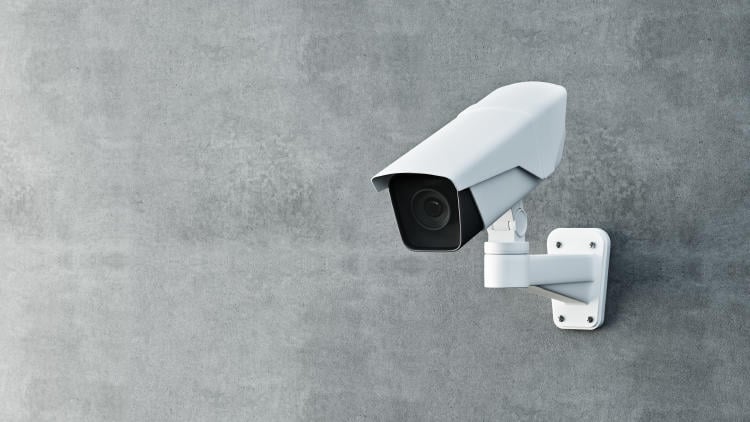
El traditional local storagecan include aNVR(network video recorder) or aDVR(digital video recorder). In both cases, since it is local storage, the backup copy is located on the device itself.
El cloud storageIt is a novelty in recent years that is gaining more and more popularity. In this case the backup is not on the camera itself, but in the cloud.
Lastly, storageNAS(network attached storage) is a type ofexternal hard drivethat connects to a network. It is a type of scalable storage that can be configured to use various technologies.
Local storage
The option oflocal storagefor thebackupof the systemsvideo surveillanceIt has been the most chosen option for both companies and individuals for a long time. As we have already explained before, they can be of two types depending on whether they includeNVR o DVR.
a systemDVRonly works with camerasanalogor coaxial. And, since analog cameras typically have aresolutionlower price and fewer features than IP cameras, they are usually cheaper.
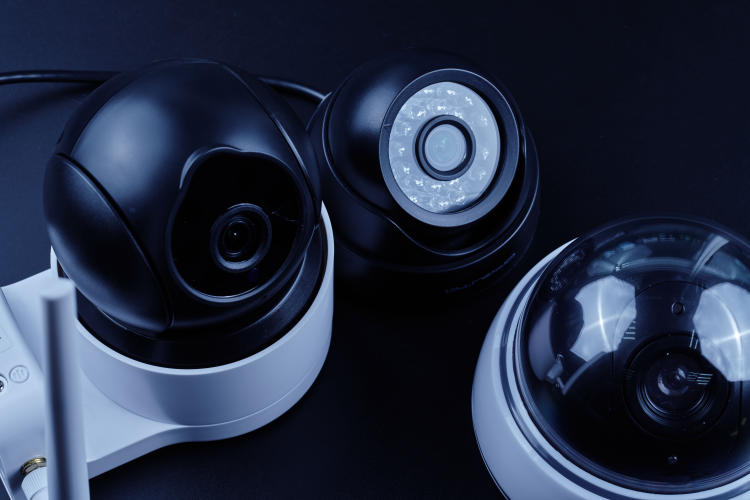
In the systemsNVR, the camerasIPThey obtain the video and send it to the recorder, which can be done wirelessly with a WiFi router or with a wired connectionethernet.
- Advantages and disadvantages of local storage
A great advantage of this type of storage is itslow cost. But this advantage comes with a major drawback, the possibility of images being easily lost or damaged. This occurs in both local storage systems.
Images can be deleted accidentally or maliciously, and as this is aphysical storage, it is more likely to be damaged byrobberies, fire or water.
Furthermore, once theDVRor theNVRreaches its maximum storage capacity it stops recording or overwrites previous material, which would not be a problem if it sent a warning, but this is not the case, so this can happen without you realizing it.
Cloud storage
Cloud or remote storage is a great alternative to local storage traditional. The recorded material is stored in the cloud, or abackupin the cloud to your recorder.
With this option, you can access the videos from anywhere. Additionally, this option allows you to add more advanced functions to atraditional security system.
- Advantages and disadvantages of cloud storage
This type of storage has both benefits and drawbacks. One of its main advantages is theenhanced securityof this type of backups. His system encryptionIt is one of the best ways to protect your data and recordings. Furthermore, its accessibility is unbeatable.
Unlike local storage, you won't need to be on-site to access camera footage. As long as you have access to I internetyou will be able to see your recordings. Plus, with the cloud's large storage capacity, you can decide how much you need.
NAS storage drive
This type of storage is designed to providecentralized storagefor various devices such as CCTV cameras. With this option you can store and access images from several cameras on a network.
As with cloud storage, you can access recordings from anywhere, as long as you have an internet connection. The units NAS, although they have improved in recent years, they are still a novelty that presents somedisadvantagesin terms of its difficulty of configuration and use.
- Advantages and disadvantages of NAS storage
As we have already mentioned, NAS drives are very useful due to theirscaling on hard drives , but because off-site backup is not performed, there is the same risk as with local storage of recordings being lost due to theft, hardware failure, or other situations.
Additionally, although these units have become easier to use over the last few years, they are still somewhat difficult to configure and use for users who do not have advanced knowledge in technology.
Tips for choosing the best backup for your surveillance camera
As we have already seen, all options have their own advantages and disadvantages. Choosing the best backup depends on your circumstances and needs as an individual or business owner.
Depending on the capacity ofstorage, the issues ofsecurityand of youbudget, there will be an option that stands out from the rest. That is why it is vitally important that you take into account all thespecsof each option and evaluate therisks y benefitsof each type of storage.
If you want to know more about video surveillance systems and camera backups inYoigo Alarmswe are experts. If you still have questions, call 900 822 500 or enter our website and find the solutions you need from our best professionals.
Best bedroom hidden cameras | Best Spy Camera Watch | Best low level CO detector | Best Wifi Router EMF Protection | Best Camera for MEVO Plus | Best Security Camera Without Subscription | Best Budget Camera for Blue Iris | Best Barking Dog Alarms | Best Free VPN for Rainbet | Best Solar Powered Security Camera | Alarmes Maison
Browse the Shop
 Acacia frida deluxe solid wood bed frame |
Bedroom bench |
Bed chest drawers |
Lingerie dresser |
Frame base |
Mirror with jewelry storage |
30 Bathroom Vanity |
Memory foam queen mattress |
Mattresses for back pain |
Nightstand set of 2 |
Grand Goldman Shop |
Civil Lawyer
Deutschland Trikot WM 2026
Acacia frida deluxe solid wood bed frame |
Bedroom bench |
Bed chest drawers |
Lingerie dresser |
Frame base |
Mirror with jewelry storage |
30 Bathroom Vanity |
Memory foam queen mattress |
Mattresses for back pain |
Nightstand set of 2 |
Grand Goldman Shop |
Civil Lawyer
Deutschland Trikot WM 2026










