

Disconnecting the alarm may seem harmless. You may think you're just turning off a siren, but the consequences go further . Is the camera still recording? Do you lose protection? Are you notified if there are intrusions?
-
The power has gone out: does my home alarm work?
Find Bleeding Edge Supplements at Scandalous Prices on iHerb.

Here we tell you everything so that don't leave your house unprotected without realizing it.
What happens when the alarm is disconnected?
When the alarm is off , the system is no longer actively operational. It does not issue warnings, does not generate notifications and does not activate automatic recording if it is linked to sensors. This means that overall home security decreases in an important way without you noticing it with the naked eye.
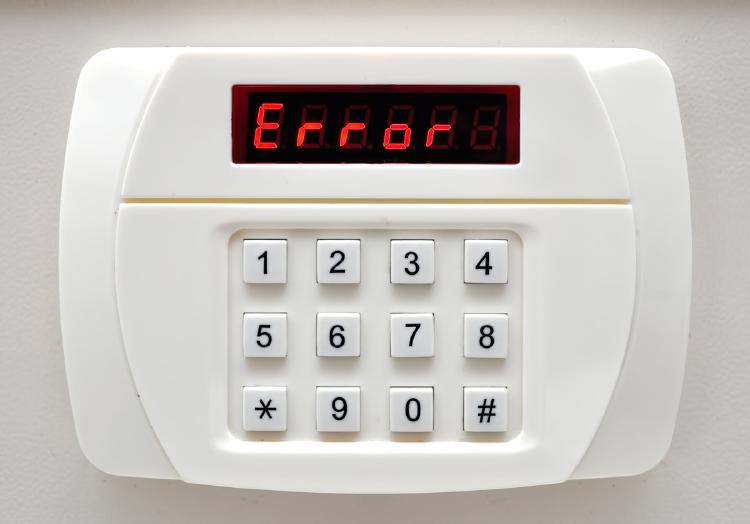
Differences between an alarm disconnected and one on
An alarm connected constantly monitor your home . It reacts to movements, sends alerts to your mobile phone, activates cameras, and often contacts a receiving center.
On the other hand, a disconnected alarm is like an empty shell: does not act on a threat , neither warns you nor protects you effectively.
Problems and risks of having disconnection in your home
Having the alarm disabled not only reduces security, it can also create blind spots in your system. If you depend on a camera connected to the alarm, you could stop recording without knowing it. Furthermore, experienced thieves Easily detect if the system is off and they take advantage of that window of opportunity.
Tips to maximize security, despite turning off the alarm
Do you have to turn off the alarm for any reason? It doesn't mean you should give up protecting your home. Here are some useful tips for maintain active security even without the alarm.
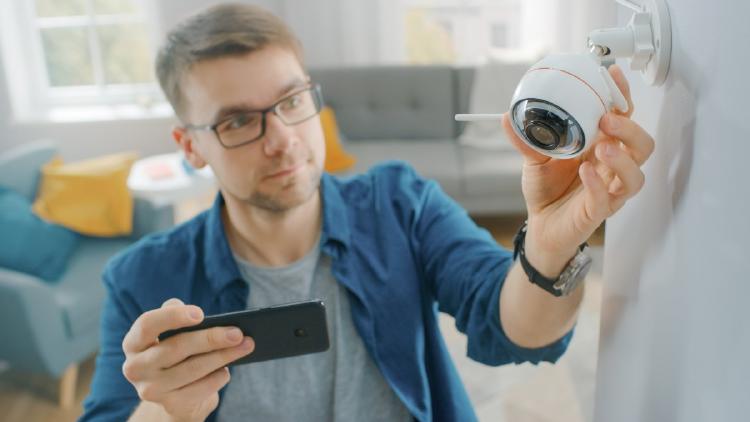
Problem with the security camera: it does not record
One of the most frequent consequences of a disconnected alarm is that the camera stops recording . This may be due to:
- Independent recording setup failed.
- Lack of electrical power or battery.
- Unstable or interrupted WiFi connection.
- Space full on SD card or storage.
Solutions for my disconnected security camera
To prevent this from happening, apply these settings:
- Make sure the camera has continuous recording or by motion detection configured in its own app.
- Choose models that record in the cloud , even if the alarm is deactivated.
- Connect the camera to a constant power source or use a backup battery.
- Always update the firmware to avoid errors.
These actions allow the camera works autonomously , without depending on the alarm status.
Frequently asked questions
How do I know if my alarm is disconnected?
There are several ways to know if your alarm system is active or not:
- Check the control panel: If the LED is off or red, it may be disabled.
- Check the system app: many models offer a summary of the current status (armed, disarmed, disconnected).
- Look at the notifications: If you don't receive alerts on days with regular traffic, something is wrong.
- Some alarms also warn by email or SMS if they lose connection or battery.
When a camera is off, does it continue recording?
No. If a camera is turned off, it doesn't record anything at all . Without power (whether by cable, battery, or power failure), the device has no ability to store or transmit images.
In models with battery, can keep recording for a short time if it has internal storage, but it is something exceptional.
Have the alarm turned off It's not a minor mistake. . It may affect the behavior of video surveillance cameras and other security devices. The ideal is to have a system that records autonomously, uses cloud storage and has backup battery.
Security is not improvised.
In our Alarms review section, We have the best alarm systems for your home and business.
Read next: Best bedroom hidden cameras | Best Spy Camera Watch | Best low level CO detector | Best Wifi Router EMF Protection | Best Camera for MEVO Plus | Best Security Camera Without Subscription | Best Budget Camera for Blue Iris | Best Barking Dog Alarms | Best Free VPN for Rainbet | Best Solar Powered Security Camera | Alarmes Maison
Browse the Shop
 Acacia frida deluxe solid wood bed frame |
Bedroom bench |
Bed chest drawers |
Lingerie dresser |
Frame base |
Mirror with jewelry storage |
30 Bathroom Vanity |
Memory foam queen mattress |
Mattresses for back pain |
Nightstand set of 2 |
Grand Goldman Shop |
Civil Lawyer
Deutschland Trikot WM 2026
Acacia frida deluxe solid wood bed frame |
Bedroom bench |
Bed chest drawers |
Lingerie dresser |
Frame base |
Mirror with jewelry storage |
30 Bathroom Vanity |
Memory foam queen mattress |
Mattresses for back pain |
Nightstand set of 2 |
Grand Goldman Shop |
Civil Lawyer
Deutschland Trikot WM 2026










