

If you have decided to install a video surveillance system that includes a IP camera in your home or business, it is important that you take into account its particularities. To protect yourself you must know the risks of these cameras and how to protect yourself beyond a password.
- IP camera or CCTV camera: which one to choose the best in each case
The IP cameras are camcorders with a system designed to send video over the Internet and require a password so that only authorized users can see the live stream or review recordings.
Find Bleeding Edge Supplements at Scandalous Prices on iHerb.

IP camera with password: risks and how to protect yourself
Therefore, the configuration of a strong password is essential to prevent unauthorized access and protect the privacy of users, since poorly protected IP cameras can be vulnerable to cyber attacks.
Therefore, it is recommended change the default password, use safe combinations and update the device firmware periodically. Let's see it.
What are the risks of an IP camera and how to avoid them?
IP cameras have countless advantages and, in fact, it is considered one of the options of highest quality on the market for homes and businesses. These cameras have a own IP address, which facilitates remote access and control from anywhere in the world using a computer, mobile phone or tablet.
One of its greatest advantages is the possibility of remote monitoring, allowing you to monitor homes, offices or businesses from any location with Internet access. This provides peace of mind for users, especially in situations where constant vigilance is crucial.
Additionally, they have the ability to record in high definition, offering sharp and clear images, and many include night vision, motion detection and storage in the cloud or on memory cards.
However, any device connected to the Internet today is a double edged sword: The features are much more advanced, but the risk is in your exposure to the Internet. If not used with proper measures, an IP camera can succumb to numerous threats.
Unauthorized access
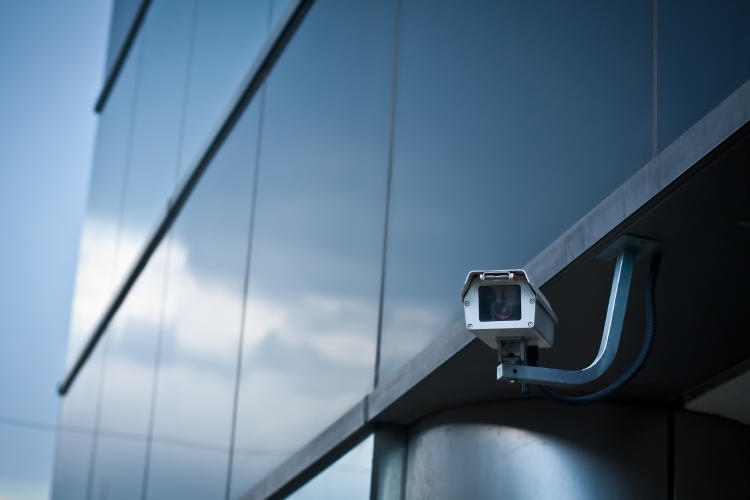
One of the main dangers is unauthorized access by hackers, who can take control of the camera and spy on users. This occurs mainly when the default passwords or use a weak key.
Data breach and invasion of privacy
Un improper access to the camera can lead to serious violation of privacy, allowing strangers look inside of homes or offices. This can be especially dangerous if the camera is located in sensitive places, such as bedrooms or private spaces.

Additionally, many cameras store cloud recordings or on external servers. If these systems do not have robust security protocols, There is a risk that images and personal data will be stolen or leaked on the web.
zombie cameras
Some IP cameras can be infected with malware, becoming part of a botnet (a network of compromised devices). This can be exploited by cybercriminals to launch massive attacks against other networks or devices without the user knowing.
Comprehensive security plans in a company must have the appropriate measures and procedures in cybersecurity, but individuals should not be distracted either.
We can all be victims of these cyber attacks putting our privacy at risk and consequences which could be highly damaging if criminals use our data and images fraudulently.
Protection measures for IP cameras
So that you don't worry about any of this, we are going to leave you the main security measures to apply if you have IP cameras or, in general, video surveillance cameras connected to the Internet:
Modify the default password
When installing a new IP or cloud-based camera, the first thing to do is change credentials that comes from the factory. It is crucial set a custom key instead of the default one, as this could be easily violated.

It is advisable to use a strong password, of at least 10 characters, combining upper and lower case letters, numbers and symbols. Avoid passwords based on personal information It is also a good practice, since it makes it easier to decrypt.
Keep firmware up to date
IP camera manufacturers launch regular updates to fix security flaws and improve performance. Having the firmware up to date is essential to prevent possible vulnerabilities from being exploited by attackers.
If the updated firmware, there is a risk that attackers will take advantage known bugs to access the camera without permission.
Update software on connected devices
Access to the IP camera is usually done through mobile applications o computer programs. It is essential to ensure that these tools are always in your latest version, as developers fix vulnerabilities and add improvements with each update.
Properly configure security options
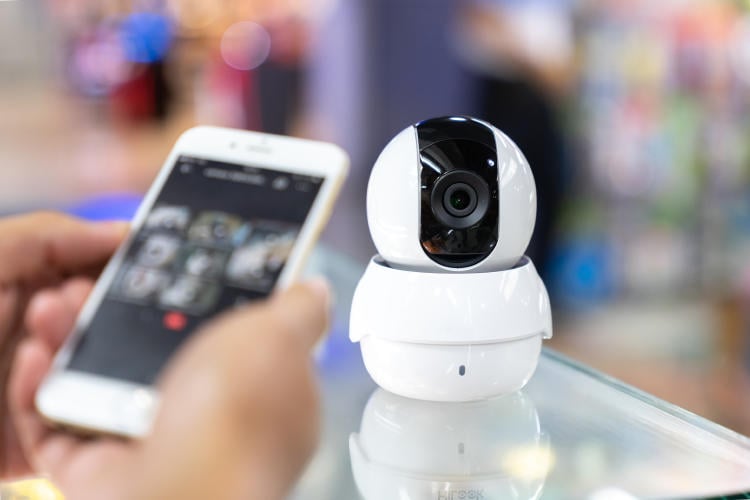
Many IP cameras offer a security configuration section which allows you to customize various settings. It is recommended review all options y activate those that strengthen the protection of the device.
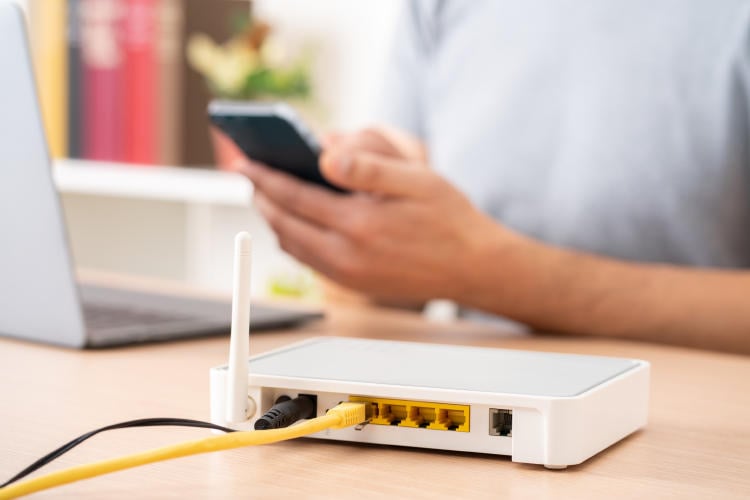
For example, It is advisable to disable the UPnP function (Universal Plug and Play), which allows you to automatically open ports on the router. For greater security, it is preferable manually manage ports that are needed.
Finally, it should be noted that, although currently almost all surveillance cameras have access to the Internet, too There are offline options. For example: What happens if you need to install surveillance cameras in a place without Internet access?
There are surveillance cameras without internet connection that you can install in those cases and avoid hacks and unauthorized intrusions.
Best bedroom hidden cameras | Best Spy Camera Watch | Best low level CO detector | Best Wifi Router EMF Protection | Best Camera for MEVO Plus | Best Security Camera Without Subscription | Best Budget Camera for Blue Iris | Best Barking Dog Alarms | Best Free VPN for Rainbet | Best Solar Powered Security Camera | Alarmes Maison
Browse the Shop
 Acacia frida deluxe solid wood bed frame |
Bedroom bench |
Bed chest drawers |
Lingerie dresser |
Frame base |
Mirror with jewelry storage |
30 Bathroom Vanity |
Memory foam queen mattress |
Mattresses for back pain |
Nightstand set of 2 |
Grand Goldman Shop |
Civil Lawyer
Deutschland Trikot WM 2026
Acacia frida deluxe solid wood bed frame |
Bedroom bench |
Bed chest drawers |
Lingerie dresser |
Frame base |
Mirror with jewelry storage |
30 Bathroom Vanity |
Memory foam queen mattress |
Mattresses for back pain |
Nightstand set of 2 |
Grand Goldman Shop |
Civil Lawyer
Deutschland Trikot WM 2026










